
DOWNLOAD
Apple TV
Your Apple TV can use the VPN through a router that supports VPN connections, or by sharing the connection of a computer running VPNclient. This page explains both options.
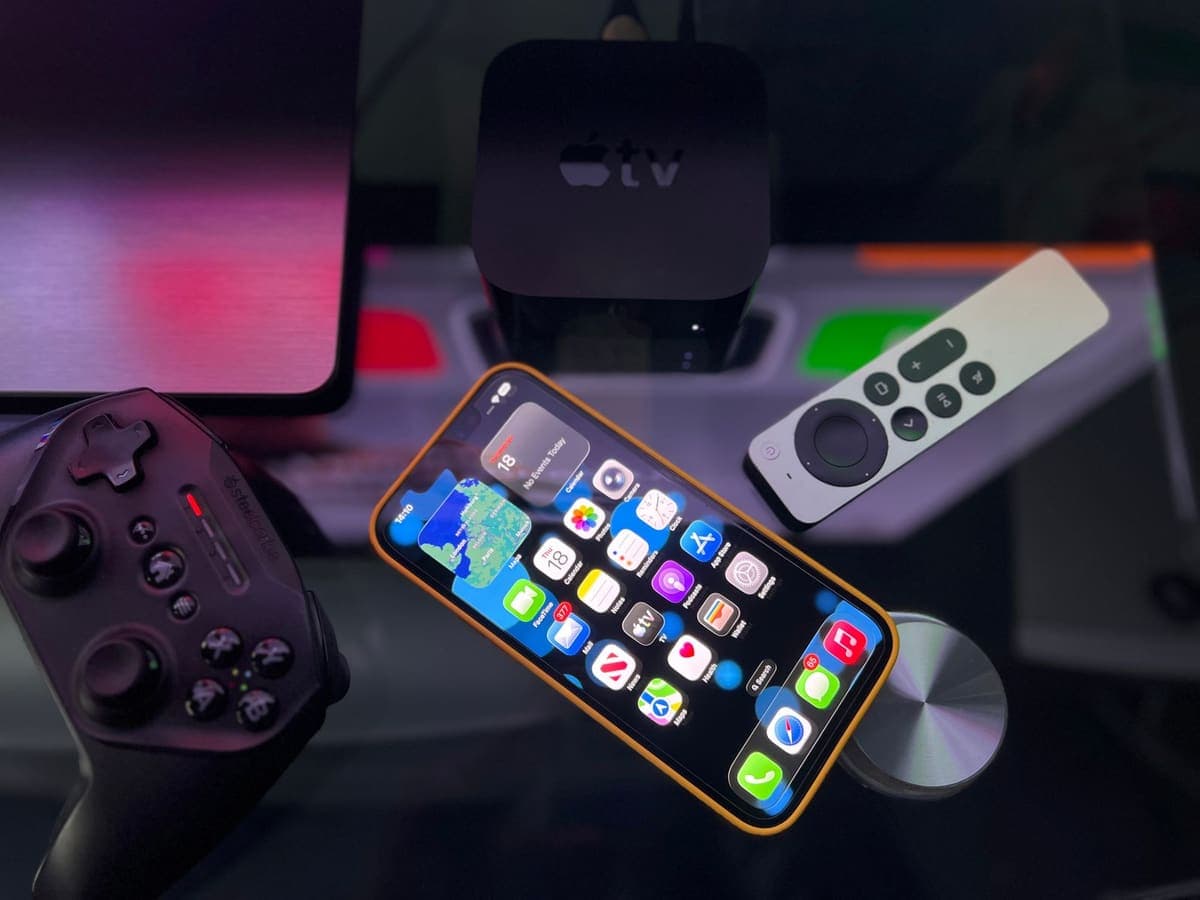
VPNclient is not listed for this device. The working routes are a router that supports VPN connections, or sharing the connection of a computer that runs the VPN. Check each device's own documentation first.
What to know first
Apple TV runs tvOS apps from the App Store. A setup made for an iPhone or a Mac does not carry over to it.
The free VPNclient app is confirmed for iPhone, iPad, Android, Windows and Mac. It is not listed for Apple TV.
A VPN on your iPhone protects the iPhone only. Your Apple TV has its own connection.
A router that supports VPN clients, or sharing the connection of a computer that runs the VPN, are the routes to look at. Check each device's own documentation first.
Before you start
An active pass. Open My Pass and check it shows days remaining.
Your VPN username and password from My Pass. They are not your XPASS website email.
Check the App Store on your Apple TV for a VPN app that accepts a username and password. Do not enter your details in an app you cannot trust.
Typing with the remote is slow. If tvOS offers to use your iPhone keyboard, use it.
Install and connect
Step 1
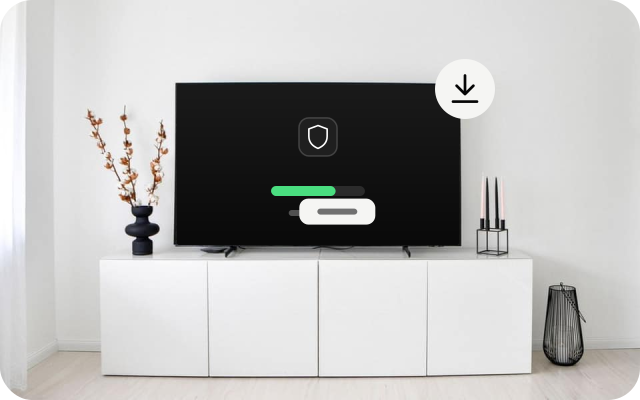
Look for a tvOS app
Open the App Store on your Apple TV and look for a VPN app made for tvOS. If you find none that suits you, use a router or computer route instead.
Step 2
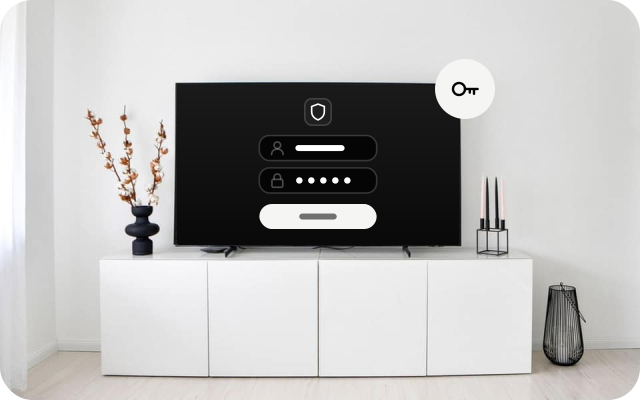
Sign in
If an app accepts a VPN username and password, sign in with the details from My Pass. Only do this in an app from a publisher you trust.
Step 3
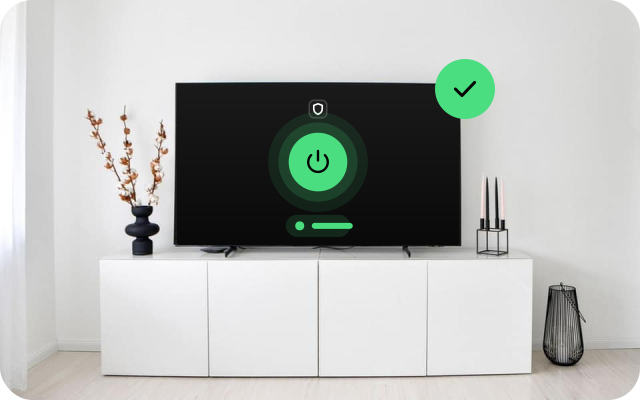
Allow the connection and connect
If tvOS asks to add a VPN configuration, check that it names the app, then allow it. Connect and wait until the app shows you are connected.
Related install guides
Check it works
- Apple TV has no everyday browser, so check from the place where the VPN runs. If it runs on a router or a computer, look up that device's public IP with the VPN off and on.
- Open an app on the Apple TV that normally loads and confirm it still works.
- If you cannot confirm that the traffic uses the VPN, do not assume it does.
If something goes wrong
- You cannot find a VPN app in the App Store. This is common. Use a router or computer route, or contact our support team.
- Sign-in fails. Copy the username and password from My Pass again and check for a space at the start or end. Confirm your pass is still active.
- Apps stop loading after you connect. Disconnect and restart the Apple TV.
- A VPN on your phone is on but the Apple TV is unchanged. That is expected: each device needs its own VPN.
Other devices
Choose another device to see its install guide.