
Mobile Gaming with VPN: Battery, Ping and Data
A phone-first look at VPN gaming on mobile: where battery, ping and data costs come from, how to measure them yourself, and a setup routine that avoids dropped matches.
9 min readUpdated Oct 15, 2026By XPASS Editorial Team
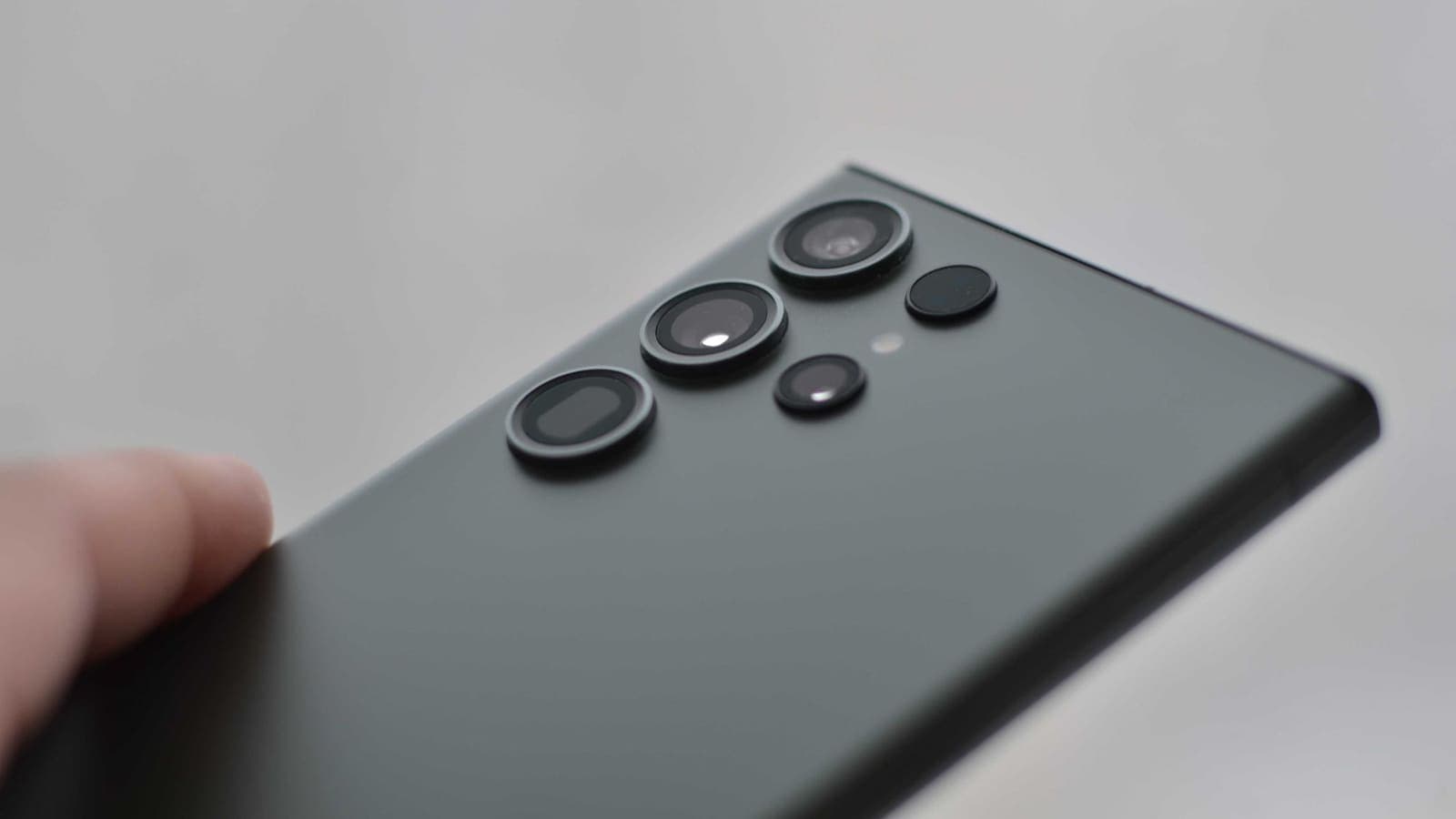
A phone is the most demanding place to run a VPN. The screen is on, the processor is busy rendering, the radio is sending a stream of tiny packets, the battery is limited and the network keeps changing as you walk between rooms or step onto a train. Add a VPN to that and it is fair to ask what it costs.
This guide looks at VPN gaming on mobile from the phone's point of view: where the battery, ping and data costs come from, how to measure them yourself in a few minutes, and a routine that keeps matches from dropping. It does not suggest changing region to reach other servers or manipulating matchmaking, because that breaks the rules of almost every game. For the general questions, the pages on battery use and data use give the wider picture; this article keeps to gaming.
Why a phone game is different from other VPN traffic
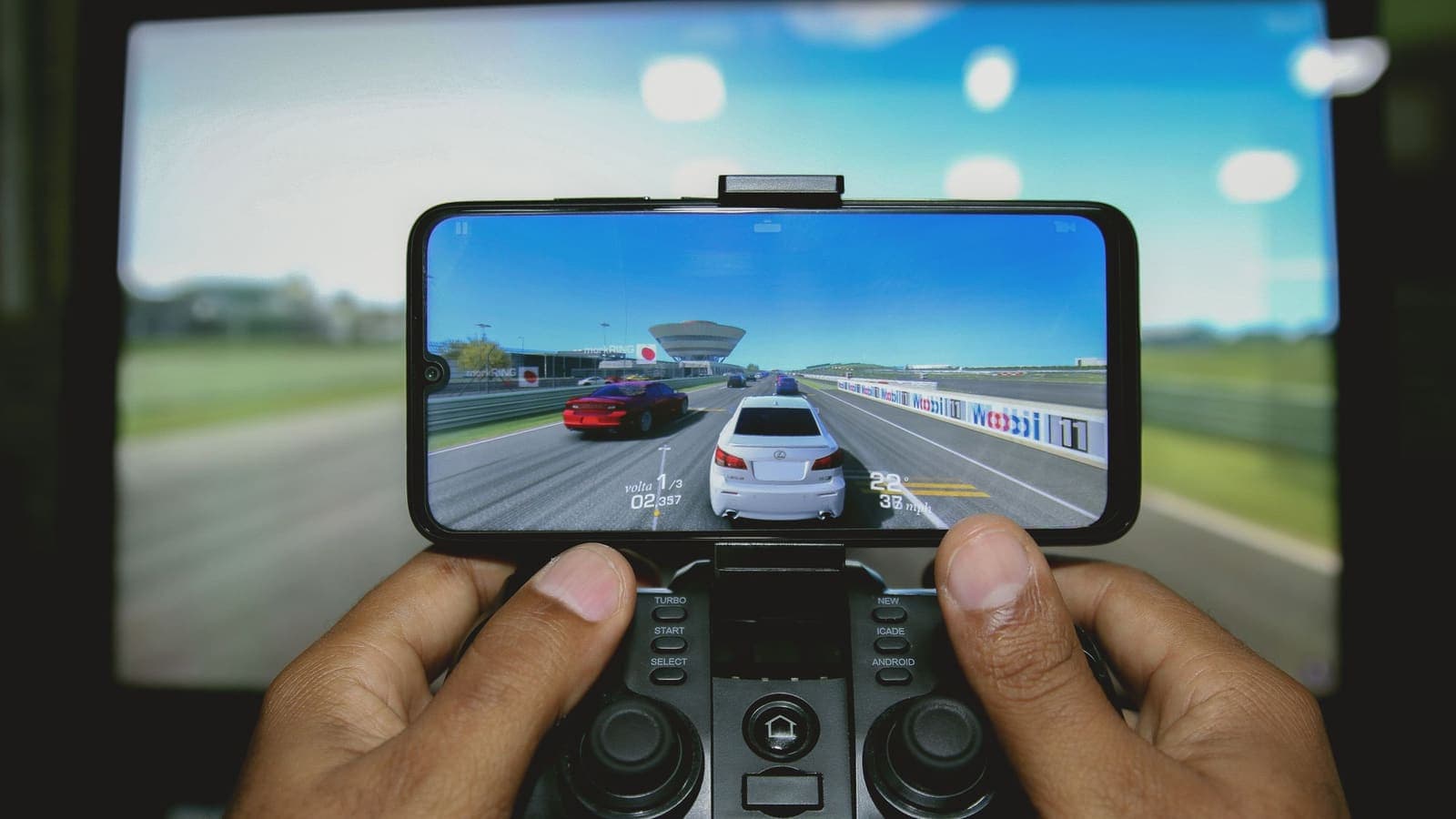
Streaming a video is like filling a bathtub: big, steady, forgiving. A multiplayer mobile game is more like a constant stream of postcards. The phone sends your taps and positions many times per second, each packet is tiny, and the server answers just as often. What matters is not how much arrives per second but how quickly and how evenly each packet arrives.
This leads to the three words you will see in every discussion:
- Latency (ping) is the time a packet takes to reach the game server and return. The Cloudflare Learning page on latency, listed in the references, is a good short read.
- Jitter is how much that time varies from one packet to the next. A steady 70 ms often feels better than an average of 50 ms that swings between 20 and 150.
- Packet loss is how many packets never arrive. A few lost packets can mean a rubber-banding character or a missed tap.
A VPN touches all three. It adds a hop (more latency), it adds a layer that has to be maintained (a possible source of jitter), and it can reduce loss in a few odd cases or add some in others. For turn-based or slow games such as card battlers, puzzle and idle games, the effect is almost invisible. For shooters, racing and rhythm games, it can be noticeable.

Where the battery cost comes from
A phone game already pushes the battery hard. The VPN adds three smaller loads.
- Encryption work. Every packet is encrypted and decrypted. Modern phone chips do this with dedicated hardware, so the cost is modest.
- Radio activity. A mobile radio saves power by sleeping between bursts. A tunnel that sends keep-alive messages can stop it from sleeping as deeply. During a game the radio is awake anyway, so the extra cost is smaller than when the phone is idle in your pocket.
- Heat. Warmth makes the phone slow itself down to protect the hardware, which is the real cause of many "the VPN made my game lag" complaints. If you play with the phone in a case on a warm table while charging, the VPN may tip it over the threshold.
A rough, honest way to measure your own cost:
- Charge to the same level, say 100 percent, and close other apps.
- Play the same game mode for 30 minutes with the VPN off, on the same network. Note the battery drop.
- Repeat with the VPN on at a nearby location.
- Compare the two drops. Do it twice if the numbers differ a lot.
Keep brightness, volume and network the same in both runs, or the comparison is meaningless. If you want platform-specific tips, see Android VPN battery drain and iPhone VPN battery drain.
Ping and jitter: what changes, what you can control
The extra delay comes from the extra hop: your phone sends to the VPN server, and the VPN server forwards to the game server. If the VPN server sits near you and the game server is reachable from there on a good route, the extra delay can be small. If the VPN server is far away, or the route from it to the game is poor, the delay grows.
You control more than you think.
| Factor | What to do |
|---|---|
| VPN location | Pick a location near you, not one chosen for a flag or a rumour |
| Wi-Fi band | Use 5 GHz if the phone is close to the router; 2.4 GHz reaches farther but is more crowded |
| Signal strength | Stay in one place during a match; two bars at the edge of a room is a risk |
| Other apps | Pause cloud backups, app updates and video in the background |
| Connection type | Use the VPN app's default; do not change settings you do not understand |
| Thermal state | Take the case off, avoid charging at high power while playing |
Many games show a ping number in the settings or lobby. Compare it with the VPN off and on, at the same time of day, a few times each. Do not rely on one reading. A difference of 5 to 15 ms rarely matters in a casual match; a swing from 40 to 150 ms with spikes certainly does. The page on whether a VPN reduces ping explains why a VPN usually does not lower it, and the odd cases where it helps.
Wi-Fi versus mobile data
Wi-Fi at home is usually the best option for gaming: low delay and no data allowance to worry about. A mobile connection can be very good too, especially on 5G, but the signal varies as you move. There is a separate article about how a VPN behaves over 5G. If a VPN will not connect at all on mobile data, VPN not working on mobile data lists the usual reasons, such as a carrier setting or a battery saver.
Data use: small packets, small overhead, large downloads
A tunnel wraps each packet in an extra header and sometimes extra padding. For a video, where packets are large, that extra is a tiny percentage. For a game, where many packets are only a few dozen to a couple of hundred bytes, the same extra header is a bigger percentage. That is the fair, original point about mobile games: the percentage overhead is higher, but the total is still small, because live match traffic is a trickle compared with the files.
Where the real data goes in mobile gaming:
- Initial downloads and updates. These can be hundreds of megabytes to several gigabytes. They are by far the largest item. Use Wi-Fi, and consider pausing the VPN at home for such files; the game-update article explains how to diagnose slow patches.
- Asset downloads during play. Some games fetch maps, skins or events in the background.
- Voice chat. If your game has live voice, it adds a steady stream while it runs.
- Replays and cloud saves. Usually small, but they add up.
Check your phone's built-in data usage screen to see which app uses what. If you are on a limited mobile plan, set a warning level and turn off automatic updates over mobile data. Keep in mind that a VPN does not add a gigabyte to a session; it adds a small percentage to whatever the game already sends.
Why mobile VPN connections drop, and how to avoid it
A phone changes networks all the time: Wi-Fi to mobile data when you leave the house, one access point to another in a mall, 5G to 4G in a lift. Each switch breaks the existing tunnel. The VPN app reconnects, usually in a few seconds, but the game may have already timed out.
Practical habits:
- Pick the network before the match starts, and do not move around. If you must walk, choose mobile data over a chain of Wi-Fi hotspots that hand you off.
- Turn off auto-join for open Wi-Fi so the phone does not jump to a weaker network.
- Disable battery saver for the VPN app and the game. Aggressive power management can freeze the tunnel in the background. See Android VPN permissions for what Android allows.
- Use the always-on or reconnect option if your VPN app offers it, and see the help guide on reconnecting when the VPN disconnects.
- Do not answer calls or switch apps mid-match if your phone tends to drop connections when another app takes focus.
- Restart the phone now and then. Network stacks accumulate odd states over weeks.
If the connection keeps failing, the Android troubleshooting guide and the iPhone and iPad guide walk through checks in order.
Privacy: what a VPN does for you while you play
The strongest argument for a VPN while gaming on a phone is not performance but the network you are on. Playing during a break at a mall, an airport lounge, a hostel or a university means you share Wi-Fi with strangers while signed in to your game account, your store account, perhaps a payment method. A VPN encrypts the traffic between your phone and the VPN server, so the other people on that Wi-Fi cannot read it. The article about staying safe on public Wi-Fi covers the other habits that go with it.
It does not hide who you are from the game company, which knows your account, and it does not stop a stolen password or a fake login page. Use a unique password and two-factor authentication for game accounts, which are often targets because they hold valuable items. Also be wary of "free VPN" apps promoted inside game forums; look at how to check a free VPN app on Android before you install one.
Scenarios
The commuter. Anan plays a card game on the metro. The game is turn-based, so a brief reconnect barely matters. He keeps the VPN on only when he uses a public hotspot at the station and turns it off on his own mobile data to save a little battery. He measures after a week and sees a drop of a few percent more with the VPN on during a 40-minute ride, which he accepts.
The competitive shooter player. Mei plays a fast mobile shooter at home. With the VPN on, her ping rises from 38 ms to 52 ms and shows two small spikes per match. She turns the VPN off for ranked sessions on her own home Wi-Fi and turns it on for any public network, which suits how she plays.
The student on a campus network. Ben plays during breaks on the university Wi-Fi and uses the same phone for email and banking. The VPN stays on, he keeps the phone cool, and he picks the nearest location. He accepts a little more delay for the privacy on a shared network.
What not to do
- Do not use a VPN to join another region's servers, events or tournaments that are not open to you. Game terms normally forbid it, and the consequence can be a banned account.
- Do not use a VPN to avoid a penalty or to change who you are matched with. That is cheating by most game rules.
- Do not install an unknown VPN app because a video or forum thread called it "low ping". Many unknown apps are not what they claim.
- Do not give a VPN app access it does not need. A VPN app needs permission to create the tunnel; it does not need your contacts or photos.
A setup routine before you play
- Install the VPN app while on trusted Wi-Fi and sign in. With XPASS you use the VPNclient app and the username and password from your My Pass page; the Android setup guide and iPhone setup guide show each step.
- Pick a nearby location and run a quick ping check in a practice match.
- Close background apps and turn off automatic updates for the session.
- Keep the phone cool and charged above 30 percent, or play plugged in at low power.
- Decide: public network, VPN on; trusted home Wi-Fi, your choice after the test.
- Turn the VPN on before you open the game, not during it, so the tunnel is already stable.
Summary
On a phone, a VPN adds a modest battery load, a small amount of delay and a small percentage of data overhead, but the game itself is usually the biggest cost. Measure your own phone with and without the VPN, choose a nearby location, avoid switching networks during a match, and keep the phone cool. Use the VPN mainly for the privacy benefit on shared networks, and never to change which servers or players you are matched with.
If you want to try a prepaid option on your phone, you can compare the plans on the pricing page and find the free app on the download page.
Frequently asked questions
Does a VPN make mobile games lag?
It can add a little delay because your game traffic takes a longer path and is encrypted. On a stable connection and a nearby VPN location the change is often small, but fast-paced games feel any extra jitter, so test one match with and one without.
How much extra battery does a VPN use while gaming?
The VPN adds a modest load on top of a game that already uses the screen, processor and radio heavily. The exact amount depends on the phone, the signal and the app, so compare the battery percentage across two similar 30-minute sessions on your own device.
Will a VPN use my mobile data allowance faster?
A little. The tunnel adds a small header to every packet, and games send many small packets, so the percentage overhead can be higher than for video. In absolute terms most live match traffic is still small compared with downloads and updates.
Why does my game disconnect when my phone switches between Wi-Fi and 4G or 5G?
A network change forces the VPN tunnel to rebuild, and a game may time out in that gap. Pick one network before the match starts, and if the Wi-Fi signal is weak where you sit, turn Wi-Fi off and use mobile data instead of letting the phone hop between the two.
Is it fine to use a VPN to play on another region's servers?
No. Moving to another region to join servers or events not offered to you usually breaks the game's terms and can lead to account action. A VPN is for protecting traffic on shared networks, not for changing where you are matched.
References
About the author

Bob Kanokphon Thongdee
- Founder of XPASS VPN
- Co-founder of eSIMonline.asia
- More than 7 years in online marketing
- Founder of Cojourney Visa and Cojourney Travel
Need a VPN for a short trip or a busy month?
XPASS sells prepaid passes for a set number of days. You pay once and nothing renews automatically.
See passesKeep reading
VPN Basics
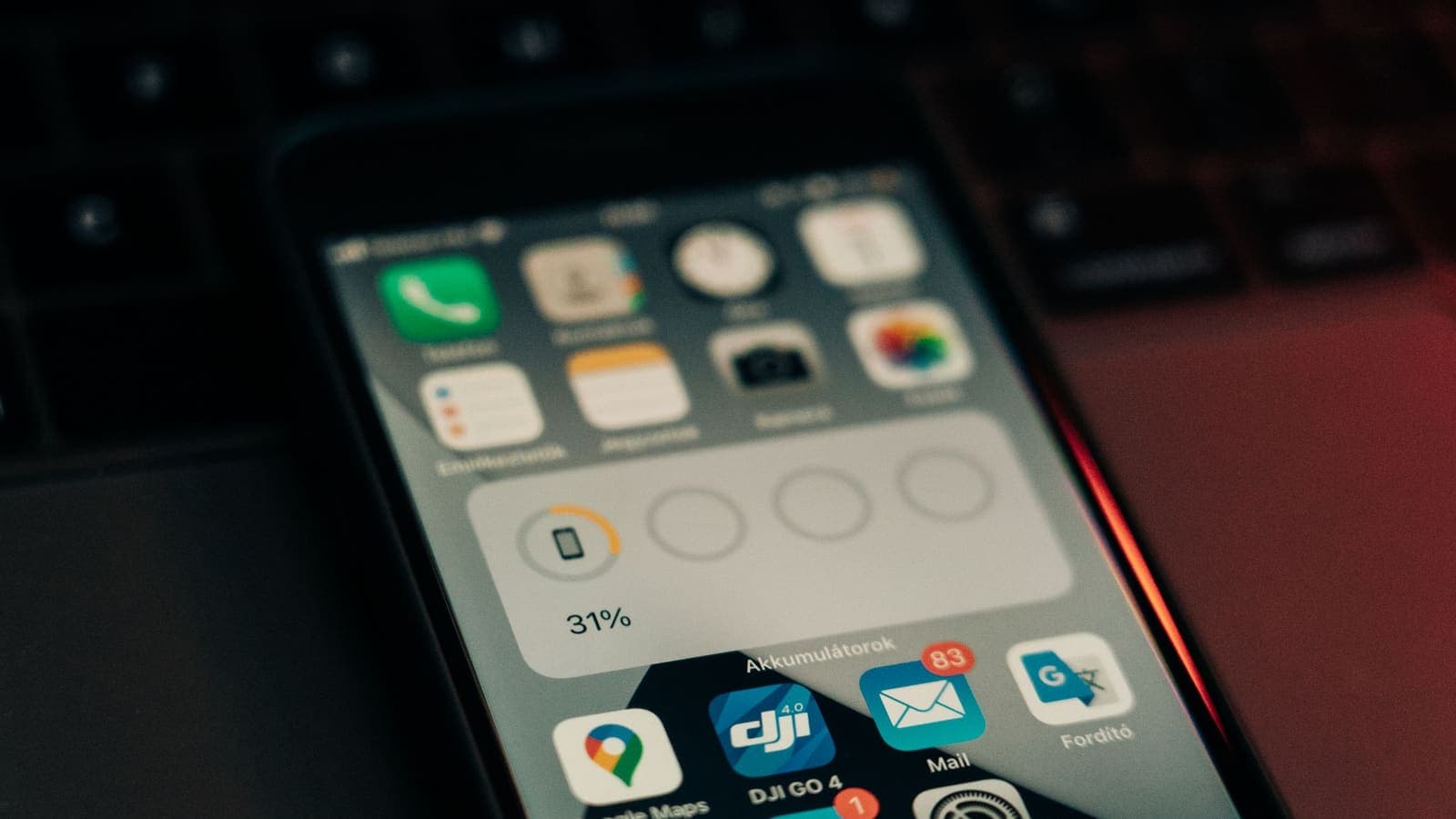
Does a VPN Drain Your Battery?
A VPN adds encryption work and keeps a connection alive, so it can use some battery. This guide explains what drives the cost, how to measure it on your own phone and what helps.
9 min read

VPN Basics
Does a VPN Use More Data?
A VPN adds a small amount of overhead to everything you send, but the bigger data surprises usually come from somewhere else. Here is what to expect on mobile data and when streaming.
9 min read

VPN Basics
Does a VPN Reduce Ping? Latency, Jitter and Packet Loss Explained
A VPN adds an extra stop to your route, so ping usually rises a little. Here is why, when it can improve, and how to measure it on your own connection.
9 min read
Troubleshooting
VPN Speed on 5G: What to Expect
5G is fast, but a VPN on a phone or hotspot adds overhead, a longer route and sensitivity to signal changes. Here is what to expect and how to test it properly.
9 min read
Troubleshooting
VPN Not Working on Mobile Data: Fixes
A VPN that works on Wi-Fi but fails on 4G or 5G usually trips over phone data rules, carrier networks or signal changes. Here is how to track it down.
9 min read