
Does a VPN Drain Your Battery?
A VPN adds encryption work and keeps a connection alive, so it can use some battery. This guide explains what drives the cost, how to measure it on your own phone and what helps.
9 min readUpdated Oct 15, 2026By XPASS Editorial Team
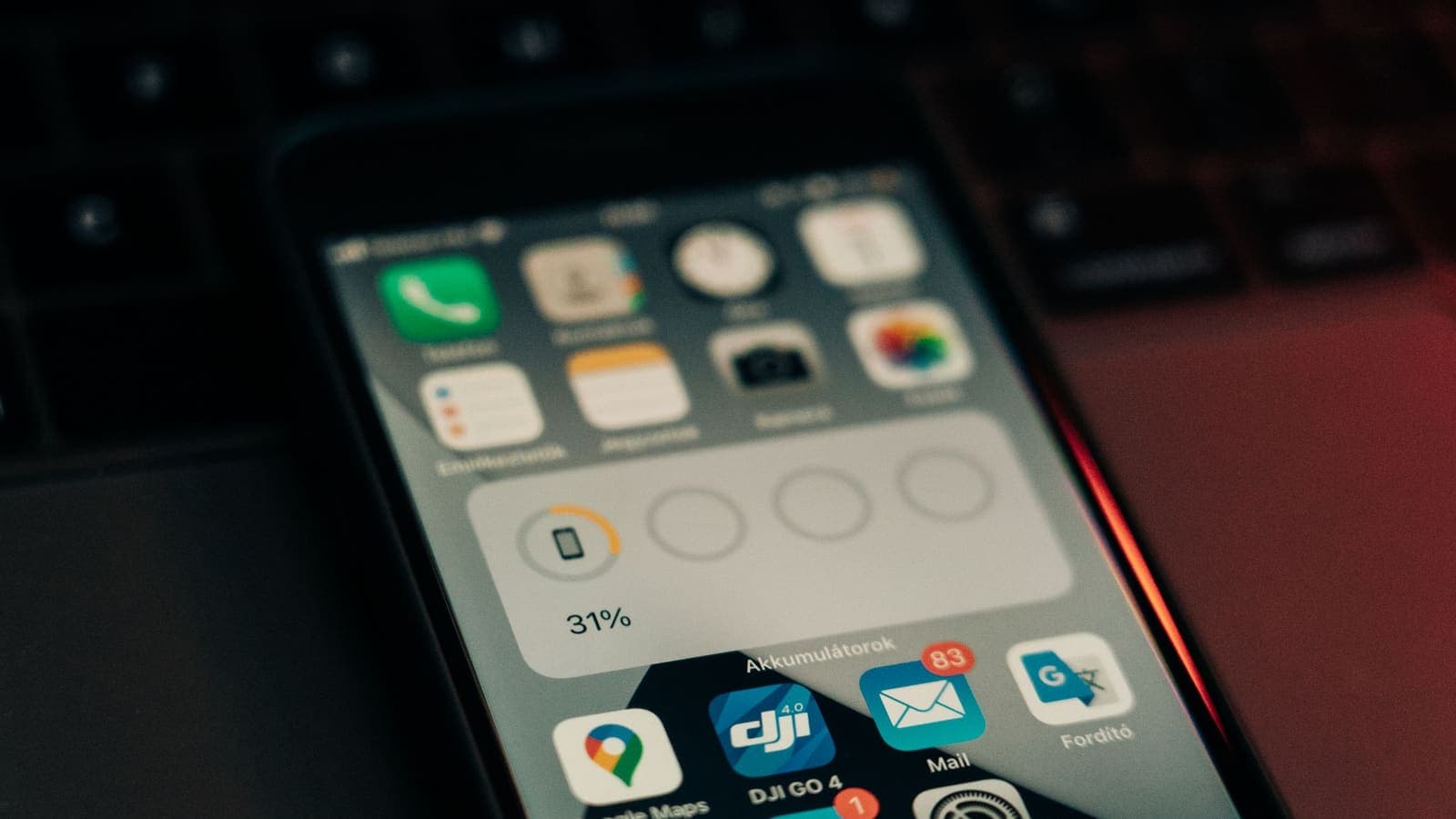
If you have ever left a VPN running and watched your phone drop to 20 percent by mid-afternoon, it is natural to blame the VPN. Sometimes it deserves a share of the blame. More often, a handful of ordinary things are doing most of the work, and the VPN is just the thing you changed that day.
This article explains where battery use actually comes from when a VPN is on, how big the effect usually is, how to measure it on your own iPhone or Android phone and what you can do to keep it small. It sticks to general explanations rather than promises, because the real number depends on your device, your network and the way you use it.
What a VPN does that uses power
A phone's battery is spent mostly on three things: the screen, the processor and the radios (mobile data, Wi-Fi and Bluetooth). A VPN touches the last two.
When a VPN is on, your phone does a few extra jobs, which is the picture described in Cloudflare's overview of what a VPN is:
- Encrypting and decrypting traffic. Every packet leaving or entering the phone passes through the VPN app or the operating system's VPN layer. Modern phones have processors designed to do this kind of maths efficiently, so the cost per packet is small.
- Keeping the tunnel alive. The device and the server exchange small messages from time to time so both sides know the connection is still there and so the network does not close it for being idle. Each message briefly wakes the radio.
- Handling more data. Encryption wraps each packet in extra bytes, so the same page uses slightly more data than without a VPN, and slightly more radio time.
- Reconnecting after interruptions. When the signal changes, say from Wi-Fi to mobile data, the VPN has to rebuild the tunnel. A phone that reconnects often does more work than one that stays connected.
None of these is large on its own. Added up over a day, they are the reason a VPN can cost something, but not usually something dramatic.

How much battery does a VPN really use?
There is no single honest number, and be wary of any article or advert that gives one. The effect can range from barely noticeable to a visible dent, depending on the setup. Here is a way to think about it without inventing figures.
The cost depends on:
- What you are doing. Reading text or messages uses very little. Streaming video or making calls uses a lot, with or without a VPN, and the VPN adds only a small proportion on top.
- How good your signal is. A weak signal makes the radio work harder, and the VPN has to retransmit more. This is often the biggest hidden factor.
- Which protocol is in use. Protocols differ in how much processing and how many keep-alive messages they need.
- Your phone. Newer chips handle encryption more efficiently than old ones, and a worn battery makes any extra drain more visible.
- The VPN app. A well-built app that lets the operating system manage the tunnel is lighter than one that runs heavy tasks in the background.
For ordinary use, the typical effect is a modest reduction in battery life. It is rarely the main reason a phone is empty by evening.
Protocols and battery
A VPN protocol is the set of rules the device and server use to build the tunnel, and different protocols make different trade-offs. If the idea is new to you, what is a VPN protocol? explains it from scratch.
In general terms:
| Protocol design | Typical effect on battery | Why |
|---|---|---|
| Lean, modern design with a small codebase | Often lighter | Less processing per packet and fast reconnection after a network change |
| Older, heavier design with many options | Can be heavier | More handshake work and sometimes software encryption without hardware help |
| Designs that run over TCP | Can use more power on poor links | Retransmission layers can stack and keep the radio busy |
| Designs that run over UDP | Usually more efficient | Less overhead, but depends on how keep-alive is handled |
The WireGuard project describes its goal as a simple, fast and lean protocol, which is part of why many people associate it with lower overhead. Our comparison of WireGuard and OpenVPN goes into the differences. Treat these as tendencies, not guarantees: implementation quality and your network can outweigh the protocol choice.
Which connection methods are available to you depends on your pass. The My Pass page lists the supported connection methods and the setup instructions.
iPhone and Android: what is different
Both platforms treat VPNs in a similar way. A VPN app registers with the operating system, which then routes traffic through it. The differences are mostly in how you look at the numbers.
On iPhone
Open Settings and then Battery. The battery screen lists apps by their share of recent usage and lets you switch between the last 24 hours and the last 10 days. A VPN app that works as a system extension may show a small percentage, and some of its cost may be attributed to the apps using the data or to system services. Low Power Mode reduces background activity, which can affect how aggressively a VPN reconnects, so if your VPN keeps disconnecting with Low Power Mode on, test with it off.
On Android
Open Settings and then Battery, and look for the battery usage list. The exact menus differ between manufacturers, but the idea is the same. Android also lets you set battery restrictions per app. If the system puts the VPN app to sleep to save power, the tunnel may drop and then repeatedly reconnect, which wastes more energy than staying connected. Google's help page on connecting to a VPN on Android shows where the VPN settings live, including always-on options on supported versions.
The same rule on both
In both cases, a steady connection is cheaper than a flapping one. The worst battery results usually come from VPN apps that disconnect and reconnect dozens of times a day, not from VPNs that simply stay on.
How to measure it on your own phone
Reading about averages is less useful than a simple test on your own device. A fair test keeps everything else the same.
- Pick two or three comparable days. Choose days when you expect similar routines: the same commute, similar screen time, the same places.
- Charge fully and unplug at the same time each day. Note the start time and level.
- Day one, no VPN. Use the phone as normal and note the battery level at the same hour in the evening.
- Day two, VPN on all day. Same routine, same hours, same apps.
- Check the battery screen both days. See whether the VPN app, system networking or any single app stands out.
- Repeat once. Because days differ, a second pair of days makes the comparison more trustworthy.
If the difference is only a few percentage points, it is probably within normal day-to-day variation. If it is large, look at the details below.
What to do if the drain is noticeable
Work through these in order, from easy to more involved.
- Check your signal. If the VPN is mostly on in weak-signal spots, such as basements or trains, expect extra drain. When you have the choice, use stronger Wi-Fi over a weak mobile connection.
- Switch the VPN on only when needed. If your use is occasional, for example on public Wi-Fi or when travelling, there is no reason to keep it running at home all day.
- Update the VPN app and the phone. Fixes and efficiency improvements arrive through updates.
- Try another connection method if one is listed. On your My Pass page you can see which methods your pass supports. A different method may suit your phone and network better.
- Avoid constant reconnections. If the VPN drops often, see how to improve VPN connection stability. Fixing a dropping connection often fixes the battery problem too.
- Review background activity. Apps that sync photos, back up files or refresh constantly use power regardless of the VPN, and the VPN adds a little to each transfer. Turning off unneeded background refresh helps more than any VPN setting.
- Lower the screen brightness and refresh rate. The screen is the largest consumer, and savings there dwarf anything the VPN costs.
- Close unused apps with heavy background use. Check which apps rank at the top of the battery list.
- Keep the phone reasonably cool. Heat reduces battery efficiency, and encryption work on a hot phone in a pocket or car dashboard is less efficient than at normal temperature.
Everyday scenarios
The commuter. Anna rides a train for an hour each morning and keeps the VPN on for email and messaging. Signal drops in tunnels make the VPN reconnect several times. Her battery looks worse on commuting days. She turns on the VPN after the train reaches a stable area, and the difference nearly disappears.
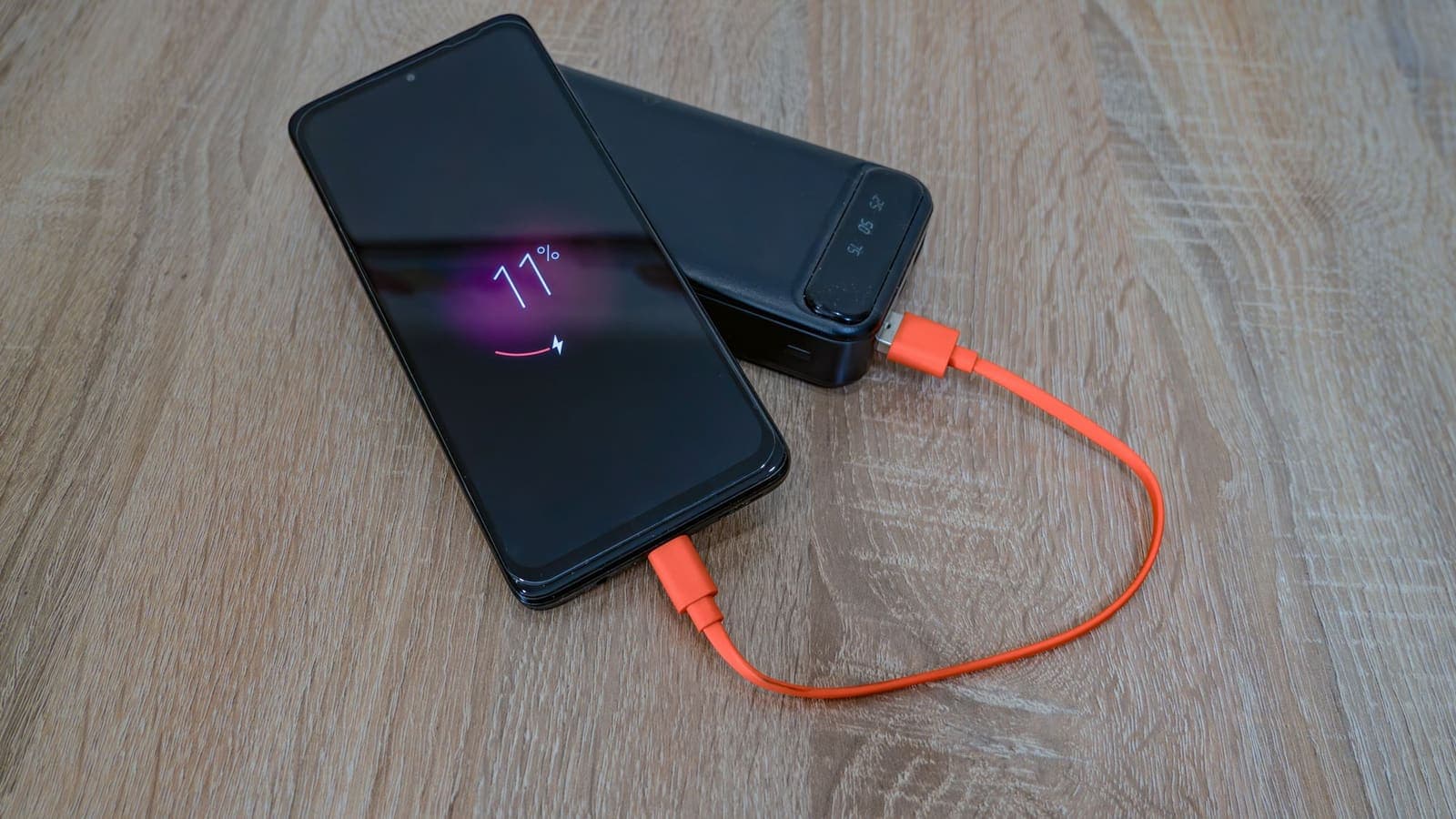
The student at a café. Leo uses café Wi-Fi for a couple of hours with the VPN on, mostly for reading and email. His phone stays plugged into a power bank. The VPN has little effect on his battery, and he forgets it is on.
The traveller on a long day out. Kenji spends a day sightseeing, with photos, maps and video calls. The screen and the camera consume most of his battery. He notices the VPN app is a small line on the battery screen compared with the maps app. He leaves it on and carries a power bank.
The remote worker. Sofia keeps a VPN on her laptop in the afternoon. The laptop is plugged in at her desk, so battery is not a concern. On her phone, she turns the VPN on only when she uses unfamiliar networks.
Common mistakes
- Blaming the VPN without measuring. Many other things change from day to day: signal, screen time, temperature.
- Using aggressive battery savers that kill the VPN app. This can cause the tunnel to drop and reconnect over and over, which costs more power than leaving it alone.
- Judging after one day. A single day tells you almost nothing.
- Ignoring a failing battery. An old battery loses capacity and makes everything look worse. Check the phone's battery health indicator, if it has one.
- Leaving unneeded extras on. A VPN with a second VPN or several proxy apps stacked on top does more work than one.
- Switching the VPN on and off all day. Repeatedly establishing the tunnel costs more than a few hours of steady connection.
Limits and what to watch for
- No honest guarantee of a number. Anyone claiming exact battery savings or costs without knowing your phone and network is guessing.
- A VPN cannot add battery or speed. It adds a small overhead; the aim is to keep it unnoticeable. See why internet speed changes with a VPN for the same idea applied to speed.
- Security matters more than a few percent. On a network you do not trust, the privacy benefit usually outweighs a small difference in battery life. You can charge a phone; you cannot easily undo an exposed password.
- Newer is not always better. A new app version can occasionally introduce a battery bug. If you notice a sudden change after an update, check for another update and report it to support.
Summary
A VPN uses some battery because the phone encrypts traffic, keeps a connection alive and handles slightly more data. In ordinary use the effect is usually modest, and a weak signal, frequent reconnections, the screen and background apps often matter more. Measure on your own phone over several similar days, keep the connection stable, switch the VPN on when you need it and update the app and the phone.
If you want a VPN to use for travel, public Wi-Fi or work, the pricing page explains how a prepaid pass works, and the setup guides in the Help Center show how to get started on your device.
Frequently asked questions
Does a VPN drain your battery?
It uses some extra battery, because the phone encrypts traffic and keeps a connection to the VPN server alive. For ordinary use the difference is usually modest and often hard to notice, but it varies with the phone, the protocol, the signal and how you use the device.
Does a VPN use more battery on iPhone or on Android?
Neither platform is fixed. Both let you see which apps use power in the battery settings. The result depends on the VPN app, the protocol, how often the device wakes up and the strength of your Wi-Fi or mobile signal, not simply on the brand of phone.
Is leaving the VPN on all day bad for the battery?
It adds a small constant cost, mostly from keeping the connection alive and from the extra data work, and it grows if the connection keeps dropping and reconnecting. If you need the VPN only for some tasks, switching it on only when you need it saves a little power.
Can a weak signal make the VPN drain more battery?
Yes. A weak signal makes the phone's radio work harder and can cause repeated reconnections. That is often a bigger factor than the encryption itself.
How can I tell whether the VPN is the cause of my battery drain?
Check the battery screen in your phone's settings to see how much the VPN app and system networking use, then compare a few similar days with and without the VPN. A single day proves little, because screen time and signal strength change from day to day.
References
About the author

Bob Kanokphon Thongdee
- Founder of XPASS VPN
- Co-founder of eSIMonline.asia
- More than 7 years in online marketing
- Founder of Cojourney Visa and Cojourney Travel
Need a VPN for a short trip or a busy month?
XPASS sells prepaid passes for a set number of days. You pay once and nothing renews automatically.
See passesKeep reading

VPN Basics
How Does a VPN Work?
A step-by-step walk through what happens when you connect to a VPN and open a website: the handshake, the tunnel, the server and the return trip.
9 min read

VPN Basics
What Is a VPN Protocol?
A VPN protocol sets the rules for how your device and a VPN server connect and protect traffic. Here is what that means in plain language, with the main trade-offs.
9 min read

VPN Basics
Why Internet Speed Changes With a VPN
Using a VPN adds distance, encryption and another network to your path, so speed often changes. This guide explains why, how to measure it properly and what to try when it feels slow.
9 min read

VPN Security
WireGuard vs OpenVPN Explained
WireGuard and OpenVPN both build encrypted tunnels, but they differ in design, complexity and flexibility. Here is a plain comparison and how to think about the choice.
9 min read
Troubleshooting
How to Improve VPN Connection Stability
A VPN that keeps dropping or stalling is usually reacting to the network or device around it. These steps help you find and fix the weak link.
5 min read