
Does a VPN Drain iPhone Battery?
A VPN adds some work for an iPhone, but the cost is usually small. Learn how to measure it on your own phone and fix the cases where the drain is real.
9 min readUpdated Oct 15, 2026By XPASS Editorial Team
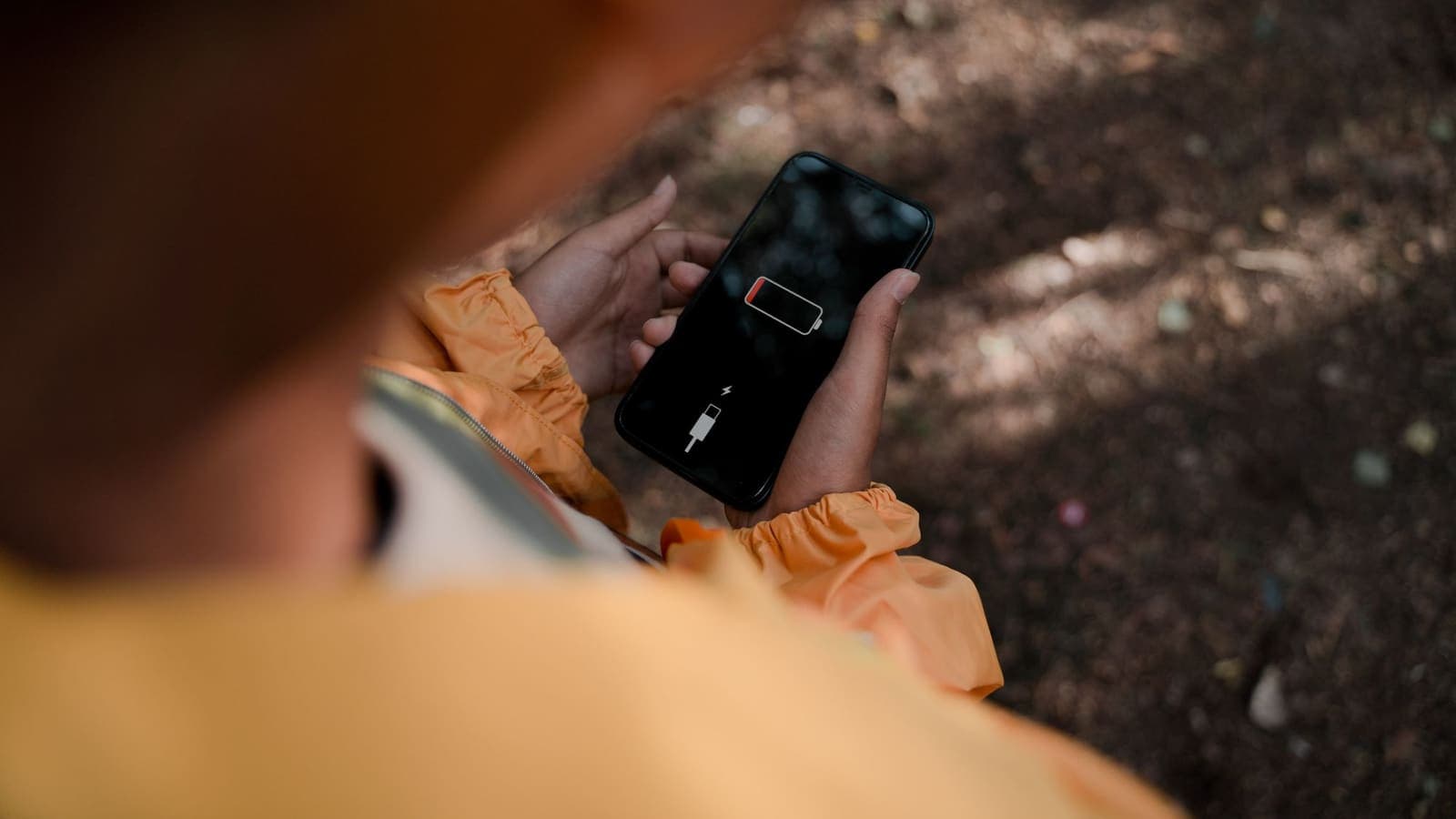
Almost everyone who installs a VPN on an iPhone eventually checks the battery icon and wonders whether the new app is to blame. The honest answer is that a VPN does add some work, but on a healthy connection the extra cost is usually small, and in the cases where the battery really does fall fast, there is almost always a specific, fixable reason. This article is about the iPhone in particular: where the power goes, how to measure the effect on your own phone instead of guessing, and which habits make the difference.
If you want the general version that applies to any device, read does a VPN drain battery first. What follows is narrower. It uses the tools that iOS gives you, such as the Battery screen and Low Power Mode, and it walks through realistic situations, from a morning commute to a week of travel.
The short answer: a small, measurable cost
When a VPN is connected, your iPhone does four extra jobs. It encrypts every outgoing packet, decrypts every incoming one, wraps both in an extra layer of headers, and sends small keep-alive messages so the tunnel does not close. Modern iPhone chips have dedicated hardware for encryption, so the first two jobs cost very little. The larger part of the cost is usually the radio: more bytes travel over Wi-Fi or cellular because of the wrapping, and the phone has to wake its radio for keep-alive traffic.
In practical terms, most people who measure carefully find a difference they would not notice in a normal day. A phone that finishes the evening with 30 percent left might finish with 27 or 28 percent. That is not a guarantee, because results depend on the iPhone model, the battery's age, the signal strength and what you do online. But it gives you a sensible expectation: a small, steady cost, not a sudden collapse.
When the battery drops far faster than that, treat it as a symptom. Something is making the phone work harder than the encryption alone explains, and the rest of this article shows how to find out what.
Where the extra energy goes
It helps to separate the costs, because each one has a different fix.
Encryption work. The processor handles the cryptography. This is the smallest part on any recent iPhone, and it only runs while data is actually moving. A phone that is sitting idle with the screen off barely uses any.
Extra bytes. Every packet carries a few dozen extra bytes of tunnel overhead. If you stream video for an hour, the overhead is a small percentage of a large number, so the radio is on for slightly longer. This part grows with how much you do.
Keep-alive traffic. The tunnel sends tiny messages every so often so that routers and firewalls do not close an idle connection. Each message wakes the radio for a moment. Over hours, this can add up on cellular, because the cellular radio takes longer to return to rest than the Wi-Fi radio does.
Reconnect loops. This is the one that causes the dramatic drain. If the connection keeps dropping and retrying, the phone repeats the handshake, searches for a path and keeps the radio and processor busy. A VPN that reconnects every minute can cost far more than one that stays connected quietly.
Signal quality. Not the VPN's fault, but it multiplies everything. When the signal is weak, the phone raises its transmit power and retransmits lost packets. The same VPN traffic costs more in a basement car park than on a balcony.
So when you hear that a VPN destroys battery, what you are often hearing is a reconnect loop or a weak signal with a VPN present at the same time. The VPN becomes the visible suspect.
Measure it yourself with a three-day test
Online claims are less useful than your own phone, because battery behaviour depends on the model and the age of the battery. A simple test gives you a number you can trust.
Before you begin. Charge to the same level each morning, and unplug at the same time. Keep your routine as steady as you can, and avoid days when you will run a navigation app for hours or film video, because those swamp every other effect.
Day 1, VPN off. Use the phone normally. In the evening, open Settings, then Battery, and note the percentage left and the screen-on time. Screen-on time matters, because a day with more screen time naturally uses more battery.
Day 2, VPN on all day. Repeat the same routine with the VPN connected from morning to night. Record the same two numbers.
Day 3, VPN off again. This guards against a one-off difference, such as a heavy day at work or a software update running in the background.
Now compare the percentage used per hour of screen-on time rather than the raw percentage. If day 1 and day 3 are close and day 2 is only a little lower, the VPN cost is small and you can stop worrying. If day 2 is much lower, look at the Battery screen for the cause.
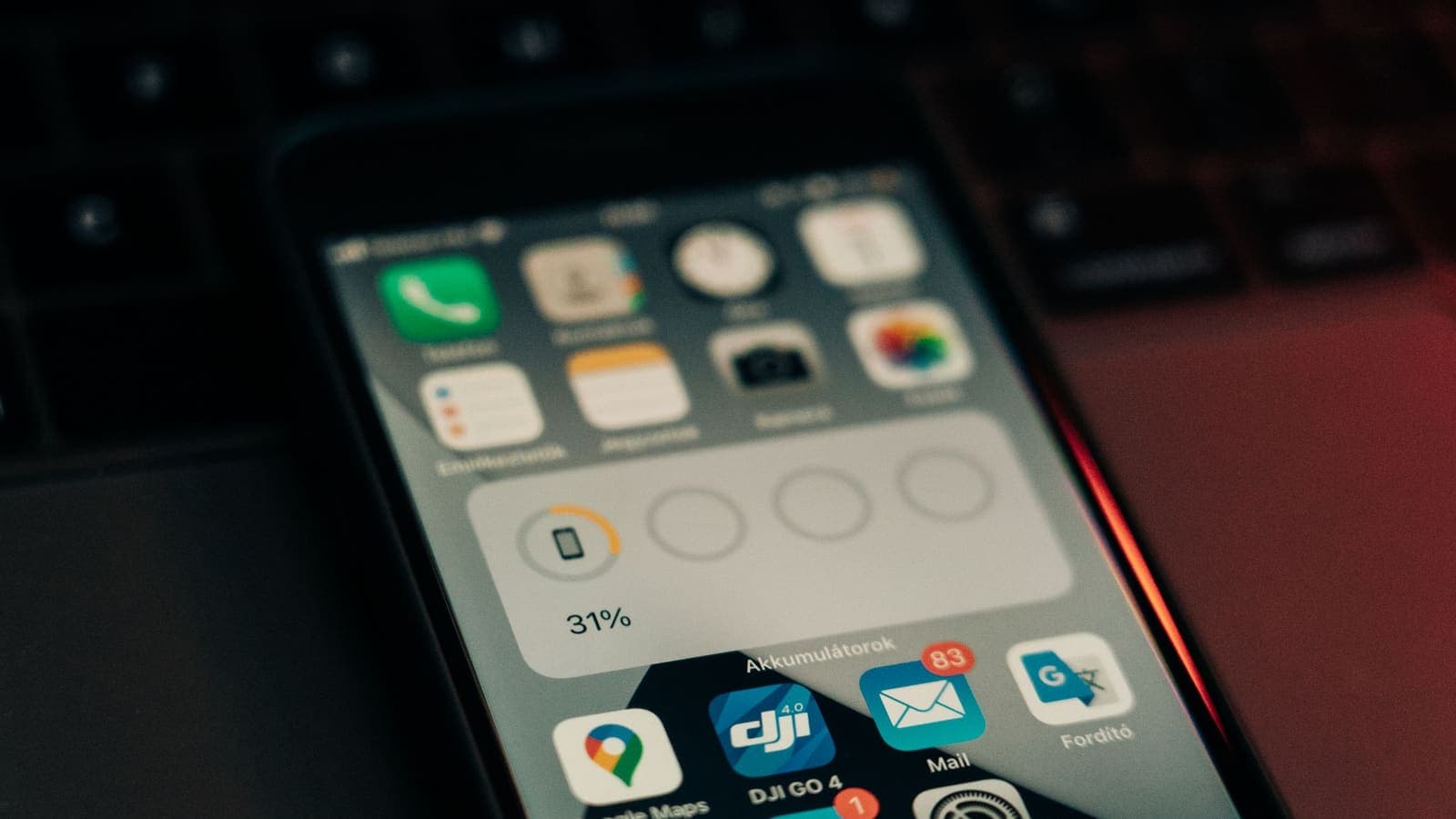
Reading the Battery screen. The list under Battery shows each app's share of use over the last 24 hours or the last 10 days. Tap an app's row to switch between activity and battery usage views, where your version of iOS offers it. The wording of these screens changes between iOS versions, so treat the labels in this article as a guide. What you want to see is whether the VPN app appears high in the list when you barely opened it. If it does, the connection is probably retrying in the background, which is the most common real problem.
A good habit is to check on the same day of the week for two or three weeks. A single day proves little, because a software update or a bad signal day can distort it.
Wi-Fi versus cellular: where the cost shows
The same VPN costs different amounts depending on the network underneath.
| Situation | What the phone does | Typical battery effect |
|---|---|---|
| Strong home or office Wi-Fi | Short bursts of traffic, radio rests quickly | Barely noticeable |
| Busy public Wi-Fi at a cafe or airport | Retransmits when the network is crowded | Small to moderate |
| Strong cellular signal | Radio wakes for keep-alive, otherwise rests | Small |
| Weak cellular signal | Radio transmits at higher power and retries | Moderate to noticeable |
| Moving between Wi-Fi and cellular | Tunnel must re-establish on each change | Moderate if it happens often |
The last row deserves attention. When you leave the house, the phone drops Wi-Fi and moves to cellular, and the tunnel has to rebuild itself on the new path. If you walk through a station, past several access points, the tunnel may rebuild several times. Each rebuild costs a little energy, and a phone that does this all day will show it. If you commute on a train through areas with patchy signal, expect a higher cost than someone who sits at a desk on a stable network.
For more on how connection changes affect the tunnel, see how to improve VPN connection stability.
Settings that change the result
Several choices under your control change how much power the VPN takes. Which of them are available depends on the app and your iOS version, so check what you actually see on screen.
Turn it off when you do not need it. At home, on a network you trust, with nothing sensitive in progress, there is little reason to run the tunnel. Many people keep it on for public Wi-Fi, travel and work, and switch it off otherwise.
Prefer Wi-Fi for heavy tasks. If you are going to download a large update, or watch a long video, do it on Wi-Fi where the radio cost is lower. If the VPN is needed, keep it on, but the cheaper network helps.
Check Background App Refresh. Under Settings, then General, you can control which apps refresh in the background. Apps that sync constantly keep the tunnel busy. This does not blame the VPN, but it explains why the VPN seems to be working all day.
Use Low Power Mode wisely. Low Power Mode reduces background activity and does not turn off a connected VPN. A side effect is that the phone may take a moment to recover the tunnel after it wakes up. If you notice a pause, that is the reason, and it is normal.
Keep the app default settings. The VPNclient app may show a protocol setting. Keep the default unless support tells you otherwise; changing it without a reason can lead to a less stable connection, and an unstable connection is the most expensive kind for the battery.
Update the app and iOS. Updates fix reconnect bugs. A one-line change in a new version can remove a battery problem that looked mysterious. Our guide to iPhone VPN settings covers the options you will see in the iOS network settings.
When the drain is a sign of a problem
Treat the following as signs that something needs fixing, not as normal costs.
- The VPN app is high in the Battery list although you rarely opened it. The connection is probably retrying.
- The phone is warm in your pocket. Heat means the processor or the radio is busy. A tunnel that cannot settle is a likely cause.
- The VPN status flips between connected and disconnected on its own. Each flip repeats the handshake.
- The percentage falls fast only on one network. If the drain disappears on another Wi-Fi network, the problem is that network, not the VPN.
- Battery health is low. A battery that has lost a lot of capacity loses percentage faster under any extra load. A VPN is the visible extra, but the real cause is the battery's age. You can check this under Settings, then Battery, where iOS shows a maximum capacity figure on supported models.
Try these steps in order:
- Disconnect, wait ten seconds, and connect again.
- Switch from cellular to Wi-Fi, or the other way, and see whether the drain changes.
- Close and reopen the VPN app.
- Restart the iPhone. This clears many background states.
- Update the VPN app and iOS.
- Remove the VPN configuration from the iPhone's network settings, then sign in again with the username and password on your My Pass page. Make sure you have those details before you delete anything.
- If the drain continues, contact support and mention the model, the iOS version and the steps you tried.
The full troubleshooting sequence is in how to troubleshoot a VPN on iPhone and iPad.
Three realistic scenarios
The commuter. Mei rides a train for fifty minutes each way and streams music, checks messages and reads news over cellular. Her tunnel rebuilds as the train passes dead spots, and her phone is warm by the time she gets to work. When she keeps the VPN off on the train and turns it on at the office, her afternoon battery improves. She decides to use the VPN only for public Wi-Fi at the station and for work sessions.
The traveller. Daniel is abroad for a week. He relies on hotel Wi-Fi, airport Wi-Fi and a local mobile data plan, and he switches networks many times a day. He keeps the VPN on for hotel and airport Wi-Fi, where it matters most, and turns it off for maps while walking, because navigation already uses a lot of power. He carries a small power bank, which he would have needed anyway. For more on choosing when to use a VPN while travelling, see choosing a VPN for travel.
The student. Nok studies in the library on a stable campus network with the phone on charge most of the day. For her, the VPN cost is almost invisible. The better question is whether she needs the VPN there at all, and she decides to use it only on public networks away from campus.
The pattern across all three is the same. The battery impact depends less on the VPN itself and more on how stable the network is and how often the phone has to rebuild the tunnel.
Limits and common mistakes
A few points to keep in mind so that you do not draw the wrong conclusion.
- Do not compare two days that differ in screen time. Always use percentage per hour of screen-on time, or you will blame the VPN for a day of video calls.
- Do not assume a new battery problem comes from the VPN just because you installed the VPN the same week. A software update, a new app or a hot week can be the real reason.
- Do not disable useful safety features to save a few percent. If you are on public Wi-Fi checking email or banking, the small battery cost is a fair price. If you need to understand when that protection matters, see public Wi-Fi safety.
- Do not expect a VPN to improve battery life. Nothing about a VPN reduces the work the phone does. If you see a better battery on a day with the VPN, something else changed.
- Do not chase tiny differences. A difference of one or two percent across a day is within normal variation.
If the app has a feature that reconnects automatically, it can help with stability, but each reconnect still costs energy, so frequent reconnects are a sign to find the cause rather than a feature to celebrate. When the app keeps disconnecting, see how to reconnect when the VPN disconnects.
Summary
A VPN does cost an iPhone some battery, but on a healthy connection the cost is small and steady. The cases that drain the battery quickly are nearly always reconnect loops, weak signal or a busy background app, and you can find which one it is by running a three-day test and reading the Battery screen. Keep the VPN on when the network deserves it, switch it off when it does not, keep the app and iOS updated, and treat an unexplained drain as a reason to troubleshoot instead of as a normal price.
If you would like to try this on your own phone, a short prepaid pass on the pricing page is enough for a three-day test, and the app is on the download page.
Frequently asked questions
Why does my iPhone battery drop faster after I turn on a VPN?
The phone now encrypts and wraps every packet and keeps a tunnel alive, which needs a little extra processor and radio work. On a healthy connection the difference is small. A large drop usually points to a connection that keeps retrying, a weak signal, or an app that is busy in the background.
How can I see whether the VPN app is the one using my battery?
Open Settings, then Battery, and compare the list of apps over the last 24 hours and the last 10 days. Look at the VPN app's share and also at the apps that use the most. If the VPN app is near the top while you barely opened it, something is wrong with its connection.
Does Low Power Mode turn the VPN off?
No, Low Power Mode does not turn a connected VPN off. It reduces background activity, which can make a tunnel take longer to recover after the phone has been asleep, so you may notice a short delay when you wake the phone.
Is cellular data worse for battery than Wi-Fi when a VPN is on?
Usually yes. A weak cellular signal makes the radio work harder, and the VPN adds traffic overhead on top of that. In a strong-signal area the gap is small, and on a weak signal it is more visible.
Should I keep the VPN on all day?
Not necessarily. Keeping it on during public Wi-Fi, travel or work sessions makes sense, but you can switch it off when you are at home on a network you trust and do not need it.
About the author

Bob Kanokphon Thongdee
- Founder of XPASS VPN
- Co-founder of eSIMonline.asia
- More than 7 years in online marketing
- Founder of Cojourney Visa and Cojourney Travel
Need a VPN for a short trip or a busy month?
XPASS sells prepaid passes for a set number of days. You pay once and nothing renews automatically.
See passesKeep reading
VPN Basics
Does a VPN Drain Your Battery?
A VPN adds encryption work and keeps a connection alive, so it can use some battery. This guide explains what drives the cost, how to measure it on your own phone and what helps.
9 min read
Device Guides
iPhone VPN Settings Explained
What each iPhone VPN setting means, where to find it, which ones to leave alone and which neighbouring switches, such as Private Relay and DNS, change how a VPN behaves.
10 min read
Device Guides
How to Use a VPN on iPhone Step by Step
A calm walk-through of how to use a VPN on iPhone: the first connection, how to confirm it is on, when to switch it on or off, and what to do when something feels odd.
10 min read
Troubleshooting
How to Troubleshoot a VPN on iPhone and iPad
Step through the most common iPhone and iPad VPN problems in order, from an expired pass to low power mode, profile settings and network changes.
5 min read

Troubleshooting
How to Reconnect When the VPN Disconnects
VPN connections drop sometimes. Here is a calm, ordered routine for getting back online safely and working out why it happened.
7 min read