
Does a VPN Drain Android Battery?
A measurement-first answer: what a VPN adds to Android power use, how to test it on your own phone, and which settings and habits keep the cost small.
9 min readUpdated Oct 15, 2026By XPASS Editorial Team
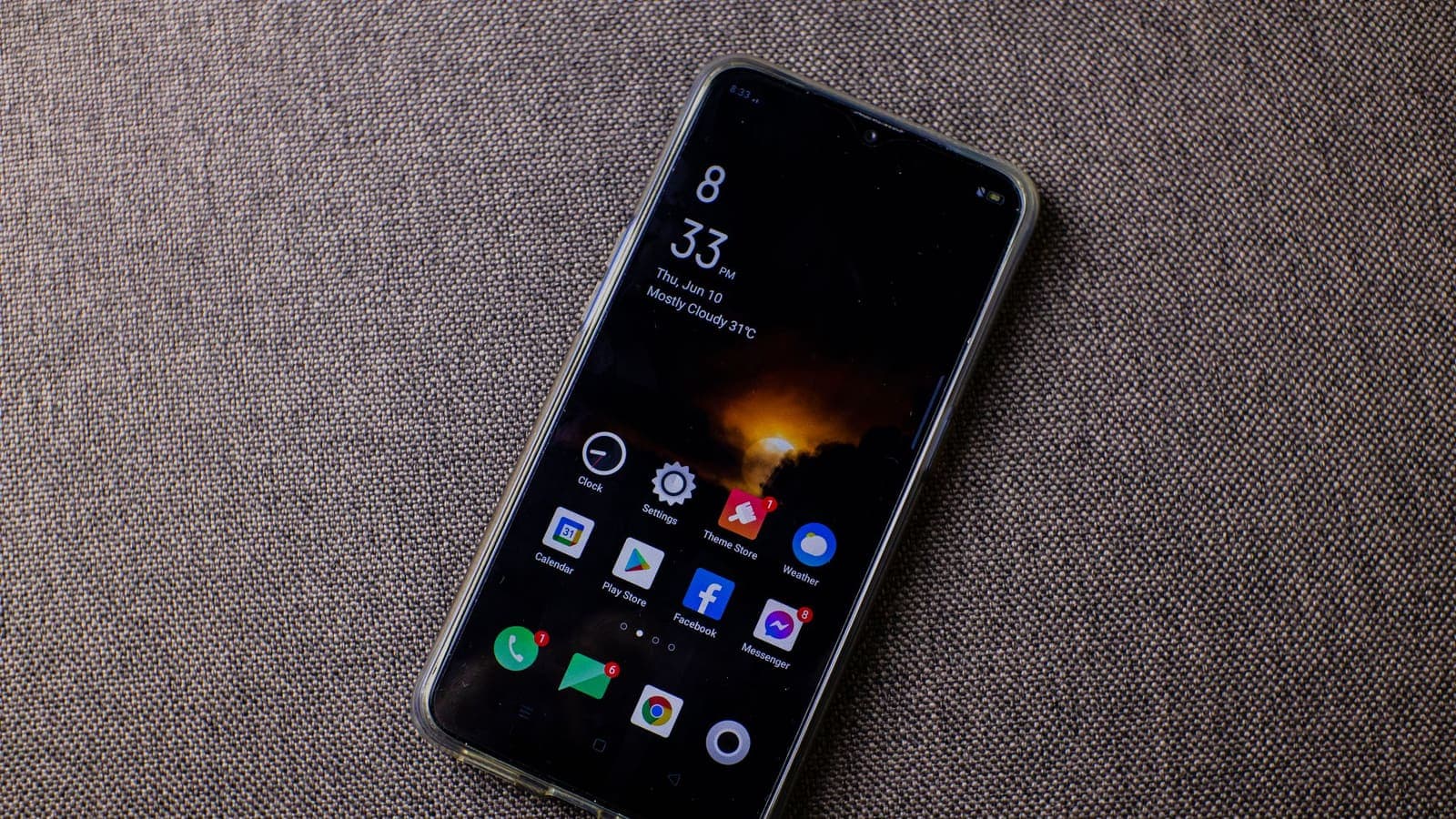
The question sounds simple, but any honest answer starts with "compared with what?". A VPN on Android does extra work: it encrypts and decrypts every packet, keeps a connection to a server alive and, in some situations, wakes the radio more often than a phone left to itself would. That work uses energy. Whether you notice it depends on your phone, your network, how you use the device and how the app is set up. This article is built around measuring rather than guessing, so that you end with a number for your own phone and a short list of settings that keep the cost low.
If you want the general, cross-platform explanation first, read does a VPN drain your battery. Here we stay on Android: where the battery figures live, how to run a fair test over two days, which factors move the result and what to change when the cost is higher than you like.
Where the power actually goes
Think of battery use as a bill with several lines. A VPN affects some lines directly and others only indirectly.
- Screen. On most phones this is the largest line by far. A VPN does not change it.
- Mobile radio and Wi-Fi. Sending and receiving data keeps the radio awake. A VPN wraps each packet in extra data, so slightly more is sent for the same page. It also sends small keep-alive packets so the connection is not dropped, and those can stop the radio from resting fully.
- Processor. Encryption is calculated on the chip. Modern phones have hardware that makes this cheap, but it is not free, and it grows with the amount of data you move.
- The app itself. A background service has to stay alive. A well written one is light; a badly written one may poll constantly.
- Reconnects. Each time a tunnel is rebuilt, there is a handshake and a burst of activity. Frequent reconnects can cost more than months of steady operation.
Because the screen dominates, a VPN on a phone you use heavily may be barely visible in the total, while on a phone that sits on a desk with Wi-Fi and background sync it may show up as a more obvious share. Neither case tells you much until you measure.
Reading the Battery screen on Android
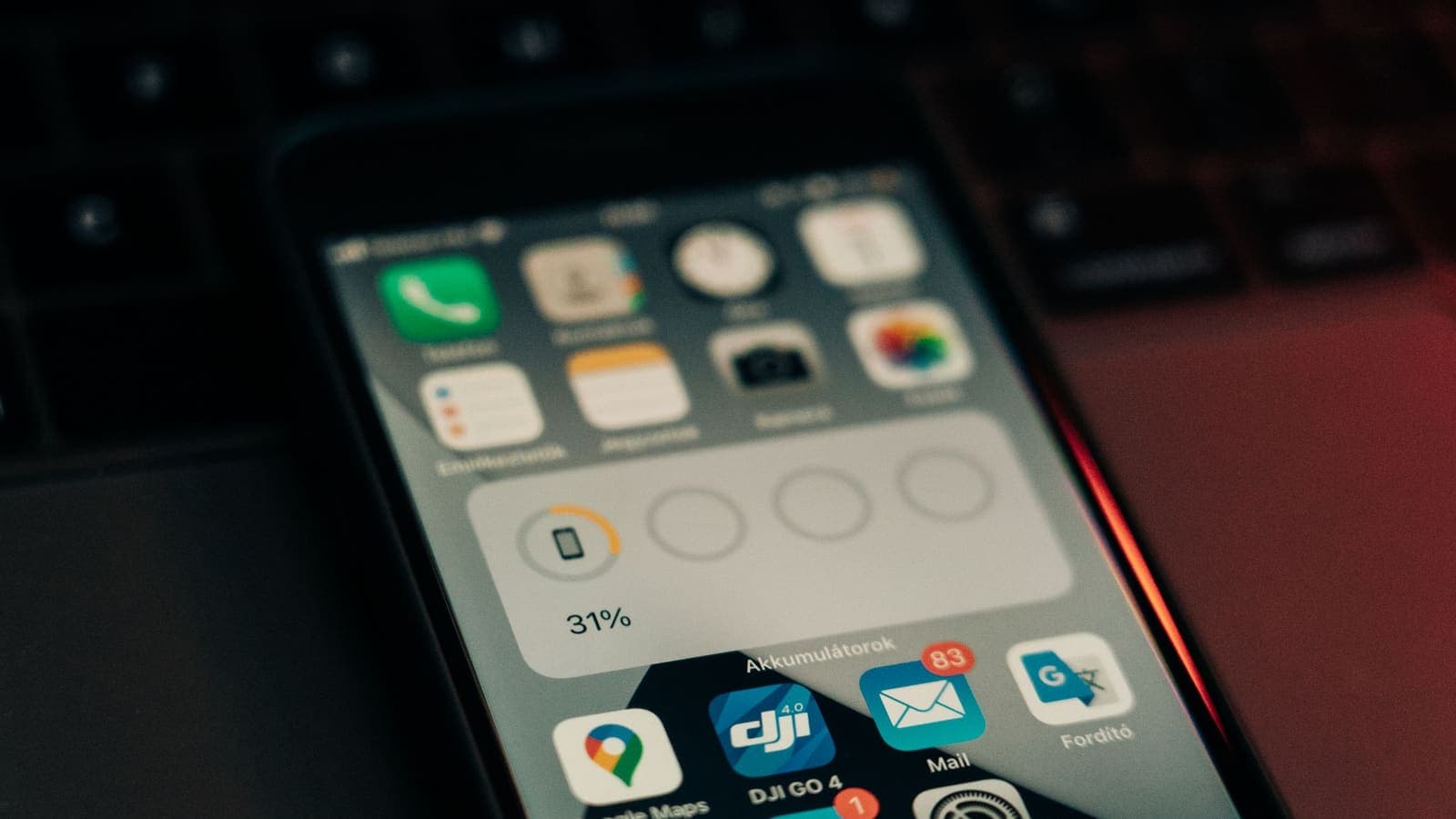
Android shows how much each app used since the last full charge. The path varies between makers, but it is usually Settings, then Battery, then Battery usage. Some phones hide the list under a three-dot menu or a "see all" link.
What to look for:
- Find the VPN app in the list and note its percentage.
- Open its details if offered. Some versions split the figure into foreground and background use.
- Note the screen-on time and the total percentage used since the last charge, because the VPN's share only makes sense against the whole.
- Remember that apps which use the network through the tunnel are charged to themselves, not to the VPN. The VPN's own figure is only the cost of the service and its work.
That last point surprises people. If your browser shows a high percentage while the VPN is on, you cannot say the VPN used that energy; the browser might simply have been in use for hours. The Battery screen is a clue, not a verdict. A proper test compares total drain for similar days, as described next.
A fair two-day test you can run yourself
You do not need special tools. You need two days that look alike and a notebook or notes app.
Preparation. Charge the phone to full. Turn off automatic brightness changes or set brightness to the same level on both days. Close apps you do not use. Make sure the VPN app is allowed to run in the background so the test shows its true behaviour; the guide on why a VPN disconnects on Android explains why restricted apps give misleading results.
Day one, without the VPN. Unplug at a fixed time in the morning, such as 08:00. Use the phone normally. At 20:00, record three things: percentage left, screen-on time and mobile data or Wi-Fi in use.
Day two, with the VPN. Repeat the same routine, keeping the VPN connected from 08:00 to 20:00. Record the same three values.
Compare. If the screen-on time and the amount of data are similar, the difference in percentage is a rough measure of the VPN's cost. If the screen-on time differs by more than half an hour, repeat the test; the difference is probably your habits, not the VPN.
A worked example makes this concrete. Suppose Day 1 ends at 46 percent with 4 hours 10 minutes of screen time, and Day 2 ends at 41 percent with 4 hours 20 minutes. The extra 10 minutes of screen time explains part of the gap, so the VPN's real share is somewhat under 5 points over twelve hours. Those figures are only an illustration of how to do the arithmetic; your numbers will differ.
Run the test once on Wi-Fi and once on mobile data if you use both, because the radio behaves differently on each.
Factors that make the cost higher or lower
| Factor | Effect on battery | What you can do |
|---|---|---|
| Weak mobile signal | Higher: the radio works harder and packets are retried | Use Wi-Fi when signal is poor |
| Frequent reconnects | Higher: repeated handshakes and wake-ups | Fix the drops before judging battery |
| Heavy traffic (video, large downloads) | Higher: more data to encrypt | Download on Wi-Fi, lower video quality when you can |
| Light use (messaging, mail) | Lower: little data, small effect | Keep the VPN on without worry |
| Distant server location | Slightly higher: longer round trips keep the radio active longer | Choose a nearer location when it suits you |
| Old or low-end phone | Higher: less efficient encryption hardware | Switch the VPN on only when needed |
| Battery restrictions on the app | Unpredictable: stops and restarts waste energy | Set the app to unrestricted |
| Protocol and app settings | Varies | Keep the app's default unless support advises otherwise |
On the last row, protocols differ in how efficient they are on phones. The WireGuard project describes a deliberately small design, and in general lean protocols tend to use less processing. Which connection method your app uses is set by the app and your pass, so leave the default unless support suggests a change.
The settings that matter most
Spend your effort on a handful of changes rather than a long list.
- Set the VPN app to unrestricted battery use. It sounds backwards, but a restricted app that is repeatedly killed and restarted often drains more than one that is simply left alone. The reasons are explained in the disconnects article linked above.
- Leave automatic reconnect on, but also fix the cause of drops. Reconnecting is a good safety net, not a reason to ignore a flapping connection.
- Prefer Wi-Fi for large transfers. A big update or video download over mobile data with a VPN costs more in battery than on Wi-Fi.
- Turn off what you do not need on the same phone. A second VPN-like app, a "cleaner" tool or a constantly syncing widget can swamp the VPN's own cost.
- Keep the app and Android updated. Updates often include efficiency fixes.
- Do not mix this up with battery saver mode. Battery saver is a system setting that can pause background apps. If your VPN keeps stopping while saver is on, add an exception for the VPN app rather than turning saver off for everything.
Always on, or only when needed?
There are two sensible patterns, and the right one depends on how you live.
Always on. Choose this if you move between cafes, offices, trains and hotels. The cost of a forgotten VPN on a public network is higher than the cost of a few percent of battery. Combine it with a block on connections without the VPN if you want a strict approach; the guide to blocking connections without a VPN on Android covers that.
On when needed. Choose this if you spend most of the day on a trusted home network and your battery is tight. Switch it on for shared Wi-Fi, travel and sensitive tasks. The risk is forgetting, so a reminder or a home-screen shortcut helps.
A third option suits many people: leave it on during the day outside the house and let it rest overnight at home while the phone charges. Charging time hides the cost anyway.
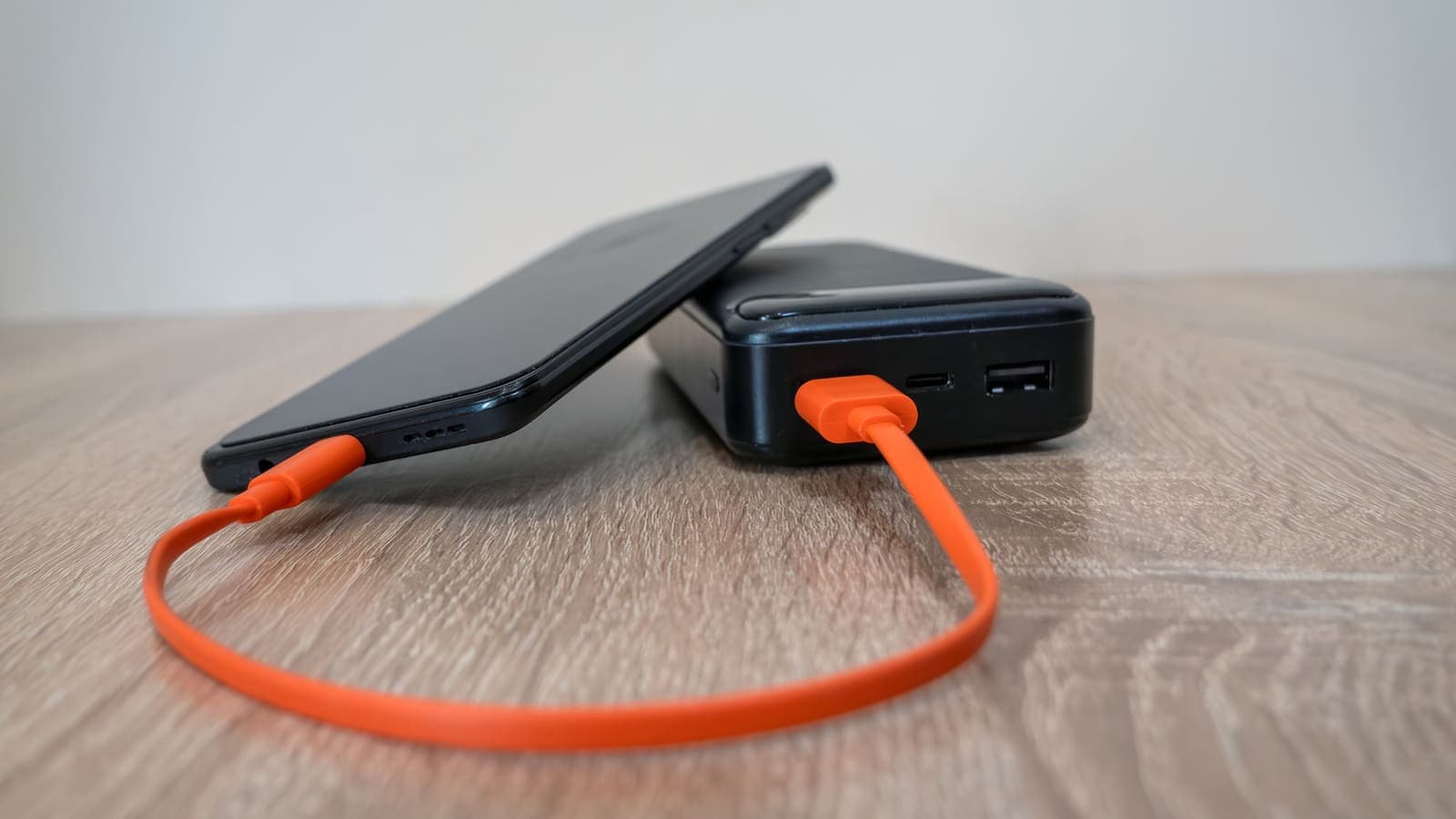
Three situations and what to do
The commuter. Ploy spends two hours daily on trains, with patchy signal in tunnels. Her VPN reconnects often and her battery falls faster on the train. The cause is not the VPN's encryption but the repeated rebuilds on poor signal. She downloads her playlists and articles at home on Wi-Fi, so the train journey needs little traffic, and she keeps the VPN allowed to run unrestricted so it recovers promptly rather than being killed and restarted.
The student with an older phone. Arun has a phone that is four years old and finds it warm and short of battery by evening. His test shows a clearly bigger gap than the example above. He uses the VPN only on campus Wi-Fi and public networks, switches it off at home, and keeps video quality moderate. That keeps privacy where it matters and gives him back the evening.
The remote worker. Mei works from cafes on a recent phone and a laptop. Her phone shows little extra drain with the VPN on, so she leaves it on all day. She still keeps a charger in her bag, because the cost she cares about is a dead phone in a meeting, and that comes mostly from the screen and the mobile hotspot she uses for the laptop.
When the drain looks too high
If the Battery screen shows the VPN app at a large share while your test shows little difference, the figure may be misleading; check the foreground and background split. If both tests show a large gap, work down this list.
- Check for constant reconnects: is the key icon appearing and disappearing in the status bar?
- Test on Wi-Fi only, then mobile data only, to see which is worse.
- Look for a second app that requests the VPN connection and fights with the first.
- Update the app and the phone, and restart.
- Try a nearer server location to shorten round trips; the Cloudflare note on latency explains why distance adds delay.
- If the phone is warm even at idle, look for other heavy apps in the Battery list rather than blaming the VPN.
- Contact support with your test numbers, phone model and Android version. Numbers get faster answers than "it drains".
If the VPN still seems to be a poor fit on a particular older device, using it only when you need it is a perfectly good compromise.
Common mistakes
- Judging the VPN from one afternoon's figure rather than a repeated test.
- Comparing a heavy day with a light day and blaming the VPN for the gap.
- Restricting the VPN app in the name of saving battery and then suffering constant reconnects.
- Leaving a forgotten second VPN or security app running.
- Assuming a free app that keeps adverts running in the background has the same cost as a clean one; the Android check for free VPN apps lists what to look at before installing.
- Turning the VPN off permanently because of a few percent, then using open Wi-Fi without protection.
Summary
A VPN does cost some battery on Android, because it encrypts traffic, holds a connection open and sometimes reconnects. For most modern phones the cost is a modest share compared with the screen and the radio, but your own result depends on your signal, your habits and the app settings. Measure it with a two-day test, read the Battery screen as a clue rather than a verdict, set the app to unrestricted, fix any reconnect loop and choose between always-on and on-when-needed to suit your day.
When you are ready to try it on your own phone, the download page has the official app links and the pricing page shows pass lengths you can match to a test period.
Frequently asked questions
Does a VPN drain Android battery noticeably?
It adds some work, mainly encryption and keeping a connection alive, so there is a cost. For most people with a modern phone it is modest compared with the screen, the mobile radio and games. The only reliable answer for your phone is a side-by-side test.
Where do I see how much battery the VPN app used?
Open Settings, then Battery, then the battery usage list, and look for the VPN app. Wording differs by phone maker. The figure shows the app's share of use since the last full charge, not a precise cost of the VPN itself.
Is it better to leave the VPN on all day or switch it on only when needed?
If you use many networks, leaving it on avoids forgetting. If your battery is the priority and you are on a trusted home network, switching it off for long idle stretches is reasonable. Pick the habit you will actually keep.
Why does the battery drain faster when my VPN keeps reconnecting?
Each reconnect repeats the handshake and wakes the radio. A VPN that drops and rebuilds every few minutes costs far more than a steady one. Fix the drops first.
Does the battery saver mode stop my VPN?
It can. Battery saver limits background activity, and an app that is restricted may be paused. Allow the VPN app to run unrestricted if it keeps stopping.
References
About the author

Bob Kanokphon Thongdee
- Founder of XPASS VPN
- Co-founder of eSIMonline.asia
- More than 7 years in online marketing
- Founder of Cojourney Visa and Cojourney Travel
Need a VPN for a short trip or a busy month?
XPASS sells prepaid passes for a set number of days. You pay once and nothing renews automatically.
See passesKeep reading
VPN Basics
Does a VPN Drain Your Battery?
A VPN adds encryption work and keeps a connection alive, so it can use some battery. This guide explains what drives the cost, how to measure it on your own phone and what helps.
9 min read
Troubleshooting
VPN Keeps Disconnecting on Android: Causes and Fixes
A diagnosis-first guide to Android VPN drops: match when the disconnect happens to its likely cause, then apply the fix that fits.
9 min read
Device Guides
How to Set Up a VPN on Android
Step by step: install VPNclient from Google Play, sign in with your My Pass details, accept the Android connection request and connect.
6 min read
Troubleshooting
How to Improve VPN Connection Stability
A VPN that keeps dropping or stalling is usually reacting to the network or device around it. These steps help you find and fix the weak link.
5 min read

VPN Basics
Why Internet Speed Changes With a VPN
Using a VPN adds distance, encryption and another network to your path, so speed often changes. This guide explains why, how to measure it properly and what to try when it feels slow.
9 min read