
VPN for Travel to Japan: What to Know
A timeline-based guide to using a VPN for traveling to Japan: what to set up before you fly, how to behave on airport, hotel and station Wi-Fi, and what a VPN will not fix.
10 min readUpdated Oct 15, 2026By XPASS Editorial Team

A trip to Japan is a trip full of connections. You book trains on a phone, scan a QR code at a restaurant, check a map in a station, and send photos from a hotel bed at midnight. Many visitors also join free Wi-Fi at airports, stations, convenience stores and cafes, because roaming data can be expensive and a local SIM or eSIM is not always set up on day one. That is why people search for a VPN for traveling to Japan, and why it is worth planning what you will do and what you should not expect.
This guide is organised as a timeline, from two weeks before you fly to the flight home. It does not recommend any provider, it does not promise that a VPN will make any service work, and it is not legal advice. It focuses on practical steps that make the connection safer and less frustrating. For the general question of what to look for in a travel VPN, read choosing a VPN for travel alongside this one.
Two weeks before: decide whether and what you need
Start with a simple question: how will you actually get online in Japan? The answer decides how much a VPN matters.
| Your plan | How much a VPN helps |
|---|---|
| Local eSIM or SIM only, never public Wi-Fi | Small. Mobile data is already a private link to your carrier. |
| Mix of mobile data and hotel Wi-Fi | Moderate. Use it on the hotel network, switch off when it is not needed. |
| Mostly public and hotel Wi-Fi, with banking and work email | High. This is the case a VPN was designed for. |
| Remote work from cafes and coworking spaces | High, with a note to also follow your employer's rules. |
If you plan to buy a travel eSIM, read using a VPN with a travel eSIM and VPN and roaming, because the interactions are not obvious, especially around the first connection after landing.
Two practical timing points for a prepaid pass: the validity of a XPASS pass begins when the account is created, not at your first connection, so buy it close to your departure date rather than months earlier. And if your trip might be extended, remember that renewing adds days on top of what you have left, so you do not lose unused days by topping up early.

One week before: install, sign in and test at home
Do all the fiddly setup at home, on your normal Wi-Fi, with time to spare. Airports and hotels are poor places to troubleshoot.
- Install the VPN app on every device you will carry. Phone, laptop and tablet. XPASS customers use the free VPNclient app, available for iPhone and iPad, Android, Windows and macOS. See the download page for the official links.
- Sign in with the username and password from your My Pass page. Those are the VPN login details, not your website email. If you cannot find them, the help guide on where your login details are shows the steps.
- Connect once, then disconnect. You are checking three things: permission prompts accepted, the app opens, and a website loads while connected.
- Run a basic check. The guide on checking whether your VPN is working takes a few minutes.
- Note the location list. Skim it so you are not scrolling for the first time on a crowded train. Remember that picking a location near you generally keeps delay low.
- Update the operating system and apps. Updates are slow on shared Wi-Fi, and VPN apps sometimes need the latest system version.
- Save offline copies. Download offline maps, the translation language pack, boarding passes and hotel confirmations. A VPN will not help if you have no signal.
Before the flight: a short checklist
The night before, run through these quickly:
- Fully charge your phone and carry a power bank. A VPN uses a little extra battery, and a dead phone is the worst travel failure.
- Switch on the device passcode and automatic screen lock.
- Turn on two-factor authentication for your email and banking accounts, and check that you can receive codes abroad. Codes sent by SMS may not arrive if you swap SIM cards, so have a backup method. The guide to two-factor authentication explains the options.
- Tell your bank and card issuer about your trip through their official app or website. See using local banking while abroad for how VPNs and banks interact.
- Write down the support steps you may need and keep a copy that does not require the internet.
At the airport and on the first day
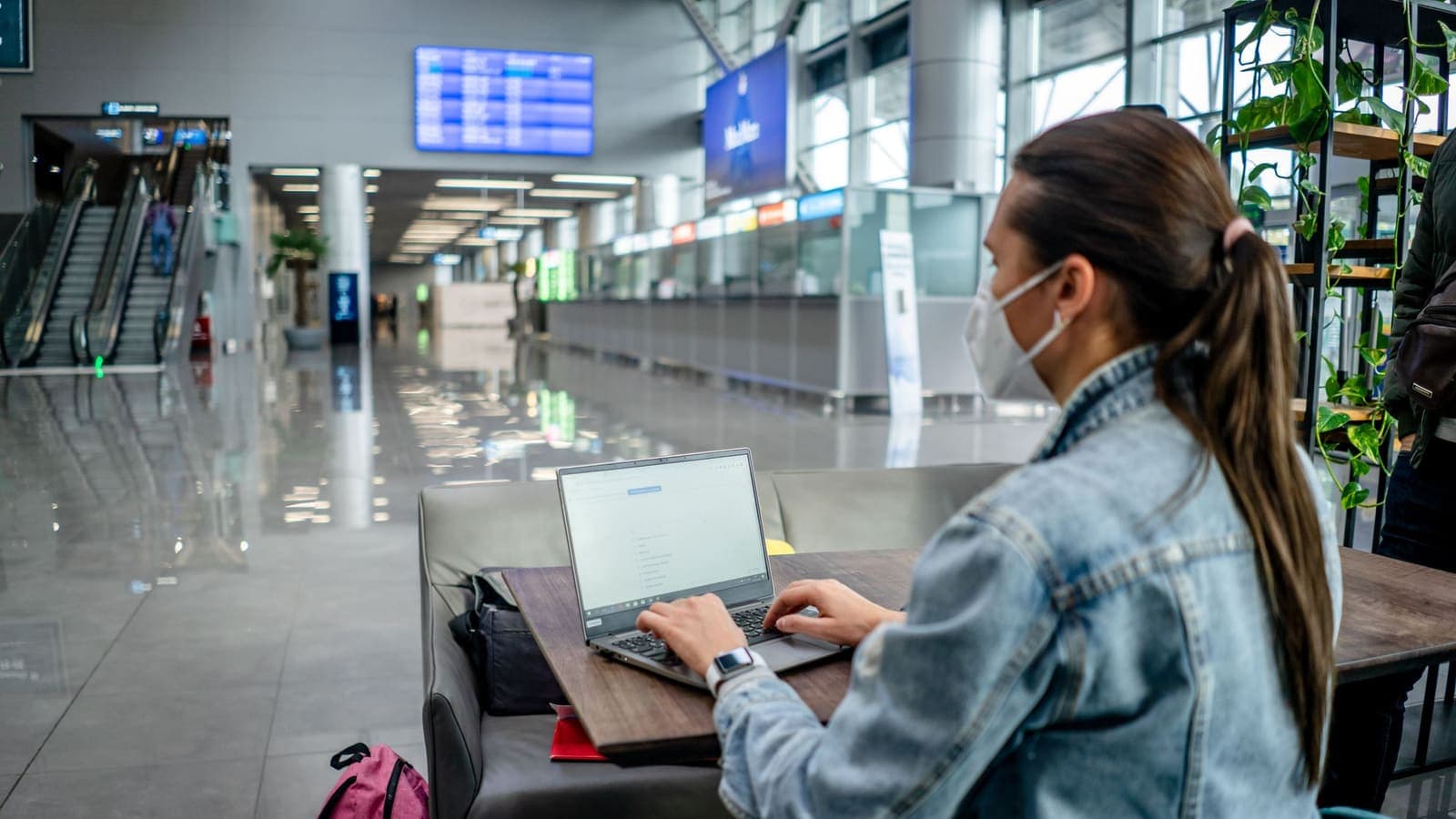
When you land at a Japanese airport, you will usually find free Wi-Fi, often with a sign-in or terms page. This is a classic public network, shared with hundreds of strangers. The sensible routine is:
- Join the airport Wi-Fi and accept any terms page first. Many VPNs cannot connect until the sign-in page is passed.
- Open the VPN app and connect. If it fails, check the airport Wi-Fi guide for causes such as captive pages.
- Only then do sensitive things: banking, email, booking pages, password changes.
- Avoid doing anything important on a network that asks for unusual permissions, extra downloads or a profile to be installed.
Do not forget that the airport network is only one source of risk. Fake Wi-Fi names that look like the real one are common anywhere in the world. Check the exact name with a staff member or a sign. For background, the FTC's page on public Wi-Fi gives a plain overview.
In the hotel, on trains and in cafes
Hotels in Japan generally provide Wi-Fi in rooms or lobbies, and many give a password at check-in. The security comes from you, not from the password. Everyone with the same password is on the same network. The guide to using a VPN on hotel Wi-Fi covers the details, but the essentials are:
- Connect to the hotel Wi-Fi, pass the sign-in page, then turn on the VPN.
- If the hotel limits devices per room, you may need to disconnect another gadget before connecting a laptop.
- Streaming and video calls can be slower in the evening when many guests are online. Try a nearby location, or switch to mobile data for the call.
On trains and at stations, free Wi-Fi may need you to register with an email address, and some hotspots time out every hour or so. If the VPN disconnects when you re-authenticate, reconnect it after the page loads. In cafes and convenience stores, treat the Wi-Fi like any open network.
Apps that may complain about a VPN
Some apps are cautious about VPN connections, and travel is when you meet them. Typical cases are:
- Banking and payment apps. They may refuse to open or ask for more verification. Turn the VPN off for that app, or use split tunneling if your app offers it. See using banking apps with a VPN.
- Ticket and booking sites. Some show extra checks, such as CAPTCHAs. Complete them normally.
- Maps and transit apps. These usually work fine, but if location looks wrong, turn the VPN off briefly. Map apps use GPS, and a VPN does not change GPS.
- Messaging apps. They normally work without issue.
If something does not work, the quickest test is to turn the VPN off, try again, and turn it back on afterwards. The point of the VPN is to protect you on shared networks, and that protection is not needed when you are on your own mobile connection for a trusted app.

Pocket Wi-Fi rentals, tethering and family trips
Many visitors to Japan rent a portable Wi-Fi router at the airport or have one delivered to the hotel. It gives a private network for you and your companions, and it is a common choice for families. A few notes apply:
- A rented router is still a network someone else set up. It is far less crowded than hotel Wi-Fi, but the device belongs to the rental company. Using a VPN on top is a reasonable extra layer for banking and work.
- Tethering to a phone creates a similar private link. If the VPN is on the phone, other devices that share the hotspot may not be covered, so check whether each device needs its own app. The guide on sharing a VPN over a mobile hotspot explains the options.
- Family trips mean several devices with different habits. Install and test the app on each one at home, show children and relatives how to open it, and agree on a simple rule such as connecting before using any hotel or station Wi-Fi.
- Battery and data. A VPN adds a small overhead, so keep a power bank within reach, and if you are on a limited eSIM plan, remember the extra data used by encryption is modest but not zero.
Finally, keep a one-page note with the essentials: where your login details are, the steps to reconnect and who to ask if something fails. When you are tired after a long flight, a short written list is much easier than remembering.
What a VPN will not do on your trip
Keep expectations realistic, because most disappointment comes from expecting too much.
- A VPN does not make a phishing message safe. If a text claims to be from a delivery company or your hotel, check the sender and address before tapping. See how to recognise phishing websites.
- It does not protect your device if someone gets your unlocked phone or if you install a malicious app.
- It does not guarantee access to any particular streaming library, app or website, and it should not be used to break a service's terms.
- It does not make you anonymous. The VPN provider and the sites you log in to still know about the activity you do with them.
- It does not change the rules that apply to you in Japan. Follow local laws and the terms of each service. Anything that is illegal remains illegal with a VPN.
Coming home and cleaning up
On the return flight or soon after you land, do a short cleanup:
- Disconnect the VPN and sign out on shared or borrowed devices.
- Forget any hotel and airport Wi-Fi networks saved on your devices, so they are not joined automatically next time.
- Change any password you entered on a network you were unsure about.
- Check your bank statements for unfamiliar transactions.
- If your pass still has days left, you can keep the app for public Wi-Fi at home. Otherwise you can simply let it expire, since there is no automatic renewal.
Summary
For a Japan trip, the useful moves are simple: decide how you will get online, install and test the VPN at home, connect after passing any Wi-Fi sign-in page, and turn it off for apps that complain. A VPN reduces risk on shared networks, but it is not a cure-all and it does not change local rules. If you want a short pass that matches your travel dates, you can look at the options on the XPASS pricing page.
Frequently asked questions
Do I need a VPN to travel to Japan?
It is not required. It is useful if you will often use airport, hotel, cafe or station Wi-Fi for email, banking or work, because it encrypts the traffic between your device and the VPN server. If you only use your own mobile data, the need is smaller.
When should I set up the VPN?
Before you leave. Install the app, sign in and connect once at home so you know it works, because store pages, login pages and updates can be slower or harder to use when you are abroad and tired.
Will a VPN stop my bank from sending a security alert while I am in Japan?
No. A VPN does not change the fact that your bank may notice a new country. Tell the bank about your trip through its official channel, and keep the app and card working normally.
Can I use a VPN on the train or at a convenience store Wi-Fi hotspot?
Yes, and these shared hotspots are exactly where it helps. Some of them show a sign-in or terms page first, so you may need to accept that page before the VPN can connect.
Is using a VPN in Japan legal?
Using a VPN for ordinary privacy is common and not a crime in itself. Anything illegal without a VPN stays illegal with one. This is general information, not legal advice, so check current official sources if you are unsure.
References
About the author

Bob Kanokphon Thongdee
- Founder of XPASS VPN
- Co-founder of eSIMonline.asia
- More than 7 years in online marketing
- Founder of Cojourney Visa and Cojourney Travel
Need a VPN for a short trip or a busy month?
XPASS sells prepaid passes for a set number of days. You pay once and nothing renews automatically.
See passesKeep reading

Buying Guides
Best VPN for Travel: How to Choose One Before Your Trip
A good travel VPN is mostly about planning: the right pass length, apps installed before you leave, and realistic expectations. This guide walks through what to check before a trip.
9 min read
Privacy Guides
VPN on Airport Wi-Fi: Security Tips
A traveller's guide to airport Wi-Fi: fake hotspots, the sign-in page, charging kiosks, and when to connect the VPN, with a checklist for each stage of a journey.
10 min read

VPN Security
How to Use a VPN on Hotel Wi-Fi Safely
Hotel and travel Wi-Fi is shared with strangers and often hides behind a login page. This guide explains how to connect, when the VPN goes on and what to do when it will not connect.
9 min read
Privacy Guides
Travel eSIM vs VPN: Different Jobs Explained
A travel eSIM and a VPN are often mentioned together, but one supplies connectivity and the other protects it. Here is how each works and how they fit into one trip.
9 min read
Privacy Guides
Banking Abroad with a VPN: Access and Security Tips
A practical look at banking abroad with a VPN: what to prepare before you leave, which networks to trust, why alerts fire and what to do when the app locks you out.
9 min read