
Travel eSIM vs VPN: Different Jobs Explained
A travel eSIM and a VPN are often mentioned together, but one supplies connectivity and the other protects it. Here is how each works and how they fit into one trip.
9 min readUpdated Oct 15, 2026By XPASS Editorial Team
Two things show up on almost every modern travel checklist: a travel eSIM and a VPN. They are often sold in the same breath, and people sometimes assume one covers the other. It does not. An eSIM is about getting a data connection in a country where your home plan is expensive or unavailable. A VPN is about what happens to your traffic once you have a connection of any kind. They do different jobs, and understanding the split helps you spend money only on what your trip needs.
This article compares the two side by side, walks through realistic trip scenarios, and gives a short setup order so that your phone is ready when you land. It stays practical and does not promise more than a VPN can deliver. For the wider question of choosing a service for a trip, see our guide to choosing a VPN for travel.
What a travel eSIM actually does
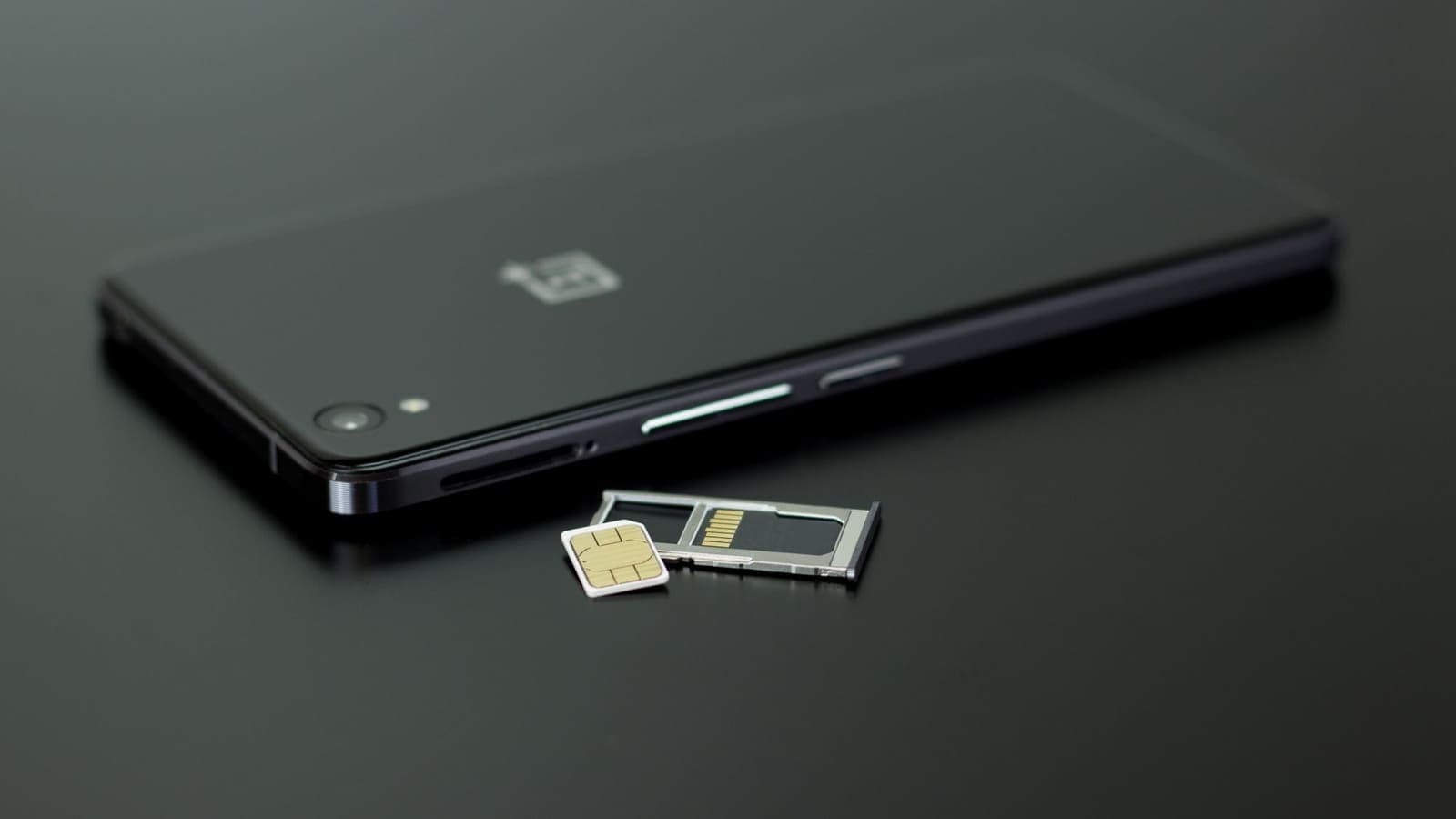
An eSIM is a SIM profile stored in a chip inside your phone instead of on a plastic card. A travel eSIM is simply a data plan delivered that way. You buy it online, scan a QR code or tap an install link, and your phone gains a second line that connects to a carrier in the country you are visiting, or to a regional partner network.
What you get from it:
- Connectivity. Mobile data at local or regional rates instead of paying your home carrier's roaming charges.
- No card swapping. You keep your normal SIM in the phone and can still receive calls and texts on your main number, depending on your phone and plan.
- A private-ish radio link. You are not sharing a Wi-Fi network with other guests in the lobby.
What you do not get from it:
- Encryption of your destinations. The data carrier still handles your traffic and can usually see which domains you contact, just as your home carrier does.
- A different relationship with the websites you visit. Sites see the carrier's address range, which tells them roughly where you are.
- Protection from phishing, weak passwords or malware. None of those are network-layer problems.
In short, an eSIM answers the question "How do I get online?" and nothing else. If you want a deeper look at how the data itself is handled, read about whether a VPN uses more data, because it matters when your data pack is small.
What a VPN actually does
A VPN creates an encrypted tunnel from your device to a VPN server. Everything your apps send goes through that tunnel first, so the network between you and the server, whether it is a hotel router, a cafe hotspot or a mobile carrier, sees scrambled data and the address of the VPN server rather than the sites you visit. The Cloudflare explainer on VPNs gives a neutral overview of the same idea.
The VPN does not supply data. It needs a working connection to start with. If your eSIM has no coverage or your data pack is empty, the VPN has nothing to protect and nothing to run on.
What a VPN helps with:
- Hiding your destinations and content from the local network operator.
- Making shared Wi-Fi safer to use for mail, work and banking.
- Keeping one consistent layer of protection while you move between Wi-Fi and mobile data.
What it does not do:
- It does not make you anonymous. Accounts you sign in to still know who you are.
- It does not stop fake text messages or look-alike websites. See what a VPN cannot protect you from.
- It does not make a weak signal strong. A VPN adds a small delay, so a poor connection can feel slightly worse.
Side-by-side comparison
| Question | Travel eSIM | VPN |
|---|---|---|
| Main purpose | Supply mobile data abroad | Encrypt traffic between device and VPN server |
| Works without the other? | Yes | Only if you have some connection |
| Who still sees your destinations? | The data carrier | The network sees only an encrypted tunnel |
| Protects on hotel Wi-Fi? | No, it is a separate connection | Yes, once connected |
| Cost pattern | Per data pack or per day | Per pass or subscription period |
| Setup point | Before or on arrival | Best before departure |
| Affects battery and data? | Modem and signal use | Small extra from encryption |
| Needs your phone to support it? | eSIM-capable, carrier-unlocked phone | Any supported phone, tablet or computer |
The table shows why the two are complements. If you only buy the eSIM, you have a cheap connection and the usual exposure of any connection. If you only buy the VPN, you have protection and still have to find or pay for a network. Many travellers want both, and some want only one.
Four trip scenarios
Abstract comparisons are easy to forget, so here are four ordinary cases.
A one-week city break, mostly on hotel Wi-Fi. Sara is visiting a city for seven days. Her home plan charges a lot for roaming, so she buys a small eSIM for maps and ride-hailing while out. In the evenings she uses hotel Wi-Fi for email and to check her bank. Here the eSIM solves the maps problem, and the VPN is most valuable in the evenings on the hotel network. She switches it on whenever she joins the hotel Wi-Fi, and when she is on eSIM data, she leaves it on only for banking and work mail to save battery. Our guide to using a VPN on hotel Wi-Fi covers that second half in detail.
A remote worker moving between co-working spaces. Marcus changes city every few weeks. He keeps an eSIM as a backup if the apartment internet fails and works on cafe Wi-Fi the rest of the time. For him the VPN is part of the daily routine on any shared network, and the eSIM is a fallback that he sometimes also protects, because client files are involved.
A family trip with a shared hotspot. The Chen family has one eSIM and shares it from a parent's phone to two tablets. The VPN question is who runs it. If the VPN app is on each device, each is protected, including when the hotspot link is used. If it runs only on the parent's phone, the shared devices might not be inside the tunnel. Check the details in our help guide on sharing a VPN over a mobile hotspot.
A two-day layover. Ana only needs data for a train ticket and a few messages. A tiny eSIM covers that. A VPN may not be worth setting up for such a short stay unless she plans to use airport or hotel Wi-Fi for anything sensitive.
Privacy: where the data carrier fits in
People sometimes buy a VPN to avoid the sharing risk of public Wi-Fi and then forget about the carrier. When you use an eSIM, the carrier of that eSIM is the network operator. It sees the connection metadata, such as the domains you contact, in the same way your home carrier would. That is not a reason for alarm, since carriers are normal businesses with their own legal obligations, but it is a reason to understand what is visible.
A VPN changes that picture in a specific way. The carrier then sees an encrypted connection to the VPN server rather than a stream of connections to different sites. In turn, the VPN service can see where the traffic goes after it leaves the tunnel, which is why choosing a service you can understand matters. Our article on whether your ISP can see your VPN traffic explains exactly what is and is not visible.
Do not mix this up with identity. The eSIM provider and the carrier may know your name, email, payment details or device. A VPN does not remove those relationships.
Data, battery and speed when you combine them
Combining a small eSIM data pack with a VPN has three practical effects.
- Data use goes up slightly. Encryption adds overhead to every packet, commonly in the low single-digit percentages for normal browsing. If you have a 1 GB pack, that is not the main concern. How you use video and cloud backups matters far more.
- Battery use goes up a little. Encryption and keeping a tunnel alive both use power. On a long sightseeing day, carry a power bank regardless.
- Speed depends on both links. The VPN path is only as good as your eSIM signal plus the route to the VPN server. If a page loads slowly with the VPN on, test with the VPN off for a moment to see whether the network is the cause, not the tunnel. Our help guide on why a VPN can feel slow walks through that check.
A useful habit is to turn off automatic cloud photo uploads and large app updates while on a travel eSIM. Doing that matters more for your data pack than any VPN overhead.
A sensible setup order before you travel
Doing things in a certain order avoids the most common problem, which is trying to install something on a weak connection after you land.
- Check your phone. Confirm it supports eSIM and is unlocked for foreign carriers. A locked phone cannot use a travel eSIM.
- Install the VPN app at home. Download it, sign in and make a test connection on your home Wi-Fi. If you use XPASS, you sign in to the free VPNclient app with the username and password shown on your My Pass page. The download page lists the official links.
- Buy the VPN pass close to departure. A prepaid pass starts when the account is created, not when you first connect, so buy it shortly before the trip but early enough to test.
- Install the eSIM profile on Wi-Fi. Many providers let you install the profile before you leave but only activate it when it first connects abroad. Read the instructions you receive, since the activation rule differs between providers.
- Keep your main SIM safe. Note which line is used for data and which one for calls and texts, and switch off data roaming on the home SIM to avoid surprise charges.
- Save backups. Screenshot boarding passes, hotel addresses and your login details somewhere you can reach them offline.
- Test the combination. On arrival, connect the VPN over the eSIM data and open one site to confirm it works, before you need it.
Common mistakes
- Assuming the eSIM is encrypted and therefore safe. The radio link has its own protection, but that is not the same as hiding your activity from the carrier or protecting a login on a bad Wi-Fi network.
- Leaving data roaming on for the home SIM. The eSIM works, but the phone may still use the old line and charge you.
- Installing the VPN after landing on an empty data pack. Do it before you leave.
- Forgetting that tethering needs a plan check. Some eSIM plans limit or do not allow hotspot sharing. Read the terms of your plan.
- Trusting a free hotspot named like the airport. An eSIM saves you from many such networks, but when you do join one, connect the VPN first.
- Expecting the VPN to fix a dead signal. Coverage is the carrier's job.
- Using a travel VPN to break a service's rules. That can put your account at risk, and it is not what this tool is for.
Which one should you buy first?
If you need to choose, ask a simple question: what is my real problem?
- My home plan is too expensive abroad. Start with the eSIM.
- I will use a lot of public or hotel Wi-Fi. Start with the VPN, and consider the eSIM as a data source you trust more.
- I handle work files or banking while travelling. Use both, and add strong passwords and two-step sign-in on your accounts.
- It is a very short trip. An eSIM for a day or two, and the VPN only if you will join shared Wi-Fi.
The EFF's Surveillance Self-Defense guides also give a good general approach to deciding what you need to protect, if you want more depth on risk planning.
Summary
A travel eSIM provides the connection, and a VPN protects what travels over it. Neither replaces the other: the carrier behind an eSIM can still see your destinations, and a VPN cannot create signal or data. Install and test the VPN at home, set up the eSIM on Wi-Fi, expect a small rise in data and battery use when you combine them, and keep good habits with passwords and links.
If a short prepaid option fits your trip, you can look at the pricing page at your own pace.
Frequently asked questions
Can a travel eSIM replace a VPN?
No. An eSIM gives your phone a mobile data connection through a local or regional carrier. It does not encrypt your traffic end to end, so the carrier that supplies the data can still see which sites you connect to. A VPN adds an encrypted tunnel on top of whatever connection you have.
Do I need a VPN if I already use an eSIM instead of hotel Wi-Fi?
Using mobile data avoids sharing a network with strangers, which removes one risk. A VPN is still useful if you want to hide your destinations from the carrier, or when you do join hotel, cafe or airport Wi-Fi anyway. It is optional rather than required.
Will a VPN make my eSIM data run out faster?
Slightly. The encryption wrapper adds overhead, usually a few percent, and some apps reconnect in the background. For a small data pack, watch usage on the first day to see what your own pattern looks like.
Should I install the VPN app before or after I activate the eSIM?
Before you fly. Install the app, sign in and test it on home Wi-Fi, because app stores and sign-in pages can be slow on a new data connection while you are still settling in.
Does an eSIM change my phone number or my VPN account?
An eSIM usually adds a data line and leaves your main number in place, and your VPN account is tied to your username and password, not to the SIM. You sign in the same way on any connection.
References
About the author

Bob Kanokphon Thongdee
- Founder of XPASS VPN
- Co-founder of eSIMonline.asia
- More than 7 years in online marketing
- Founder of Cojourney Visa and Cojourney Travel
Need a VPN for a short trip or a busy month?
XPASS sells prepaid passes for a set number of days. You pay once and nothing renews automatically.
See passesKeep reading

Buying Guides
Best VPN for Travel: How to Choose One Before Your Trip
A good travel VPN is mostly about planning: the right pass length, apps installed before you leave, and realistic expectations. This guide walks through what to check before a trip.
9 min read

VPN Security
How to Stay Safer on Public Wi-Fi
Public Wi-Fi is not a disaster, but it is a network you do not control. Here are the real risks, the habits that matter most, and where a VPN fits in.
8 min read

VPN Basics
Does a VPN Use More Data?
A VPN adds a small amount of overhead to everything you send, but the bigger data surprises usually come from somewhere else. Here is what to expect on mobile data and when streaming.
9 min read

Privacy Guides
Can Your ISP See Your VPN Traffic?
With a VPN on, your internet provider can no longer read the sites you visit, but it still sees the connection itself. This article lists what stays visible, what disappears, and how throttling fits in.
9 min read

VPN Security
How to Use a VPN on Hotel Wi-Fi Safely
Hotel and travel Wi-Fi is shared with strangers and often hides behind a login page. This guide explains how to connect, when the VPN goes on and what to do when it will not connect.
9 min read