
Banking Abroad with a VPN: Access and Security Tips
A practical look at banking abroad with a VPN: what to prepare before you leave, which networks to trust, why alerts fire and what to do when the app locks you out.
9 min readUpdated Oct 15, 2026By XPASS Editorial Team
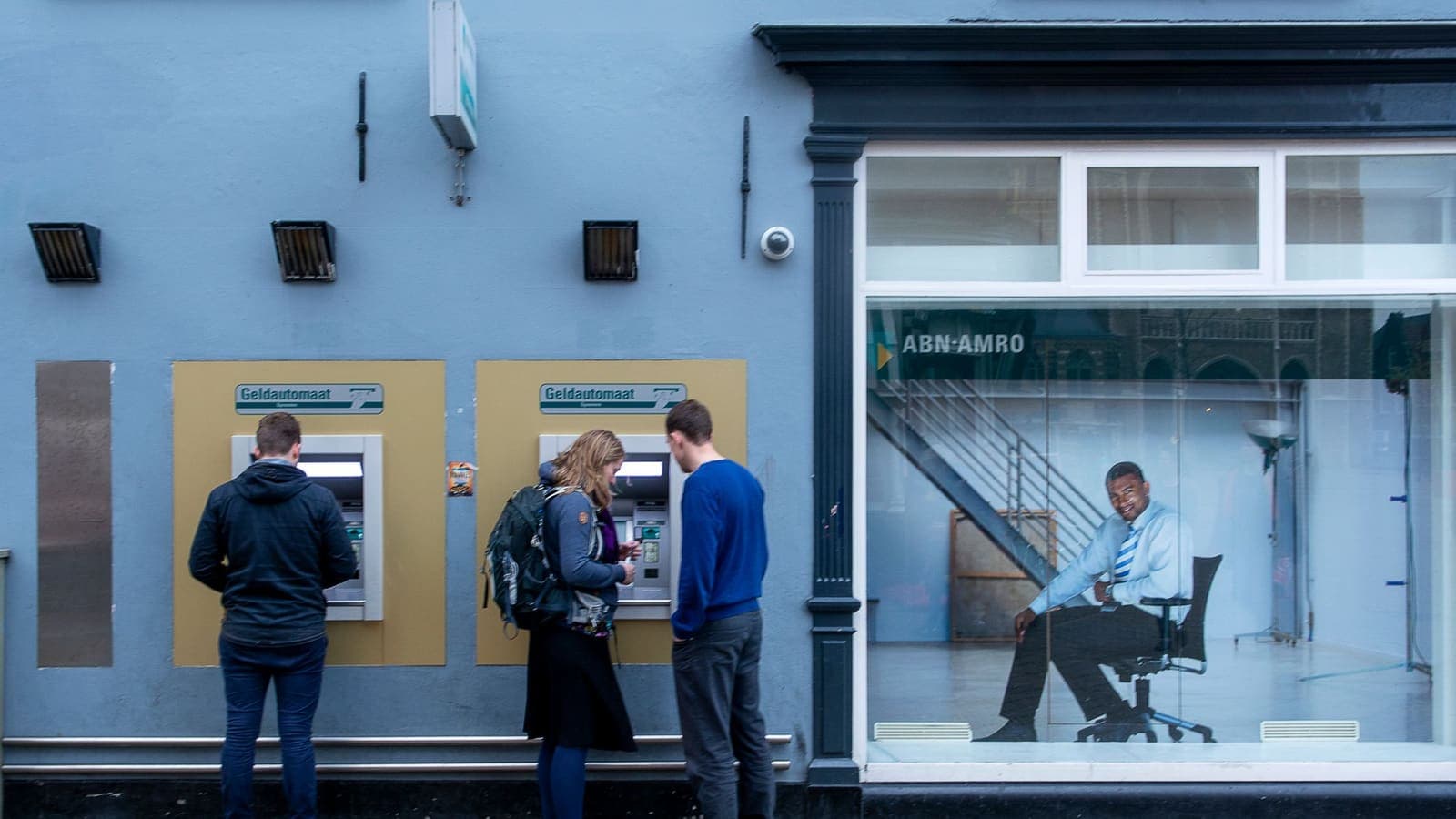
Money tends to be the first thing people worry about when they travel, and the bank app is the first thing that behaves strangely once they land. A transfer that always worked at home asks for extra verification. A one-time code does not arrive. A card is declined at a shop even though the balance is fine. Somewhere in this picture sits the VPN, which many travellers install for safety and then wonder whether it helps or hurts.
This article looks at banking abroad with a VPN in a practical, security-first way. It explains what a VPN does and does not add to the safety of your accounts, how to prepare before you leave, which networks to trust, why alerts happen and what to do when they do. It is general information. It does not tell you how to get around a bank's rules, and the bank's own terms and support always come first. For the narrower question of why banking apps sometimes refuse to open when a VPN is on, see the companion piece on using banking apps with a VPN.
What a VPN adds to banking, and what it does not
Banks already protect their apps and sites with encryption. When you see the padlock in a browser, the connection between your device and the bank is encrypted with HTTPS even without a VPN. So the question is what the VPN adds on top.
- It hides your activity from the local network. On hotel, airport or cafe Wi-Fi, other users and the network operator cannot see which sites you visit, only that you are connected to a VPN server.
- It adds a layer if the network is badly set up. Weak or copycat networks are a real risk, and a tunnel reduces exposure.
- It does not replace the bank's own security. The bank still checks your login, your device and your behaviour.
- It does not protect you from phishing. A fake bank page looks the same through a tunnel. See how to recognize phishing websites.
- It does not protect a compromised device. If a phone has malware or a stolen password is already known, no tunnel helps.
- It may complicate the bank's fraud checks. Because a VPN changes the apparent network, the bank may see an unfamiliar connection and ask for more verification.
The honest summary is that a VPN is a sensible layer on shared Wi-Fi, a neutral tool on trusted mobile data, and never the main line of defence for money. The strongest protections are the unglamorous ones: strong unique passwords, app-based two-factor authentication, updated devices and healthy suspicion of messages.
Prepare before you leave
Most banking trouble abroad can be prevented at home, in a calm hour, with the bank's app open.
- Tell the bank about your trip. Many banks let you add travel dates and countries in the app or by phone. This reduces the chance that normal spending abroad is treated as suspicious. Confirm how your bank wants to be told, because methods differ.
- Check how one-time codes reach you. If codes are sent by text to your home number, work out how you will receive them abroad: roaming, a second SIM, or a switch to app-based approval. Our article on two-factor authentication explains why app-based methods are more flexible.
- Set up a second approval method. A bank-provided app approval, an authenticator app or a hardware key gives you a way in when text messages fail. NIST's digital identity guidance discusses the strengths and weaknesses of different methods.
- Update the bank app and your phone. Do it at home on trusted Wi-Fi, not on the first night in a hotel.
- Know your limits and card controls. Look at where you can freeze and unfreeze a card, set a spending limit and switch online or contactless payments on and off.
- Save the bank's official support numbers from the official site, not from a search result or message. Include the number for reporting a lost card from abroad.
- Install and test your VPN. With XPASS, you sign in to the free VPNclient app using the username and password on your My Pass page. Try it with your bank app on your home network so you know in advance whether the bank accepts it. Download links are on the download page.
- Carry a backup payment method stored separately from your main wallet.
Choose the network before you open the app
The network you use for banking matters more than almost any setting.
| Network | Banking risk | Practical advice |
|---|---|---|
| Mobile data on a trusted SIM or eSIM | Lower | Usually the calmest choice for important transactions |
| Your own hotspot from a second phone | Lower | Good fallback; password-protect it |
| Hotel Wi-Fi with VPN on | Moderate | Acceptable for checking balances; prefer mobile data for large transfers |
| Hotel Wi-Fi without VPN | Higher | Avoid banking |
| Airport, cafe or mall open Wi-Fi | Higher | Avoid banking; if you must, use a VPN and confirm the network name |
| Shared computers in business centres | High | Do not log in to the bank |
The guide on staying safer on public Wi-Fi lists the habits that go with any shared network, and the FTC's public Wi-Fi advice makes the same point in plain language. A good rule is that checking a balance can wait for a shared network, but moving money should wait for a network you trust.
A shared or public computer deserves a separate warning. Never log in to the bank on a computer you do not control, even with a VPN, because keyloggers and saved sessions are invisible to the tunnel.
Why alerts and blocks happen while you travel
Bank fraud systems work by comparing what you are doing now with what you normally do. When you travel, several signals change at once, and the system reacts.
- A new country. The device suddenly appears abroad, or a card is used abroad for the first time.
- A new network. The apparent address belongs to a different provider or looks unusual, which is common with a VPN.
- A new device or browser. A borrowed laptop or a new phone is a stronger flag than any network.
- Unusual timing. Transactions at hours that do not fit your pattern.
- Larger amounts or new payees. First-time transfers to someone new often trigger extra checks.
- Repeated failures. Several wrong attempts in a row lock the account for your protection.
A VPN can add to this because the bank sees an address that is neither your home provider nor your hotel. That is not a defect in your VPN; it is the bank's system doing its job. The most useful response is to give the bank accurate information, using its official channels, rather than to try to hide the trip.
If the app asks for extra verification, follow the bank's steps. If it blocks entry, do not try again repeatedly. Wait, pause the VPN on a trusted network, or contact the bank by an official route. The article on using Thai services from abroad shows how the same patterns appear with other local apps.
A safe routine for each banking session
A short routine beats a long list, because you will actually follow it.
- Check the network. Mobile data first. If you must use shared Wi-Fi, confirm the exact network name with staff.
- Update status. Make sure the phone has no pending security update and the bank app is current.
- Open the bank app directly, from your home screen, not from a link in a message or email.
- Use the VPN according to the situation. Keep it on for shared Wi-Fi. If the bank app objects, pause it on mobile data, not on shared Wi-Fi.
- Finish and log out. Do not leave sessions open on shared devices.
- Review the activity. Check recent transactions for anything you do not recognise and report it to the bank at once.
- Do not screenshot or message login details, and never share one-time codes with anyone, including people claiming to be from the bank.
CISA's advice on phishing and on stronger authentication supports this: the most common loss comes from someone being persuaded to hand over a code, not from someone breaking an encrypted connection.

Three travel scenarios
The week-long business trip. Priya has to pay a supplier while she is abroad. She told her bank her dates before leaving and set up app-based approval so she does not depend on a text message. At the hotel she checks the balance over Wi-Fi with her VPN on, but she makes the actual payment on mobile data using a local eSIM. When the bank app asks for an extra verification, she completes it in the app and does not retry from a different network.
The student on exchange. Jonas lives abroad for six months and uses a bank from home. Texts do not reach him because his home SIM is switched off. He had set up an authenticator-based approval in the app, so he logs in without a text. His VPN is on for dorm Wi-Fi. When the app refuses to open one morning, he turns the VPN off for that login on his phone's mobile data, then turns it back on. The next week he calls the bank to update his address.
The family on holiday. Aisha receives a text that looks like her bank's, saying her card is frozen and asking her to tap a link and enter her details. She is abroad and anxious. Instead of tapping, she opens the bank app from her home screen, sees no alert, and calls the number from the back of her card. It was phishing. The VPN would not have helped here; her habit did.
Mistakes to avoid
- Logging in to the bank from a link in a message.
- Retrying a blocked login many times quickly.
- Leaving two-factor codes dependent on a SIM that will not work abroad.
- Using a free VPN you know nothing about to handle banking. A VPN provider that you cannot assess is an additional party in the middle of your most sensitive connection. See are free VPNs safe?.
- Thinking that a VPN makes a shared computer safe.
- Sharing one-time codes with a caller, however official they sound.
- Trying to work around a bank's rules or a service's regional limits. The bank's terms apply, and a closed account is a bad trip souvenir.
- Skipping the travel notice because "the app will manage".
Summary
Banking abroad is mostly preparation. Tell your bank, set up app-based approval, update your devices and save official support numbers. Choose your network before the app: mobile data for important transactions, VPN on shared Wi-Fi for lighter tasks, and no banking on shared computers. A VPN can add a layer on public networks, but it can also make a bank's fraud checks stricter, so keep a calm routine and contact the bank through official channels when the app objects. It never protects you from phishing, so keep codes private and links unclicked.
If a VPN suits your trip, you can look at short prepaid options on the pricing page and test the app at home before you leave.
Frequently asked questions
Is it safe to use my bank app on hotel or airport Wi-Fi if I have a VPN on?
A VPN protects the connection between your device and the VPN server, which helps on shared networks. It does not protect you from phishing, fake apps or someone who learns your password. For important transactions, mobile data from a trusted SIM is usually a calmer choice than any shared Wi-Fi.
Why does my bank flag me when I travel, even with the VPN on?
Banks look at many signals, such as the device, the country the card is used in, the time and the amount. Travelling changes several of those at once. Telling the bank about your trip and keeping your usual device are more useful than any network setting.
Should I turn the VPN off for the bank app?
Sometimes. Some bank apps treat VPN connections as unusual and may block or ask for extra checks. If that happens, pause the VPN on a network you trust, such as mobile data, finish the task, and turn it back on. Do not retry many times quickly.
Can a VPN get me into a bank service that is not offered in my current country?
This article does not cover that. Banks decide who can use their services and from where, and their terms apply. If a service is unavailable abroad, contact the bank through its official channels rather than trying to work around the rule.
What if the one-time code never arrives while I am abroad?
Check roaming and SIM settings first, and whether the bank supports an authenticator app or app-based approval. Set this up before you travel, because fixing it from abroad is harder.
References
About the author

Bob Kanokphon Thongdee
- Founder of XPASS VPN
- Co-founder of eSIMonline.asia
- More than 7 years in online marketing
- Founder of Cojourney Visa and Cojourney Travel
Need a VPN for a short trip or a busy month?
XPASS sells prepaid passes for a set number of days. You pay once and nothing renews automatically.
See passesKeep reading
Privacy Guides
Using Banking Apps With a VPN: Safety and Common Blocks
Banking apps are already encrypted, and many also react to VPN connections. This guide explains why, what to do when an app blocks you, and how to bank safely abroad.
9 min read

Privacy Guides
Using Thai Websites and Apps While Abroad
Thai banking apps, TV platforms and government sites often treat connections from abroad differently. This guide explains why, what to try with the service first, and the honest limits of a VPN.
9 min read

Privacy Guides
What Is Two-Factor Authentication?
Two-factor authentication asks for a second proof of identity in addition to your password, so a stolen password alone is not enough. Here is how the main methods compare and how to start.
9 min read

Privacy Guides
How to Recognize Phishing Websites
Phishing websites imitate real services to steal your login or card details. This guide shows the warning signs worth checking, a calm routine for suspicious links, and what to do if you entered details.
9 min read

VPN Security
How to Stay Safer on Public Wi-Fi
Public Wi-Fi is not a disaster, but it is a network you do not control. Here are the real risks, the habits that matter most, and where a VPN fits in.
8 min read