
VPN for Traveling to Singapore: Leisure, Business and Remote Work
A guide for Thai travellers to Singapore, organised by traveller type: holidaymaker, business visitor and remote worker. It covers shared Wi-Fi, co-working spaces, employer rules and banking alerts.
11 min readUpdated Oct 15, 2026By XPASS Editorial Team

Singapore is a short flight from Thailand, and many Thai travellers go there for very different reasons: a long weekend of food and shopping, a conference, a client meeting, or a few weeks of working from a laptop. The internet side of the trip looks similar for all of them, with plenty of Wi-Fi and plenty of reasons to open a banking app, but the risks and the rules differ depending on who you are while you are there. A holidaymaker worries about hotel Wi-Fi. A business visitor worries about company data. A remote worker worries about both, plus a client's policy.
This guide is therefore organised by traveller type rather than by timeline. Read the parts that match your trip. It does not recommend any provider, it does not promise that a VPN will make any particular service work, and it is not legal advice. For general background on picking a VPN before you travel, see choosing a VPN for travel.
First, three things every traveller should settle
Whatever kind of trip you are on, settle these before you leave.
1. How will you get online? Mobile data from an eSIM or a roaming plan is already a private link between your phone and your carrier. Shared Wi-Fi is where a VPN earns its place. Many travellers use both: data while moving, Wi-Fi in a room or office. The article on using a VPN with a travel eSIM covers how the two fit together.
2. Which accounts matter most? List the ones that would hurt if someone else got in: bank, email, cloud storage, work accounts. Those are the ones to protect with strong, unique passwords and two-factor authentication. CISA's page on multi-factor authentication explains why this matters more than any single tool.
3. Who sets the rules? For a holiday it is you and the services you use. For a business trip it is also your employer. For freelance or remote work it may be a client. If you are not sure, ask before you travel, not after something goes wrong.
Then install and test the VPN at home. XPASS customers use the free VPNclient app. Sign in with the VPN username and password shown on your My Pass page, not your website email, and run the check that your VPN is working. If you cannot find your login details, see where your login details are. Remember that the pass validity starts when the account is created, so buy it close to your departure date.

The holidaymaker: airport and public Wi-Fi
If you are in Singapore for a few days of sightseeing, most of your online time is on a phone. You look up directions, translate a sign, book a ride, pay at a stall and post photos. Shared Wi-Fi shows up at the airport, in shopping malls, in cafes and attractions, and in your hotel.
A sensible routine for the airport and other public places:
- Check the exact network name on a sign or with staff, because lookalike names exist everywhere.
- Join the network and finish any sign-in or terms page first. A VPN app usually cannot connect until that is done.
- Connect the VPN, then open banking, email or booking apps. The guide to VPNs on airport Wi-Fi lists what to try if the connection fails.
- If a hotspot asks you to install a profile or an extra app before it lets you online, leave that network and use your own data.
- Turn off the setting that joins open networks automatically.
For quick, low-stakes tasks such as checking a map or a menu, you may not need the VPN at all. Save it for the moments where you type a password, enter card details or open something private. The FTC's overview of public Wi-Fi is a clear, short read on why.
The holidaymaker: hotels and short-stay apartments
Hotel Wi-Fi feels private because it comes with a room number and a password, but it is a network shared with every guest who has the same details. Guests, staff devices and the hotel's own systems may all sit on it. A VPN protects what leaves your device, so other users on the network see much less.
A short routine for your room:
- Connect to the hotel Wi-Fi and finish the sign-in page, which often asks for a room number and surname.
- Turn on the VPN before you open banking, email or work apps.
- If the hotel limits the number of devices, free one slot rather than assuming the VPN is broken.
- If video calls are choppy at night, try mobile data for the call, or pick a location in your VPN app that is nearer to you. Results are not guaranteed.
The article on using a VPN on hotel Wi-Fi goes into more depth. If you rent an apartment, ask the host what network you are on and treat a shared router the same way.
The business visitor: company data and employer rules
A business trip raises the stakes. The files on your laptop and the systems you log in to belong to your employer, and a lost laptop or an intercepted login is a company problem as well as a personal one. Several points apply:
- Follow the company policy first. Many employers require their own VPN, a managed device or approved tools for company systems. A personal VPN is not a substitute, and running two VPNs at once can cause connection problems. Ask your IT team what to do on public networks.
- Use a personal VPN for personal tasks. Checking your own banking or messaging on hotel Wi-Fi is a good use. Keep personal and company activity separate where policy requires it.
- Check what may leave the country. Some companies restrict taking certain data or devices abroad, or require approval. This is a company rule, not something this article can decide.
- Screen privacy matters. A privacy filter and sensible seating protect you in lobbies, trains and meeting rooms where a VPN does nothing.
- Do not plug into unknown ports or chargers. A charging station in a public place is not a trusted device. Use your own charger or a power bank.
- Lock the laptop every time you step away. An unlocked laptop defeats every other safeguard.
For a broader look at VPNs and company use, see business VPN versus personal VPN and the NIST guidance on telework and remote access security.
The remote worker: co-working spaces and cafes
Singapore has plenty of cafes and shared workspaces, and they are comfortable places to work for a week or a month. They are also shared networks, with the added factor that your workday involves video calls, shared documents and passwords for several accounts.
Practical advice for working from shared spaces:
- Ask what the network is. A co-working space may give you a guest network, a member network, or a wired port. Prefer the member network or wired port if offered.
- Use the VPN as one layer. It encrypts traffic between your device and the VPN, but it does not replace your employer's or client's required tools.
- Keep your software updated. Updates close known holes, and they are slower on shared networks, so run them at the hotel or at home.
- Use a password manager and two-factor authentication. If a password is stolen, a second factor still blocks most attempts.
- Mind your screen and your sound. Calls in shared rooms can be overheard, and a screen full of client data can be photographed.
- Have a fallback. Know how to switch to mobile data and tether if the venue network fails during an important call. If you tether a laptop, install the VPN app on the laptop itself.
The article on choosing a VPN for remote work goes into more detail on this, and the cafe Wi-Fi guide covers the specific risks of cafes.
Banking alerts and Thai accounts abroad
Many travellers find that a Thai bank or card issuer sends an alert, blocks a card, or asks for extra verification when it sees activity from Singapore. This is normal fraud protection. It happens with or without a VPN, and a VPN does not switch it off.
What helps:
- Tell your bank about the trip through its official app or website, with your dates and destination.
- Keep a backup way to get codes. If you replace your Thai SIM with a local one, SMS codes to your Thai number may not arrive. Set up an authenticator app or another method before you leave.
- Know the bank's contact route. Save the official number or in-app support route, and keep a copy that does not require the internet.
- Expect some banking apps to dislike VPNs. If an app refuses to open or keeps asking for verification, turn the VPN off for that task, finish it on a network you trust, and then turn it back on. See using banking apps with a VPN.
- Do not rely on location tricks. If your VPN app lists a location in Thailand, some Thai services may treat your connection as local, but this is not guaranteed and the service may still ask for the same checks.
You can read more about the general pattern in using local banking while abroad and using Thai services while abroad.

Local rules, service terms and what is available where
Using a VPN does not put you outside the rules of the place you are in, or outside the terms of the services you use. A few honest points:
- Local law still applies. Anything unlawful remains unlawful with a VPN. This article keeps claims about Singapore's laws general on purpose. For rules on what you may bring, do or access, check your government's travel advice and the relevant Singapore authorities' official pages.
- Service terms still apply. Some online services are offered only in certain countries, either because of local rules or because the provider chose not to operate there. Many providers' terms forbid using tools to hide your location, and a breach can lead to a suspended account. If a service you rely on is not available, read its help page and look for an alternative, instead of trying to work around the restriction.
- Employer and client rules still apply. Where they are stricter than the law, they are what you must follow.
If you are unsure about any of this, the right move is to ask the provider, your employer or the relevant official source, not to guess.
What a VPN will not do on this trip
- It does not stop phishing. Delivery, bank and hotel messages can still be fake, so check the sender first. See how to recognise phishing websites.
- It does not protect a stolen unlocked phone or a malicious app you installed.
- It does not make you anonymous. The VPN provider and the sites you sign in to still see the activity that involves them.
- It does not guarantee that any app, website or streaming library will load, and it must not be used to break a service's terms.
- It does not replace company security tools, strong passwords or two-factor authentication.
- It does not help when there is no signal, so keep offline maps and booking confirmations.
Checklist for your Singapore trip
Before you go:
- Decide how you will get online and which accounts matter most.
- Ask your employer or client about rules for public networks and company data.
- Install the VPN app on each device you carry and test it at home.
- Tell your bank and card issuer about the trip, and set up a backup for codes.
- Update your operating systems and apps, and enable automatic screen lock.
- Download offline maps and save confirmations where you can read them without internet.
While you are there:
- Pass any Wi-Fi sign-in page first, then connect the VPN, then open sensitive apps.
- Prefer your own mobile data for the most private tasks.
- Turn the VPN off briefly if a banking app will not open, and back on afterwards.
- Lock your laptop and watch your screen in shared spaces.
When you are home:
- Disconnect, sign out of shared devices and forget saved hotel and airport networks.
- Review your statements for unfamiliar transactions.
- Let the pass expire if you do not need it; there is no automatic renewal.
Summary
Whether you are in Singapore for a weekend, a conference or a month of remote work, a VPN is a useful layer on shared Wi-Fi at the airport, in hotels and in co-working spaces. It works best together with strong passwords, two-factor authentication, updated software and your employer's rules. It will not stop your Thai bank from sending alerts, it does not guarantee that any service will work, and it does not put you outside local law or a service's terms. Plan before you leave, check official sources for rules, and choose alternatives when a service is not offered where you are. If you want a pass that matches your travel dates, you can compare the options on the XPASS pricing page.
Frequently asked questions
Do I need a VPN to travel to Singapore?
It is not required. It is helpful when you will regularly join shared Wi-Fi, such as at the airport, in a hotel or in a co-working space, and handle banking, email or work files. On your own mobile data or eSIM the extra benefit is smaller.
Can I use a personal VPN for company work on a business trip?
Check your employer's policy first. Many companies require their own VPN or approved tools for company systems. A personal VPN can add a layer on public Wi-Fi, but it should not replace or conflict with what your IT team requires.
Will a VPN stop my Thai bank from sending alerts while I am in Singapore?
No. A bank may still notice a login or card use from a new country and send an alert or ask for extra verification. Tell the bank about your trip through its official channel and keep a backup way to receive codes.
Is it safe to work from a cafe or co-working space with a VPN?
A VPN reduces what others on the same network can see, but it does not replace strong passwords, two-factor authentication, screen privacy or a locked device. Use it as one layer among several.
Is using a VPN in Singapore legal?
This guide is not legal advice. Everyday privacy use is common in many places, but rules vary and change. Check your government's current travel advice and the rules of each service, and remember that anything unlawful stays unlawful with a VPN.
References
About the author

Bob Kanokphon Thongdee
- Founder of XPASS VPN
- Co-founder of eSIMonline.asia
- More than 7 years in online marketing
- Founder of Cojourney Visa and Cojourney Travel
Need a VPN for a short trip or a busy month?
XPASS sells prepaid passes for a set number of days. You pay once and nothing renews automatically.
See passesKeep reading

Buying Guides
Best VPN for Travel: How to Choose One Before Your Trip
A good travel VPN is mostly about planning: the right pass length, apps installed before you leave, and realistic expectations. This guide walks through what to check before a trip.
9 min read
Privacy Guides
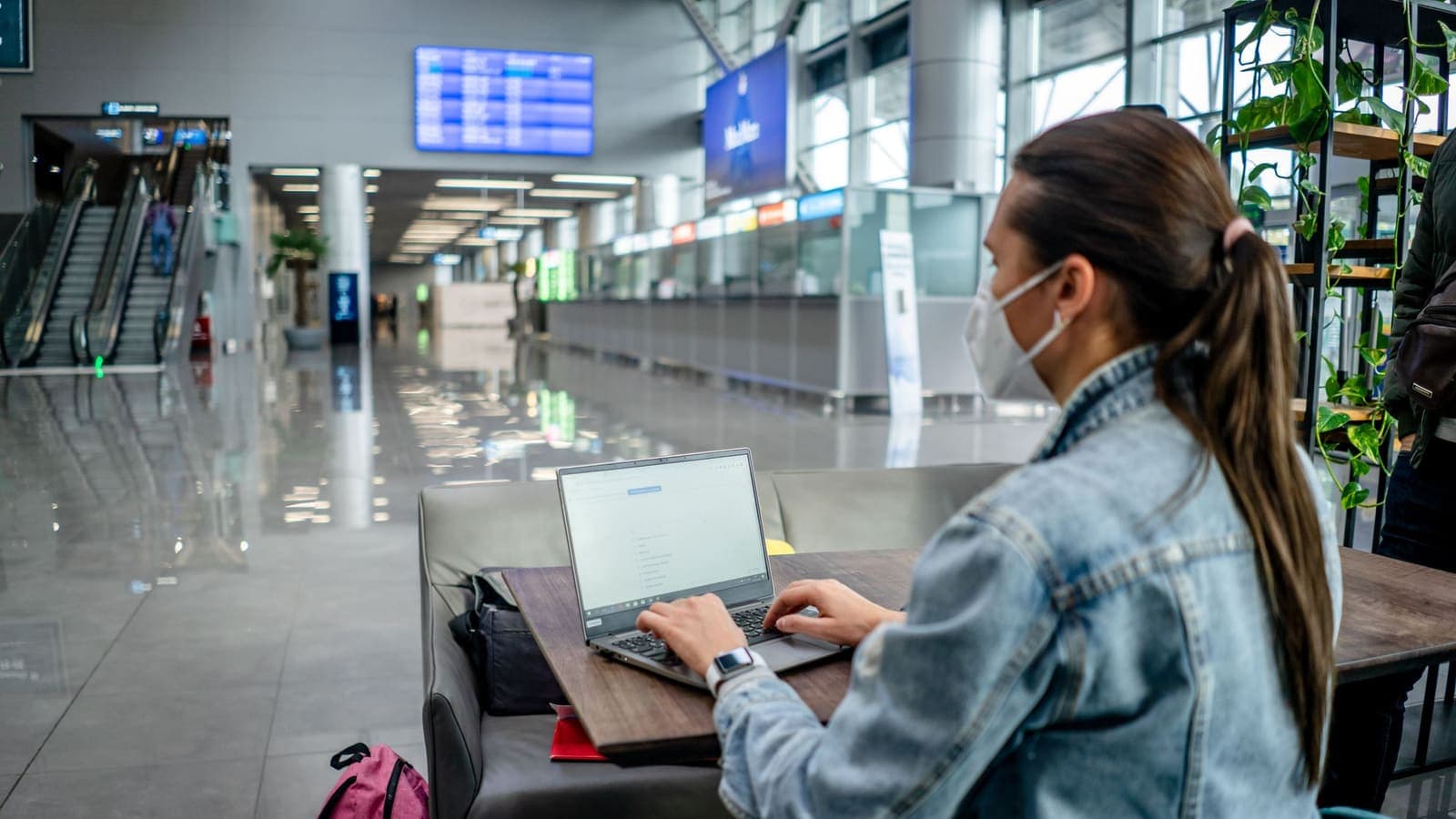
VPN on Airport Wi-Fi: Security Tips
A traveller's guide to airport Wi-Fi: fake hotspots, the sign-in page, charging kiosks, and when to connect the VPN, with a checklist for each stage of a journey.
10 min read

VPN Security
How to Use a VPN on Hotel Wi-Fi Safely
Hotel and travel Wi-Fi is shared with strangers and often hides behind a login page. This guide explains how to connect, when the VPN goes on and what to do when it will not connect.
9 min read

Buying Guides
Best VPN for Remote Work: What Remote Workers Should Check
A personal VPN and a work VPN do different jobs. This guide explains the difference, how a VPN affects video calls and cloud apps, and a checklist for remote workers and freelancers.
9 min read
Privacy Guides
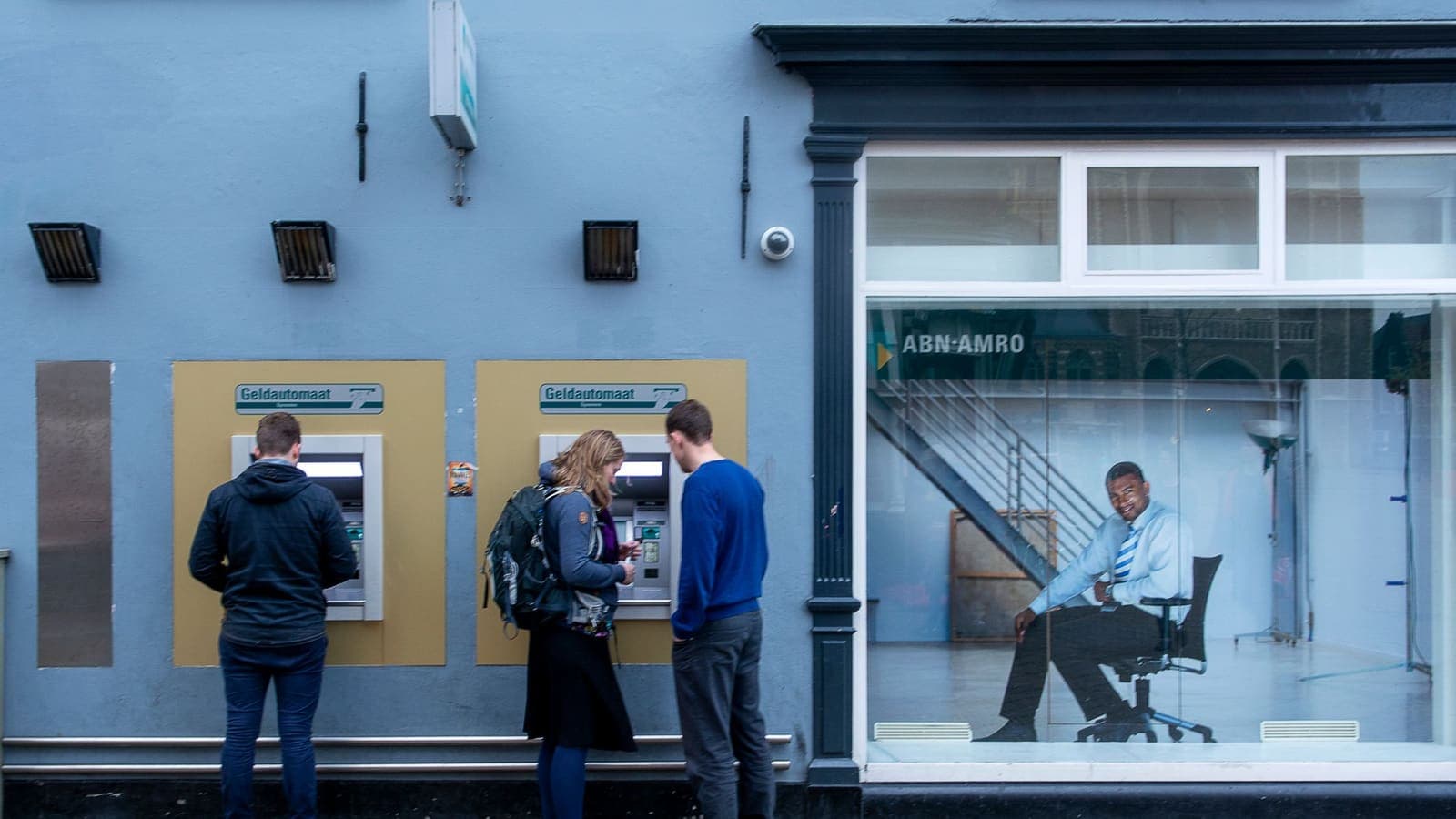
Banking Abroad with a VPN: Access and Security Tips
A practical look at banking abroad with a VPN: what to prepare before you leave, which networks to trust, why alerts fire and what to do when the app locks you out.
9 min read