
VPN for Traveling to India: Business Trips, Pilgrimages and Tourism
A trip-type guide for Thai travellers to India: how to use a VPN on airport, railway and hotel Wi-Fi, how to prepare apps and banking, and why you should check app availability before you go.
11 min readUpdated Oct 15, 2026By XPASS Editorial Team

India is a destination of contrasts for Thai travellers. One person flies in for three days of meetings in a business district. Another joins a group pilgrimage to Buddhist sites and moves between towns by coach and train. A third spends two weeks on a holiday, booking hotels and tickets on the way. All of them will meet public Wi-Fi in airports, railway stations, hotels and cafes, and all of them will have apps, banking and work accounts that they need to keep working.
This guide is organised by trip type rather than by calendar, so you can jump to the one that matches yours. It explains where a VPN genuinely helps, how to prepare phones and banking before you go, and where a VPN does nothing. It also says something plainly: some apps are not available in India by government order. This site will not help you work around that. The responsible approach is to check the current situation and official sources before you travel, and to plan alternatives. This article is general information, not legal advice, and it does not recommend any provider. For the broader question of choosing a travel VPN, read choosing a VPN for travel alongside it.
First, be clear about what you will rely on
Before thinking about a VPN, write a short list of what you must be able to do while you are away. For most travellers it looks like this: message family, open maps, call a ride, pay for things, reach a bank, read work email and show a booking. Then ask, for each item, a calm question: what if this app does not work in the country, or my SIM does not receive the code?
This matters in India because app availability can differ from what you are used to at home. By government order, some apps have been unavailable there. The list can change over time, and a VPN is not a reliable or appropriate answer to it. If something on your list is essential, check the provider's official help pages and current official sources before departure, and prepare a lawful alternative: another messaging app that is available, a local payment method, an offline map, or a printed booking. If you are travelling for work, ask your employer's IT team which tools are approved and available on the trip.
Preparation is more useful than improvisation. A traveller who has a plan B for each important task rarely needs to hunt for solutions in a railway station at midnight.

Trip type one: the short business trip
A business trip to India often means a tight schedule, an airport transfer, a hotel with a business centre, meetings, and laptops and phones full of work data. The main risks are shared Wi-Fi and work-account hygiene.
Practical points:
- Follow your employer's policy first. Many companies require their own VPN or restrict personal ones. Running two VPNs at the same time can break both. Ask before you add a personal VPN to a work laptop. Our article on business VPN versus personal VPN explains the difference.
- Use the company VPN for company systems, and keep personal tools for personal browsing. Do not mix them on the same device without checking.
- Treat hotel business-centre computers as untrusted. Do not sign in to email or banking on a shared computer. If you must, change the password afterwards.
- Charge, lock and encrypt. A power bank, a screen lock and device encryption protect you in situations a VPN cannot.
- Carry minimal data. If a laptop is lost, less is exposed. Remove files you do not need for the trip.
For hotel networks, the guide to using a VPN on hotel Wi-Fi covers the basics: join the network, clear the sign-in page, then connect the VPN. Hotels sometimes limit how many devices each room can connect, and busy evenings can be slow. If a video call matters, try a nearby location in the app, or use mobile data for that call.
Trip type two: the pilgrimage and group travel
Group pilgrimages have a different rhythm. You move between towns, sleep in guest houses or hotels of varying quality, travel by coach and train, and spend long stretches with little signal. The tour leader may manage bookings, and several people may share one phone or hotspot.
What helps:
- Download offline first. Offline maps, tickets, translated phrases and contact lists matter more than any VPN where signal is patchy.
- Agree who is the "connectivity person". One member of the group knows where the VPN login details are and how to reconnect, so others do not all troubleshoot at once.
- Be careful with shared hotspots. If one phone shares its connection with the group, other devices may not be covered by that phone's VPN. The help guide on sharing a VPN over a mobile hotspot explains the options.
- Protect older relatives. Many pilgrimage groups include parents and grandparents. Install and test the app at home, write down the steps on paper in Thai, and teach one rule: connect before using guest-house or station Wi-Fi.
- Watch for scams aimed at pilgrims. Messages offering discounted tickets, donation links or "official" booking pages can be phishing. A VPN does not detect these. See how to recognise phishing websites and the CISA page on reporting phishing.
Remember also that places of worship and heritage sites may have rules about phones and cameras. Follow them. That is outside the scope of any VPN.
Trip type three: the holiday traveller
A holiday traveller books hotels, trains and tours on the move and uses cafes, hostels and homestays. Here is a simple view of the networks you will meet.
| Network | Typical situation | Suggested habit |
|---|---|---|
| Airport Wi-Fi | Sign-in page, many users | Accept terms first, then connect VPN, then do sensitive tasks |
| Railway station Wi-Fi | Where offered, may need registration, may time out | Reconnect VPN after any re-authentication |
| Hotel or guest-house Wi-Fi | Shared password, mixed speed | VPN on for banking and email |
| Cafe Wi-Fi | Open network, unknown router | VPN on, avoid sensitive tasks if it looks odd |
| Your own mobile data | Private link to your carrier | VPN optional |
Free Wi-Fi at railway stations may be available in some places, with registration through a phone number or code. If a network asks for a phone number, think about whether you want to give it, and prefer your own mobile data for anything sensitive. Public sign-in pages sometimes collect details. The FTC's page on public Wi-Fi is a clear general introduction to the risks.
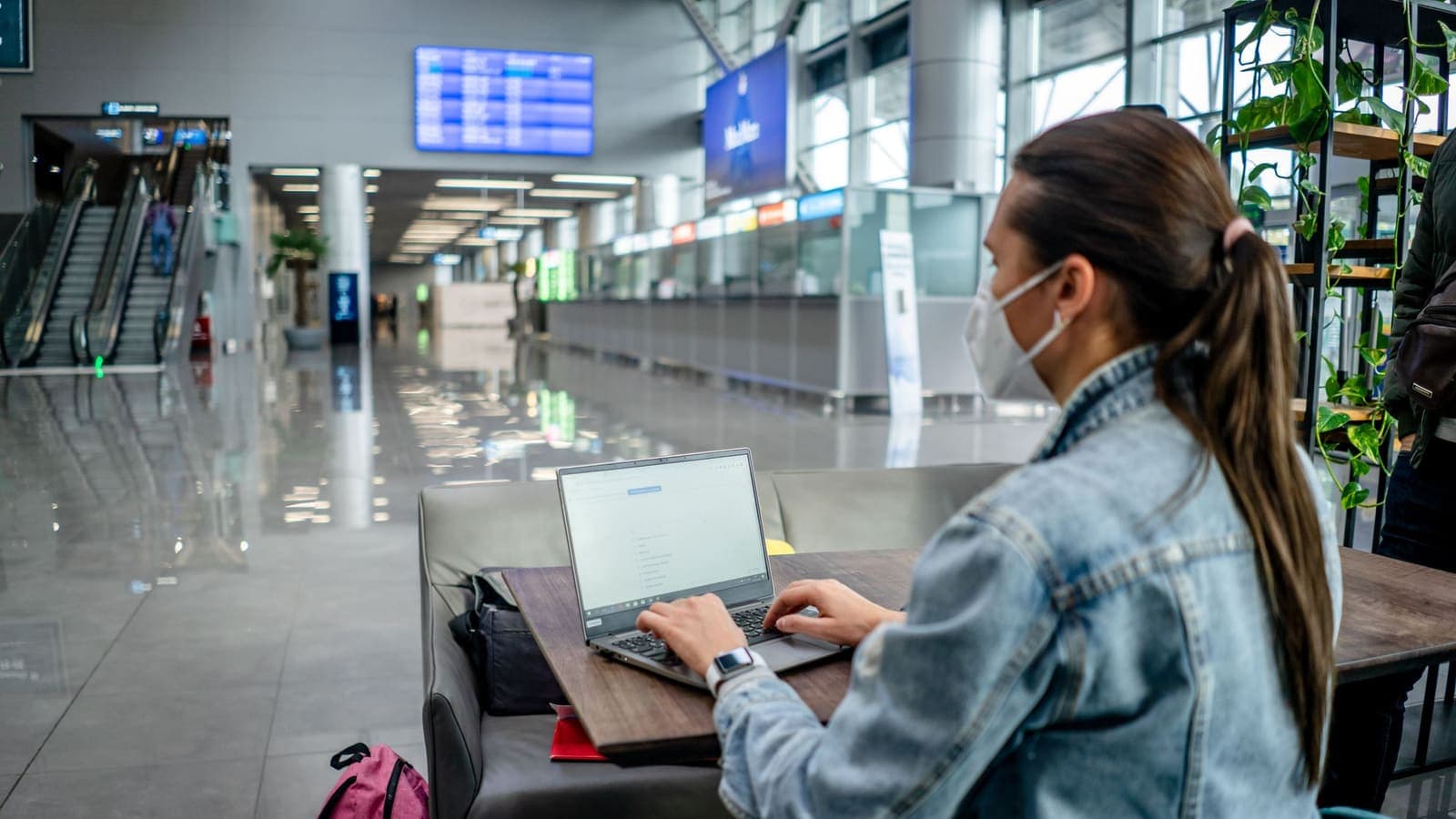
For the airport routine, VPN on airport Wi-Fi lists common reasons a connection fails, such as captive pages that need to be cleared before the VPN can start.
Apps that are not available: plan, do not circumvent
This section is deliberately plain. Some apps are not available in India by government order. If you rely on a particular app at home, do not assume it will work during your trip. Check the current situation and official sources before you travel, because rules and lists can change, and look at the provider's own help pages.
What you should do:
- List your essential apps and find out whether each is currently available where you are going.
- Choose lawful alternatives that are available, and install and test them at home. Tell family and colleagues which app you will use.
- Keep key information offline: addresses, booking numbers, emergency contacts and phone numbers written on paper.
- Do not use a VPN to get around the restriction. We will not help with that. Providers' terms may forbid it, accounts can be suspended, and you are subject to local laws while you are in the country. Our article on VPN country restrictions explains why this is risky, and are VPNs legal covers the general picture.
- If in doubt, ask the provider, your employer, your embassy or the official tourism channels.
A VPN is a tool for privacy on shared networks. It is not a way to decide which services are available to you in a country.
Thai banking, SIM cards and OTP codes in India
The practical problems of a Thai traveller in India resemble those in many other countries.
- Tell your bank about the trip through its official app, website or phone number. Ask about overseas card use and daily limits. Do not click links in messages.
- Decide what happens to your Thai SIM. If you buy a local SIM or an eSIM, make sure you still receive OTP texts for your Thai number, or switch to an authenticator app or passkey where your bank supports it. Check roaming charges with your carrier before leaving.
- Set date, time and time zone to automatic. India is a different time zone from Thailand, and authenticator codes depend on a correct clock. A wrong clock makes valid codes fail. The time-based method is described in RFC 6238.
- Expect extra checks. A login or payment from a new country can trigger a security step. A VPN does not remove that. Some banking apps are cautious about VPN connections, so if one refuses to open, turn the VPN off for that moment if the network is safe. See using banking apps with a VPN.
- Carry a backup. A second card, a little cash and the bank's official contact details are worth more than any app setting.
If your VPN app lists a location in Thailand, connecting to it may make some Thai services behave more like they do at home, but results are not guaranteed, and some services may still detect that you are abroad or ask for extra verification. Do not use this to break a service's terms. For the broader picture, read using Thai websites and apps while abroad.

What a VPN will not do on this trip
Keep expectations realistic.
- It does not make a phishing message safe or a fake booking page genuine.
- It does not protect you if your unlocked phone is taken, or if you install a malicious app.
- It does not make you anonymous. The VPN provider and the sites you sign in to still know about the activity you do with them.
- It does not fix a missing OTP, a blocked card, a lost passport or weak signal.
- It does not make a restricted or unavailable app available, and it should not be used for that.
- It does not change local laws or the terms of the services you use. Anything that is illegal remains illegal with a VPN.
Also remember the practical side effects: a VPN can slow a connection a little, may use slightly more battery and data, and some apps may show extra checks or CAPTCHAs. If something fails, turn the VPN off briefly, test, then turn it back on.
A checklist you can print
Before booking
- Check current official sources and the providers' help pages for app availability. Plan alternatives for essential tasks.
- Ask your employer which tools are approved if you are travelling for work.
Two weeks before
- Tell your bank about the trip through official channels and set a backup for OTP codes.
- Update your phone and apps. Set date, time and time zone to automatic.
- Download offline maps, tickets and documents.
One week before
- Install the VPN app on every device you carry. Sign in with the username and password from your My Pass page, then connect once at home to confirm a website loads. The help guide on checking that your VPN is working takes a few minutes.
- Write the reconnect steps on paper, especially for older relatives.
During the trip
- Join Wi-Fi, clear the sign-in page, then connect the VPN, then do sensitive tasks.
- Avoid shared computers for email and banking.
- If the VPN will not connect, follow VPN not connecting.
Afterwards
- Forget networks you will not use again, change any password typed on an uncertain network, and check your statements.
Summary
For India, a VPN is a sensible layer on airport, railway, hotel and cafe Wi-Fi, whether you are on a business trip, a pilgrimage or a holiday. It does not decide which apps are available to you, it does not fix OTP or banking checks, and it should never be used to work around a government restriction or a provider's terms. Check the current situation and official sources before you go, prepare lawful alternatives, and keep the VPN for the networks where it genuinely helps. If you would like a pass that matches your travel dates, you can look at the options on the XPASS pricing page.
Frequently asked questions
Do I need a VPN to travel to India?
It is not required. It is useful if you will often use shared Wi-Fi at airports, railway stations, hotels and cafes for email, banking or work, because it encrypts the traffic between your device and the VPN server. If you mostly use your own mobile data, the need is smaller.
Are some apps unavailable in India?
By government order, some apps have been unavailable in India. The situation can change, so check current official sources and each provider's own help pages before you travel, and plan alternatives for anything essential. This article does not help work around such restrictions.
Should I use a VPN to reach an app that is blocked there?
No. Do not plan on it. The provider's terms may forbid working around a restriction, accounts can be suspended, and local rules apply to you while you are in the country. Prepare lawful alternatives instead.
Can a VPN protect me on railway station and hotel Wi-Fi?
It helps by encrypting your traffic across the local network, so other users and the network operator cannot read what you send. It does not stop phishing, malware or someone using your unlocked phone.
Will a VPN help with OTP codes from Thai banks while I am in India?
No. OTP problems usually come from roaming, a swapped SIM or a wrong phone clock. Set up a backup method before you leave and contact your bank through its official channel.
References
About the author

Bob Kanokphon Thongdee
- Founder of XPASS VPN
- Co-founder of eSIMonline.asia
- More than 7 years in online marketing
- Founder of Cojourney Visa and Cojourney Travel
Need a VPN for a short trip or a busy month?
XPASS sells prepaid passes for a set number of days. You pay once and nothing renews automatically.
See passesKeep reading

Buying Guides
Best VPN for Travel: How to Choose One Before Your Trip
A good travel VPN is mostly about planning: the right pass length, apps installed before you leave, and realistic expectations. This guide walks through what to check before a trip.
9 min read
Privacy Guides
VPN on Airport Wi-Fi: Security Tips
A traveller's guide to airport Wi-Fi: fake hotspots, the sign-in page, charging kiosks, and when to connect the VPN, with a checklist for each stage of a journey.
10 min read

VPN Security
How to Use a VPN on Hotel Wi-Fi Safely
Hotel and travel Wi-Fi is shared with strangers and often hides behind a login page. This guide explains how to connect, when the VPN goes on and what to do when it will not connect.
9 min read
Privacy Guides
VPN Restrictions Around the World: A Traveler's Guide
Some countries welcome VPNs, some license them and some restrict them. Here is how to think about VPN country restrictions before you travel, and where to check.
9 min read

VPN Basics
Are VPNs Legal? What to Know Before You Connect
In many places using a VPN is lawful, but the rules differ from country to country, and a VPN never makes an illegal act legal. Here is how to think about it.
9 min read