
VPN Restrictions Around the World: A Traveler's Guide
Some countries welcome VPNs, some license them and some restrict them. Here is how to think about VPN country restrictions before you travel, and where to check.
9 min readUpdated Oct 15, 2026By XPASS Editorial Team
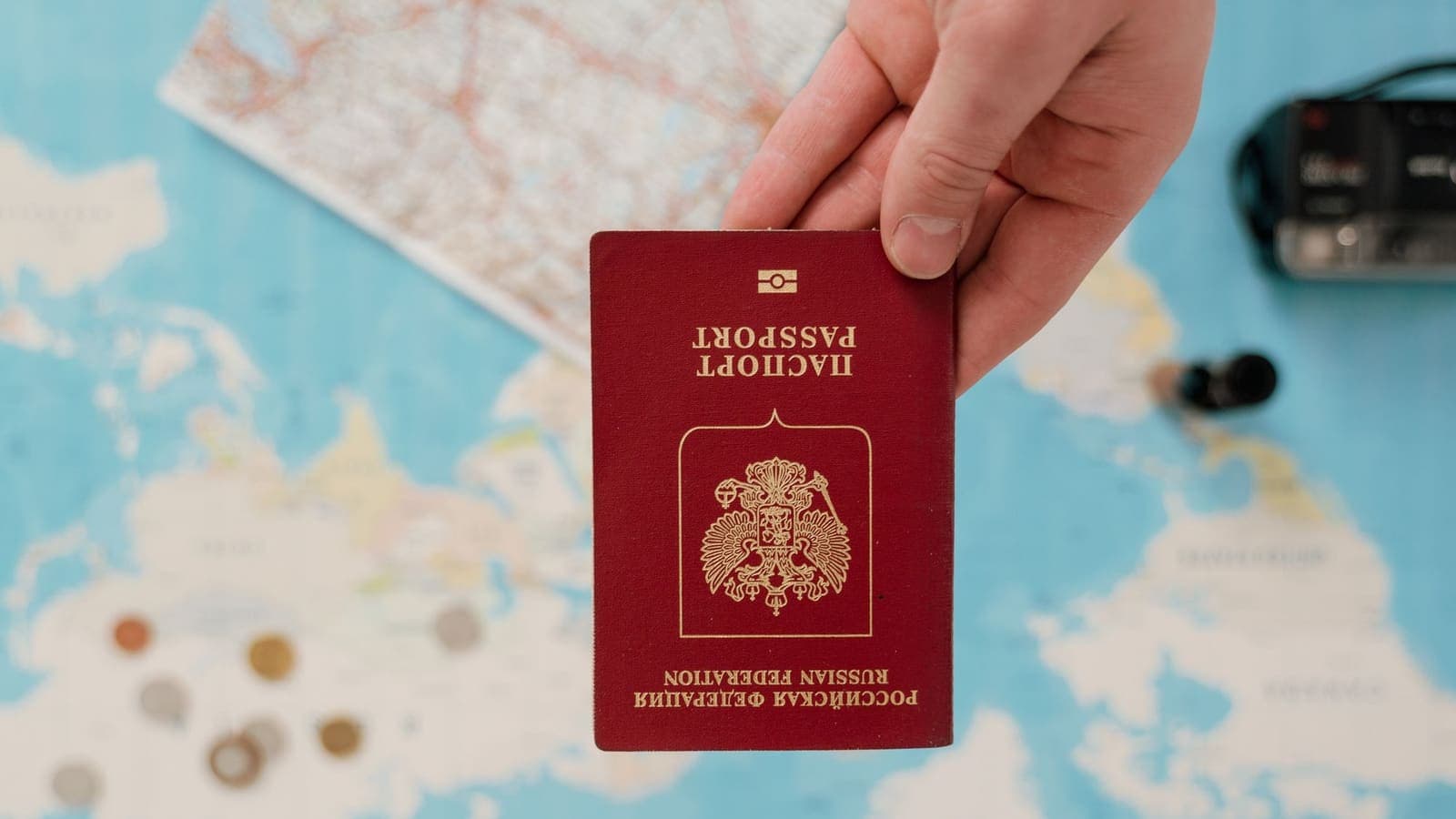
People often search for "VPN country restrictions" a week before a trip, at the point where the packing list is almost done and a vague worry appears: will my VPN app be allowed where I am going? The honest answer is that there is no single world rule. The legal position of VPNs differs from country to country, can change over time, and is sometimes described differently by official sources and by blogs.
This guide is general information, not legal advice, and it does not name a verdict for any particular country, because a list copied into an article goes out of date quickly. Instead it gives you a way to think about the question, a method for checking official sources, a planning checklist and sensible habits if the rules are unclear. It does not describe ways to avoid any government's rules, and a VPN should never be treated as protection from legal responsibility.
Why the rules differ so widely
A VPN is an ordinary technology. Companies use it to let staff reach internal systems, universities use it to give students access to library resources, and individuals use it to protect their traffic on public Wi-Fi. The Cloudflare overview of VPNs describes this standard use. Yet governments treat the same technology differently for reasons that have nothing to do with the software itself.
- Network management. Some states want to see and control how traffic enters and leaves their networks, and regard encrypted tunnels as a complication.
- Telecommunications licensing. In some places only licensed operators may sell certain communications services, and that rule extends to VPN services.
- Content rules. Where authorities block categories of online content, tools that change how traffic appears can be treated as connected to that policy.
- Corporate allowances. Even where consumer VPNs are limited, registered businesses may be allowed to run VPNs for internal use.
- Security policy. Countries differ on encryption in general, including whether certain strengths or methods need approval.
None of this tells you how a rule will apply to a short holiday. It does explain why one blanket answer, either "VPNs are fine everywhere" or "VPNs are illegal in lots of places", is misleading.

Four broad situations you may meet
Rather than listing countries, think in categories. Real rules are more detailed, but the categories help you ask better questions.
| Broad situation | What it generally means | What a traveller should do |
|---|---|---|
| Open | VPNs are common consumer and business tools with no special permission | Follow normal practice and ordinary law |
| Conditions | VPN use is allowed, but with conditions such as approved providers, registration or business-only use | Check which conditions apply to visitors and to your type of use |
| Restricted | Use or sale of VPN services is limited, and penalties may apply | Check official sources carefully; consider whether you need one for the trip |
| Unclear | Rules are vague, recently changed or described differently by different sources | Treat as restricted until you have a clear official answer |
Notice the last row. If you cannot find a clear, current, official answer, the sensible assumption is caution. A forum post saying "I used it there and nothing happened" is not a source, and one person's experience is not a legal position.
Where to check before you travel
Good planning relies on sources that are accountable for being right. In rough order of usefulness:
- Your own government's travel advice. Many foreign ministries publish country pages covering local laws and customs, including electronic devices and communications. Look for sections on laws, "local laws and customs" or digital rules.
- The destination's official channels. The embassy or consulate, the telecommunications regulator or the tourism authority sometimes publish visitor guidance. Official pages may be in the local language; use a translation tool but ask a person if the topic is important.
- Your employer or school. If you travel for work, your IT or security team may already have a policy and approved tools. Follow it, and ask before you install anything.
- Your airline, hotel or tour organiser. They often know the practical situation for visitors, such as how hotel Wi-Fi works.
- Independent digital-rights guides. Organisations such as the EFF publish Surveillance Self-Defense guides that explain risks and practices and help you build a plan. They are useful for understanding, but they do not replace current local rules.
Note the date on every page you read. Information more than a year old deserves a second look, and anything unsigned or undated deserves less trust. If two official sources disagree, ask the nearest embassy or a qualified local lawyer.
Prepare before you leave
Whatever you find, a few steps cost little and remove the most common problems.
- Decide whether you need a VPN for this trip at all. Ask what you want it for: public Wi-Fi safety, reaching work systems, or something else. Our guide on choosing a VPN for travel helps you list your needs first. If the answer is "I might use airport Wi-Fi twice", you may decide that careful habits are enough.
- Install and test at home. Download the app from the official store or website, sign in and run it on your home network. With XPASS, you sign in to the free VPNclient app using the username and password on your My Pass page.
- Do not depend on downloading later. The ability to reach app stores and download sites can differ while you travel. Having the app installed beforehand avoids last-minute problems.
- Know your accounts and recovery methods. If you rely on codes sent to your home phone number, check how they will reach you. Set up an authenticator app, because two-factor authentication with an app works without a home SIM.
- Back up essentials. Keep offline copies of bookings, insurance and identification.
- Update devices and apps before you go. Updates on unfamiliar networks are slower and riskier.
- Write down who to ask. Your employer's IT contact and your embassy's number belong in your notes.
What if the rules say VPN use is limited
If official sources say that VPN use is restricted or conditional where you are going, the choice is yours, but a few principles help.
- Follow the local rules. Your tools do not change the law that applies to you.
- Ask whether you need a VPN at all. Many travel risks can be reduced without one. Update devices, use strong unique passwords, keep two-factor authentication on, avoid sensitive tasks on shared Wi-Fi, and use mobile data for banking when practical.
- Use the tools your organisation approves. If your employer provides an approved corporate VPN or secure access service, that is the tool to use for work, and the company can tell you how it applies in your destination.
- Do not search for ways around a rule. Advice to defeat restrictions can expose you to penalties, to unsafe software and to scams. We do not provide such instructions.
- If you are unsure, take the cautious option. A missed video call is easier to recover from than a legal problem abroad.
For devices in particular, think about what you carry. Phones and laptops may be inspected at borders in many countries. Consider travelling with a clean device that holds only what you need, a point also covered in the idea of a simple threat model.
Three traveller scenarios
The short holiday. Ravi is spending a week at a resort. He wants safe browsing on the hotel network and nothing more. He reads his government's travel page for the destination and finds nothing about VPNs, then looks at the official tourism and telecommunications sites and finds only general information. Because the position remains unclear, he decides to install his usual app at home, test it, and rely on updates, a password manager and two-factor authentication for the rest. If the app does not connect in the hotel, he will carry on without it rather than looking for workarounds. Our guide on using a VPN on hotel Wi-Fi lists the safe habits.
The business traveller. Mei travels to a conference for her employer. The company has an approved secure-access tool and a travel policy that names which tools staff may carry. She confirms with her IT team how the tool works at the destination and follows the policy. She does not install any personal VPN app on the work laptop. The idea of business versus personal VPNs explains why companies keep these separate.
The long-stay student. Tomas will study abroad for a year. A year is long enough for rules and apps to change. He reads the university's international office pages, asks other students which tools they use, and reads the embassy page again every semester. He keeps devices updated, uses a prepaid pass only when he knows it is allowed where he is, and does not treat anyone's social-media tip as a legal position. For the legal basics, he reads Are VPNs legal? and then checks official sources.

How a VPN's own location fits in
A common confusion is that the VPN server's location decides which laws apply. It does not. The law that applies to you is generally linked to where you are, and also to where you are a resident or citizen, and to the terms of the services you use. The server location may affect how a provider is regulated and how it can be compelled to share information, which is a separate topic covered in VPN jurisdiction explained. It does not make your activities legal or illegal.
For the same reason, no VPN can promise to work in every country. Connections can fail for many reasons: local network rules, hotel configuration, mobile operator settings, or restrictions on the provider's side. Treat any claim of universal operation as marketing, and treat any failure on the road as a reason to fall back on the safer habits above rather than to experiment with unknown tools.
Common mistakes
- Relying on a blog post or a social-media comment as a legal source.
- Assuming that something allowed in one country is allowed in the next stop of the same trip.
- Waiting until arrival to download the app.
- Using an unfamiliar free VPN or an unknown file from a download page because the usual app does not connect.
- Mixing personal and work tools on a company laptop.
- Assuming that connecting through a server in another country changes your legal position.
- Skipping basic security because "the VPN will handle it".
- Ignoring the date on advice pages.
For sensible, general practice when you are on shared networks anywhere, the FTC's guidance on public Wi-Fi is a clear starting point.
Summary
VPN rules differ by country, change over time and are described inconsistently online, so there is no honest one-line answer. Think in categories such as open, conditional, restricted and unclear, check current official sources and your employer's policy, install and test your tools at home, and decide whether you need a VPN for this trip at all. If the rules are restrictive or unclear, follow them and rely on other protections rather than looking for workarounds. This article is general information, not legal advice.
If you decide that a VPN suits your trip and the rules at your destination allow it, a short pass from the pricing page can match the length of your stay.
Frequently asked questions
Is VPN use legal everywhere?
No. Rules differ from country to country, and they can change. In many places VPNs are ordinary business and consumer tools. Some countries license or limit them, and a few restrict their use more strongly. Always check current official sources for the country you will visit. This is general information, not legal advice.
Where should I check before I travel?
Start with the official travel advice pages of your own government and the embassy or official tourism and communications authority of the destination. Cross-check with your employer's IT policy if you travel for work. Sources like the EFF's self-defence guides help you plan, but they do not replace current local rules.
Can I install the VPN app after I arrive?
Do not leave it for later. App stores, download pages and sign-in services can behave differently depending on where you are. Install, sign in and test while you are still at home, and treat what you do in the destination as your responsibility to check.
What if VPN use is restricted where I am going?
Then follow the local rules. Consider whether you actually need a VPN for that trip, and use other precautions such as updates, strong passwords and two-factor authentication. This article does not give instructions for avoiding any country's rules.
Does a VPN change which laws apply to me?
No. Local laws apply to the person using the internet, wherever the VPN server is. A VPN is a privacy tool, not a legal shield.
References
About the author

Bob Kanokphon Thongdee
- Founder of XPASS VPN
- Co-founder of eSIMonline.asia
- More than 7 years in online marketing
- Founder of Cojourney Visa and Cojourney Travel
Need a VPN for a short trip or a busy month?
XPASS sells prepaid passes for a set number of days. You pay once and nothing renews automatically.
See passesKeep reading
VPN Basics
Are VPNs Legal? What to Know Before You Connect
In many places using a VPN is lawful, but the rules differ from country to country, and a VPN never makes an illegal act legal. Here is how to think about it.
9 min read

Buying Guides
Best VPN for Travel: How to Choose One Before Your Trip
A good travel VPN is mostly about planning: the right pass length, apps installed before you leave, and realistic expectations. This guide walks through what to check before a trip.
9 min read

Privacy Guides
VPN Jurisdiction Explained: What Five Eyes and 14 Eyes Mean
VPN jurisdiction is the set of laws a provider operates under. Here is what Five Eyes and 14 Eyes actually mean, what they do not prove, and how to weigh them against everything else.
9 min read

Privacy Guides
Build a Simple Privacy Threat Model Before Choosing a VPN
Before you choose a VPN, decide what you are protecting and from whom. A simple five-question threat model keeps the choice practical and honest.
9 min read

VPN Security
How to Use a VPN on Hotel Wi-Fi Safely
Hotel and travel Wi-Fi is shared with strangers and often hides behind a login page. This guide explains how to connect, when the VPN goes on and what to do when it will not connect.
9 min read