
How to Use a VPN with Chromecast
A practical look at VPN and Chromecast: why the dongle cannot run a VPN app on its own, the setups that do work, and how to fix a phone that cannot find the device.
9 min readUpdated Oct 15, 2026By XPASS Editorial Team
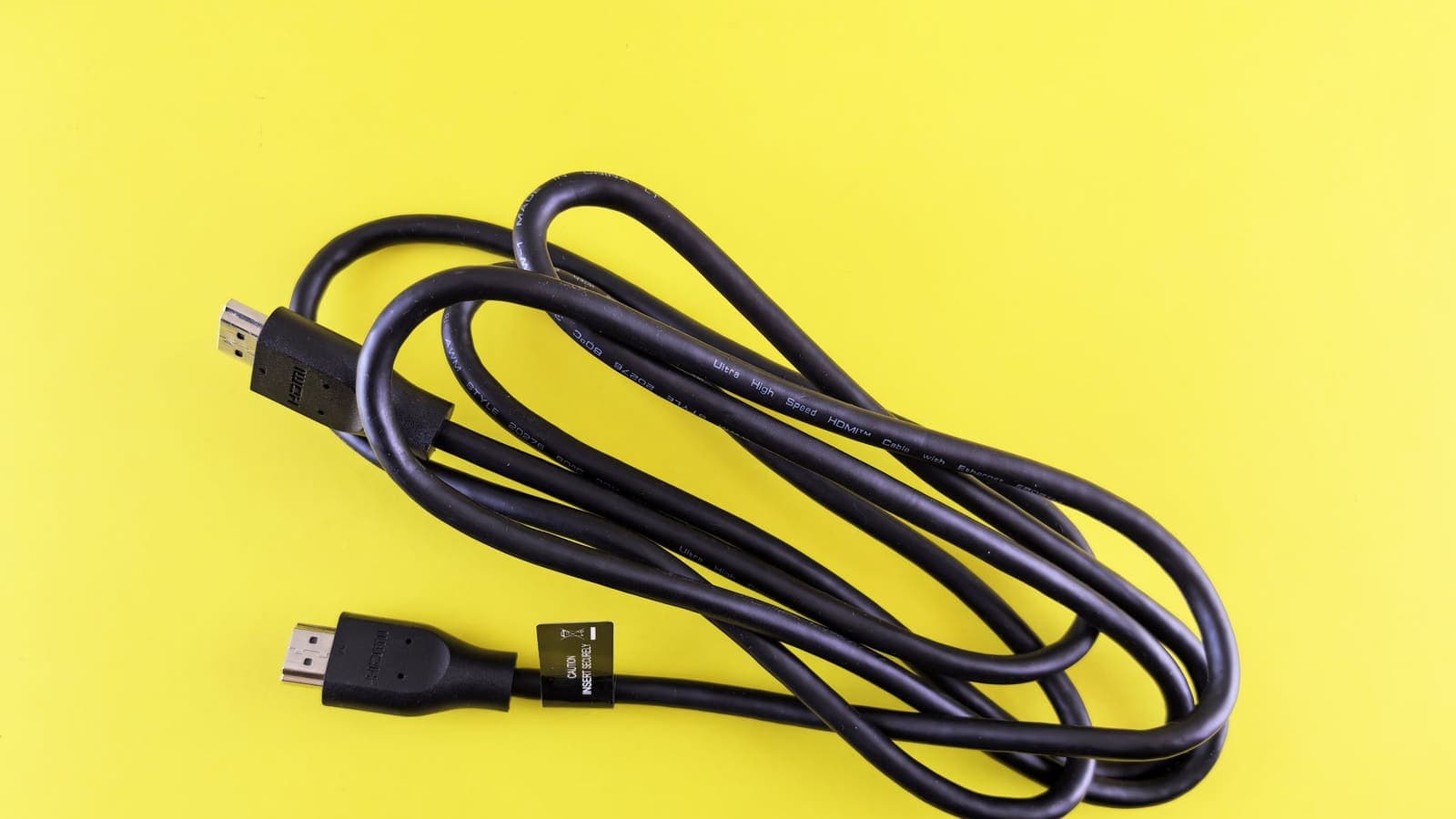
Chromecast is a different kind of device from a phone or laptop. It is a small receiver that plugs into the HDMI port of a television and plays whatever you send to it, and most models were never designed to host apps of their own. That is the root of almost every question about "vpn on chromecast": there is nothing on the dongle where you can install a VPN, and the phone you cast from may stop finding it the moment a VPN turns on.
This article explains how casting works, which Chromecast models can run apps at all, the four setups that give you a working result, and how to fix the most common failures. It covers privacy, performance and compatibility only. It does not suggest changing countries to alter which titles you can see, because catalogues and licences belong to the services, and bypassing them can break their terms. If you are new to VPNs, read what a VPN is first.
How casting actually works
Understanding the data path makes every later step easier. When you tap the cast button in an app, your phone does not send the video to the television. Instead:
- The phone finds the Chromecast on your local network, usually through a discovery message that only works between devices on the same private network.
- The phone sends a short command saying "play this title from this service".
- The Chromecast opens its own connection to the streaming service, downloads the video and plays it.
- The phone becomes a remote control. You can lock it, leave the room or even turn it off in many apps, and playback continues.
This explains two facts that surprise people. First, a VPN running on your phone protects the phone's traffic, but the Chromecast is the one fetching the video, so the VPN does not touch that stream. Second, step one needs the phone to talk directly to a device on your private network, which is exactly the kind of traffic a VPN can disturb. Private address ranges like those in RFC 1918, for example 192.168.x.x, are not reachable from outside your home, so a VPN that sends everything through a server somewhere else will break discovery unless it knows to leave local traffic alone.
There are exceptions. When you cast a whole browser tab or your screen from a computer, the computer encodes the picture and sends it to the dongle itself, so the computer's own VPN does apply to the part that goes out to the internet. And a few apps stream from the phone's own storage, which keeps the work on the local network.

Which Chromecast models can run a VPN app
Not all Chromecast products are the same, and this decides your options.
| Device type | Runs its own apps? | VPN app on the device? | Notes |
|---|---|---|---|
| Older Chromecast dongles (no remote) | No | No | Receiver only, controlled from a phone or computer |
| Chromecast with Google TV | Yes | Possible | Runs Google TV, an Android TV based system, with an app store |
| TVs with Chromecast built in | Depends on the TV | Depends | Android TV or Google TV models can install apps; check the TV |
If you own a model with a remote and an app store, your path is the same as for any Android TV box, and our guide on setting up a VPN on Android TV, Google TV and Fire TV is the one to follow. The XPASS app, VPNclient, offers an Android TV package, and the download page lists the official links. If you own an older dongle, you need one of the router-side or hotspot-side setups below.
Four setups that work
Setup A: VPN on the router
The router becomes the VPN client, and every device behind it, including Chromecast, uses the tunnel. The phone also uses the tunnel, so the phone and the dongle are still on the same local network and discovery keeps working. This is the cleanest answer for older dongles. The costs are that router firmware needs to support VPN clients, setup is technical, and the whole household shares the same tunnel. Read VPN router vs VPN app before you decide and then follow setting up a VPN on a router.
Setup B: VPN on the Google TV or Android TV device
Only for models that can install apps. Install the VPN app on the device itself, connect, and open the streaming app on the same device. You do not cast at all in this case, because the apps run on the dongle directly. This is the simplest option when it is available.
Setup C: Phone or laptop hotspot as the source network
You connect the VPN on a phone, turn on its hotspot and point the Chromecast at that hotspot as its Wi-Fi network. The phone's traffic, including what it shares, goes through the tunnel. This is clumsy because the phone is both the hotspot and the controller, and a Chromecast usually needs another device on the same network to set it up. It is mostly useful for a trip, and the article on sharing a VPN over a mobile hotspot covers what works and what does not on each platform.
Setup D: Travel router
A small portable router connects to the hotel or cafe Wi-Fi and creates your own private network behind it. You connect the Chromecast and your phone to the travel router, and run the VPN on the router if it supports it. Besides the privacy benefit, a travel router solves a different problem: many hotels put guests on isolated networks or behind sign-in pages that a dongle cannot complete, and your own network avoids that. See also dealing with captive portal sign-in pages.
Fixing "phone cannot find Chromecast" with a VPN on
This is the single most reported symptom. Work through these in order.
- Confirm both devices share the network. Phone and Chromecast must be on the same Wi-Fi network and, on many routers, the same band group. A guest network, a separate IoT network or a mesh node set to isolate devices will block discovery even without a VPN. Test with the VPN off first.
- Pause the VPN, cast, then reconnect. Open the cast session with the VPN off, wait for the video to start on the television, and then turn the VPN back on. Because the Chromecast fetches the video itself, the stream usually continues. This is the fastest fix.
- Use split tunneling. If your VPN app has a split tunneling option, add the casting app (or the Google Home app and the streaming app) to the apps that bypass the tunnel. The article on what split tunneling is explains the trade-off: the excluded apps are no longer protected.
- Look for a local network option. Some VPN apps and the operating system have a setting to allow access to devices on the local network while connected. Turn it on if you see it. On Android, the system VPN settings page also lets you review which VPN is active and whether it is always-on; see Android's own help page on connecting to a VPN.
- Disable always-on and kill switch temporarily. Strict modes that block any traffic outside the tunnel also block discovery. Turn them off for the cast, then back on afterwards.
- Restart the discovery chain. Restart the Chromecast by unplugging it for ten seconds, restart the phone and the router if the problem persists. Some routers drop multicast traffic after long uptimes.
- Check the app permissions. On recent phones, apps need a permission to find devices on the local network. Make sure the Google Home app and the streaming app have it.
If none of that helps, the safest assumption is that your router or the venue's network blocks device-to-device traffic, in which case Setup A or D is the real answer.
Performance and buffering
Chromecast is sensitive to the quality of its own Wi-Fi link, and a VPN adds its own path on top. Keep these rules in mind.
- The dongle's Wi-Fi is the weakest link. It sits behind a television, often with metal and plastic between it and the router. Move the router, add a mesh node or use the optional Ethernet adapter if your model supports one.
- VPN on the router shares the router's CPU. Older routers may be slow at encryption, which caps speed for every device. Check the router's own VPN throughput before blaming the VPN.
- Distance matters. Choose a nearby location. A far server adds delay, which hurts streaming and makes casting controls feel slow. See why internet speed changes with a VPN.
- Quality adapts. Streaming apps lower picture quality first, then stall. If the picture goes soft rather than freezing, you are near the edge of your bandwidth.
- Phone mirroring is different. If you mirror the phone screen rather than casting a title, the phone itself encodes and sends the video, so a VPN on the phone is in the path and any slowdown shows up directly.
A simple test is to cast one title for two minutes with the VPN off and two minutes with it on, same room and time. If both are fine, your setup is good. If only the VPN run stutters, choose a closer location or move the VPN to a better device.
DRM and service rules
Protected video, which is most commercial streaming, is encrypted by the service and decrypted only by the receiving device. A VPN has no role in that, and you should not expect it to change what the service allows. Some services may show a connection warning when they notice a VPN address, which is a decision of the service, not a Chromecast fault. If that happens on a network you trust, turn the VPN off for that session. Do not try to use a VPN to alter regional licensing; the site cannot help with that and it risks your account.
A privacy-focused routine for travellers
Imagine a traveller, Anna, with a Chromecast and a phone, staying in a rented flat for three weeks.
- At home, she checks that the router at the flat supports guest-free, normal Wi-Fi where devices can see each other.
- She installs the VPN app on her phone and laptop and confirms she can sign in with her My Pass details. See getting started with XPASS.
- At the flat she connects the Chromecast to the same Wi-Fi as her phone, casts with the VPN off, and checks that the title plays.
- Then she turns the VPN on for her phone, because her emails and banking apps travel through the building's shared Wi-Fi.
- She keeps the Google Home app in the split tunneling list, so control messages reach the dongle.
The result is a household where the phone is protected on shared Wi-Fi, the television works as normal and Anna does not have to fight the discovery problem every evening.
Common mistakes
- Looking for a VPN app in the Chromecast settings of a model that does not run apps.
- Expecting a VPN on the phone to protect the stream that the Chromecast fetches on its own.
- Leaving the kill switch on and then wondering why casting vanished.
- Joining the phone to a guest network and the dongle to the main one.
- Setting up a router VPN without testing the router's speed first.
- Treating a connection warning from a service as a Chromecast failure rather than a policy decision.
Summary
Most Chromecast dongles cannot run a VPN app themselves, so your choices are an app on a Google TV or Android TV model, a VPN on the router, a hotspot arrangement or a travel router. Casting depends on the phone and the dongle finding each other on the local network, which is why a full-tunnel VPN on the phone often breaks it; pause the VPN, use split tunneling or allow local network access. Choose a nearby location and test with the VPN off and on before changing anything else.
If you want a short pass for a trip, you can see the options on the pricing page.
Frequently asked questions
Can I install a VPN app on a Chromecast?
Only on models that run Google TV or Android TV, such as Chromecast with Google TV, where you can install apps that exist for that platform. Older Chromecast dongles without a remote and app store cannot run a VPN app at all.
Why can my phone not find my Chromecast when the VPN is on?
Casting needs your phone and the Chromecast to find each other on the local network. A VPN can send all traffic, including local discovery, through the tunnel, so the phone no longer sees the dongle. Split tunneling, a local network access option or pausing the VPN fixes it.
If I cast from my phone with the VPN on, is the video protected?
In most apps the phone only tells the Chromecast what to play, and the Chromecast fetches the video itself over your normal connection. The VPN on the phone protects the phone's own traffic, not the Chromecast's.
Does a Chromecast work on hotel Wi-Fi?
Only if the hotel network allows device-to-device discovery and has no sign-in page that the dongle cannot complete. A small travel router or phone hotspot is the usual workaround, with the VPN on that router or hotspot source.
Will a VPN make casting buffer?
It can if the tunnel is slow or far away, because the extra path adds delay. Test casting with the VPN off, then on, and choose a nearby location before assuming the dongle is at fault.
References
About the author

Bob Kanokphon Thongdee
- Founder of XPASS VPN
- Co-founder of eSIMonline.asia
- More than 7 years in online marketing
- Founder of Cojourney Visa and Cojourney Travel
Need a VPN for a short trip or a busy month?
XPASS sells prepaid passes for a set number of days. You pay once and nothing renews automatically.
See passesKeep reading

Device Guides
How to Use a VPN on a Smart TV
Many smart TVs cannot run a VPN app at all. Here are the three realistic options, how to choose between them and what to check before you start.
6 min read
Device Guides
How to Set Up a VPN on Android TV, Google TV and Fire TV
Step by step: allow the TV to install the official VPNclient TV app, install it safely, sign in with your My Pass details and connect.
8 min read
VPN Basics
VPN Router vs VPN App: Which Setup Fits Your Home?
Should you install a VPN on the router or on each device? This guide compares the two setups for speed, smart home gadgets, mesh Wi-Fi, split tunneling and everyday convenience.
10 min read

Device Guides
Can You Share a VPN Over a Mobile Hotspot?
A VPN on your phone does not always cover the devices using its hotspot. See what usually happens, how to test your own setup, and a safer routine.
6 min read

Troubleshooting
VPN Problems with Hotel and Airport Wi-Fi Login Pages
Hotel, airport and cafe Wi-Fi often needs a web login before anything works, and that can trap a VPN. Here is the order of steps, and fixes when the page will not show.
9 min read