
VPN for Traveling to Laos: A Guide for Thai Travellers
A practical guide for Thai travellers in Vientiane, Luang Prabang and Vang Vieng: guesthouse Wi-Fi, patchy mountain signal, Thai roaming versus eSIM, Thai banking from abroad, and what a VPN cannot fix.
11 min readUpdated Oct 18, 2026By XPASS Editorial Team

Laos is one of the easiest trips to start from Thailand. You can cross the Mekong at Nong Khai, take a train or bus to Vientiane, fly into Luang Prabang, or head north by road and rail. The journey is short on paper, but the connectivity changes quickly: strong signal near the border, patchy signal in the mountains, guesthouse Wi-Fi that works well one night and not at all the next. Along the way you still need to check maps, message family, pay for a room and sometimes move money through a Thai banking app.
This guide explains where a VPN genuinely helps on a Laos trip, how Thai roaming and an eSIM differ near the border, why Thai OTP codes sometimes fail abroad, and what a VPN does not fix. It does not recommend any provider, it promises no particular result, and it is general information, not legal advice. For the broader question of choosing a travel VPN, read choosing a VPN for travel alongside this article.
What a Laos trip looks like online
Most Thai visitors move between a handful of places, and each has its own connection habits.
| Place | Typical networks | Main concern |
|---|---|---|
| Vientiane | Hotels, cafes, airport, riverside bars | Shared Wi-Fi while handling banking, bookings and work |
| Luang Prabang | Guesthouses, cafes, night-market area | Many small venues, each with its own router |
| Vang Vieng | Hostels, riverside cafes, resorts | Busy shared networks, uneven mobile signal |
| Road, bus and train legs | Mobile data only | Signal gaps, battery, no safe Wi-Fi at all |
The pattern is simple. In towns you meet many small private networks run by owners who are not network specialists. On the road you depend on mobile data that may disappear for an hour. A VPN only matters in the first case, and only when you are connected to something. Everything else on this page is about preparing so that a gap in signal is an inconvenience, not a problem.

Crossing from Thailand: roaming near the border
Phones near a border do not always know which side they are on. Along the Mekong, a Thai network can reach across the river, so your phone may stay attached to a Thai tower or move to a Lao one without you noticing. This matters because roaming charges, data settings and SMS delivery can differ depending on which network the phone has joined.
Practical points, kept general because carrier terms change:
- Read your Thai carrier's roaming page before leaving. Ask what applies to Laos specifically and how charges are counted.
- Know where your phone's data roaming switch is. Wording varies by version, but it is usually under mobile network settings. Switching it off stops the phone from using data on a foreign network, which is a useful safety net near the border.
- If you are walking on a riverside road and the signal seems to flip between networks, check the network name at the top of the screen before using data.
- Turn on a spending alert or data-saving mode if your carrier or phone offers one.
You can read a neutral comparison of the two approaches on eSIMonline's guide to Thai carrier roaming versus eSIM, which explains how each one behaves without telling you which to pick.
eSIM, local SIM or roaming for the trip
Each option has trade-offs, and the right choice depends on how long you stay and how much you rely on your Thai number.
| Option | Strength | Watch out for |
|---|---|---|
| Thai roaming | Same number, nothing to install | Cost, border network switching, check current terms |
| Travel eSIM (data) | Data on arrival without queuing for a SIM | Phone must support eSIM, and it usually does not carry your Thai number |
| Local physical SIM | Familiar to many travellers | Shop queues, ID may be needed, your Thai SIM must be swapped or use a second slot |
If you want data from the moment you arrive, a travel eSIM is a common route. eSIMonline sells travel eSIMs and has a page for Laos eSIM options. Before buying anything from any seller, confirm that your phone supports eSIM and is not carrier-locked, and install the eSIM at home on Wi-Fi where you can fix problems. The ordinary steps are the same for any travel eSIM: scan a QR code or enter an activation code, label the line, choose it for mobile data, and keep data roaming switched on for that line only if the plan requires it.
A dual-SIM phone can use the eSIM for data while the Thai SIM stays in the tray to receive texts. That is the setup many travellers use to keep OTP messages working. The article on using eSIM while travelling with a VPN covers how the two fit together.
Guesthouse, hotel and cafe Wi-Fi
Guesthouses and small hotels are the places where a VPN earns its keep. A guesthouse router is often shared by every guest, protected by one password that is written on a wall or a card. The password keeps outsiders away, but it does not separate guests from each other, and you cannot see how the router is configured or who maintains it.
A calm routine:
- Ask the front desk for the exact network name. Look-alike names exist anywhere with tourists.
- Join the network and clear any sign-in page first. Many VPNs cannot connect until that page is passed.
- Open your VPN app and connect before you do banking, email or booking confirmations.
- If the VPN will not connect on a slow network, move that task to mobile data instead of turning protection off.
- When you check out, forget the network so your phone does not rejoin automatically later.
For the full set of habits, using a VPN on hotel Wi-Fi goes deeper, and the FTC's plain overview of public Wi-Fi is a good companion read. Laotian guesthouses can have slow upstream connections, especially in the evening, so expect video calls to stutter. A VPN adds a small delay of its own, so if a call is struggling it is reasonable to test with and without it, but keep sensitive tasks on the protected connection.
Mountains, buses and trains: when the signal drops
The road from Vientiane to Vang Vieng and on to Luang Prabang passes through hills where mobile signal comes and goes. Trains and buses add their own limits: you may have a seat but no socket, no Wi-Fi, and a stop of unknown length. A VPN cannot create signal, so the best preparation is to need less of it.
- Download offline maps for each town and for the route in between. Do it on a good connection before departure.
- Save tickets, bookings and your accommodation address as screenshots or PDFs. Share your itinerary with a family member.
- Keep a power bank and a short cable. A phone hunting for signal drains its battery faster.
- Do not rely on getting online in a rush. Plan the payment for the next guesthouse before leaving the last one.
- When the signal returns, let the phone settle before you open banking apps. If the VPN was on, give it a moment to reconnect rather than switching it off and on repeatedly. The help guide on reconnecting when the VPN disconnects lists what to try.
If you are using a VPN with an unstable connection, a mobile network can drop and return many times. A kill switch, where the app offers one, stops traffic from leaking outside the tunnel during the gaps. Check what your app provides and test it at home.
Thai banking and OTP from Laos
This is the part Thai travellers worry about most, and behaviour varies between banks and changes over time. Keep to general principles rather than assuming a specific result.
Banks watch for unusual activity. A login from a new country, a new device or an unusual payment can trigger extra verification or a temporary block. That happens with or without a VPN, and a VPN can make the pattern look more unusual if the app sees a location that does not match your phone. If your bank app is sensitive, using your normal mobile data and no VPN may be calmer, as long as the network is safe.
Tell your bank about the trip. Use the official app, website or phone number, never a link in a message. Ask what to do before travelling, such as enabling overseas card use. The article on Thai banking abroad with a VPN goes through the usual patterns.
Carry a backup. Laos has a lot of cash payment, and card acceptance varies between small venues. Keep a card that works abroad, some cash, and the bank's official support contact. Do not make one phone app your only access to money.
OTP codes. SMS codes reach your Thai number only if that SIM is active and roaming is working. If you remove the Thai SIM or switch it off, the codes go nowhere. Authenticator apps and passkeys do not need signal in the same way, but time-based codes depend on the phone's clock being correct, so set date, time and time zone to automatic. The standard behind these codes is described in RFC 6238. eSIMonline has a short guide on receiving SMS OTP while abroad that complements this.

What a VPN helps with and what it does not
A VPN helps when:
- you use guesthouse, cafe, bus-station or hotel Wi-Fi and want the local network not to read your traffic;
- you want to reduce the chance of someone on the same network interfering with your connection;
- you want the Wi-Fi operator not to see which sites you visit;
- you move between many unfamiliar networks over a few weeks.
A VPN does not help when:
- there is no signal at all, or the local network is down;
- an OTP never arrives, a bank blocks a new country, or the phone is lost or stolen;
- the risk is a phishing message, a fake website or a malicious app;
- you hope it will make you anonymous. The VPN provider and the sites you sign in to still know about your activity with them;
- a service restricts access in a country. A VPN is not a licence to ignore a provider's terms.
What a VPN cannot protect you from is worth a read before you go. Also remember that internet rules differ from country to country and can change. Check your own government's current travel advice and the guidance of the relevant Lao authorities, and use a VPN only lawfully. The article on whether VPNs are legal gives general background, and it is not a substitute for official guidance.
A practical checklist for your trip
Two weeks before
- Decide your main way online: Thai roaming, a travel eSIM or Wi-Fi.
- Contact your Thai bank through its official channel and ask what is needed for overseas use.
- Make sure you have a way to receive codes that does not depend on one SMS line.
- Update your phone and apps, and set date, time and time zone to automatic.
One week before
- Install the VPN app on every device you will carry and sign in with the username and password from your My Pass page.
- Connect once at home and confirm a website loads.
- Install and test your eSIM at home if you chose one.
- Download maps, tickets and documents for offline use.
During the trip
- Join Wi-Fi, clear the sign-in page, connect the VPN, then do sensitive tasks.
- Watch the network name near the border before using data.
- Lock your phone and laptop, and do not leave them unattended in shared rooms.
Before you go home
- Sign out of accounts on shared computers, change any password you typed on an uncertain network, and check your statements for unfamiliar items.
Summary
For a Thai traveller in Laos, a VPN is a sensible layer for guesthouse, hotel and cafe Wi-Fi, but it does nothing in a mountain dead zone and nothing for OTP delivery. The bigger decisions are how you get data near the border, whether your Thai SIM stays active for texts, and how you carry money. Prepare roaming or eSIM, your banking contacts, offline maps and your devices before you cross, and keep the VPN for the networks where it actually helps. If you want a pass that matches your travel dates, you can look at the options on the XPASS pricing page.
Frequently asked questions
Do I need a VPN to travel to Laos?
It is not required. It is useful if you will use guesthouse, cafe, bus-station or hotel Wi-Fi for banking, email or work, because it encrypts the traffic between your device and the VPN server. If you mostly use your own mobile data, the need is smaller.
Is it better to use Thai roaming or an eSIM in Laos?
It depends on your trip. Roaming keeps your Thai number reachable but can be costly, and near the border your phone may jump between networks. An eSIM data plan is usually simpler for data but does not replace your Thai number for SMS. Check your carrier's current roaming terms before you go.
Will a VPN help me receive Thai bank OTP codes in Laos?
No. OTP problems usually come from a switched-off Thai SIM, roaming that is not active, a changed number or a wrong phone clock. A VPN does not change any of these. Prepare a backup method before you leave.
Can I rely on a VPN in the mountains between Vang Vieng and Luang Prabang?
A VPN needs a working connection first. If there is no signal on the road, it cannot help. Download maps and tickets before you set out, and connect the VPN when you reach a stable network.
Are there rules about VPN use in Laos?
Rules about internet use differ by country and can change. Check current official guidance from your own government's travel advice and from the relevant Lao authorities before you travel, and use a VPN only in lawful ways.
References
About the author

Bob Kanokphon Thongdee
- Founder of XPASS VPN
- Co-founder of eSIMonline.asia
- More than 7 years in online marketing
- Founder of Cojourney Visa and Cojourney Travel
Need a VPN for a short trip or a busy month?
XPASS sells prepaid passes for a set number of days. You pay once and nothing renews automatically.
See passesKeep reading

Buying Guides
Best VPN for Travel: How to Choose One Before Your Trip
A good travel VPN is mostly about planning: the right pass length, apps installed before you leave, and realistic expectations. This guide walks through what to check before a trip.
9 min read

VPN Security
How to Use a VPN on Hotel Wi-Fi Safely
Hotel and travel Wi-Fi is shared with strangers and often hides behind a login page. This guide explains how to connect, when the VPN goes on and what to do when it will not connect.
9 min read
Privacy Guides
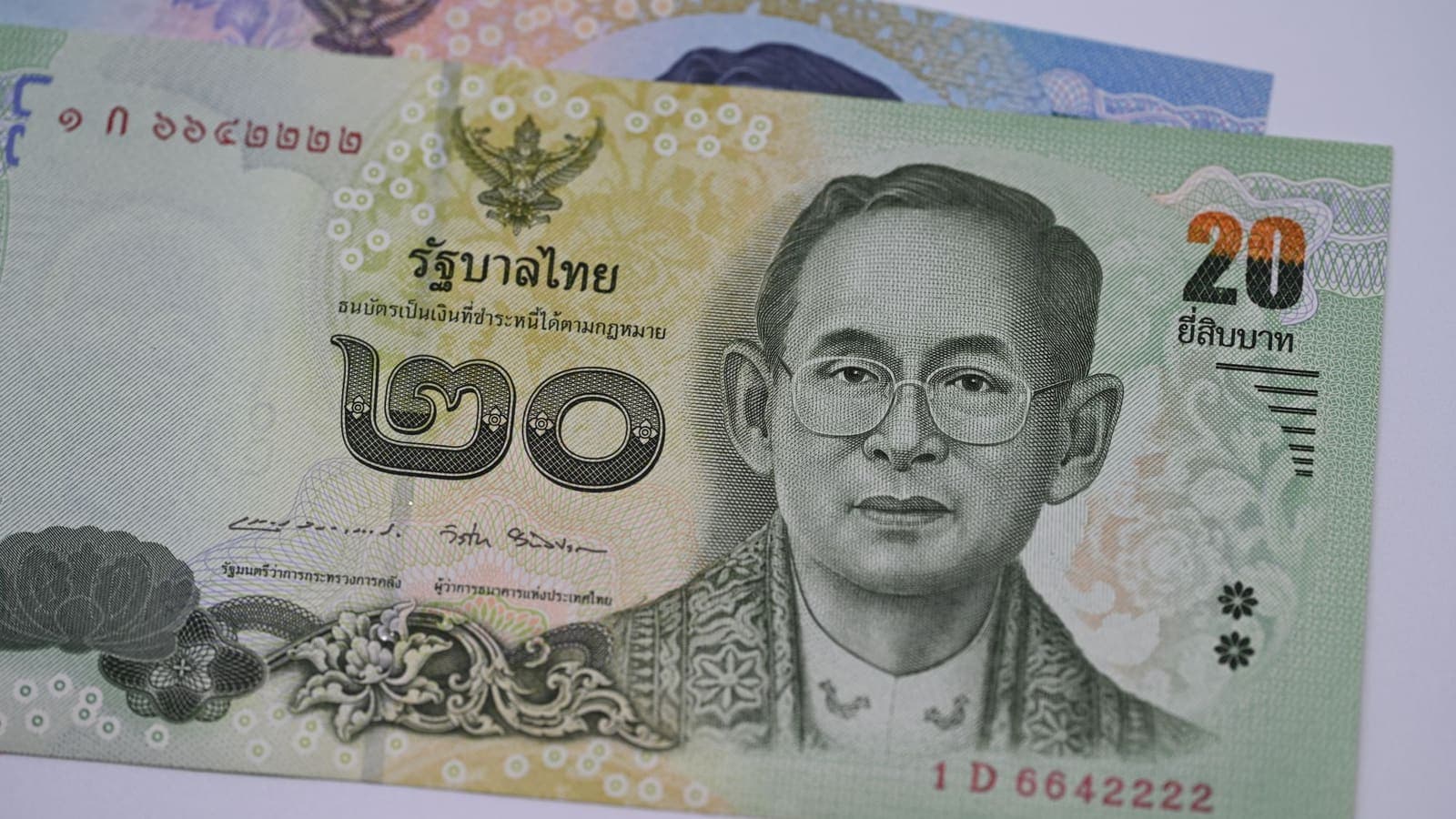
Thai Banking Apps Abroad: VPN Considerations
Thai banking apps often react to foreign networks and VPN traffic. Here is what banks look at, what to prepare before you leave, and how to stay safe abroad.
10 min read
Privacy Guides
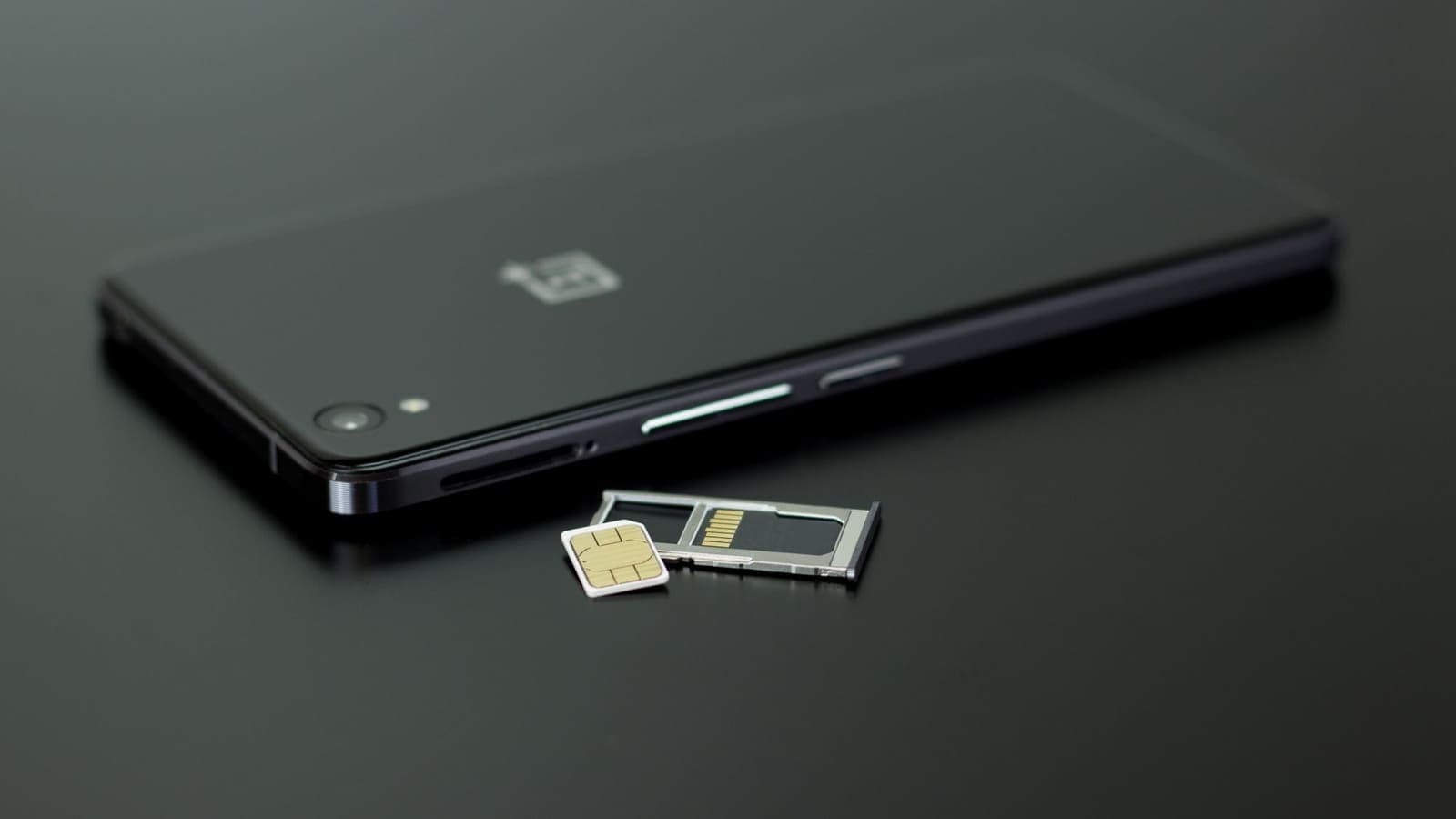
Travel eSIM vs VPN: Different Jobs Explained
A travel eSIM and a VPN are often mentioned together, but one supplies connectivity and the other protects it. Here is how each works and how they fit into one trip.
9 min read
Privacy Guides
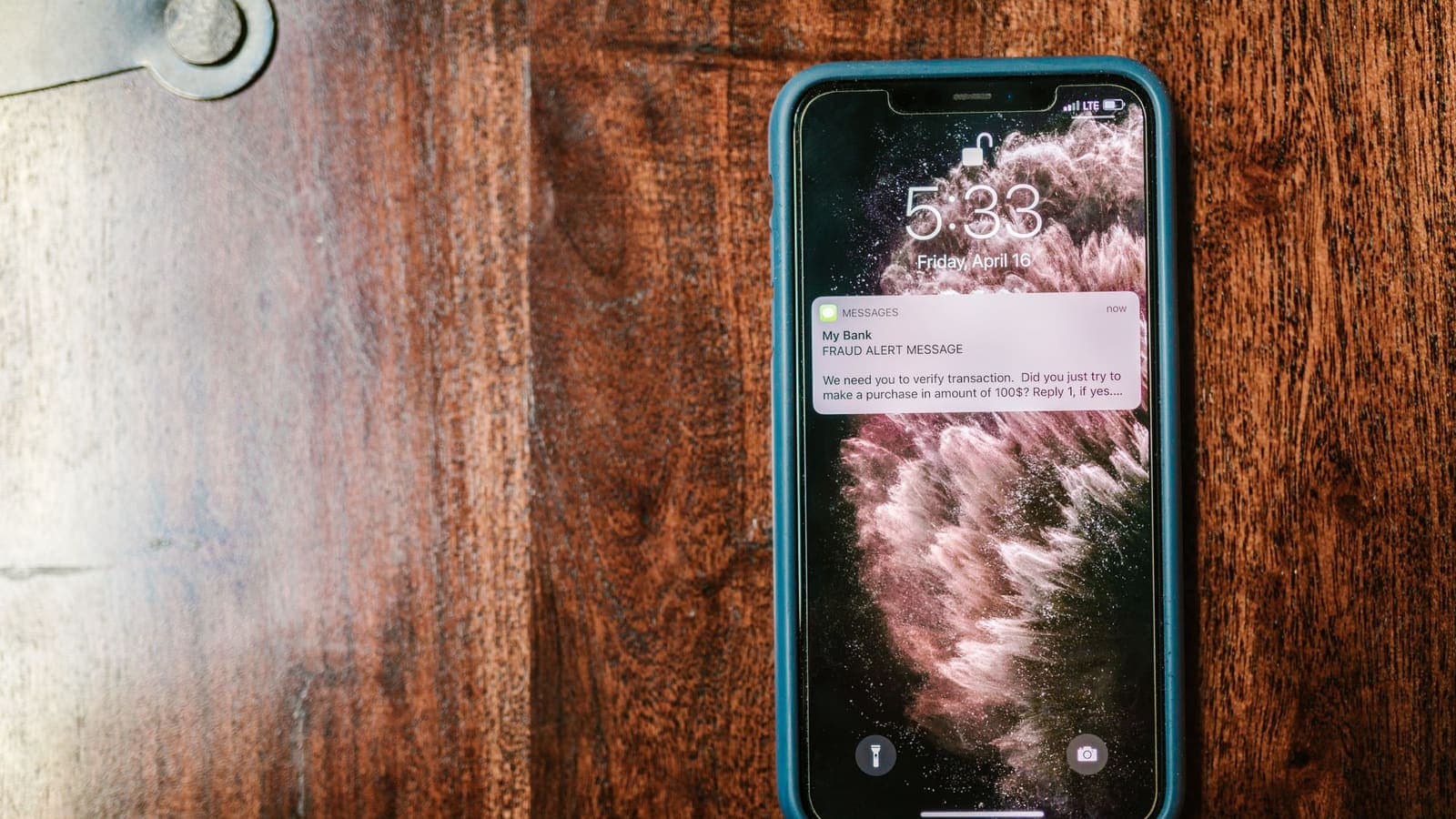
Keep Your Thai Number for Bank OTP While Using a Travel eSIM
A travel eSIM handles data while your Thai SIM stays ready for bank OTP messages. Learn the settings, the costs to check, and the safety steps before you leave.
10 min read