
Keep Your Thai Number for Bank OTP While Using a Travel eSIM
A travel eSIM handles data while your Thai SIM stays ready for bank OTP messages. Learn the settings, the costs to check, and the safety steps before you leave.
10 min readUpdated Oct 18, 2026By XPASS Editorial Team
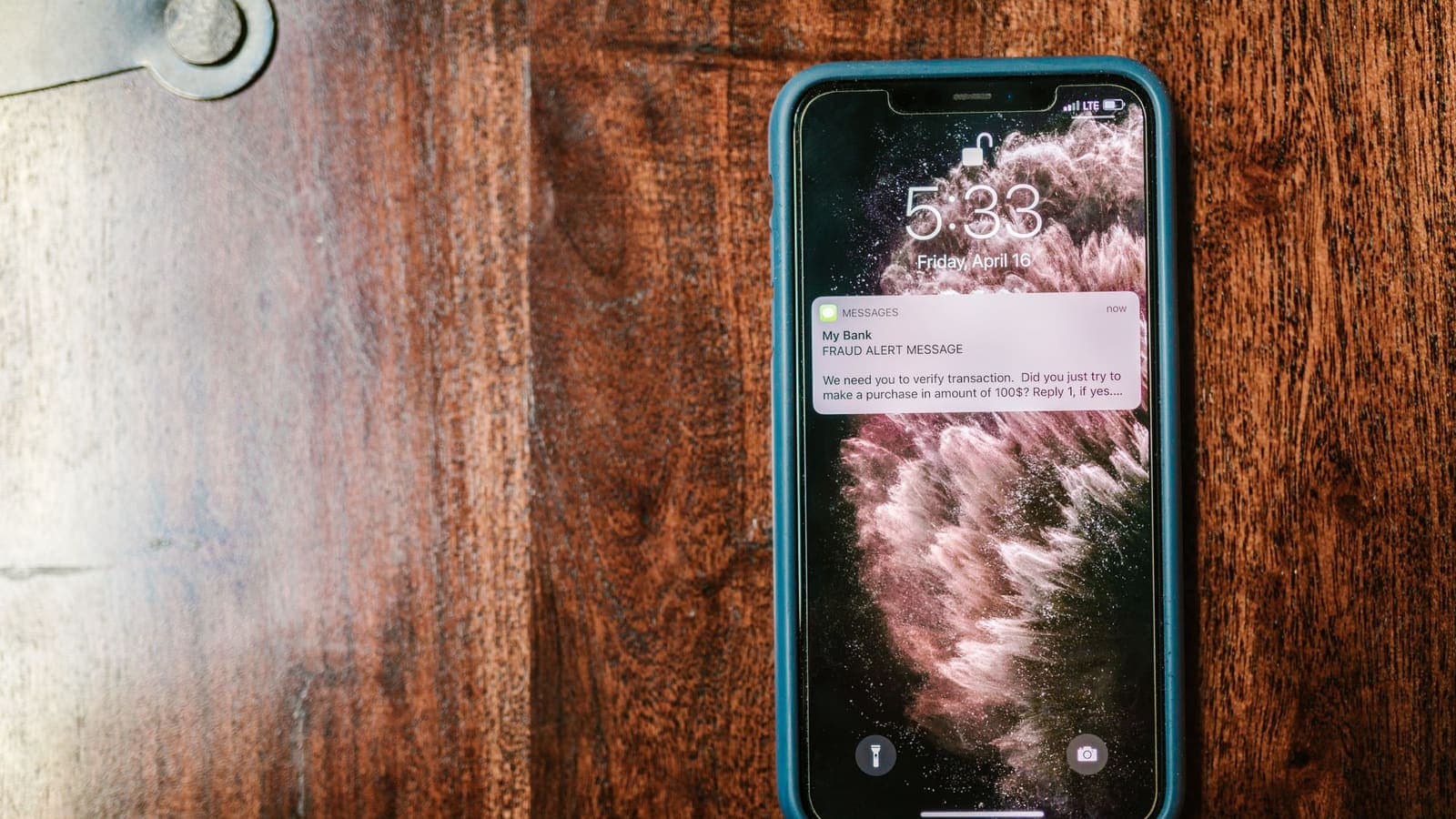
Many people in Thailand rely on an SMS message to approve a bank transfer or log in. When you travel, you often want cheap mobile data from a travel eSIM and, at the same time, you want your Thai number to keep working for bank codes. These two goals can coexist on a dual-SIM phone, as long as you set things up on purpose and know what to check with your carrier.
This article explains how to split roles between the eSIM and the Thai SIM, what to ask before you leave, how Wi-Fi Calling fits in, how banking apps behave abroad, what a VPN can and cannot do for them, and how to keep the setup safe. It does not know your bank's or carrier's rules, so wherever those matter it says to check. For the wider topic of Thai services from abroad, see using Thai websites and apps while abroad.
The basic idea: data on the eSIM, calls and SMS on the Thai SIM
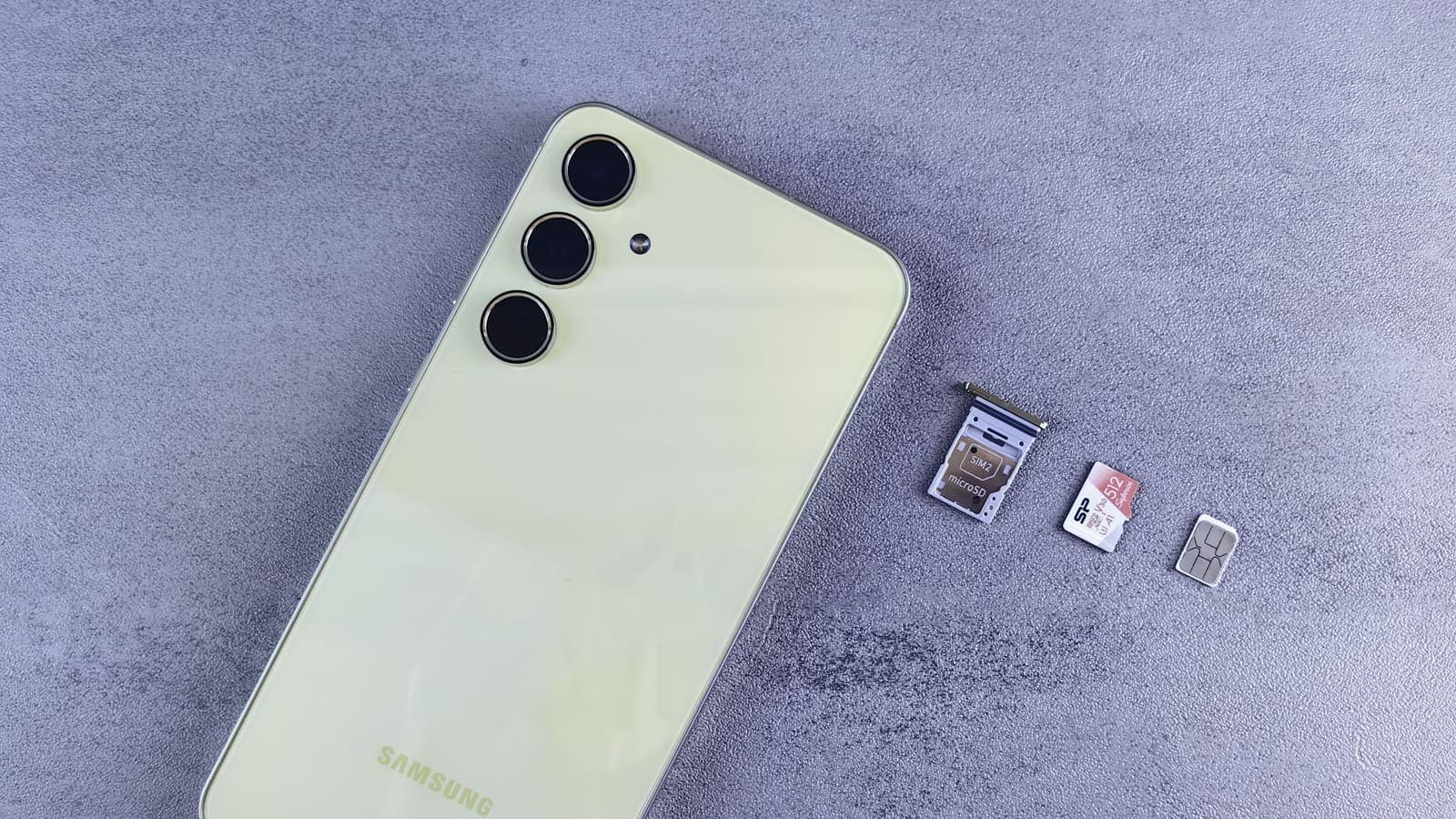
A dual-SIM phone can hold two lines at once. The common travel setup gives each line a different job.
- Travel eSIM: mobile data. Its plan is built for data, and many are data only.
- Thai SIM: calls and SMS, so your usual number can still receive bank OTP, verification codes and calls from family.
- Data on the Thai SIM: off, so the phone does not quietly use roaming data and run up a bill.
This split works because the phone can use one line for data while the other still receives SMS. Many travel eSIMs are data only, with no phone number, which is exactly why you keep the Thai SIM in the phone for OTP. eSIMonline, which sells travel eSIMs, explains how eSIMs and phone numbers relate, and has a short help page on receiving Thai OTP abroad.
If you have not installed the eSIM yet, our step-by-step article on installing a travel eSIM covers the order of actions.
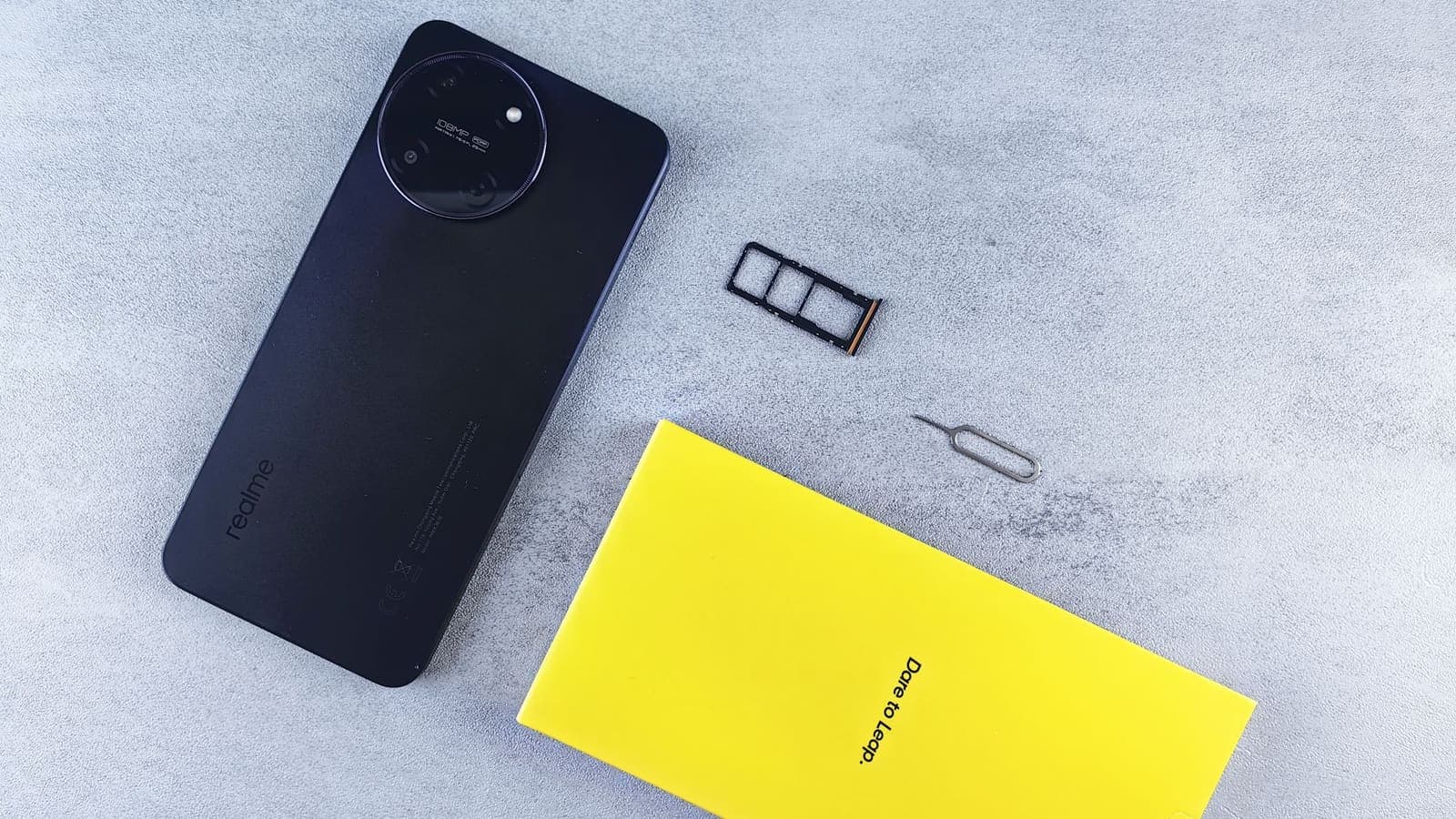
Dual SIM settings that matter
Menu names vary between phone brands and versions, so use these as a checklist rather than exact instructions.
- Label both lines. Name them "Thai SIM" and "Travel data" so you never confuse them.
- Set the mobile data line to the travel eSIM.
- Turn off data on the Thai line, and turn off automatic switching of data lines if your phone offers it.
- Keep the Thai line switched on and check its status bar for signal. If it is off, SMS will not arrive.
- Data roaming: on for the eSIM if the seller says so. For the Thai line, roaming is a question for your carrier. SMS reception abroad usually needs the line to be allowed to roam, even when data is off, but this depends on the carrier.
- Set the default line for messages if your phone has such an option, and check how it handles SMS codes.
A clear explanation of the phone-side options is available in eSIMonline's guide to dual SIM settings. Do a test before leaving: ask a friend to send you an SMS, or trigger a harmless code from a service, and confirm the Thai line receives it while the eSIM is carrying data.
Roaming charges for receiving SMS
This is the part that surprises people, and it is the part this article cannot answer for you. Receiving an SMS abroad on your Thai SIM involves the Thai carrier and a partner network in the country you visit. Depending on your plan, this may be free, charged per message, bundled into a roaming pack, or unavailable unless you activate international roaming first.
Ask your Thai carrier these questions before you go:
- Is international roaming enabled on my number, or must I turn it on?
- Is there a charge to receive SMS in the country I am visiting?
- Is there a daily fee just for having the line registered abroad?
- Does the carrier support SMS delivery in that country at all?
- Can I check my roaming status in the carrier's app before I fly?
Write down the answers. Do not assume, because a message that arrives late or not at all can leave you stuck at a payment screen. eSIMonline has a comparison of Thai carrier roaming versus an eSIM if you want the general trade-offs.
Wi-Fi Calling as an option
Some phones and carriers support Wi-Fi Calling, which lets calls, and sometimes SMS, travel over Wi-Fi instead of the cellular network. If your Thai carrier and your phone both support it, it may help you stay reachable on your Thai number where roaming is weak or expensive. Our article on Wi-Fi Calling explained covers how it works.
Treat it as an option rather than a promise.
- Support depends on the carrier, the phone and the country.
- It needs a stable Wi-Fi connection, and some networks block it.
- SMS delivery over Wi-Fi is not guaranteed for every bank message.
- It must be enabled and tested before you depend on it.
If you plan to rely on it, test it at home with Wi-Fi only, then test again at your hotel. If a bank code does not arrive, do not keep requesting new ones in a hurry, because repeated requests can trigger a temporary lock. For more on the feature, see eSIMonline's pages on Wi-Fi Calling abroad.
Banking apps and device binding
Many Thai banking apps tie your account to a device. The first time you set up the app, you verify the phone with your number and a code, and from then on the app is bound to that phone. This has two consequences for travel.
- Set the app up before you leave. Registering or re-registering a device abroad may need an SMS code, an ATM visit or a branch visit, depending on the bank.
- Do not change the SIM, phone or app settings right before the trip. A new phone or a reset app may trigger a fresh binding process.
Many banks also offer approval inside the app, using a PIN, fingerprint or face check instead of SMS codes. Where your bank offers it, switching to in-app approval can reduce your reliance on SMS and so reduces the risk of lost messages. Check your bank's own help pages for what is available and what its rules are for use abroad. Do not rely on this article for your bank's terms.
Using a VPN with Thai banking apps
A VPN encrypts the connection between your phone and the VPN server, which is useful on hotel, cafe and airport Wi-Fi. It does not receive SMS, replace your Thai SIM, or change which number your bank texts. The OTP reaches your phone through the cellular network, not through the VPN.
What a VPN can do here:
- Protect your banking session on shared Wi-Fi.
- Keep your connection consistent when you switch networks.
What it cannot do, or may complicate:
- It will not fix a missing OTP.
- Some banking apps react to unusual locations or to VPN use, with extra checks or blocked sessions. This varies by bank and by day.
- It does not stop phishing or SIM swap.
If a bank app misbehaves with the VPN on, turn the VPN off while you are on mobile data you trust, and use the app normally. If you must use hotel Wi-Fi, think before logging in. Our guides on Thai banking apps abroad and using banking apps with a VPN explain the trade-offs in more detail. Do not use a VPN to get around a bank's terms, and if the bank says it will not work abroad, follow its guidance.
SIM swap risk and phishing
Relying on SMS codes means your phone number is part of your security. In a SIM swap fraud, an attacker convinces a carrier, or a shop, to move your number to a SIM they control, and then receives your codes. Our article on SIM swap fraud explains the pattern. Travel adds a few risks.
- You are less able to react quickly if the Thai SIM suddenly loses service, because you may be asleep in another time zone.
- Messages that claim to be from your bank may arrive while you are distracted.
- A code that you did not request is a warning, not a gift.
Protective habits:
- Never share an OTP with anyone, including someone who claims to be from the bank or the police.
- If your Thai SIM suddenly loses signal for no reason, contact your carrier and bank promptly, using the official numbers.
- Add a PIN or password to your carrier account if the carrier offers one.
- Use in-app approval and strong, unique passwords where possible. Authentication guidance from CISA and NIST both warn that SMS is a weaker second factor than app or key based methods.
- Turn on your bank's transaction alerts.

A plain example
Pim is spending two weeks abroad. Before leaving, she asks her Thai carrier whether she can receive SMS abroad and learns that roaming must be switched on and that incoming SMS has a small fee. She turns roaming on, notes the fee and saves the carrier's support number. At home on Wi-Fi she installs the travel eSIM, labels it "Travel data", sets it as the data line and turns off data on her Thai SIM. She asks a friend to text her to confirm the Thai line still works, then installs her VPN app, signs in and tests it once. She also checks her banking app and switches on in-app approval, and she turns on bank alerts.
Abroad, she uses the eSIM for maps and messaging. On hotel Wi-Fi she turns the VPN on before opening her bank. When a code arrives within seconds, she confirms the amount on screen before typing it, and she never shares it.
What to do before you leave: checklist
- Ask your Thai carrier about roaming, SMS reception, fees and Wi-Fi Calling.
- Install and label the eSIM, set it as the data line, and turn data off on the Thai SIM.
- Test SMS reception on the Thai line while the eSIM carries data.
- Register or update your banking apps before the trip, and note each bank's contact number.
- Turn on in-app approval and bank alerts where available.
- Add a PIN to your carrier account if possible.
- Install the VPN app, sign in and test it at home. If you use XPASS, the free VPNclient app signs in with the username and password on your My Pass page.
- Save offline backups of important numbers.
Limits and what to watch for
- This article cannot see your carrier's or bank's rules. Always confirm them.
- SMS is not guaranteed. Delays and failures happen, especially abroad.
- The VPN does not carry your SMS. It protects data traffic only.
- Rules differ by country. Network and service rules vary, so check current official guidance for the place you visit.
- Do not use a VPN to break terms. Bank and service terms are for you to follow.
- Do not enter OTP on a page you reached from a message. Open the bank's app yourself.
- Public Wi-Fi remains a risk. See staying safer on public Wi-Fi from the FTC, and sign in only when necessary.
Summary
A dual-SIM phone lets a travel eSIM carry data while the Thai SIM stays ready for calls and bank SMS. Check roaming and SMS terms with your Thai carrier, test reception before you leave, consider Wi-Fi Calling as a backup, set up banking apps and in-app approval at home, and protect your number against SIM swap and phishing. A VPN helps with shared Wi-Fi, but it does not deliver or replace an OTP.
If a short prepaid pass would help with your next trip, you can read the pricing page when it suits you.
Frequently asked questions
Can I use a travel eSIM for data and still receive bank OTP on my Thai SIM?
On most dual-SIM phones, yes. Use the eSIM as the mobile data line and keep the Thai SIM switched on for calls and SMS. Whether the SMS arrives abroad depends on your Thai carrier's roaming service, so check it before you leave.
Will I be charged for receiving SMS abroad on my Thai SIM?
It depends on your carrier and plan. Some charge nothing for incoming SMS, others apply roaming rates. This article cannot state your terms, so ask your Thai carrier before the trip.
Is Wi-Fi Calling a replacement for roaming?
It can be an option for calls and sometimes SMS, if your carrier and phone support it. It is not guaranteed to deliver bank OTP messages, so treat it as a backup and test it before you rely on it.
Can I use a VPN with my Thai banking app abroad?
Sometimes, but some banking apps are sensitive to location or VPN use and may show extra checks or block the session. Check your bank's guidance, and do not use a VPN to break any bank's terms.
What is the biggest risk of relying on SMS OTP abroad?
SIM swap fraud and phishing. An attacker who takes over your number or tricks you into sharing a code can approve payments. Use app-based approval where your bank offers it and report anything odd to your bank.
References
About the author

Bob Kanokphon Thongdee
- Founder of XPASS VPN
- Co-founder of eSIMonline.asia
- More than 7 years in online marketing
- Founder of Cojourney Visa and Cojourney Travel
Need a VPN for a short trip or a busy month?
XPASS sells prepaid passes for a set number of days. You pay once and nothing renews automatically.
See passesKeep reading
Privacy Guides
Thai Banking Apps Abroad: VPN Considerations
Thai banking apps often react to foreign networks and VPN traffic. Here is what banks look at, what to prepare before you leave, and how to stay safe abroad.
10 min read
Privacy Guides
Using Banking Apps With a VPN: Safety and Common Blocks
Banking apps are already encrypted, and many also react to VPN connections. This guide explains why, what to do when an app blocks you, and how to bank safely abroad.
9 min read
Privacy Guides
SIM Swap Fraud: What It Is, Warning Signs and How to Protect Your Number
How SIM swapping works, why criminals want your phone number, the early warning signs, and the practical steps that protect you: carrier PINs, authenticator apps, passkeys and fast action.
10 min read

VPN Basics
Wi-Fi Calling Explained: Use It Abroad and With a VPN
Wi-Fi Calling lets your phone make and receive normal calls and texts over Wi-Fi. This guide explains how it differs from VoLTE and app calls, using it abroad, and what to test with a VPN.
10 min read
Privacy Guides
Travel eSIM vs VPN: Different Jobs Explained
A travel eSIM and a VPN are often mentioned together, but one supplies connectivity and the other protects it. Here is how each works and how they fit into one trip.
9 min read