
SIM Swap Fraud: What It Is, Warning Signs and How to Protect Your Number
How SIM swapping works, why criminals want your phone number, the early warning signs, and the practical steps that protect you: carrier PINs, authenticator apps, passkeys and fast action.
10 min readUpdated Oct 18, 2026By XPASS Editorial Team
Most of us treat our phone number as a boring piece of admin: something that connects us to friends, banks and delivery apps. Criminals see it differently. For many online accounts, the phone number is a back door. If an attacker controls your number, they can often receive the codes that prove you are you.
This article explains what SIM swap fraud is, the warning signs, how attackers use it, and what you can do about it, both before and after an incident. It also says plainly what a VPN does and does not do here: a VPN is useful for other things, but it does not stop a SIM swap. If you are new to the underlying idea of a second login step, two-factor authentication is a good place to start.
What a SIM swap actually is
Your phone number is not physically stored on your SIM card. It is an entry in your carrier's systems that points to the SIM or eSIM currently allowed to use it. When you lose a phone or change handsets, the carrier moves that pointer to a new SIM. That is a legitimate and routine process.
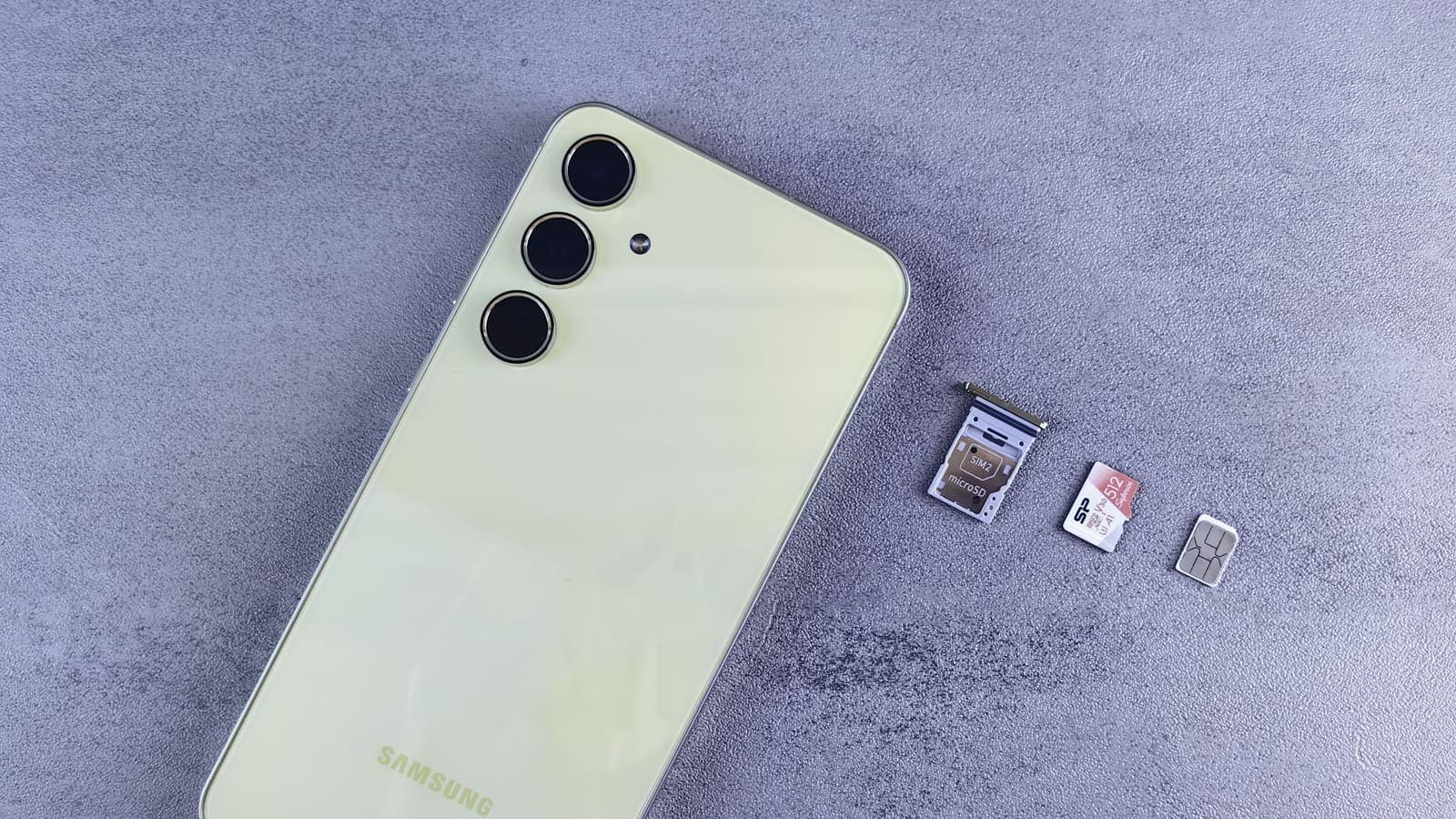
A SIM swap, also called SIM hijacking or SIM porting fraud, abuses that process. The attacker convinces the carrier, or someone who works for it, to move your number to a SIM or eSIM that the attacker controls. From that moment, your own phone loses service, and calls and text messages addressed to you arrive on the attacker's device.
There are a few common routes.
- Pretending to be you. The attacker contacts the carrier and claims to be the customer, using personal details such as full name, date of birth, address and ID numbers.
- Using stolen or leaked information. Data from previous breaches, public social media posts and phishing are often enough to answer security questions.
- Social engineering of staff. A convincing story, urgency and pressure on a busy employee can work in some cases.
- Insider help. In rare cases a dishonest employee may be involved. This is hard for a customer to see or prevent.
Notice that none of these routes involve hacking your phone. The weak point is the process around your number, not your device.

Why criminals want your number
The number matters because many services still use SMS for verification. Think about the options you see on a typical login or recovery screen: "send a code to my phone". With your number, an attacker can:
- Request password resets. Many accounts let you reset a password through a code sent by text.
- Receive one-time passwords. Some banks and exchanges send login or transaction approval codes by SMS.
- Take over messaging apps. Some chat apps verify a new device with a code sent to your number.
- Access email. If your email account can be recovered by SMS, the attacker may take that over, and email then opens many other doors.
The attacker's real goal is usually money: emptying bank accounts or digital wallets, taking out credit in your name, or selling access to your accounts. The order in which they work is often the same. First they gather your personal details. Then they hijack the number. Then they reset passwords on email and finance accounts as quickly as possible, before you notice.
The US standards body NIST, in its digital identity guidelines, treats codes sent over the phone network as a weaker form of verification than other methods, partly for this reason. That does not mean SMS codes are useless. It means they are a poorer choice for the accounts that matter most.
Warning signs
SIM swaps can happen fast, so it helps to know what to look for. None of these signs proves a swap on its own, but any combination deserves immediate attention.
On the phone.
- Your phone suddenly shows no signal, "SOS only" or "no service", especially if other people nearby still have signal and restarting does not help.
- You can no longer make calls or send texts, but Wi-Fi still works.
- An unexpected message from your carrier says a SIM was activated, a number was ported or your account details changed.
In your accounts.
- Emails about password resets or new device logins that you did not request.
- You are suddenly logged out of apps and cannot sign back in.
- Bank or wallet alerts about transfers, new payees or changes to your details.
- Friends tell you they received odd messages from your number.
From people.
- A call or message from someone who claims to be from your carrier or bank and asks for codes, PINs or to "confirm" details. This may be an early step in the attack.
A loss of signal does not always mean a swap. Faulty SIMs, network problems and unpaid bills also cause it. The safe response is to check quickly rather than assume it is nothing, especially if it comes with any account alert.
A plain example
Mali, a freelance designer in Bangkok, posts holiday photos, shares her birthday on a public profile and once used a free quiz site that asked for her full name and address. One evening her phone loses signal. She assumes it is a network problem and goes to bed.
Overnight, someone has persuaded her carrier to move her number to a new SIM. They request password resets on her email using the SMS option, then do the same for her payment app. By the time she wakes up, there are unfamiliar messages and a transfer she did not make.
What would have helped? A carrier PIN or lock on number transfers, if her carrier offers one, might have stopped the transfer in the first place. An authenticator app or passkey on her email and payment accounts would have meant that the SMS codes the attacker received were useless. Sharing fewer personal details publicly would have made it harder to pass the carrier's checks. And reacting to the signal loss within minutes, rather than hours, would have limited the damage.
How to protect yourself before anything happens
No single step is perfect. The goal is to make each layer harder for an attacker, and to ensure that losing control of your number does not mean losing everything.
1. Ask your carrier about number-protection options
Many carriers offer some mix of account PINs, passwords, in-store ID checks or locks on porting and SIM changes. Names, availability and strength vary by carrier and country, and we cannot say what yours offers. Ask directly through the carrier's official app, website or shop, and set a strong PIN that is not a birthday or phone digits. Keep that PIN out of your notes app and email.
2. Move key accounts away from SMS codes
Start with email, banking, payment apps and cloud storage. Where the service allows, choose:
- An authenticator app that generates time-based codes on your device. The standard behind it is described in RFC 6238.
- A passkey, which replaces the password with a cryptographic key tied to your device. The FIDO Alliance explains passkeys, and our article on what passkeys are covers setup.
- A hardware security key, for accounts where you want the strongest protection.
CISA's More than a Password page makes the point that any multi-factor method is better than none, but that some are stronger than others. Keep SMS as a fallback only if the service demands it, and make sure the recovery options cannot be bypassed by a text to your number.
3. Reduce what criminals can learn about you
SIM swappers rely on personal details. You can make their job harder.
- Keep your full birthday, address, national ID number and phone number off public profiles.
- Be careful with quizzes, giveaways and forms that collect personal data.
- Use a different email address for important accounts than the one you give to shops.
- Shred or securely dispose of papers that show your ID and account details.
Our article on VPN and identity theft discusses the wider picture of how personal data gets stolen and misused.
4. Make recovery harder to abuse
- Use a unique, strong password for your email, ideally stored in a password manager.
- Review "account recovery" settings. Remove old numbers and unused recovery emails.
- Set alerts for logins and money movements in your banking and payment apps.
- Keep a second way to contact your bank, such as its official app, so that you can act if your SIM stops working.
5. Be careful with phone calls and links
Attackers often start with phishing to collect details or codes. Do not share one-time codes with anyone who calls you, even if they sound official. Contact your carrier or bank yourself, using the official app or the number on your card or bill.
eSIM and SIM swap: what changes
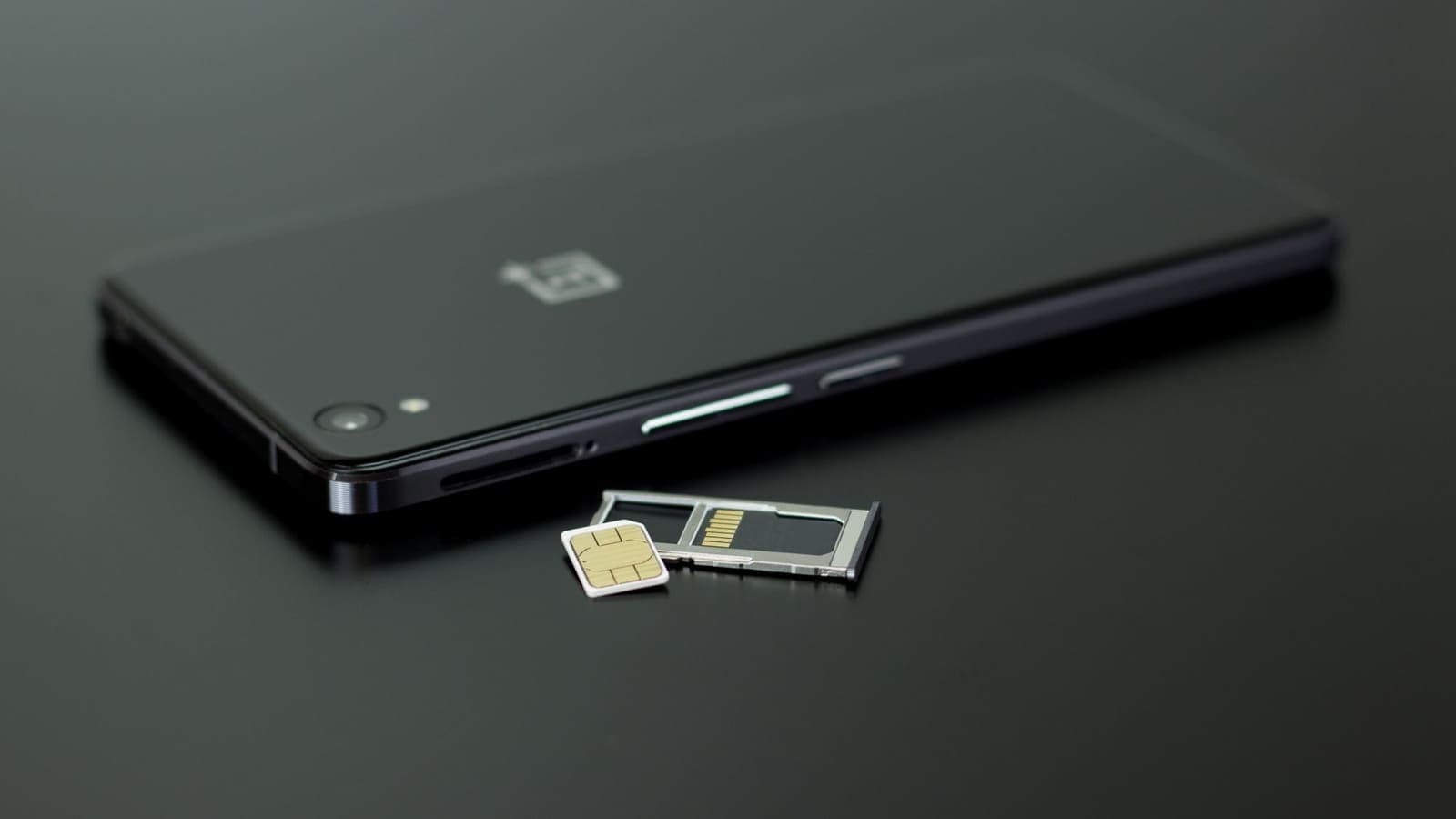
An eSIM is a SIM profile installed digitally, usually by scanning a QR code or using an activation code. It removes the plastic card, so a stolen or swapped physical card is no longer the issue. But the number is still controlled by your carrier account, and a criminal who can persuade the carrier to issue or transfer an eSIM profile can do much the same harm.
Practical points:
- Protect the account, not just the card. A strong carrier PIN matters just as much with an eSIM.
- Watch for unexpected eSIM activation messages. If you get a message saying an eSIM was activated or a QR code was issued and you did not ask for it, treat it as a warning sign.
- Keep QR codes private. An activation QR code or code is a credential. Do not post screenshots of it, and do not email it to untrusted people.
- Travel eSIMs for data are different. A data-only travel eSIM from a seller usually has no connection to your main number, which is a reason some people keep their Thai SIM for OTP messages and use a separate eSIM for internet. eSIMonline covers this in its guide on eSIM security and privacy.
Our article on VPN and eSIM for travel covers the travel side in more detail.

What to do immediately if you suspect a SIM swap
Speed matters. Work through this list, and do the first steps in parallel if you can.
- Contact your carrier right away, from another phone, a friend's phone, or in person at a shop. Say you suspect a SIM swap. Ask them to restore your number, block further changes, and tell you what was changed and when.
- Secure your email first. Using a trusted device on a trusted network, change your email password and check recovery options, forwarding rules and connected devices.
- Call your bank. Use the number on the back of your card or the bank's official app, not a number from a message. Ask them to freeze or monitor your accounts and cards.
- Change passwords and sign out other sessions on payment, social and cloud accounts. Switch to an authenticator app or passkey as you go.
- Check for new activity. Look at recent transactions, new payees, new devices and new accounts opened in your name.
- Keep records. Take screenshots, note times, and keep carrier and bank reference numbers.
- Report it through official channels, such as the police, and tell the services affected. Procedures differ, so follow the official guidance for your area.
- Warn people close to you. A message that seems to come from you may be sent to your contacts.
What a VPN does and does not do
A VPN encrypts the traffic between your device and the VPN server. That is useful on public Wi-Fi and for keeping the local network from reading your browsing. It does nothing about a SIM swap, because the attack does not happen on your internet connection. It happens when a carrier is tricked into moving your number.
| Question | Does a VPN help? |
|---|---|
| Stop a criminal from persuading your carrier to move your number | No |
| Reverse a SIM swap after it happens | No |
| Block SMS codes from reaching the attacker | No |
| Protect you from a fake carrier website designed to steal details | No, but careful checking does |
| Reduce what others can see on public Wi-Fi | Yes, in the way it normally does |
If you would like to understand the limits better, what a VPN cannot protect you from lists them plainly. A VPN is one layer of safe internet use, and SIM swap protection comes from other layers.
Limits and what to watch for
- There is no perfect lock. Carrier protections reduce risk but depend on staff following procedures. Do not rely on one protection alone.
- Authenticator apps need backups. If you lose the phone with the app and have no backup codes or second device, you can be locked out. Save recovery codes somewhere safe and offline.
- Do not trade one weak link for another. Moving all codes to the same email account that SMS can recover does not help much. Protect the email first.
- Scammers also exploit panic. After a real incident, criminals may pose as helpful "recovery services". Use only official channels.
- Signal loss has other causes. Check quickly, but do not assume every outage is a swap.
Summary
SIM swap fraud works by getting your phone number moved to a SIM or eSIM that a criminal controls, so they can receive the SMS codes meant for you. Watch for sudden loss of signal, unexpected carrier messages and account alerts. Protect yourself with a carrier PIN or transfer lock where offered, authenticator apps or passkeys instead of SMS for important accounts, less personal data in public, and quick action when something looks wrong. A VPN is useful for other jobs but does not prevent a SIM swap. If you are choosing a travel or Wi-Fi security layer alongside these steps, you can read about the options on the help pages at your own pace.
Frequently asked questions
What is a SIM swap?
A SIM swap, also called SIM hijacking, is when a criminal gets your phone number moved to a SIM or eSIM that they control. Calls and text messages meant for you then reach them, including one-time passwords sent by SMS.
How can I tell if my SIM has been swapped?
The most common early sign is that your phone suddenly loses mobile signal or shows no service for no clear reason, often together with unexpected messages from your carrier about a SIM or number change. Other signs include being logged out of accounts, password reset emails you did not request and bank alerts about activity you did not do.
Does a VPN protect me from SIM swap fraud?
No. A VPN encrypts internet traffic, but a SIM swap happens at the phone carrier, by convincing the carrier to move your number. A VPN neither prevents it nor reverses it.
What is the best protection against SIM swapping?
Use layers: ask your carrier about a PIN or number-transfer lock, move important accounts to an authenticator app or passkeys instead of SMS codes, share less personal data publicly, and act quickly if your signal drops unexpectedly. Exact protections vary by carrier, so ask yours what it offers.
What should I do right away if I think my number was taken?
Contact your carrier from another phone or in person, then change passwords for email and banking from a safe device, call your bank through the number on your card or its official app, and report the incident through official channels. Do this fast, because every minute counts.
References
About the author

Bob Kanokphon Thongdee
- Founder of XPASS VPN
- Co-founder of eSIMonline.asia
- More than 7 years in online marketing
- Founder of Cojourney Visa and Cojourney Travel
Need a VPN for a short trip or a busy month?
XPASS sells prepaid passes for a set number of days. You pay once and nothing renews automatically.
See passesKeep reading

Privacy Guides
What Is Two-Factor Authentication?
Two-factor authentication asks for a second proof of identity in addition to your password, so a stolen password alone is not enough. Here is how the main methods compare and how to start.
9 min read
Privacy Guides
VPN and Identity Theft: What It Helps With
A VPN reduces some exposure that feeds identity theft, such as snooping on shared Wi-Fi, but it cannot stop breaches or phishing. A clear map of what helps and what does not.
10 min read
Privacy Guides
What Are Passkeys? A Plain Guide to Passwordless Sign-In
A passkey lets you sign in with your fingerprint, face or device PIN instead of a password. This guide explains how passkeys work, why they resist phishing, what happens if you lose your phone and how to start.
10 min read

Privacy Guides
What a VPN Cannot Protect You From
A VPN secures the connection, not the person using it. This guide covers phishing, malware, ransomware, identity theft, data breaches, email privacy and other risks it cannot solve, and what to do about each.
9 min read
Privacy Guides
Travel eSIM vs VPN: Different Jobs Explained
A travel eSIM and a VPN are often mentioned together, but one supplies connectivity and the other protects it. Here is how each works and how they fit into one trip.
9 min read