
What Is an eSIM? A Plain Guide for Travellers and Everyday Users
An eSIM replaces the plastic card with a profile stored in your phone. Here is how it works, what an EID and a profile are, who should switch, and where a VPN fits.
10 min readUpdated Oct 18, 2026By XPASS Editorial Team

For many years a SIM card meant a small piece of plastic that you pushed into a tray on the side of your phone. Lose it, break it or forget to bring the right one on a trip, and you had no mobile service. An eSIM changes that by moving the SIM into the phone itself. You still get a phone number or a data plan, but the card is replaced by a digital profile that you download.
This guide explains what an eSIM is in plain language, how it differs from a physical SIM, what words such as EID and profile mean, and how data-only and voice eSIMs differ. It also covers the pros and cons, who should switch, the security angle, and how an eSIM fits with a VPN. If you are mainly interested in using one on a trip, our article on travel eSIM versus VPN goes deeper on that side.
What an eSIM actually is
The "e" stands for embedded. An eSIM is a small chip soldered inside the phone that can store one or more SIM profiles. A profile is a bundle of digital information that tells the phone which carrier it belongs to, which network it may join and, if it includes a number, which number it uses. In a physical SIM, that information lives on a removable card. In an eSIM, it lives in the chip, and you add or remove it with software.
Because the chip is permanent, you cannot lose it in a tray or bend it in your pocket. The profile is what changes. A carrier or an eSIM seller creates a profile for your phone, and your phone downloads and installs it. You can then switch the line on or off in settings, rename it, or delete it when you no longer need it.
Most modern phones that support eSIM can store several profiles but only use a limited number at the same time. The exact number depends on the model, so check your phone's documentation. The usual pattern is one physical SIM plus one active eSIM, or two active eSIM lines on newer models. Wording and limits vary by phone and version, so treat any general description as a guide rather than a promise. If you are not sure whether your own phone supports eSIM, our guide on how to check if your phone supports eSIM walks through it step by step.
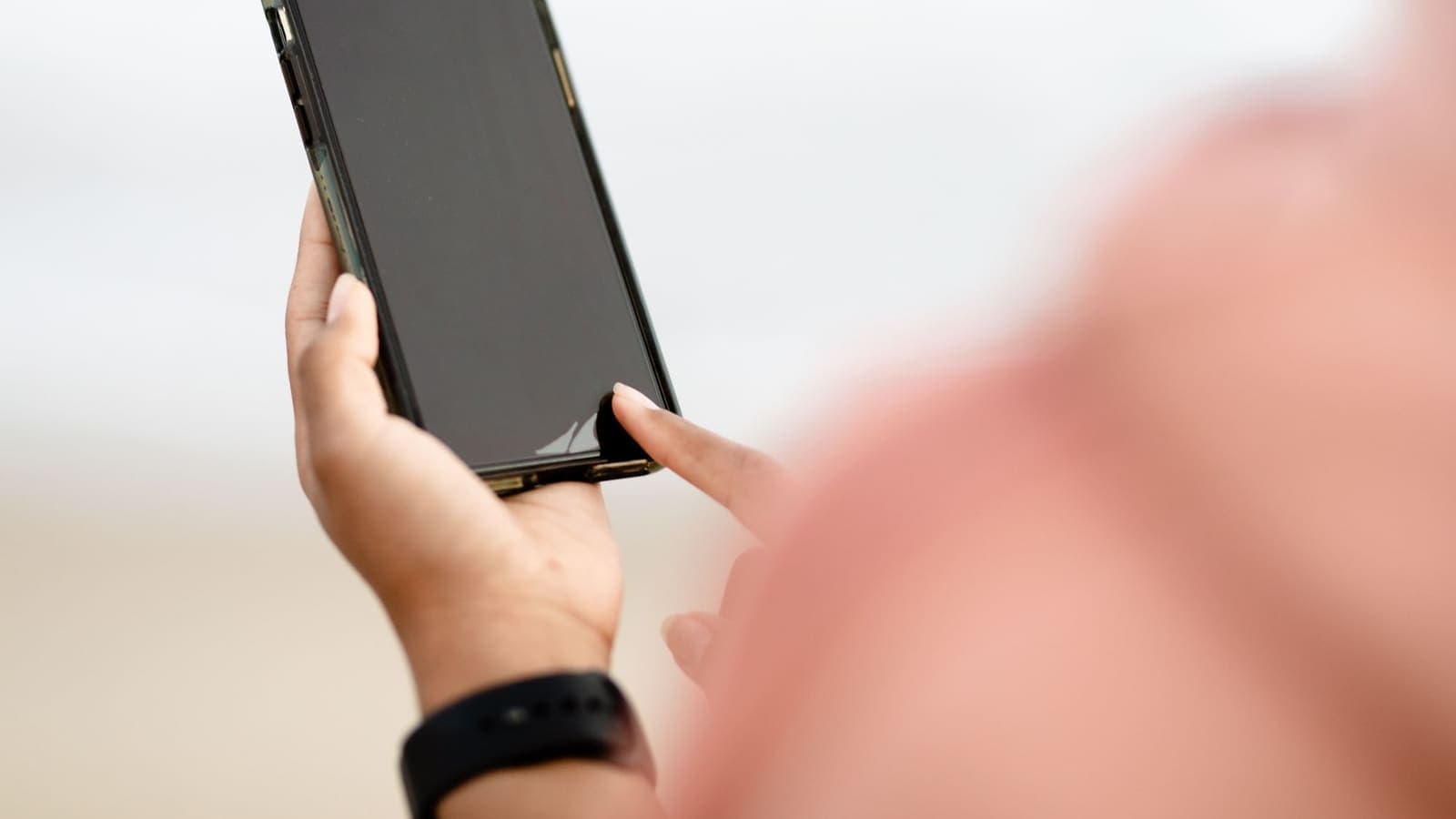
eSIM versus physical SIM
The practical difference is in how you get and move the line. The table below sums it up.
| Question | Physical SIM | eSIM |
|---|---|---|
| What it is | Removable plastic card | Chip inside the phone plus a downloadable profile |
| How you get it | Shop, post, airport kiosk | QR code, app or install link, often within minutes |
| Switching phones | Move the card to the new phone | Request a new profile or use the carrier's transfer tool |
| Can be lost or stolen separately | Yes | No, it stays in the phone |
| Number of lines in one phone | Limited by trays | Several profiles stored, fewer active at once |
| Works in older phones | Yes | Only in phones that support it |
| Needs a shop visit | Often | Usually not |
Neither type is better in every case. A physical SIM is simple, works in nearly any phone and can be moved to a spare handset in a minute if your main phone breaks. An eSIM is convenient for travel and for adding a second line, but the moving process takes a few extra steps and depends on your carrier's tools.
Many people end up with both: a physical SIM for their main Thai number and an eSIM for data when they travel. That arrangement is often called dual SIM, and the sister site eSIMonline has a beginner explainer on what an eSIM is if you want a second description in different words.
Key terms: EID, profile, QR code, activation
A few words appear in almost every eSIM guide, so it helps to know them.
- EID. This is the identification number of the eSIM chip in your phone. It is long and unique to the device. A carrier or seller may ask for it so the profile is prepared for your specific phone. You can usually find it in the phone's settings under information or about, or by dialling a short code on many phones. Share it only with the party you are buying from.
- Profile. The digital SIM information from a carrier or seller. One phone can hold several profiles, each tied to a different plan.
- QR code. The most common way to deliver a profile. You scan it with the phone camera or the settings screen, and the phone downloads the profile. Some sellers use an install link or an app instead.
- Activation code. A text version of the QR code, used when you cannot scan. Treat it like a password: once a profile is installed from it, it normally cannot be used again, and anyone who sees an unused code could install your plan before you do.
- Activation. Installing a profile and switching it on are two different steps with many travel plans. The plan may start counting days when you first connect, when you install it or when you reach a certain country. Read the seller's rules before you install.
Keeping the QR code private matters. Do not post a screenshot of it to a chat group or social media. If an unused code leaks, someone else might install it first and leave you without the plan you paid for.
Data-only versus voice eSIMs
Two kinds of eSIM sit under the same name, and mixing them up is a common source of disappointment.
A data-only eSIM gives mobile internet and nothing else. There is no phone number attached, so you cannot receive ordinary calls or text messages on that line. You can still make calls and send messages through internet apps, since they run over data. Most travel eSIMs are data-only. Your normal Thai number can stay on your physical SIM, and you can still receive its calls and texts while the data line handles the internet, provided your phone and plan allow both.
A voice-and-data eSIM works like a regular SIM that happens to be digital. It has a phone number, calls, SMS and data. This is what a carrier typically offers when you convert your existing line to eSIM, or when you start a new contract without picking up a card.
Before you buy, check three details: whether the plan includes a number, whether it allows hotspot sharing, and where it works. This matters most for one-time codes sent by SMS to your Thai number, such as bank or app logins. If you plan to receive those while abroad, keep your main SIM or eSIM active for texts and use the data line for internet. The sister site publishes a helpful explainer on eSIM and phone numbers.
Pros and cons
Advantages
- Quick start. No shop queue or postal wait. You can set up a plan from a sofa or a departure lounge.
- Easy for travel. Buy a data plan for the country you are visiting and install it before you fly, often keeping your home line for texts.
- No tiny card to lose. The chip stays in the phone, and you cannot drop it down a drain while changing trays.
- More than one line. Home number, work number and travel data can sit on one phone.
- Handy for devices with no tray. Some phones, tablets and watches rely on eSIM entirely.
Drawbacks
- Phone must support it. Older phones and some models sold in certain markets do not have the chip. Wording and availability vary, so check your exact model.
- Locked phones. A phone locked to a carrier may refuse a profile from another company.
- Moving takes planning. If your phone breaks or is stolen, you need your carrier's help or tools to restore the line, while a physical SIM can simply be moved. Keep your account details and ID ready.
- Some codes are single use. If you delete a profile by mistake, you may need a new code.
- Fewer fallback options. A physical SIM can be swapped into a friend's phone to make an urgent call. An eSIM cannot.
Who should switch, and who can wait
Think of it as a choice by situation, not a race to adopt new technology.
- Frequent travellers. Probably the biggest winners. A travel eSIM gives you data without swapping cards, and our comparison of eSIM, roaming and pocket Wi-Fi shows how it stacks up against the alternatives.
- People who want a second line. If you separate work and personal use, an eSIM adds a line without a second tray.
- Users of a recent phone. If your phone is new and already eSIM-capable, it costs nothing to try a small data plan.
- People with an older or locked phone. You can wait. A physical SIM still works fine, and the effort of working around a lock may not be worth it.
- Anyone who changes phones often. Learn your carrier's transfer process first. The main risk is being caught without a quick way to move the line.
If you decide to try, the eSIMonline guide on eSIM versus physical SIM is a neutral place to compare in more detail.

The security angle
People often ask whether an eSIM is safer. The honest answer is that it improves one problem and leaves another untouched.
What gets better: there is no card to steal. If someone takes your phone and pulls the SIM tray, they can use your number in another handset until you report it. With an eSIM, the profile stays in the device, so the quick card swap is not available. A locked phone with a strong passcode is still the key protection.
What stays the same: SIM swap fraud can still happen. In a SIM swap, a criminal convinces your carrier, through social engineering or stolen details, to move your number to a SIM or eSIM they control. They then receive your texts, including one-time codes. The type of SIM does not matter, because the weak point is the carrier's process. Protect yourself with a carrier account PIN where offered, stronger sign-in methods than SMS where possible, and by acting quickly if your phone suddenly loses service for no reason. Our article on SIM swap fraud covers this in detail, and the CISA page on multi-factor authentication explains why app-based codes or passkeys beat SMS codes.
Also remember that scammers like QR codes. Install eSIM profiles only from the carrier or seller you chose, never from a code sent by a stranger or found on a random web page.
Where a VPN fits with an eSIM
An eSIM gives your phone a connection. A VPN protects what travels over a connection. They solve different problems and do not replace each other.
With an eSIM, the carrier behind the profile is the network operator. It can generally see which sites your phone contacts, in the same way your home carrier can. A VPN wraps your traffic in an encrypted tunnel, so the network sees a connection to the VPN server instead of a list of destinations. That does not make you anonymous, and it does not block phishing or malware, but it adds a layer on mobile data and on any Wi-Fi you join.
Using an eSIM does remove one risk: you no longer have to join a stranger's hotspot at the airport or hotel. Still, many people connect to Wi-Fi anyway to save data, and there a VPN matters more. The FTC's advice on public Wi-Fi and our article on public Wi-Fi safety explain the risk in practical terms.
A VPN cannot supply data, fix a dead signal or replace a good password.
A simple example and what to watch for
Say Nok has a Thai number on a physical SIM and is flying abroad for a week. Her phone supports eSIM and is unlocked.
- At home on Wi-Fi she checks that her phone supports eSIM and is not locked to a carrier.
- She buys a data-only travel eSIM from a seller she trusts, saves the QR code privately and installs the profile on home Wi-Fi, following the seller's instructions about when it starts counting days.
- In settings she labels the lines "Thai number" and "Travel data", sets mobile data to use the travel line, and switches data roaming off on the Thai line so it does not run up charges. Menu wording varies by phone and version.
- She installs her VPN app and tests it at home before she leaves.
- After landing she turns on the travel line, checks that the internet works and keeps the Thai line for texts.
Things to watch for:
- Locked or unsupported phones. Confirm before paying.
- Starting rules. Some plans start on install, others on first connection.
- Deleting a profile. Deleting is often permanent for that code.
- Scam sellers and fake QR codes. Buy only from a seller you can verify.
- Hotspot limits. Some plans restrict sharing.
- Lost phone planning. Keep your carrier's contact details and know how to block a line quickly.
Summary
An eSIM is a SIM built into your phone and set up with a downloadable profile instead of a plastic card. It is convenient for travel, for second lines and for quick setup, but it needs a compatible, unlocked phone and a plan you understand, including whether it is data-only or includes a number. It removes the risk of someone pulling your card, though it does not stop SIM swap fraud, and it works alongside a VPN rather than instead of one.
If you pair an eSIM with a short prepaid VPN pass for the trips where you will join shared Wi-Fi, you can look at the pricing page whenever it suits you.
Frequently asked questions
What is an eSIM in simple terms?
An eSIM is a SIM that is built into the phone as a small chip instead of being a removable plastic card. Your carrier sends a digital profile to the phone, usually through a QR code or an app, and the phone then connects to the mobile network with that profile.
What is an EID and do I need to share it?
The EID is a long identification number that belongs to the eSIM chip in your phone. Some carriers or eSIM sellers ask for it when they prepare a profile for your specific device. Share it only with the carrier or seller you are buying from, and treat it like other device identifiers.
Is an eSIM more secure than a physical SIM?
In one way, yes: nobody can pull the card out of a stolen phone and use it in another handset. But an eSIM does not stop SIM swap fraud, where someone talks a carrier into moving your number, so you still need strong account protection.
Can an eSIM be data-only?
Yes. Many travel eSIMs are data-only, meaning they provide mobile internet but no phone number for calls and texts. Other eSIMs from a carrier include a number, voice and SMS. Check which type you are buying before you pay.
Do I still need a VPN if I use an eSIM?
An eSIM supplies the connection and a VPN protects the traffic that travels over it. They do different jobs, so a VPN is optional but useful when you also join shared Wi-Fi or want to hide your destinations from the network operator.
References
About the author

Bob Kanokphon Thongdee
- Founder of XPASS VPN
- Co-founder of eSIMonline.asia
- More than 7 years in online marketing
- Founder of Cojourney Visa and Cojourney Travel
Need a VPN for a short trip or a busy month?
XPASS sells prepaid passes for a set number of days. You pay once and nothing renews automatically.
See passesKeep reading
Privacy Guides
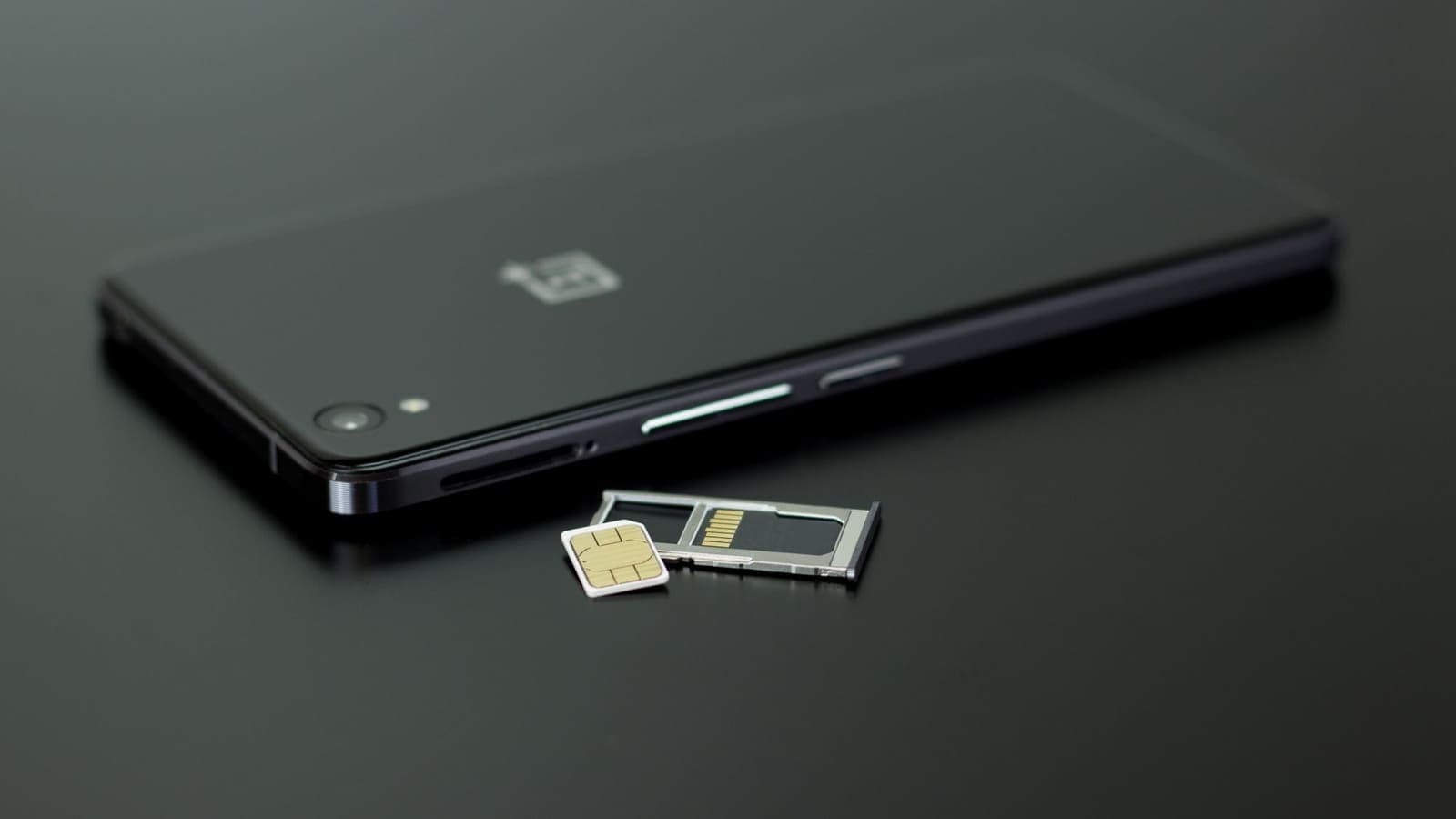
Travel eSIM vs VPN: Different Jobs Explained
A travel eSIM and a VPN are often mentioned together, but one supplies connectivity and the other protects it. Here is how each works and how they fit into one trip.
9 min read
Device Guides
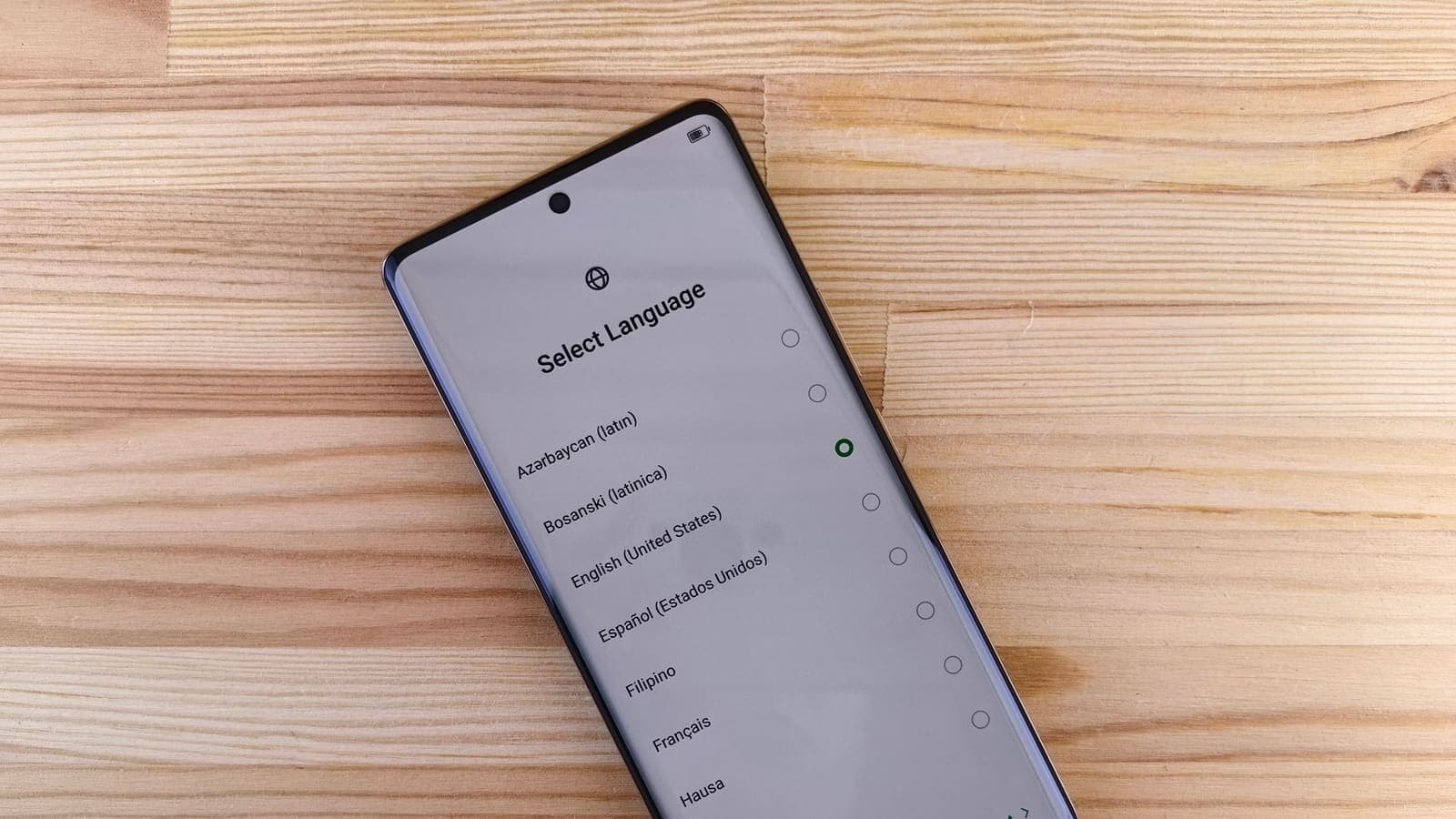
How to Check Whether Your Phone Supports eSIM
Before you buy a travel eSIM, confirm that your phone has the chip and is not locked. Here are the checks to run on iPhone and Android, and what to do if the answer is no.
9 min read
Privacy Guides
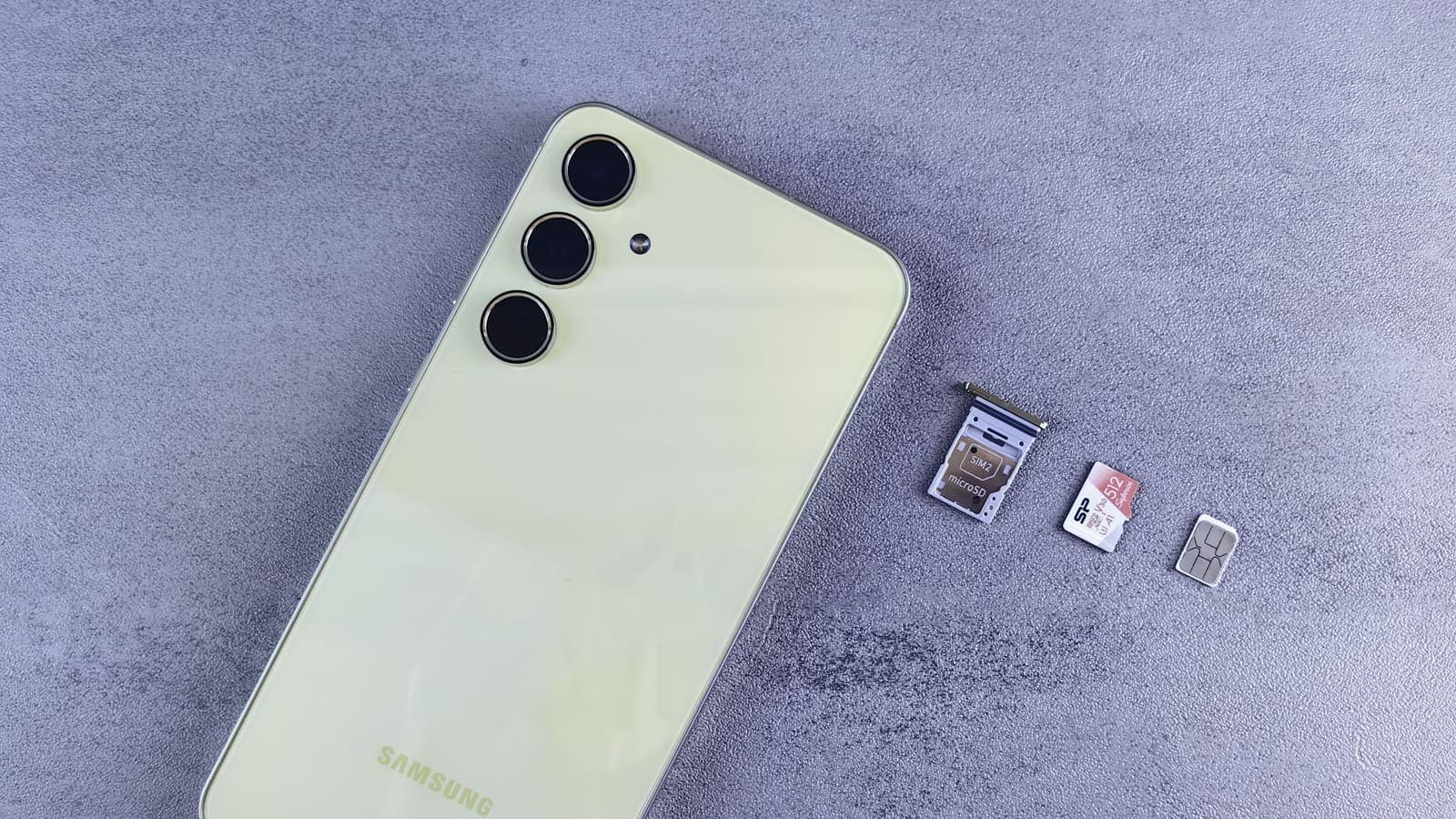
SIM Swap Fraud: What It Is, Warning Signs and How to Protect Your Number
How SIM swapping works, why criminals want your phone number, the early warning signs, and the practical steps that protect you: carrier PINs, authenticator apps, passkeys and fast action.
10 min read

Buying Guides
eSIM vs Roaming vs Pocket Wi-Fi: Choosing Mobile Internet Abroad
Five ways to get online abroad, compared on cost predictability, setup, sharing, battery, keeping your Thai number and privacy on shared networks, with trip scenarios.
10 min read

VPN Security
How to Stay Safer on Public Wi-Fi
Public Wi-Fi is not a disaster, but it is a network you do not control. Here are the real risks, the habits that matter most, and where a VPN fits in.
8 min read