
VPN on Dual-WAN Routers: What to Know
Two internet lines and one VPN do not always get along. This guide explains how vpn router dual wan setups behave, where the tunnel breaks and how to plan for it.
10 min readUpdated Oct 15, 2026By XPASS Editorial Team
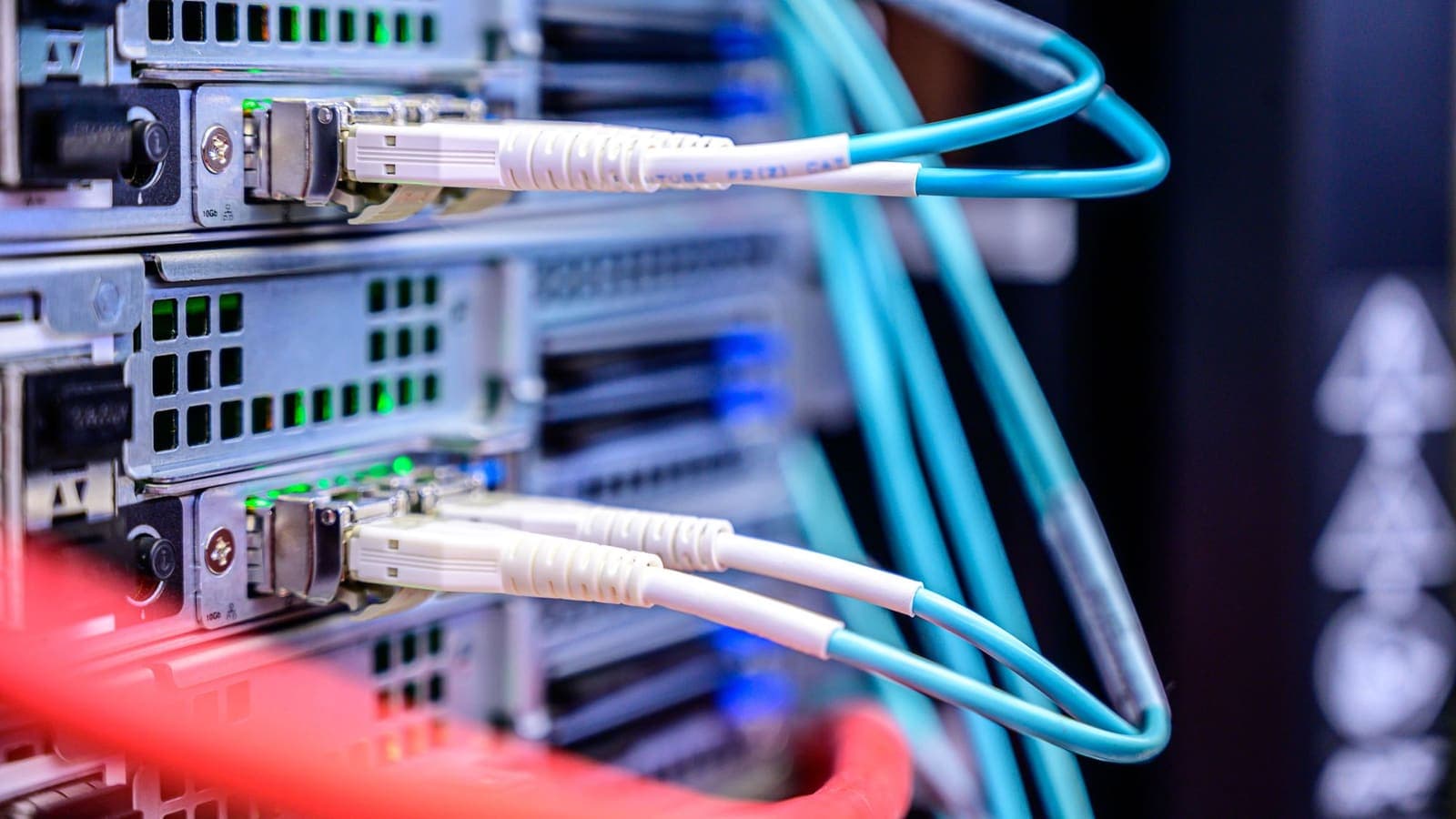
A second internet line used to be something only offices bought. Now many homes and small shops have fibre plus a mobile backup, or two broadband subscriptions from different providers, joined by a router with two WAN ports. The idea is attractive: if one line fails, the other takes over. Then someone adds a VPN to the same router, and things become less tidy. A tunnel is a long-running connection tied to one public address. Dual-WAN routers are built to move traffic between public addresses. Those two ideas pull in different directions.
This article explains how a vpn router dual wan setup behaves, the difference between failover and load balancing, where the tunnel breaks, what a mobile backup line changes, and a practical checklist for planning and testing. It assumes you know the basics of putting a VPN on a router; if not, read how to set up a VPN on a router first. For the bigger question of whether the router is the right place at all, see VPN router vs VPN app.
What dual-WAN really does
A WAN port is the router's connection to the internet. A dual-WAN router has two, and it can use them in two main ways.
Failover. One line is primary and the other waits. The router checks the primary line regularly, for example by pinging a few reliable addresses. If checks fail for long enough, the router switches the default route to the secondary line. When the primary recovers, traffic may move back.
Load balancing. Both lines are used at the same time. New connections are shared between them, either evenly or in a ratio you choose. One download can still only use one line, but ten browser tabs and three phones may be spread across both.
A router may also let you pin particular devices or services to a chosen line, which is a form of policy routing. A separate guide on splitting traffic by device explains the general idea.
Both lines have their own public address, issued by their own provider. That is the point where the VPN gets involved, because the tunnel is built from one of those addresses.
Why a VPN and dual-WAN collide
A VPN tunnel, once built, is a conversation between your router and one VPN server. The server sees a particular source address for your side and expects packets to keep arriving from it. Several things follow.
- A switch of line changes the source address. If the router fails over from line A to line B, the VPN server suddenly sees packets from an address it has never heard of. Depending on the connection method, the old session either dies or lingers uselessly until a timeout.
- A reconnect takes time. The router must notice that the tunnel is dead, tear it down and build a new one over line B. That can take from a few seconds to over a minute.
- Load balancing splits one conversation. If the router sends some packets of the tunnel over line A and some over line B, the server sees a single session jump between addresses. Most designs avoid this by keeping each connection on a single line, but the tunnel itself needs to be pinned to one.
- Your public address changes. Websites and services that watch for address changes may see it. Two addresses from two providers are not the same as one stable address; read what a public IP address is if the terms are unfamiliar.
In short, a VPN wants a stable underlay, and dual-WAN deliberately changes the underlay. You can combine them, but you need to choose how.
Four ways to combine them
| Design | How it works | Strength | Weakness |
|---|---|---|---|
| Tunnel on primary only, failover to direct | VPN uses line A. If A fails, the router uses line B without a tunnel | Simple, internet stays up | Exposed while on B unless you block |
| Tunnel on primary, failover rebuilds the tunnel over B | The VPN client reconnects over line B after failover | Protected both ways | Interruption during rebuild |
| One tunnel per line | Two VPN clients, each bound to one line | Fast switch, no rebuild | Complex, doubles setup |
| VPN on a device behind the router | The router does plain dual-WAN, the laptop or phone runs its own app | Router stays simple | Only that device is covered |
Design 1 is what you get by default on many routers: the tunnel is pinned to a line, and the rest of the router just fails over. It keeps the internet alive, but during failover your traffic leaves in the clear. If protection matters more than uptime, you need a block rule, the same idea as in what a VPN kill switch is, applied so that traffic is allowed only into the tunnel.
Design 2 is the usual compromise. It needs firmware that can bind the VPN client to whichever WAN is currently active, or that restarts the client when the active line changes.
Design 3 gives the smoothest result on routers powerful enough to run two clients, but it requires policy rules to send each device to the right tunnel, and you must watch two sets of logs.
Design 4 often wins for ordinary homes. Letting the router do plain failover and putting the VPN app on the devices that matter means no tunnel ever has to survive a line change. The app reconnects by itself after the network changes.
Planning checklist before you start
- Write down the roles. Which line is primary, and which is backup? Which provider is more reliable, which cheaper, which metered?
- Decide the priority. Is uptime more important, or protection? Your answer decides between Design 1 and Design 2.
- Check your firmware. Look for an option to bind the VPN client to a particular WAN or to follow the active one. If you cannot find it, assume the client is bound to the default route at the moment it starts.
- Check the health-check settings. Failover is triggered by test pings. Choose targets that are reliable, and a number of failed checks that avoids false alarms without making real outages last minutes.
- Decide what should happen to unprotected traffic. Either allow it or block it during failover.
- Decide which devices stay outside. Metered backup lines, such as mobile data, may be too expensive to tunnel everything over; keep streaming devices off them if you can.
- Document the addresses. Note both lines' addresses and how you will recognise which line is active.
Failover timing and how to test it
You can only trust what you have watched fail. Pick a quiet moment.
- With both lines working, confirm the tunnel works and note the address shown by an IP-checking page.
- Unplug the primary line's cable (not the router's power). Start a stopwatch.
- Watch the router's status page. Note when it declares the primary line down. That is the failover delay.
- Watch the VPN client. Note when it shows disconnected and when it reconnects over the backup line. That is the tunnel recovery delay.
- From a laptop, keep a continuous ping running to a stable address. Count how many replies you lose.
- Reload the IP-checking page after recovery. The address should be the tunnel address again.
- Plug the primary back in. Note whether the router moves traffic back, and whether the tunnel rebuilds a second time.
Expect two delays added together: the router's own detection time and the tunnel's recovery time. If the sum is more than you can tolerate, shorten the health-check interval, or move to Design 3 or 4. A short explanation of why delay and jitter matter is in Cloudflare's guide to latency. If reconnecting is slow or fails, reconnecting when a VPN disconnects lists the usual causes.
The mobile backup line
Many dual-WAN homes use a 4G or 5G router or a phone as the second line. It is a sensible backup, with several quirks that matter to a VPN.
- Shared addresses. Mobile providers often put many customers behind one shared public address. The shared address space reserved for this purpose is described in RFC 6598. This is generally fine for outbound tunnels, which start from your side, but it means inbound connections to your home usually will not reach you.
- Address changes. Mobile addresses change more often than fixed broadband. A tunnel over a mobile line may need to rebuild more often.
- Higher and variable delay. Calls and games over a tunnel on mobile data will feel it.
- Data caps and cost. A tunnel adds some overhead to every packet. A metered backup line used for everything may run out of data sooner than you expect.
- Inbound services stop working. If you run something that other people connect to, such as a camera viewer, it will not be reachable while you are on the mobile line. See VPN port forwarding explained for how inbound access and tunnels interact.
If you rely on a mobile backup, test the tunnel over it on purpose, not for the first time during a real outage.
Three scenarios
A home office with fibre and a 4G backup. Ahmad works from home with fibre as the primary line and a small 4G router as the backup. His video meetings matter more than perfect protection. He chooses Design 4: the router does plain failover, and his laptop runs the VPN app. When the fibre fails, the laptop notices the network change, drops the tunnel and reconnects over 4G within seconds, and the meeting recovers after a short freeze. His family devices do not use the VPN.
A small shop with two broadband lines. Mei runs a shop with a till, a card terminal and a staff Wi-Fi. She wants the staff Wi-Fi protected but the card terminal left alone, since payment systems can be sensitive about addresses. She uses a router that supports policy routing and Design 2: the staff network goes through the tunnel and rebuilds on failover, while the card terminal is pinned to the primary line with no tunnel. She tests monthly by pulling the primary cable.
A flat with two providers and heavy streaming. Three flatmates each pay for their own line and plug both into a load-balancing router. They add a VPN to the router and notice downloads are no faster than before. That is expected: one tunnel rides one line. They decide to run the VPN only on the laptops that need it and leave the load balancer plain, so streaming can use both lines.
Limits, troubleshooting and common mistakes
The tunnel never recovers after failover. The client may still be trying to use the old line. Restart it, and check whether your firmware can bind the client to the active WAN or run a script on line change.
Internet stops completely during failover. A block rule is working as designed. If outages are unacceptable, move to Design 4 or accept exposure during failover.
Speeds are the same as one line. Load balancing helps many connections, not one tunnel. If you need a single fast tunnel, only the faster line will carry it.
The address shown is wrong after failover. Your router may be sending traffic from the backup line outside the tunnel. Re-check the rules for the failover state.
Frequent flapping between lines. Health checks are too sensitive. Increase the failure threshold, or choose more reliable test targets. Flapping rebuilds the tunnel again and again; see improving VPN connection stability.
Common mistakes:
- Assuming a second line makes the VPN twice as fast.
- Never testing failover with the tunnel running.
- Using one unreliable address as the only health-check target.
- Forgetting that the backup line may not allow inbound connections.
- Putting every device through a metered backup line.
- Not telling the household that a short outage is expected during failover.
Summary
On a dual-WAN router, the VPN tunnel is tied to whichever line it was built over, and failover or load balancing changes that line. Decide whether uptime or protection comes first, pick one of the four designs, and measure the real recovery time by unplugging the primary line on purpose. Treat a mobile backup as a line with its own quirks. For many homes, plain failover on the router with the VPN app on the important devices is the least fragile combination.
If you are planning a router setup and want a prepaid pass to test it, the pricing page lists what is available, and your My Pass page shows how to connect.
Frequently asked questions
Can I run a VPN on a dual-WAN router?
Often yes, if the router firmware supports both a VPN client and multi-WAN. The tunnel is normally built over one WAN at a time, so you must decide which line carries it and what should happen when that line fails.
Does a VPN get faster if I load balance two lines?
Usually not. A single VPN tunnel is one connection to one server, so it rides on one line at a time. Load balancing helps with many separate connections, not with the speed of one tunnel.
What happens to the VPN when the router fails over to the backup line?
The tunnel breaks because your public address changes, and it must reconnect over the backup line. Expect an interruption from several seconds to a minute or more, and plan for traffic to be blocked or exposed during it.
Is a 4G or 5G backup line a good partner for a router VPN?
It can work, but mobile lines often share one public address between many customers, change addresses often and may not allow inbound connections. Test the tunnel on the backup line before you depend on it.
Should I run one tunnel per line?
It is possible on capable routers, and it avoids rebuilding a single tunnel on failover. It also doubles the setup and the things that can go wrong, so only do it when you really need both lines protected at the same time.
References
About the author

Bob Kanokphon Thongdee
- Founder of XPASS VPN
- Co-founder of eSIMonline.asia
- More than 7 years in online marketing
- Founder of Cojourney Visa and Cojourney Travel
Need a VPN for a short trip or a busy month?
XPASS sells prepaid passes for a set number of days. You pay once and nothing renews automatically.
See passesKeep reading

VPN Basics
VPN Router vs VPN App: Which Setup Fits Your Home?
Should you install a VPN on the router or on each device? This guide compares the two setups for speed, smart home gadgets, mesh Wi-Fi, split tunneling and everyday convenience.
10 min read
Device Guides
How to Set Up a VPN on a Router
A general, firmware-neutral guide to running a VPN on your router: what to check first, the usual setup steps, DNS and kill switch settings, travel routers and common fixes.
7 min read

Troubleshooting
How to Reconnect When the VPN Disconnects
VPN connections drop sometimes. Here is a calm, ordered routine for getting back online safely and working out why it happened.
7 min read

Troubleshooting
How to Improve VPN Connection Stability
A VPN that keeps dropping or stalling is usually reacting to the network or device around it. These steps help you find and fix the weak link.
5 min read

VPN Basics
What Is a Public IP Address?
Your public IP address is the address websites see when you connect. This guide explains how it is assigned, how it differs from the private address on your home network, and what it does and does not reveal.
9 min read