
VPN for Travel to the USA: A Guide for Thai Travellers
A practical guide for Thai tourists, students and business travellers heading to the United States: public Wi-Fi habits, Thai apps that behave differently abroad, time-zone trouble with OTP codes, and the limits of a VPN.
11 min readUpdated Oct 15, 2026By XPASS Editorial Team

A trip from Thailand to the United States is a long one. It usually means a connecting flight, a half-day time difference, a new SIM or roaming plan, and a lot of Wi-Fi: in the terminal, on the plane, at the hotel, in a coffee shop, and on a university campus if you are studying. Along the way your Thai banking app, e-wallet, LINE chats and streaming apps may all behave a little differently because you are suddenly far from home. People often search for a VPN at exactly this moment, and the honest answer is that it helps with some of these problems and does nothing for others.
This guide is written for three kinds of Thai traveller: the tourist on a two-week holiday, the student settling in for a semester or longer, and the business traveller who has to keep working from hotels and airports. It does not recommend a provider, it does not promise that any app or website will work with a VPN, and it is not legal or immigration advice. For the general question of what to look for before you buy, read choosing a VPN for travel alongside it.
Tourist, student or business traveller: what you actually need
Your situation decides how much a VPN matters, so start there.
| Traveller | Typical online habits | How much a VPN helps |
|---|---|---|
| Tourist, two weeks | Maps, photos, booking apps, hotel and cafe Wi-Fi, a little banking | Moderate. Most useful on hotel and public Wi-Fi when you check cards or email |
| Student, one semester or more | Campus Wi-Fi, apartment network, coffee shops, online classes, banking from Thailand | Moderate to high, but follow the school's IT rules |
| Business traveller | Email, shared documents, video calls, company systems from hotels and airports | High on public networks, together with your employer's own security rules |
| Family on a road trip | Many devices, motels and rental homes, shared hotspots | Moderate. Plan which devices get the app |
If you are mostly on your own mobile data, the case is weaker, because a mobile connection is already a private link to your carrier. If your plan is a travel eSIM or a local SIM, read using a VPN with a travel eSIM for the interactions that are not obvious, especially right after landing.
One timing point for a prepaid pass: validity of a XPASS pass starts when the account is created, not at your first connection. So buy it close to your departure date rather than months earlier. If the trip is extended, renewing adds days on top of what you have left, so topping up early does not waste unused days.

Airports and long flights: the first twelve hours
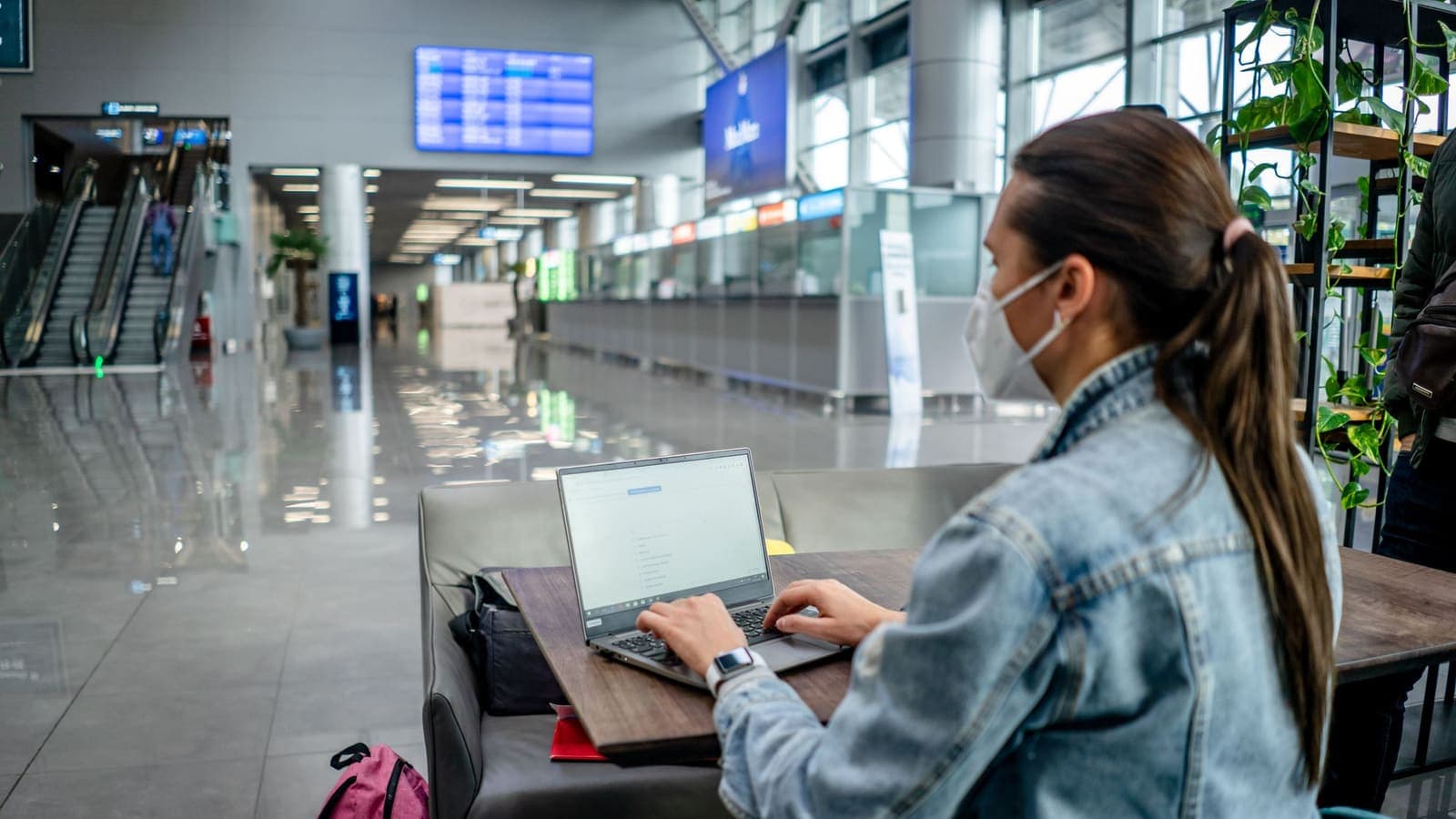
A journey to the United States often includes a long layover. Airport Wi-Fi is a shared network with hundreds of strangers, and it frequently shows a sign-in or terms page before you can reach the internet. A sensible routine:
- Join the network whose exact name is posted by the airport or confirmed by staff. Copycat network names that look almost identical are a known trick on public Wi-Fi anywhere in the world.
- Accept the terms page first. Many VPN apps cannot connect until that page is passed, which is a frequent reason for a failed connection in terminals. The guide to airport Wi-Fi and VPNs explains this in detail.
- Connect the VPN, then do the sensitive things: banking, email, password changes, booking changes.
- Skip any network that asks you to install a profile or an app just to get online.
On the plane, in-flight Wi-Fi works similarly, but it is slow and sometimes sold per session, so a VPN may feel slower. Save large downloads and updates for later. Before you leave Thailand, download offline maps, the airline boarding pass, hotel and car-rental confirmations, and any documents you might need to show. A VPN is no use if you have no signal at all.
Hotels, rentals and coffee shops
Hotel Wi-Fi is easy to trust because it comes with a room key and a password. In reality, everyone with that password is on the same network. The same is true of many rental homes where the owner shares one router with a series of guests. The fuller walk-through is in the guide to using a VPN on hotel Wi-Fi, but the essentials are:
- Connect to the hotel network, pass the sign-in page, and then turn the VPN on.
- If the hotel limits the number of devices per room, you may need to disconnect one before adding a laptop.
- If calls or streaming are slow in the evening, try switching to mobile data for that call or pick a different location in the VPN app, and check why your VPN may feel slow.
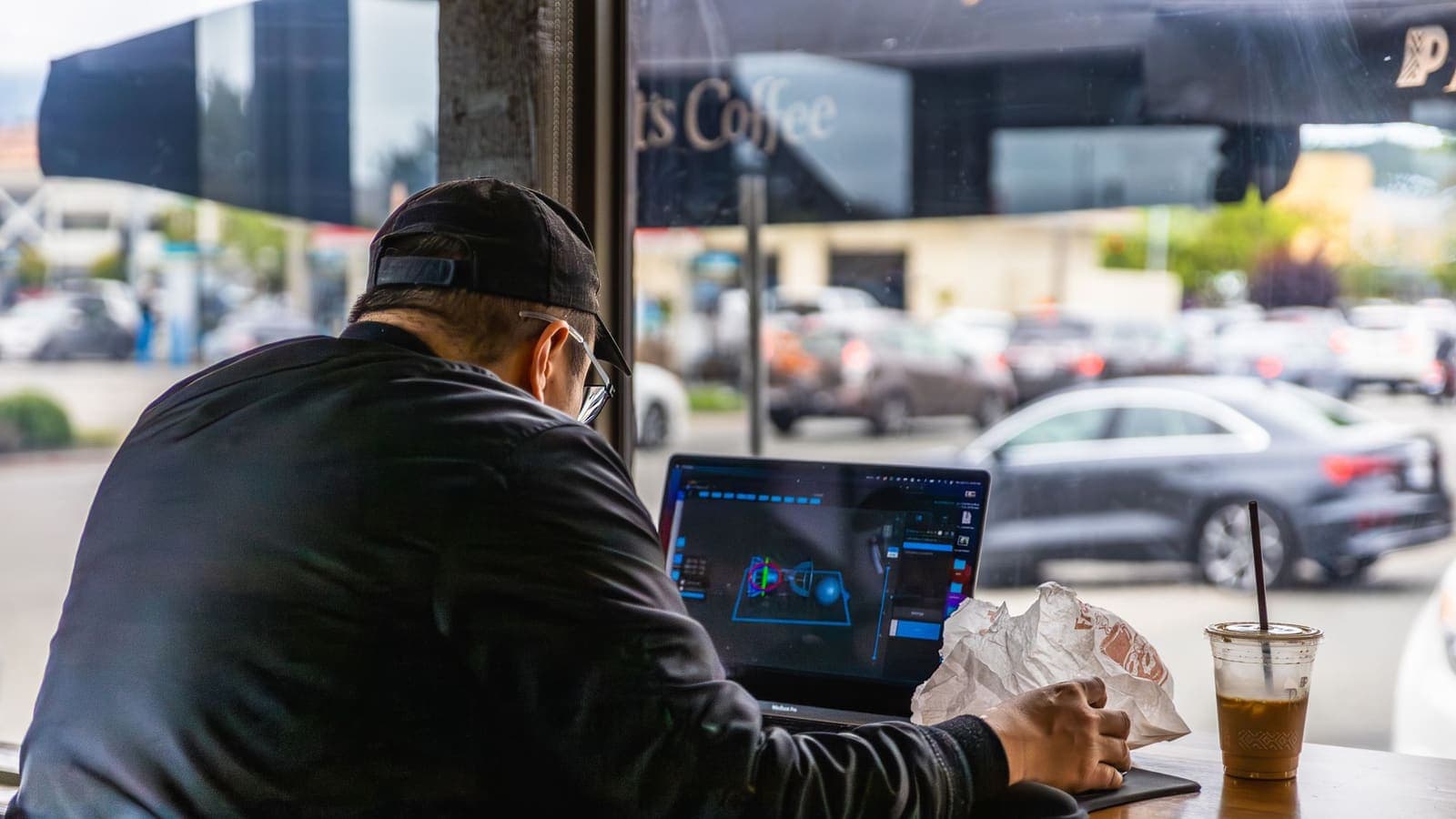
Coffee shops are the classic open network. Treat them like any public Wi-Fi: do not leave the laptop unlocked, avoid entering a password on a page you reached from a message, and prefer a VPN for anything involving money. The guide to cafe Wi-Fi and VPNs goes through typical problems, and the FTC page on public Wi-Fi gives a plain overview of the risks. You can also read how to stay safer on public Wi-Fi for habits that cost nothing.
Campus Wi-Fi and student life
If you are a student, your first week is full of sign-ins: student portals, learning platforms, library systems, email, banking and the apps from home. Some points deserve a mention:
- Follow the school's rules. Universities publish IT policies. Some require you to use their own VPN or remote-access tool for certain systems, and some restrict other software on their network. If the school provides an official tool, use that for school systems.
- A personal VPN is for your personal traffic. It can add a layer on shared dormitory or campus networks, but it does not replace the school's security requirements, and it will not hide what you do on the school's own accounts from the school.
- Apartment networks are shared too. Many students rent rooms in a house where several people share a router. You do not control who is on it, so treat it like a small public network.
- Exams and monitoring tools. If a class requires monitoring software or a specific setup, do what the instructor asks and do not use a VPN to avoid it.
- Keep Thai tools working. Think about which Thai services you need during the term, such as your bank, a tax or university-application portal, or a family video call, and test them from the US early rather than the night before a deadline.
For a longer stay, a multi-month pass can be more convenient than short ones. You can renew when needed, and there is no automatic renewal, so nothing is charged unless you decide to buy again.
Thai banking, e-wallet and streaming apps abroad
This is where most Thai travellers are surprised. Your apps are the same, but the signals they see change: a new country, a new network, perhaps a new phone number, and a very different time of day. Banks and wallet providers use those signals to protect you, so extra checks are normal.
What commonly happens:
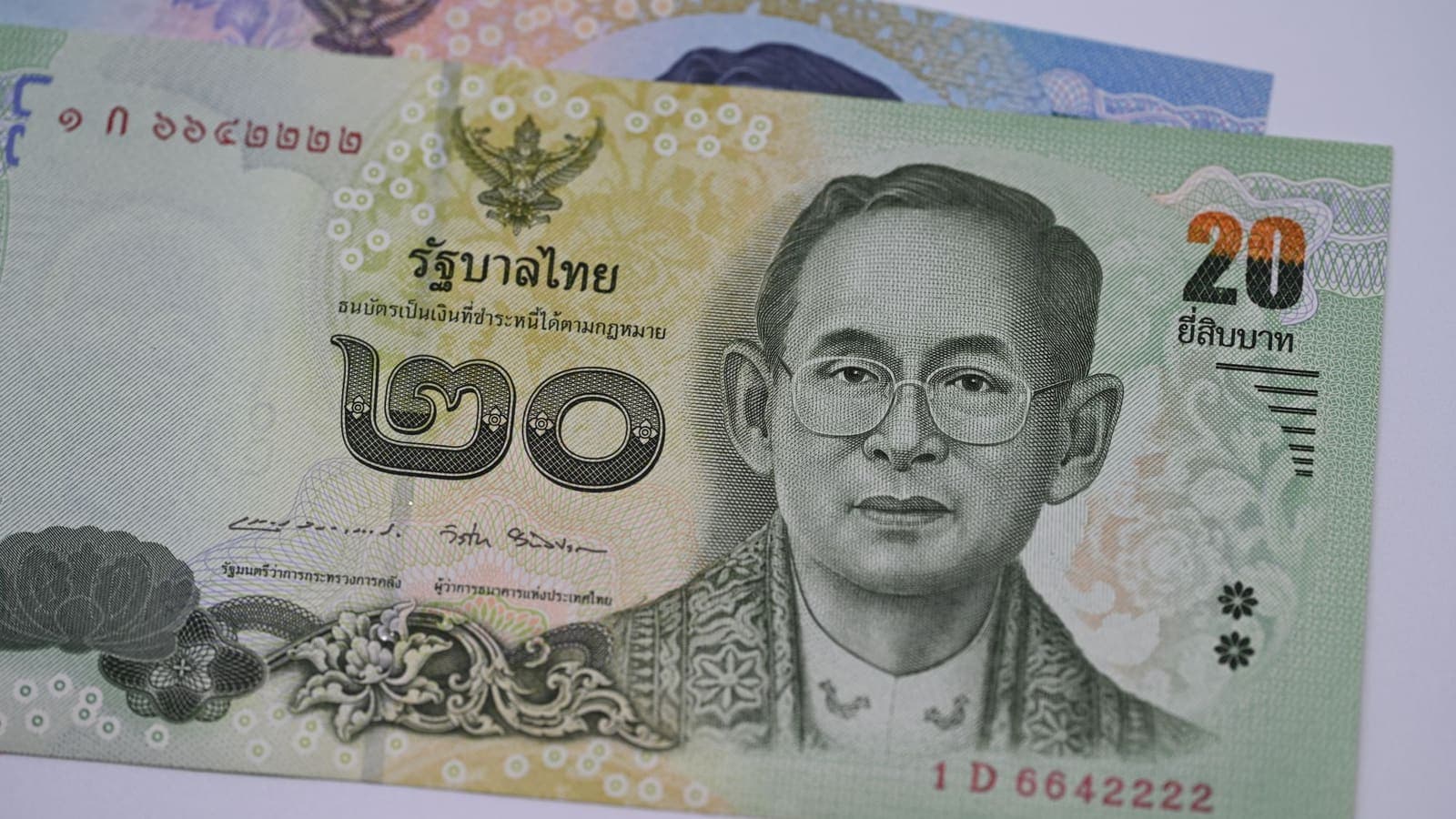
- Extra verification or a temporary hold. An app may ask for a selfie, a PIN, or a call to the bank when you log in from abroad. This is the bank's decision, and a VPN does not remove it. See using Thai bank apps while abroad for a longer look.
- Apps that dislike VPNs. Some banking and payment apps refuse to run or add verification when a VPN is active. The simple test is to turn the VPN off for that app, finish the task on a network you trust (mobile data is usually better than a cafe), and turn it back on. See also using banking apps with a VPN.
- Services that limit use outside Thailand. Some Thai apps limit certain features abroad, or ask for extra steps. Check the provider's own help page or contact its support before you leave.
- Card payments. Tell your card issuer about your travel through its official app or website, and make sure the card works for online and overseas use.
A word about streaming. Some Thai streaming and TV services are not available outside Thailand, because of licensing or because the provider chose that. Using a VPN to get around such a rule may break the provider's terms, and accounts can be suspended. That is not something this guide will help with. The lawful options are to check what the provider allows abroad, to use services that are offered in the US, or to download content for offline viewing where the app officially allows it. If you want to read more, using Thai websites and apps while abroad explains what to check.
Time zones, OTP codes and being locked out
The time difference between Thailand and the United States is large, roughly 11 to 15 hours depending on which US time zone you are in and whether daylight saving is in effect. That creates problems that have nothing to do with a VPN:
- Your sleep is wrong when you need to act. A bank may call you in the middle of your night. Keep your phone ringer on for known numbers, and agree with your family when to expect messages.
- Codes expire quickly. One-time passwords sent by SMS are usually valid for only a few minutes. If your sleep schedule or signal delays them, they may be dead before you type them. Ask for a fresh code rather than retrying an old one.
- SMS may not arrive. Roaming may be switched off, your Thai SIM may be turned off while you use a local SIM, or the sender may be slow to reach foreign networks. Before you fly, check with your carrier how to receive SMS abroad, and check your bank's options.
- Have a second method. Where possible, move important accounts to an authenticator app or a passkey, so you are not dependent on one text message. The guide on two-factor authentication covers the choices, and CISA's page on multi-factor authentication is a short introduction.
- Dates and deadlines. Payment due dates, university deadlines and ticket sales may be set in Thai time or US time. Read which one is meant.
A VPN is not a cure for any of this. It will not deliver an SMS, and it will not change what time it is for your bank. Its job is to protect traffic on networks you do not control.
When a VPN helps, and when it does not
Here is a compact summary for the US trip.
| Situation | VPN usually useful? | Notes |
|---|---|---|
| Airport, hotel, cafe, library or campus Wi-Fi for email and banking | Yes | Connect after passing the sign-in page |
| Own mobile data on a local SIM or eSIM | Often not needed | Already a private link to your carrier |
| Thai bank or e-wallet app that asks for more checks | No | The check is the bank's decision |
| App that refuses to run with a VPN | Turn it off for that task | Use a trusted network |
| SMS code that never arrives | No | Check roaming and the alternative method |
| Thai service that is unavailable abroad | No | Do not work around the provider's terms |
| Company or school system with its own VPN | Use theirs | Follow the instructions of the IT team |
| Phishing text or fake delivery message | No | Learn the signs, see below |
The pattern is clear: the VPN helps most when the risk is other people on a shared network. It does little when the problem is your account, your carrier or a provider's decision.
What a VPN will not do
Keep your expectations realistic.
- It does not make you anonymous. The VPN provider, the apps you sign in to and the sites that receive your login still know what you do with them. Read can a VPN make you anonymous for the longer version.
- It does not make a scam message safe. Fake texts about parcels, toll payments or your hotel booking arrive everywhere, and a VPN does not stop you from tapping a bad link. See how to recognise phishing websites and the CISA page on reporting phishing.
- It does not protect a phone that someone else can unlock, or one with a malicious app installed.
- It does not guarantee access to any app, website, streaming library or Thai service, and it is not a way to ignore the rules of a service.
- It does not change the law. Follow the rules of the country you are in and the terms of each service. This guide is general information, not legal advice, so check official sources, including your government's travel advice, if you are unsure.
- It does not fix a weak signal or a dead battery.
A practical checklist for your trip
Two weeks before you leave:
- Decide how you will get online: roaming, eSIM, local SIM, or mostly Wi-Fi.
- Tell your bank and card issuer about your trip using their official channels.
- Add a second sign-in method to your email and banking accounts.
One week before:
- Install the VPN app on every device you will carry. XPASS customers use the free VPNclient app. The login details are shown on My Pass, and the guide to where your login details are shows the steps.
- Connect once at home to be sure it works, and run the steps in checking whether your VPN is working.
- Update your operating system and apps while you still have fast home internet.
- Save offline maps, boarding passes, hotel and rental confirmations, and a short note of who to call if a card is blocked.
The day before and during the trip:
- Charge your devices and carry a power bank.
- On any shared Wi-Fi: accept the sign-in page first, then connect the VPN, then do sensitive tasks.
- If an app complains, turn the VPN off for that task on a trusted network, then turn it on again.
- Forget saved hotel and airport networks when you leave.
- When you return, check your bank statements and change any password you entered on a network you were unsure about.
Summary
For a trip from Thailand to the United States, a VPN is a sensible layer on shared airport, hotel, cafe and campus Wi-Fi, especially for banking, email and work. It does not remove extra checks from Thai banks, it does not deliver OTP codes, it does not fix time-zone problems, and it should not be used to get around a service's terms. Install and test it at home, tell your bank about the trip, keep a second sign-in method, and switch the VPN off for the occasional app that objects. If you want a pass that fits your travel dates, you can look at the options on the XPASS pricing page.
Frequently asked questions
Do I need a VPN when I travel from Thailand to the USA?
It is not required, but it is useful if you will often join airport, hotel, coffee-shop or campus Wi-Fi for banking, email or work. A VPN encrypts the traffic between your device and the VPN server, which reduces what other people on the same network can see. If you only use your own mobile data, the benefit is smaller.
Will a VPN stop my Thai bank app from asking for extra verification abroad?
No. Banks and e-wallets can notice a new country, a new device or an unusual time, and a VPN does not change that. Some apps also react to VPN connections. Tell your bank about your trip through its official channel, and be ready to turn the VPN off for that app if it refuses to open.
Why did my OTP code not arrive after I landed in the USA?
Common causes are roaming switched off, a weak signal, a SIM swapped for a local one, or a delay with the sender. A VPN does not deliver SMS codes. Check your roaming settings with your carrier before you fly and set up a second sign-in method such as an authenticator app.
Can I use a VPN to watch Thai streaming or TV apps from the USA?
Not reliably, and it may break the service's terms. Some Thai apps are not offered abroad because of licensing or the provider's own choice, and accounts can be suspended if you work around that. Check the provider's help page for what it allows outside Thailand.
Should I use a VPN on university Wi-Fi?
Follow the university's IT rules first. Some campuses ask you to use their own tools for certain systems. For ordinary browsing on a shared network a VPN can add a layer, but it does not replace the school's security requirements, and it will not make you anonymous to the school.
References
About the author

Bob Kanokphon Thongdee
- Founder of XPASS VPN
- Co-founder of eSIMonline.asia
- More than 7 years in online marketing
- Founder of Cojourney Visa and Cojourney Travel
Need a VPN for a short trip or a busy month?
XPASS sells prepaid passes for a set number of days. You pay once and nothing renews automatically.
See passesKeep reading

Buying Guides
Best VPN for Travel: How to Choose One Before Your Trip
A good travel VPN is mostly about planning: the right pass length, apps installed before you leave, and realistic expectations. This guide walks through what to check before a trip.
9 min read
Privacy Guides
VPN on Airport Wi-Fi: Security Tips
A traveller's guide to airport Wi-Fi: fake hotspots, the sign-in page, charging kiosks, and when to connect the VPN, with a checklist for each stage of a journey.
10 min read

VPN Security
How to Use a VPN on Hotel Wi-Fi Safely
Hotel and travel Wi-Fi is shared with strangers and often hides behind a login page. This guide explains how to connect, when the VPN goes on and what to do when it will not connect.
9 min read
Privacy Guides
Thai Banking Apps Abroad: VPN Considerations
Thai banking apps often react to foreign networks and VPN traffic. Here is what banks look at, what to prepare before you leave, and how to stay safe abroad.
10 min read

Privacy Guides
Using Thai Websites and Apps While Abroad
Thai banking apps, TV platforms and government sites often treat connections from abroad differently. This guide explains why, what to try with the service first, and the honest limits of a VPN.
9 min read