
VPN for Travel to the UK: What Thai Visitors Should Know
A scenario-based guide for Thai visitors and students in the United Kingdom: rail and pub Wi-Fi, banking alerts, Thai services from abroad, the time difference, and where a VPN does and does not help.
11 min readUpdated Oct 15, 2026By XPASS Editorial Team
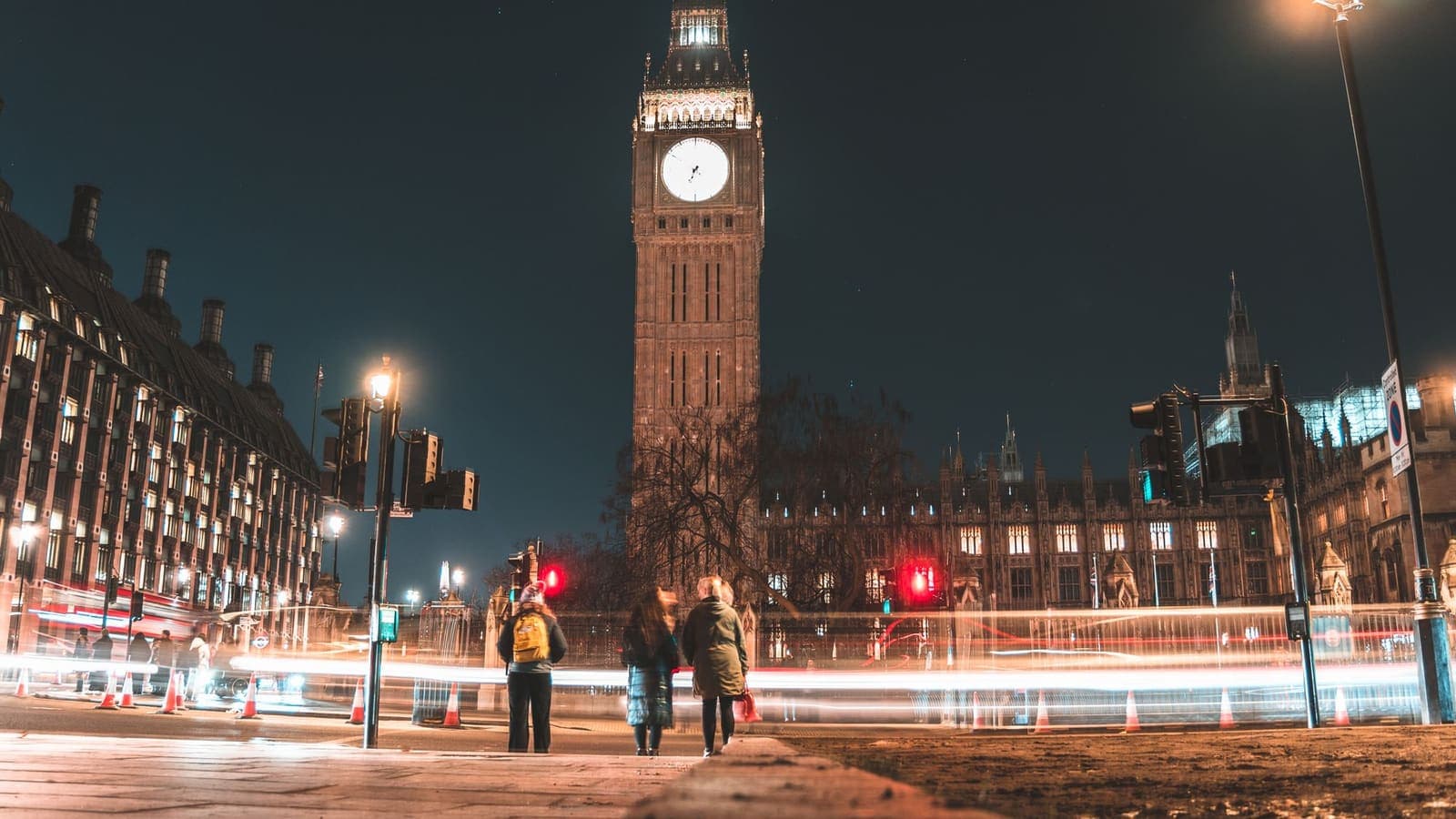
Many Thai visitors go to the United Kingdom for a holiday, a short course, a graduate degree or a work trip. The journey is shorter than going to the United States, but the internet habits are the same: you check the map in a station, book a train on your phone, reply to messages in a pub, and sit in a cafe with a laptop for hours. Meanwhile your Thai bank app, e-wallet and streaming services are suddenly being used from another country. This is why a VPN comes up in so many travel checklists.
This guide is organised around everyday scenarios, one after another, rather than a calendar. It is not a product review, it does not recommend a provider, and it does not promise that any app or website will work with a VPN switched on. It is general information and not legal advice. For the wider question of how to choose a service before a trip, read choosing a VPN for travel.
First decide what the trip really asks of your phone
A short sightseeing trip and a year of study ask very different things of your connection. Before anything else, think about which of these describes you:
- Visitor for a week or two. You mostly need maps, messages, bookings and photos. Your highest risk moments are public Wi-Fi at stations, cafes and hotels.
- Student or trainee for months. You will sign in to a dozen accounts, join a campus or accommodation network, and need Thai banking and family video calls to keep working.
- Business traveller. You carry company data and may be required to use your employer's own remote-access tool.
- Family travelling together. More devices, mixed habits, and children who join every Wi-Fi they see.
Whichever you are, the useful idea is simple. A VPN protects traffic between your device and the VPN server, which is helpful on networks you do not control. It does not change how your bank, your carrier or any app decides to treat you. If you will mostly be on your own mobile data, the case is smaller; if you plan to use a travel eSIM, using a VPN with a travel eSIM covers the interactions.
A practical note on timing if you use a prepaid pass: the validity of a XPASS pass starts when the account is created, not when you first connect. Buy it shortly before you fly rather than months ahead. If your trip is extended, renewing adds days on top of those remaining, and there is no automatic renewal.

On the train and at the station
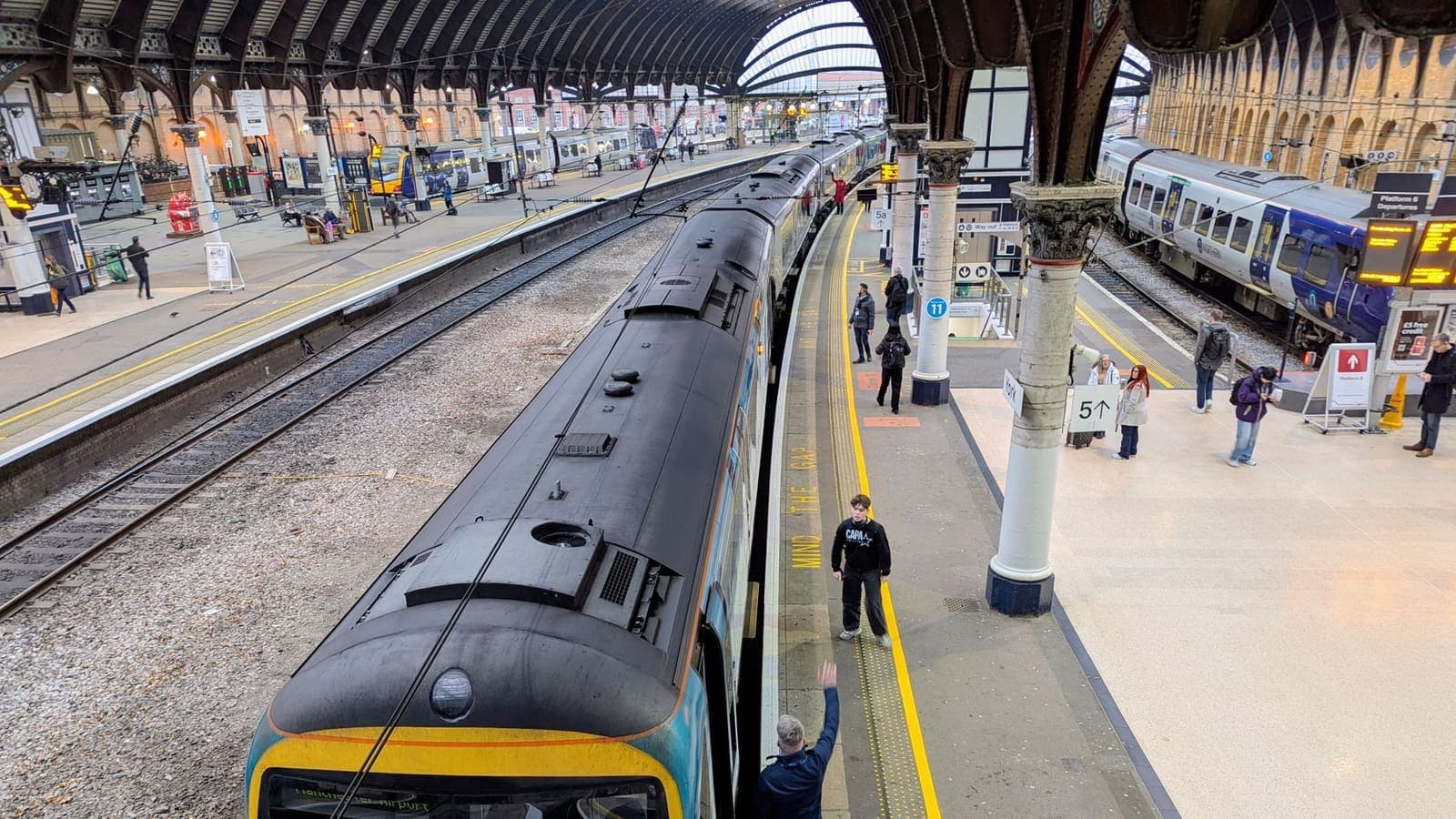
Rail travel is a big part of many UK trips, and with it comes a lot of waiting around in stations. Some stations and some trains offer Wi-Fi, though availability, speed and rules vary by operator, so do not plan around it. Instead, think about what you do online on a journey and what could go wrong:
- Sign-in pages. Public Wi-Fi often shows a page asking for an email address or acceptance of terms. Many VPN apps will not connect until that page is completed. Do the sign-in first, then connect the VPN.
- Dropped connections. Trains move between coverage areas, so the Wi-Fi or mobile signal may drop. If your VPN disconnects, reconnect after the network has returned. The help guide on reconnecting when your VPN disconnects lists what to try.
- Tickets and journey planning. Download or screenshot tickets and itineraries where the operator allows it, so a weak signal at the barrier does not become a problem.
- Nearby strangers. On a crowded train, screens are visible. A VPN does nothing about shoulder-surfing, so keep sensitive work for a quieter place.
If you are using mobile data on a train, a VPN is less important for network risk but can still be a reasonable habit if you also move between Wi-Fi and data throughout the day.
Pubs, cafes and shops
Pubs and cafes are easy places to feel safe in: a comfortable seat, a drink in hand and a friendly Wi-Fi sticker on the wall. The network is still shared with everyone in the room, and someone could have created a look-alike network with a similar name. Reasonable habits:
- Ask staff for the exact network name rather than choosing the strongest one that looks right.
- Pass the sign-in page, then switch on the VPN before you do any banking, email or document work.
- Do not enter a password on a page you reached from a message or QR code. Open the real app or type the address yourself.
- Keep your device locked when you go to the counter, and do not leave a laptop unattended.
- Prefer your own mobile data for high-value tasks such as moving money, if you can.
The guide on cafe Wi-Fi and VPNs goes deeper into typical connection problems, and the FTC's page on public Wi-Fi is a clear, short introduction to the risks. If you want a broader checklist, how to stay safer on public Wi-Fi is worth a read before you go.
Student life: campus, halls and shared houses
Thai students in the UK often live in university halls, shared houses or private accommodation. Each has a different network situation:
- Campus Wi-Fi. Universities publish IT rules. Some systems may require the university's own tools, and some campuses restrict what you can do on their network. Use the official tools for university accounts.
- Halls and shared houses. You may share a network with many people you have just met. Treat it as a small public network: keep devices updated, use strong passwords, and consider a VPN for banking and personal accounts.
- Online classes and tests. If a course asks for specific software, do what the instructor says. A VPN is not a way to avoid monitoring or an academic rule.
- Remote work or part-time jobs. If an employer provides its own remote-access tool, use it for work accounts instead of a personal VPN.
- Keep your Thai life running. Test the Thai banking app, tax and application portals and family video calls early in the term, not on the night before a deadline.
A longer stay may suit a multi-month pass better than several short ones. You top up only if you want to, and unused days are kept when you renew early.
Banking alerts and card checks
When you first use a card in a new country, a bank may send a message, hold a payment, or ask you to verify. That is the bank's fraud protection working as designed. A VPN has no say in it. What helps is preparation:
- Tell your bank and card issuer about your trip through the official app or website, not through a link in a message.
- Make sure your card is enabled for online and overseas use, and know the number to call from abroad, saved in your phone and written on paper.
- Keep a second way to receive verification codes. If SMS fails, an authenticator app or a passkey can save the day. See what two-factor authentication is, and CISA's page on multi-factor authentication for a short introduction.
- Be careful with fake bank messages. Scammers send alerts that imitate banks. Open your official app instead of tapping a link. How to recognise phishing websites lists the signs.
Some banking and payment apps also behave differently when a VPN is on, by refusing to open or asking for more verification. If that happens, turn the VPN off for that task on a network you trust, and turn it back on afterwards. The longer explanation is in using banking apps with a VPN and using Thai bank apps while abroad.
Thai services from abroad, and the time difference
Thailand is six or seven hours ahead of the UK, depending on whether the UK is on daylight saving time. That small-sounding gap causes real problems:
- Calls and messages arrive at odd hours. Family, banks and employers in Thailand work on Thai time. Agree on call windows.
- Deadlines are ambiguous. A due date might be in Thai time, UK time or both. Read which.
- One-time codes expire fast. SMS codes may be valid for only a few minutes. Request a fresh one rather than retrying an old one, and check roaming with your carrier before you fly.
As for Thai websites and apps, some limit use abroad. The reasons can be licensing, security, or the provider's choice. Where a service is unavailable outside Thailand, a VPN is not an approved way around it: that may break the provider's terms and put your account at risk of suspension, and this guide will not help with it. Lawful options include checking the provider's help page for what is allowed abroad, contacting its support, using a service that is offered in the UK, or downloading content for offline use where the app officially permits it. Using Thai websites and apps while abroad walks through what to check.
Hotels, hostels and short-term rentals
Hotels, hostels and rental homes mostly give you a password at check-in, and everyone with that password shares the network. The essentials from using a VPN on hotel Wi-Fi apply: pass the sign-in page first, then connect the VPN. Hostels with many travellers in a common room deserve extra care. Shared rental homes may have a router that the owner manages, which you have no way to inspect. In both cases, update your devices, lock them, and avoid doing important tasks on a network that asks for odd permissions.
If you are travelling with other people, one device with the VPN does not automatically protect the others sharing a hotspot. The guide on sharing a VPN over a mobile hotspot explains the options.
What a VPN will not do
- It does not make you anonymous. The provider, the apps you sign in to and the sites you visit while logged in still know what you do there. See can a VPN make you anonymous.
- It does not stop a bank from sending alerts or asking for verification.
- It does not deliver an SMS code, fix roaming, or change time zones.
- It does not make a phishing message safe, and it does not protect a phone that someone else can unlock.
- It does not guarantee access to any app, website, streaming library or Thai service. It should never be used to break a service's terms or to get around a restriction that the law or the provider has set.
- It does not change the rules where you are. Follow UK law and the terms of each service. This is general information, so check official sources, including your own government's travel advice, if you are unsure.
A practical checklist for the UK
Before you leave:
- Decide how you will get online: roaming, eSIM, local SIM or mostly Wi-Fi.
- Tell your bank and card issuer about your trip through official channels, and add a second sign-in method.
- Install the VPN app on each device you will carry. XPASS customers use the free VPNclient app, with login details on My Pass. The guide to where your login details are shows where to look.
- Connect once at home and follow how to check that your VPN is working.
- Update your system and apps, and save offline maps, tickets and accommodation details.
While you are there:
- On any shared Wi-Fi: accept the sign-in page, connect the VPN, then do banking or work.
- Verify the network name with staff and avoid pages you reached from messages.
- If an app objects to the VPN, pause the VPN for that task on a trusted network.
- Keep a power bank, and forget saved networks when you leave a place.
When you return:
- Check your bank statements, and change any password you entered on a network you were unsure about.
Summary
For a UK visit, a VPN is a sensible layer on station, cafe, pub, hotel and campus Wi-Fi, especially when you handle banking, email or work. It will not stop bank alerts, deliver one-time codes, fix the time difference or open Thai services that the provider restricts abroad. Install and test it at home, prepare your bank, keep a backup way to receive codes, and pause the VPN for the odd app that objects. If you want a pass that fits your dates, you can look at the options on the XPASS pricing page.
Frequently asked questions
Is a VPN useful when I visit the UK from Thailand?
It can be, mainly on shared networks such as station, cafe, pub, hotel and campus Wi-Fi where you handle email, banking or work. It encrypts traffic between your device and the VPN server. On your own mobile data the benefit is smaller, and it never replaces good habits like keeping your devices updated.
Why did my Thai bank send an alert when I arrived in the UK?
Banks watch for unusual activity such as a new country, new device or new network and may ask for extra verification. A VPN does not stop that. Tell your bank about your trip through its official channel and keep a backup way to receive verification codes.
Can a VPN help me use Thai apps and websites while I am in the UK?
Sometimes a VPN is not the issue at all. Some Thai services limit use abroad because of licensing, security or the provider's own choice, and working around that can break their terms and risk your account. Check the provider's help page or support first, and see what lawful options exist.
Is it safe to use Wi-Fi on a UK train or in a pub?
Treat it like any shared Wi-Fi. Anyone on the same network may be able to see more than you expect, and fake network names exist. Use a VPN for banking and email, keep HTTPS sites and updates on, and avoid entering passwords on pages you reached from a message.
How big is the time difference between Thailand and the UK?
Thailand is six or seven hours ahead of the UK, depending on whether the UK is on daylight saving time. This matters for bank calls, one-time codes that expire quickly and deadlines stated in a particular time zone.
References
About the author

Bob Kanokphon Thongdee
- Founder of XPASS VPN
- Co-founder of eSIMonline.asia
- More than 7 years in online marketing
- Founder of Cojourney Visa and Cojourney Travel
Need a VPN for a short trip or a busy month?
XPASS sells prepaid passes for a set number of days. You pay once and nothing renews automatically.
See passesKeep reading

Buying Guides
Best VPN for Travel: How to Choose One Before Your Trip
A good travel VPN is mostly about planning: the right pass length, apps installed before you leave, and realistic expectations. This guide walks through what to check before a trip.
9 min read

Privacy Guides
Do You Need a VPN on Café Wi-Fi?
Not every coffee-shop session needs a VPN. This guide sorts tasks into safe, better with a VPN, and better on mobile data, and covers laptop habits and cafe-specific risks.
10 min read

VPN Security
How to Use a VPN on Hotel Wi-Fi Safely
Hotel and travel Wi-Fi is shared with strangers and often hides behind a login page. This guide explains how to connect, when the VPN goes on and what to do when it will not connect.
9 min read
Privacy Guides
Thai Banking Apps Abroad: VPN Considerations
Thai banking apps often react to foreign networks and VPN traffic. Here is what banks look at, what to prepare before you leave, and how to stay safe abroad.
10 min read

Privacy Guides
Using Thai Websites and Apps While Abroad
Thai banking apps, TV platforms and government sites often treat connections from abroad differently. This guide explains why, what to try with the service first, and the honest limits of a VPN.
9 min read