
VPN for Traveling to the Philippines: A Guide for Thai Travellers
A practical guide for Thai travellers going to Manila, Cebu or the islands: patchy island coverage, SIM registration to check, hotel and cafe Wi-Fi, Thai apps and banking, and what a VPN cannot do.
11 min readUpdated Oct 18, 2026By XPASS Editorial Team
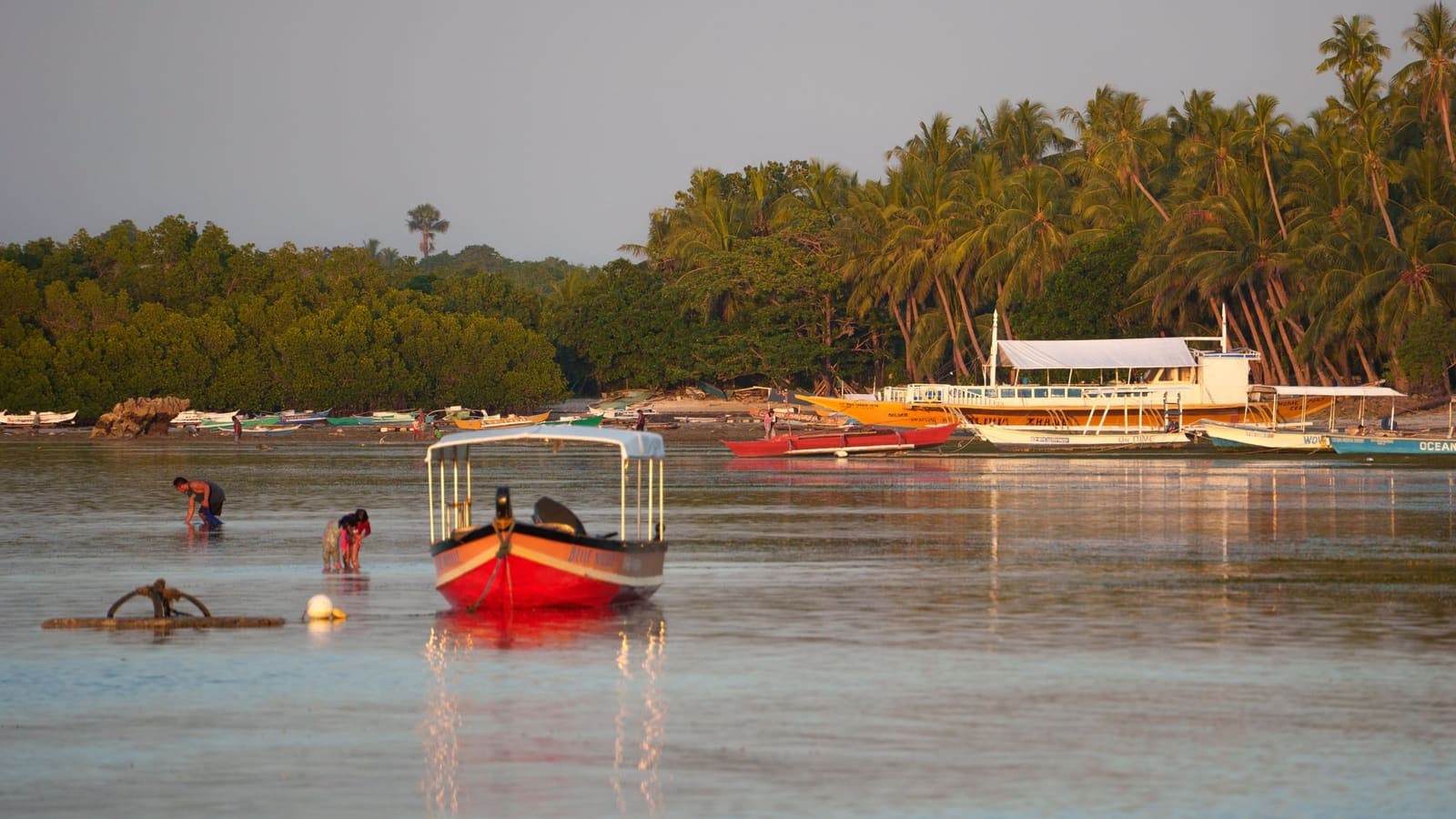
The Philippines is made of thousands of islands, and that shapes how you stay online. In Manila and Cebu City you can expect busy mobile networks, hotels with Wi-Fi and plenty of malls and cafes. Once you take a ferry to a smaller island, hike inland or join a boat tour, the signal can drop to a single bar or nothing at all. For a Thai traveller who also needs to open Thai banking apps, receive one-time codes and keep in touch with family, that mix of strong city networks and patchy island coverage is worth planning for.
This guide covers what to expect from connectivity, how to think about SIM registration without guessing at current rules, how to stay safer on hotel and cafe Wi-Fi, and how to use Thai apps and banking from abroad. It also says plainly where a VPN helps and where it does not. If you want the general picture first, choosing a VPN for travel is a good starting point.
Islands, cities and patchy coverage
Connectivity in the Philippines changes a lot from place to place, so a single plan for the whole trip rarely fits. In big cities you will usually find mobile data and Wi-Fi without much effort, although busy hours and crowded places can slow things down. On smaller islands, in mountain areas and at sea, expect gaps. Hotels on islands may offer Wi-Fi that works only in the lobby or only at certain hours.
Two habits help more than any app. First, prepare for being offline. Download offline maps for each area before you leave the city, save booking confirmations, ferry and flight tickets, and addresses as screenshots or PDFs, and write down a few key phone numbers. Second, do not make important plans depend on a single connection. If you must pay a deposit or confirm a booking, do it while you have a stable connection, not at the pier.
It is also worth knowing that a VPN needs a working connection to do anything. If your signal is weak, a VPN will not improve it, and it can make a slow link feel slower because it adds a small amount of overhead. In poor coverage, the best use of your data is the task that matters, not keeping a VPN running for casual browsing.
SIM cards, eSIM and registration: check the official rules
You have three realistic ways to get data: a travel eSIM, a local SIM, or Thai roaming.
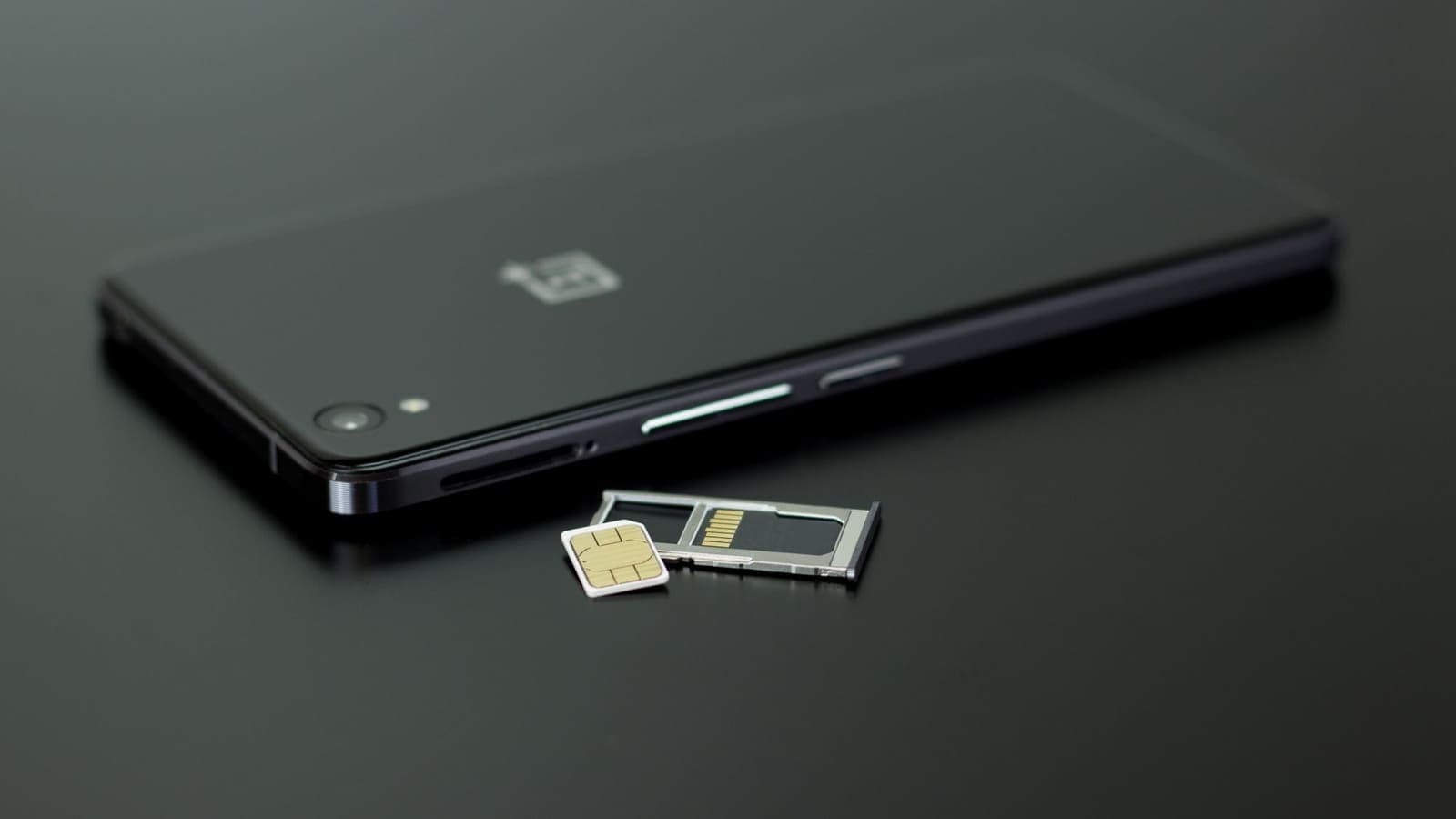
A travel eSIM works if your phone supports eSIM and is not locked to a carrier. You install it before you leave and switch it on after landing, while your Thai SIM stays active as a second line. eSIMonline sells travel eSIMs, and its Philippines eSIM page shows what is available for the country. Install and test it at home on Wi-Fi, because activation usually needs an internet connection. Our article on using a VPN with a travel eSIM explains how the two fit together.
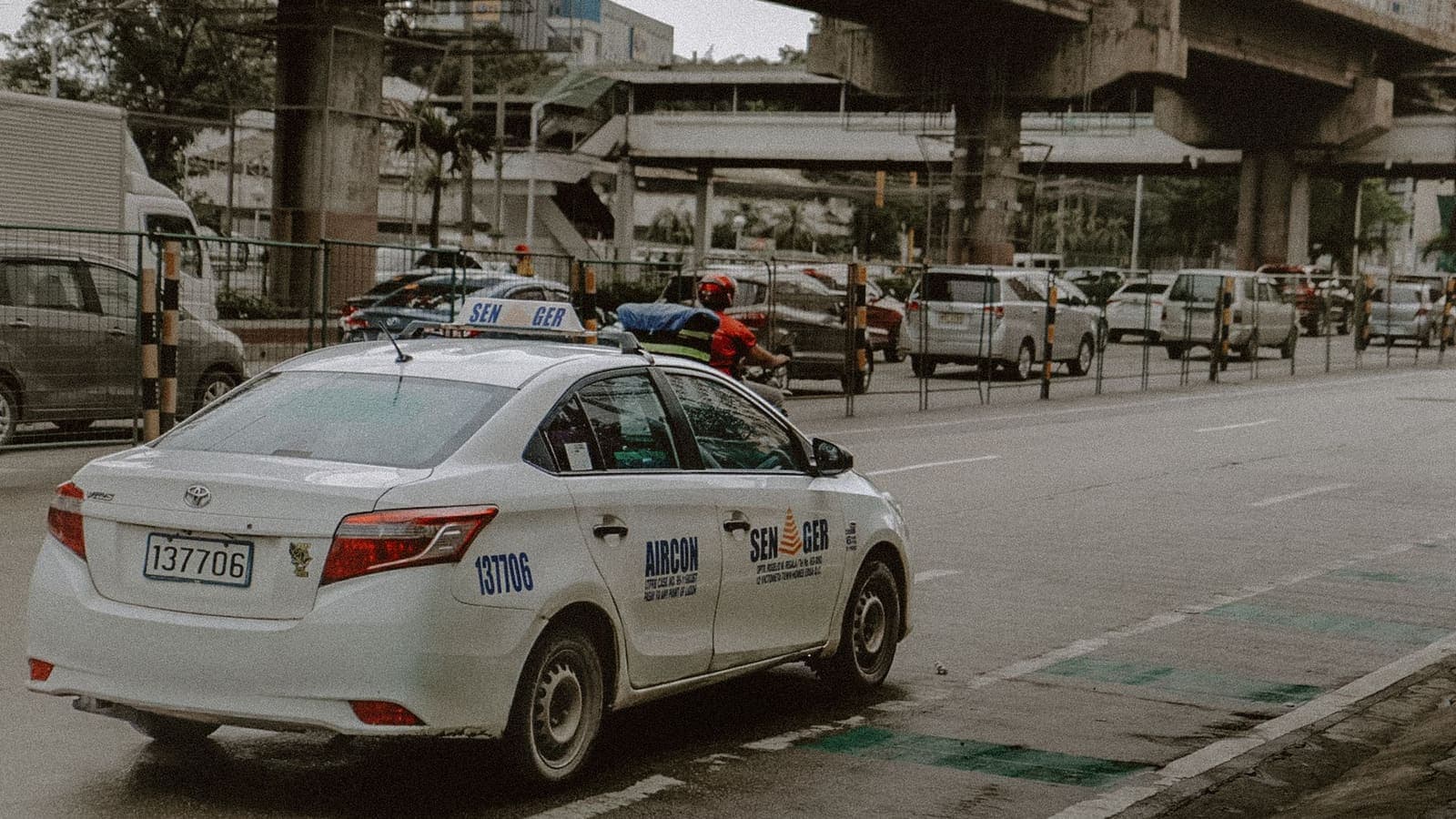
A local SIM can suit longer stays, and local shops and airport counters sell them. SIM registration rules exist in the Philippines, and requirements may involve identification. We cannot say exactly what applies to visitors today, how it is handled at the counter or whether the process has changed since this article was written. Check the current official guidance and the information from the seller or your carrier before you depend on it, and expect to show your passport.
Thai roaming needs no setup but can be the costliest option, and the price depends entirely on your plan. Read your carrier's terms before you leave, and switch roaming off if you do not plan to use it.
| Option | Strength | Watch for |
|---|---|---|
| Travel eSIM | Online on arrival, Thai SIM stays active | Needs eSIM support and an unlocked phone |
| Local SIM | Local number, can suit longer stays | Registration rules apply; check official guidance |
| Thai roaming | Nothing to set up | Cost depends on plan; check terms first |
Whichever you choose, remember that island coverage depends on the local network, not on whether your plan is an eSIM or a physical SIM. If coverage matters for a remote stay, ask your accommodation which network works best on that island.
Hotel, hostel and cafe Wi-Fi
Wi-Fi in Manila hotels, Cebu cafes and island resorts is usually fine for messaging, maps and browsing. The security issue is that you share it with strangers. Open networks with no password are the weakest. A network with one shared password is better, but everyone who knows the password is on the same network as you, and fake networks with names that look almost right are a common trick.
Sensible habits cost nothing. Ask the front desk or staff for the exact network name. Prefer websites and apps that use HTTPS. Turn off automatic joining of open networks. Be cautious about login pages that ask for more than they need. The FTC's guidance on public Wi-Fi explains the basics well.
A VPN adds one more layer. It encrypts traffic between your device and the VPN server, so the person running the Wi-Fi and other guests can see far less about what you do. That is useful when you sign in to email, banking or work accounts on a network you do not control. Our guide to using a VPN on hotel Wi-Fi covers the routine, and the Help guide on connecting to a VPN on public Wi-Fi walks through the steps. For very sensitive tasks, mobile data from your own eSIM or SIM is often a better choice than any shared Wi-Fi.
Using Thai apps and banking from abroad
Most Thai travellers want the same things from their phones abroad: banking apps, e-wallets, messaging, maps and sometimes Thai video services. A few things are worth understanding before you go.
One-time codes. Many Thai services send codes by SMS to your Thai number. If you remove your Thai SIM and use only a local one, you may not receive them. Many travellers keep the Thai SIM in a dual-SIM phone and use an eSIM for data. Check with your carrier whether SMS arrives abroad and whether roaming has to be on.
Security checks. Banks watch for unusual sign-ins. A login from a new country, or from a VPN address, can trigger extra verification or a short block. That is the bank protecting you. If it happens, do not retry again and again. Disconnect the VPN on a trusted connection, complete the check and use the bank's official support if you are locked out. Our article on using banking apps with a VPN explains the common blocks.
Thai services with limits abroad. Some Thai streaming and government services restrict access from outside Thailand for licensing or security reasons. Read the terms of each service. We do not give advice on breaking a site's terms, and a VPN does not guarantee access. For the ordinary cases of banking, email and messaging, see using Thai websites and apps while abroad.
Before you fly, set up two-factor authentication with an authenticator app where possible, tell your bank your travel dates if the app allows it, and carry a backup payment method that does not depend on one phone.
Local rules and online conduct
As in any country, visitors to the Philippines are expected to follow local law, including rules about online content, services and conduct. Rules can change, and some content or services may be restricted or regulated locally. This article does not explain how to get around any restriction, and no VPN can promise access to a particular site or app.
The sensible approach is the same as in our guide to VPN rules for the UAE: read your foreign ministry's travel advice and the official Philippine government information before you go, keep your use ordinary and lawful, and do not rely on blog posts for legal questions. If a site does not load, use an alternative or wait. If you are travelling for work, ask your employer whether they have guidance for the destination.
Use a VPN for what it is good at: protecting a connection on shared networks and keeping your sign-ins private from the people running the Wi-Fi. That is a normal security use.
A practical preparation checklist
Do these at home a few days before you fly.
- Update your phone and apps on your home Wi-Fi.
- Check eSIM support and carrier lock status if you plan to use an eSIM.
- Install and test your data plan at home. Do not switch on Thai roaming unless you mean to.
- Decide how to receive one-time codes. Keep the Thai SIM active as a second line if you need SMS codes, and ask your carrier how it works abroad.
- Turn on two-factor authentication for email, banking, cloud storage and social accounts.
- Install and test your VPN app on a trusted network. Sign in, connect once, disconnect, and make sure you know how to turn it off.
- Download offline maps for Manila, Cebu and each island you will visit, and save tickets and bookings offline.
- Turn off automatic Wi-Fi joining.
- Save emergency numbers for your bank, your embassy and your accommodation somewhere you can reach without internet.
- Charge up. Bring a power bank for long ferry days, since island power can be unpredictable and a phone with a flat battery is the biggest connectivity problem of all.
If you use XPASS, you buy a prepaid pass for a fixed number of days with a one-time card payment and no automatic renewal. You sign in to the free VPNclient app with the username and password shown on your My Pass page. The pass starts when the VPN account is created, not at first connection, so buy it close to your departure but early enough to test at home.

A plain example: Manila, Cebu and an island week
Pim is a teacher from Chiang Mai taking nine days across Manila, Cebu and a small island. Before leaving she checks that her phone supports eSIM, installs a travel eSIM at home and keeps her Thai SIM as a second line with roaming off. She switches on an authenticator app for her bank and email, downloads offline maps for all three places and saves her ferry tickets as PDFs. She tests her VPN app at home.
In Manila she uses the hotel Wi-Fi for messaging and keeps sign-ins to banking for mobile data, or connects the VPN first. On the ferry to the island, the signal drops, so she is glad of the offline map and the saved ticket. On the island, the guesthouse Wi-Fi works only near the reception, so she goes there for a short call and for a bank check, connects to the VPN, and goes back to the beach.
When her bank app asks for extra verification after a login from a new country, she completes it with the code sent to her Thai number, which arrives on the second SIM. She does not look for ways around a streaming service that is not available locally. Her week works because she planned for gaps, tested things at home and kept her use ordinary.
What a VPN does not do in the Philippines
A VPN is one layer, not a shield.
- It will not fix weak signal. It needs a working connection and adds a little overhead.
- It will not stop phishing. Fake bank messages, parcel notices and cloned login pages work with or without a VPN. The CISA phishing guidance is a good checklist.
- It does not change the law. Anything restricted locally stays restricted, and a VPN gives no legal protection.
- It does not guarantee access. Some networks, apps and services may block or limit VPN connections.
- It does not make you anonymous. Accounts, payment details and device identifiers still identify you.
- It does not protect a stolen or unlocked phone. Use a screen lock and remote wipe.
Scams aimed at tourists also exist everywhere, in the Philippines as in Thailand. Be cautious about unexpected messages, unofficial booking links and requests to pay outside an app, and use official channels for bookings and payments.
Summary
For a Thai traveller in the Philippines, the main tasks are staying online across a mix of cities and islands, keeping your Thai number reachable for one-time codes and not trusting shared Wi-Fi more than you should. Prepare for patchy island coverage with offline maps and saved tickets, check the official SIM registration rules instead of guessing, and treat a VPN as an extra layer on hotel and cafe networks rather than a fix for everything. It cannot improve weak signal, change local rules or stop scams.
Prepare at home, keep your use ordinary and lawful, and carry a backup. If a simple prepaid pass fits your trip, you can look at the pricing page when you are ready.
Frequently asked questions
Is mobile signal reliable across the Philippine islands?
Coverage is generally easier in big cities such as Manila and Cebu City and can be patchy on smaller islands, in the mountains and on boat trips. Plan for gaps by downloading offline maps and keeping booking details and tickets saved on your phone before you travel.
Do I need to register a SIM card in the Philippines?
SIM registration rules exist in the Philippines, and the details may change. We cannot state what applies to tourists today. Check the official government and carrier guidance, and the information at the airport or the seller, before you rely on a local SIM. An eSIM from a travel seller may follow different steps, so read its instructions too.
Is it safe to use hotel and cafe Wi-Fi in Manila or Cebu?
It is usable for ordinary browsing, but shared networks are not under your control. Use HTTPS sites, avoid sensitive tasks on open networks, check the network name with staff, and consider a VPN as an extra layer when you sign in to email or banking.
Can I keep using Thai banking apps and one-time codes in the Philippines?
Usually yes, but banks may ask for extra verification when you sign in from a new country or through a VPN. Keep your Thai SIM reachable for one-time codes where your carrier allows it, tell your bank your travel dates if possible and carry a backup payment method.
Will a VPN fix weak signal on an island?
No. A VPN needs a working internet connection and adds a small amount of overhead. It cannot create signal where there is none, so plan for offline backups instead.
References
About the author

Bob Kanokphon Thongdee
- Founder of XPASS VPN
- Co-founder of eSIMonline.asia
- More than 7 years in online marketing
- Founder of Cojourney Visa and Cojourney Travel
Need a VPN for a short trip or a busy month?
XPASS sells prepaid passes for a set number of days. You pay once and nothing renews automatically.
See passesKeep reading

Buying Guides
Best VPN for Travel: How to Choose One Before Your Trip
A good travel VPN is mostly about planning: the right pass length, apps installed before you leave, and realistic expectations. This guide walks through what to check before a trip.
9 min read

VPN Security
How to Use a VPN on Hotel Wi-Fi Safely
Hotel and travel Wi-Fi is shared with strangers and often hides behind a login page. This guide explains how to connect, when the VPN goes on and what to do when it will not connect.
9 min read
Privacy Guides
Travel eSIM vs VPN: Different Jobs Explained
A travel eSIM and a VPN are often mentioned together, but one supplies connectivity and the other protects it. Here is how each works and how they fit into one trip.
9 min read

Privacy Guides
Using Thai Websites and Apps While Abroad
Thai banking apps, TV platforms and government sites often treat connections from abroad differently. This guide explains why, what to try with the service first, and the honest limits of a VPN.
9 min read

Privacy Guides
VPN for Traveling to Indonesia: A Guide for Thai Travellers
A practical guide for Thai travellers heading to Bali or Jakarta: eSIM or local SIM, hotel, villa and cafe Wi-Fi, Thai banking apps abroad, local rules to respect and what a VPN does not do.
11 min read