
VPN for Traveling to Hong Kong: Wi-Fi, Thai Apps and eSIM
A scenario-by-scenario guide for Thai travellers heading to Hong Kong: public Wi-Fi, Thai apps and accounts abroad, eSIM, and an honest look at services that are not offered there.
11 min readUpdated Oct 15, 2026By XPASS Editorial Team

Hong Kong is one of the easiest trips for a Thai traveller to plan, and one of the most connected. You tap an Octopus card or a phone to ride the MTR, scan a code to pay at a street stall, search for a restaurant in a mall, and send photos to family the moment the lift doors close. Along the way you will be offered free Wi-Fi in many places, and you will probably want to keep using your Thai banking app, LINE and email as if you had never left. That is the point where people start asking whether they need a VPN.
This guide is organised by situation rather than by calendar. For each place you are likely to be online, it explains what the risk really is, what a VPN changes and what it does not. It also includes a plain-spoken section about services that are not available in Hong Kong, because that question comes up often and the honest answer is not what many websites claim. Nothing here is legal advice, and nothing here promises that a VPN will make any particular app work. For the general picture of choosing a VPN before a trip, read choosing a VPN for travel alongside this article.
Start with what you will actually do online
A VPN is a tool for specific situations, so begin by listing yours. Ten minutes of honest planning saves you from installing something you never use, or from skipping it when you needed it.
| What you plan to do | What matters most | Does a VPN help? |
|---|---|---|
| Check maps and translate menus on mobile data | Signal and battery | Little, since mobile data is already a private link to your carrier |
| Join free Wi-Fi at the airport, in malls or cafes | Other people share the network | Yes, it encrypts the traffic between your device and the VPN |
| Use hotel Wi-Fi for banking and email | Many guests share one network | Yes, in the same way |
| Log in to Thai banking, shopping or government apps | Extra security checks abroad | Partly; it does not remove the checks, and some apps dislike VPNs |
| Open an online service that is not offered in Hong Kong | The provider's own rules | No reliable help, and it may breach the terms |
| Work remotely from a cafe | Employer rules and data protection | Yes, as one layer, together with your employer's policy |
If your answers are mostly in the first row, you may be fine without one. If most are in the second to fourth rows, a VPN on your phone and laptop is a sensible habit. The article on what a VPN actually protects explains the boundaries in more detail.

Arrival: airport Wi-Fi and the first hour
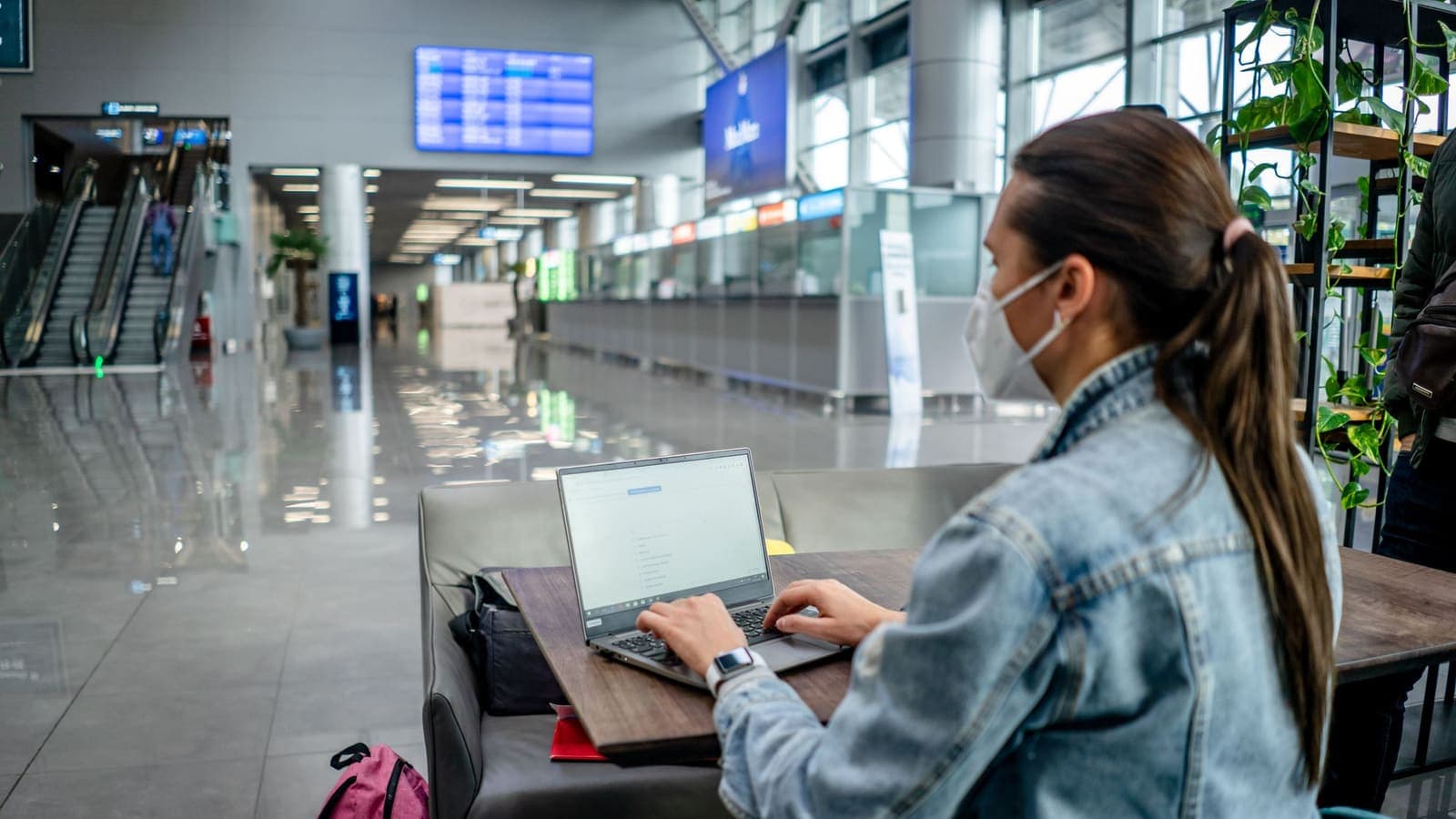
Most international airports offer free Wi-Fi, and Hong Kong's is no exception in spirit: you land, you are tired, your phone has no local data yet, and a network name appears. That is exactly the moment to slow down.
- Confirm the network name. Fake hotspots with names that look official exist everywhere. Check the exact name on a sign or ask a member of staff.
- Accept any sign-in page first. Many VPN apps cannot connect until the page that asks you to accept terms or enter a phone number has been completed.
- Then connect the VPN. If it fails, the guide to airport Wi-Fi and VPNs lists the usual causes, including a sign-in page that is still pending.
- Do the sensitive things after the VPN is on. Banking, password changes and booking confirmations belong here, not before.
- Keep it light until you have your own data. If all you need is to tell family that you landed, a message over any network is fine. Save logins for later.
Some travellers prefer to avoid public Wi-Fi at arrival altogether by turning on a travel eSIM or roaming package before leaving the aircraft. That is a reasonable choice, and it is covered below.
MTR, malls and street Wi-Fi
Hong Kong is dense, and public Wi-Fi shows up in malls, cafes, tourist areas and some transport locations. The risk in each case is the same as anywhere: you share a network with strangers, the network owner is not someone you know, and the sign-in page may ask for your email or phone number.
Some practical habits help more than any app:
- Prefer your own data for anything private. A short trip rarely needs free Wi-Fi for banking. If your eSIM works, use it.
- Be careful with registration forms. If a hotspot asks for your passport number or a lot of personal details, you can usually decline and use another option.
- Do not install anything a hotspot asks for. A network that wants a profile, a certificate or an extra app before it lets you online is a warning sign.
- Turn off automatic joining. Disable the setting that connects to open networks by itself, so your phone does not join something you did not choose.
- Check for HTTPS. Websites that use HTTPS are already encrypted in transit, and the HTTPS vs VPN article shows what a VPN adds on top.
When you do need the VPN on a shared hotspot, connect only after passing the sign-in page. If the connection drops when the hotspot re-authenticates you after some time, reconnect and carry on. The public Wi-Fi guide gives the steps.
Hotels, serviced apartments and short-stay rentals
A hotel network is a shared network, no matter how good the password sounds. Every guest who knows it is on the same system, and the hotel controls how the network is run. A VPN protects the data that leaves your device, so that other guests and the network operator see far less of it.
For hotel Wi-Fi, a simple routine works:
- Connect to the Wi-Fi and finish the room-number or surname sign-in page.
- Turn on the VPN, then open your sensitive apps.
- If the hotel limits devices per room, you may need to disconnect another gadget before a laptop will connect. Do this before blaming the VPN.
- If video calls are choppy in the evening, try mobile data for the call, or choose a location in your VPN app that is closer to where you are. Results are not guaranteed.
The guide on using a VPN on hotel Wi-Fi goes through this in more depth. For apartments you rent through a platform, ask the host which network you are joining, and treat a shared home router the same way as a hotel network.
Thai apps and accounts from abroad
Most travellers want to keep their normal digital life working: LINE, Thai banking apps, e-wallets, shopping accounts, streaming apps. Here is what usually happens, written generally because every service behaves differently.
Security checks. A service that sees a login from a new country may ask for extra verification, send a notification or briefly lock the account. This is the service protecting you, and a VPN does not switch it off. Telling your bank about the trip, through its official app or website, is the single most useful step. The article on using Thai services while abroad goes deeper.
VPN dislike. Some banking and payment apps behave differently when a VPN is on. If the app refuses to open or asks repeatedly for verification, turn the VPN off for that task, finish it on a network you trust such as your own mobile data, and turn the VPN back on afterwards. See using banking apps with a VPN for the usual patterns.
Codes by SMS. If you swap your Thai SIM for a local one, codes sent to your Thai number may not arrive. Before leaving, set up an authenticator app or another backup method, and make sure you can still receive messages on the number you need. The guides to two-factor authentication and CISA's page on multi-factor authentication explain the choices.
Location inside the VPN app. If your VPN app lists a location in Thailand, some Thai services may treat your connection as local. It does not always work, it is not guaranteed, and the service may still ask for the same checks. Treat it as a convenience, not a promise, and never use it to get around a rule the service has set.
eSIM and mobile data in Hong Kong
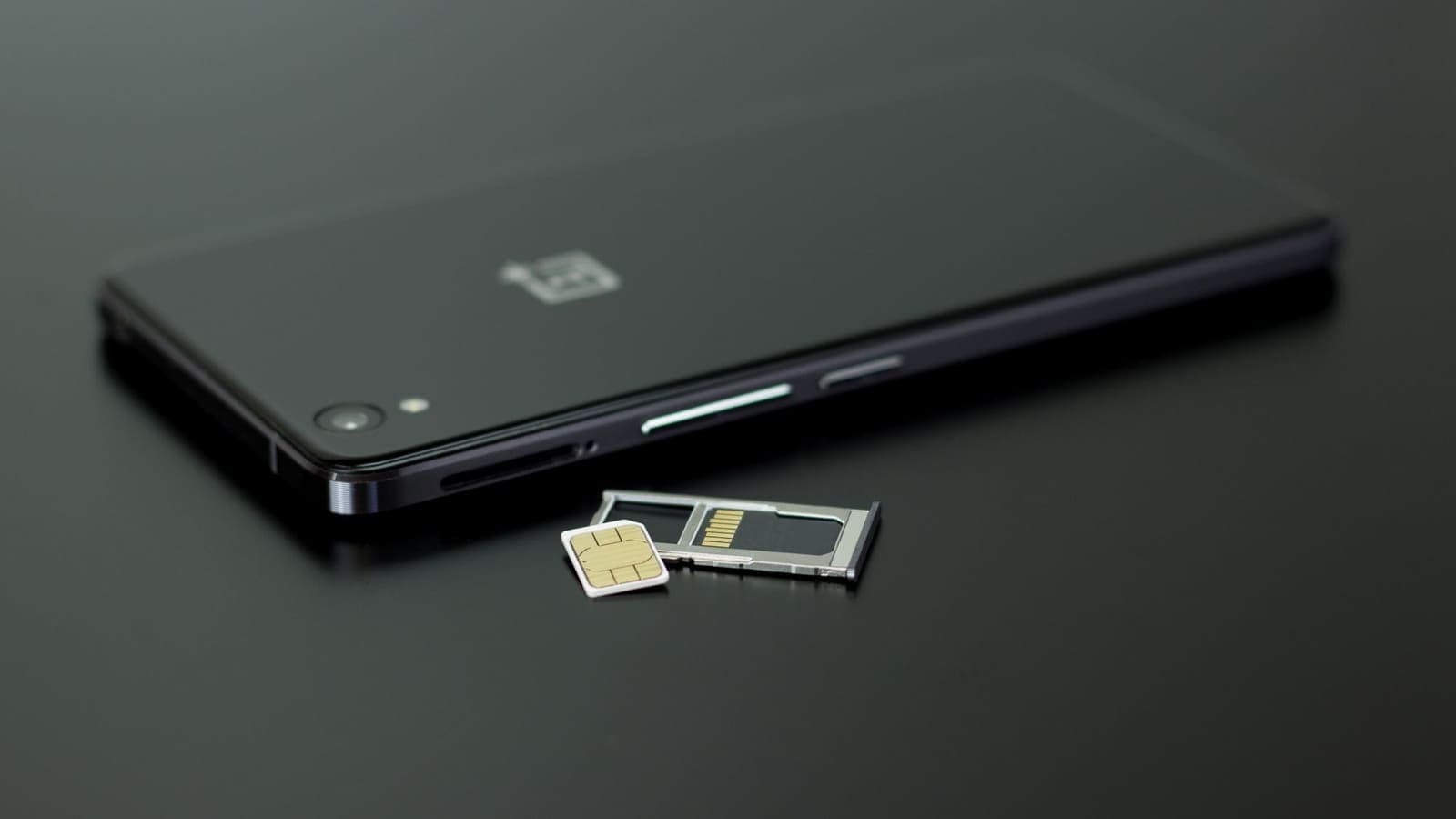
Many Thai visitors now buy an eSIM before they leave, because it provides data the moment the plane lands and avoids public Wi-Fi at arrival. A few points matter for VPN users:
- Install the eSIM before the flight, if the provider allows it. Activation often depends on a connection, so read the provider's instructions and keep your home Wi-Fi available for setup.
- Know which number receives codes. A data-only eSIM usually keeps your main SIM available for calls and SMS, but check that your phone is set up to use both correctly.
- Test the VPN over the eSIM at home if you can. If the VPN does not connect on a given network, the troubleshooting steps in the VPN not connecting guide are the right starting point.
- Tethering. If you share your phone's connection with a laptop, the VPN on the phone may not cover the laptop. Install the app on the laptop itself.
For a deeper look at eSIM, roaming and VPN together, read using a VPN with a travel eSIM.

When a service is not available where you are
This section matters, so it is written plainly. Some online services are not offered in Hong Kong. Sometimes that is because of local rules, and sometimes it is simply the provider's own decision about where to operate. Some AI tools are a common example: a provider may choose not to offer a product in certain regions, with no connection to anything you have done.
What a VPN does and does not change:
- A VPN changes the network path your traffic takes. It does not change the provider's rules about who may use the product.
- Many providers write in their terms that you may not use their service from an unsupported region or use tools to hide your location. Breaking those terms can lead to a suspended account, lost data or lost payment.
- If you already have an account, it may be linked to a phone number, payment method or country. A login that appears to come from somewhere unusual can make the account look suspicious.
- Whether something is permitted by law or by the provider's terms is for you to check. This article cannot decide that for you.
What you can do instead, lawfully and sensibly:
- Read the provider's help page. It normally lists supported regions and explains how travellers are treated.
- Prepare before you leave. Download files, export notes and finish what you need while you are in a supported place.
- Choose an alternative. Many tasks, such as translating text, drafting messages or searching, can be done with services that are offered where you are.
- Check official sources. Your government's travel advice and the local authorities publish general guidance. This guide keeps claims about local law general on purpose, because rules change and the official source is the right place to confirm them.
Work or school accounts add another layer: your employer or institution may have its own rule about where company data may be accessed. Follow it.
What a VPN will not do on this trip
Keep expectations realistic, because most disappointment comes from expecting too much.
- It does not make phishing safe. A text claiming to be from a delivery company or a bank can still be a trap. See how to recognise phishing websites and CISA's guidance.
- It does not protect an unlocked phone that is stolen, or an app you were tricked into installing.
- It does not make you anonymous. The VPN provider, the sites you log in to and the services you use still know about the activity you do with them.
- It does not guarantee access to any app, website or streaming library, and it should never be used to break a service's terms or avoid local rules.
- It does not remove the need for strong passwords and two-factor authentication.
- It cannot help when you have no signal. Download offline maps and keep confirmations saved.
A practical checklist for your Hong Kong trip
Before you go:
- Decide how you will get online: eSIM, roaming or Wi-Fi only.
- Install the VPN app on each device you carry. XPASS customers use the free VPNclient app; the official links and setup steps are on the My Pass page and the download page.
- Sign in with the VPN username and password from your My Pass page, not your website email. If you cannot find them, see where your login details are.
- Connect once at home and run the check that your VPN is working.
- Tell your bank and card issuer about the trip through official channels.
- Set up a backup method for two-factor codes.
- Update your operating system and apps, and download offline maps.
- Read the help pages of any service you depend on, so you know in advance if it is not offered in Hong Kong.
During the trip:
- Pass the sign-in page of any public network before connecting the VPN.
- Do banking and password changes only with the VPN on, or on your own mobile data.
- Turn the VPN off briefly if a banking or payment app will not open, and turn it back on afterwards.
- Keep the phone charged and carry a power bank.
After the trip:
- Disconnect and sign out of shared devices.
- Forget the hotel and airport networks saved on your phone.
- Check your statements for unfamiliar transactions.
- Let the pass expire if you do not need it; there is no automatic renewal.
Summary
For Hong Kong, a VPN is a sensible layer on shared Wi-Fi at the airport, in malls and at your hotel, and a useful habit for banking and work. It is less important if you use your own eSIM data. It does not stop security checks on Thai accounts, it does not guarantee that any app will work, and it is not a way around services that a provider has chosen not to offer in a region, since that can break the provider's terms and put your account at risk. Prepare before you leave, use official sources for rules, and choose alternatives that are offered where you are. If you want a pass that matches your travel dates, you can look at the options on the XPASS pricing page.
Frequently asked questions
Do I need a VPN for a short trip to Hong Kong?
It is not required. It is most useful if you will often join shared Wi-Fi at the airport, in malls or at your hotel for banking, email or work. If you rely only on your own mobile data or eSIM, the benefit is smaller.
Will a VPN let me use a service that is not offered in Hong Kong?
Do not count on it. Some providers choose not to offer certain services, such as some AI tools, in particular places. Using a VPN to get around that may break the provider's terms, and the account can be suspended. Check the provider's help page and use an alternative that is offered where you are.
Will my Thai banking app work in Hong Kong?
Usually the app opens, but some banks add extra checks when you log in from another country, and some apps dislike VPN connections. Tell your bank about the trip through its official channel and test the app before you leave.
Should I use a VPN with a travel eSIM?
Mobile data is already a private link to your carrier, so a VPN adds less there. It still helps if you tether other devices or want one consistent habit across all networks. Test the combination at home first.
Is it legal to use a VPN in Hong Kong?
This guide cannot give legal advice. Ordinary privacy use is common in many places, but rules differ and change, so check current official government travel advice and the rules of each service you use.
References
About the author

Bob Kanokphon Thongdee
- Founder of XPASS VPN
- Co-founder of eSIMonline.asia
- More than 7 years in online marketing
- Founder of Cojourney Visa and Cojourney Travel
Need a VPN for a short trip or a busy month?
XPASS sells prepaid passes for a set number of days. You pay once and nothing renews automatically.
See passesKeep reading

Buying Guides
Best VPN for Travel: How to Choose One Before Your Trip
A good travel VPN is mostly about planning: the right pass length, apps installed before you leave, and realistic expectations. This guide walks through what to check before a trip.
9 min read
Privacy Guides
VPN on Airport Wi-Fi: Security Tips
A traveller's guide to airport Wi-Fi: fake hotspots, the sign-in page, charging kiosks, and when to connect the VPN, with a checklist for each stage of a journey.
10 min read

VPN Security
How to Use a VPN on Hotel Wi-Fi Safely
Hotel and travel Wi-Fi is shared with strangers and often hides behind a login page. This guide explains how to connect, when the VPN goes on and what to do when it will not connect.
9 min read
Privacy Guides
Travel eSIM vs VPN: Different Jobs Explained
A travel eSIM and a VPN are often mentioned together, but one supplies connectivity and the other protects it. Here is how each works and how they fit into one trip.
9 min read

Privacy Guides
Using Thai Websites and Apps While Abroad
Thai banking apps, TV platforms and government sites often treat connections from abroad differently. This guide explains why, what to try with the service first, and the honest limits of a VPN.
9 min read