
VPN for Tourists in Thailand: Safety Tips
A trip-focused guide to using a VPN in Thailand: which moments of a holiday are worth protecting, what a VPN will not stop, and how to pick a pass that fits your dates.
10 min readUpdated Oct 15, 2026By XPASS Editorial Team

A holiday in Thailand is full of small digital moments. You show a booking confirmation at the airport, scan a QR code to pay for noodles, ask a map app for the way to a temple, call a ride, post photos from a beach and check your bank balance because the exchange rate looked odd. Every one of those moments touches a network you did not choose. That is the honest reason tourists ask whether they need a VPN.
This guide looks at a trip from arrival to departure. It names the moments where a VPN is genuinely useful, the ones where it does nothing, the scams that a VPN cannot touch, and how to choose a pass that suits a short stay. It does not promise to unlock any service and it is not legal advice. If you want a broader picture of VPN use inside the country, the guide on using a VPN in Thailand is a good companion.
Think in moments, not in days
Many guides tell travellers to switch a VPN on and leave it on. That is reasonable advice, but it hides a more useful way of thinking. Your trip has a handful of moments when your device joins a network that strangers also use. Those are the moments to care about.
| Moment | Network | Is a VPN worth it? |
|---|---|---|
| Airport arrival | Free airport Wi-Fi | Yes, if you will sign in to anything |
| Taxi or ride queue | Mobile data | Usually not needed |
| Hotel room | Shared hotel Wi-Fi | Yes, for email, banking and work |
| Cafe, mall, restaurant | Public Wi-Fi | Yes, or use your own data |
| Island ferry, bus, train | Onboard Wi-Fi or mobile data | Yes on Wi-Fi |
| Tour group lunch stop | Mobile data | Not needed |
| Co-working space | Shared Wi-Fi | Yes |
| Airport departure lounge | Free airport Wi-Fi | Yes |
Mobile data from a local SIM or eSIM is often safer than open Wi-Fi, and the two options work well together: data for quick tasks, VPN on Wi-Fi for longer ones. The article on VPN and eSIM for travel explains how they fit.

Arrival day: airport Wi-Fi and first logins
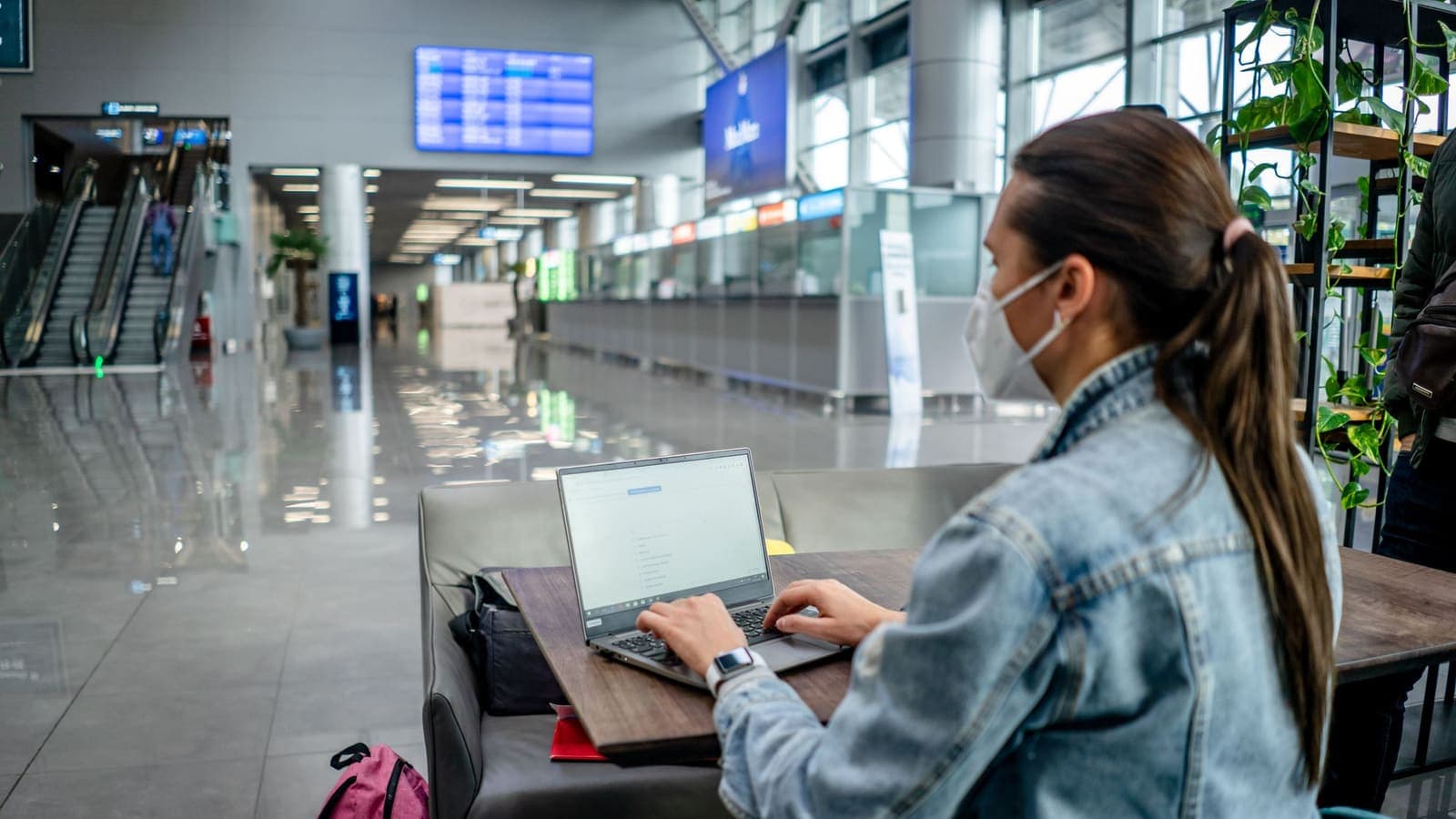
Arrival is the moment when many tourists feel most rushed. You are tired, you want to message your family and you need a ride or a SIM. Free Wi-Fi in an arrival hall feels like a gift.
Treat it with care. Public networks may be crowded, imitated by lookalike names or run without strong protections. The FTC advice on public Wi-Fi is a clear summary of the risks. A VPN adds an encrypted layer between your device and the VPN server, so people on the same network cannot read the pages you open.
A sensible arrival routine looks like this:
- Before you land, install the VPN app and sign in at home or at your departure airport. Downloading apps on an unfamiliar network is when you can accidentally pick up a fake one.
- On landing, turn off automatic joining of open networks on your phone.
- If you use the airport Wi-Fi, check the official network name on a sign or with staff, then connect.
- Turn the VPN on before you open email or any account.
- Buy a SIM or eSIM from an official counter or provider, and switch to mobile data for banking or payments.
- Keep the VPN for longer sessions such as updating apps or planning the next days.
The longer discussion is in VPN on airport Wi-Fi.
Hotels, hostels and rental flats
Hotel Wi-Fi often has a shared password written on a card. That means everyone who stays shares the same network, and some guests or staff may be able to see more than you expect. Hostel dorms and short-let flats can be worse, because the router may be an old model owned by a host you have never met.
Practical steps:
- Connect only to the network name the hotel gives you. If two similar names appear, ask at reception.
- Use the VPN when you work from the room, check email or log in to anything with a password.
- Keep your laptop's file sharing off.
- If your room has a TV streaming stick or a smart speaker, do not enter passwords for important accounts on it.
- When you check out, sign out of accounts on any shared computer or business-centre PC.
The guide to using a VPN on hotel Wi-Fi goes deeper into set-up and into hotels that block VPN traffic. If a hotel network blocks it, use your mobile data for the sensitive task instead.
Payments, bookings and banking on the road
This is where tourists lose money and where a VPN is most misunderstood.
Booking pages. Fake booking and accommodation pages copy real brands. A VPN does not detect them. Type the address yourself or use the official app, check for the padlock and spelling, and never pay by transferring money to a personal account because someone messaged you. The CISA phishing guidance and the article on how to recognise phishing websites give a checklist.
QR codes. A QR code at a shop or on a flyer can lead to a copy of a payment page. If you must scan one, check that the destination matches the shop or the official payment app before you enter an amount. Stickers placed over a real code are a known trick.
Banking apps. Your home bank may react to a login from a new country or from a VPN address. Consider turning the VPN off for the bank's app on a trusted network, and tell your bank about your trip before you leave. If the bank flags a login, follow its steps and call the number on your card.
Cards and cash machines. Check the card reader for anything loose or added before you insert your card, prefer machines inside bank branches, and use contactless where it is available. A VPN has no role here.
Exchange and tax-refund desks. Count money in front of the counter and keep receipts. Again, a VPN is irrelevant.
What a VPN will not do on holiday
It is easy to oversell a VPN to travellers. Be clear about its limits.
It will not stop scams. The most common tourist problems are overcharged rides, fake gem shops, rigged tours, rental damage claims and counterfeit tickets. These happen in the real world, and the answer is a clear price, a written receipt and photos, not software.
It will not secure a stolen phone. A screen lock, find-my-device and a recent backup do that.
It will not remove malware. Install apps only from official stores.
It will not replace passwords and two-factor authentication. Read what two-factor authentication is before you go, and move verification codes to an authenticator app if your phone number will not work abroad.
It will not decide what you are allowed to do. Respect the terms of the services you use and the laws of the places you visit. A VPN is a privacy tool, not a way to avoid rules.
The EFF Surveillance Self-Defense guide is a useful general reference on what different tools protect.
Choosing a pass that fits your dates
Tourists are the group that benefits most from a short, fixed-length pass. You do not want to pay for a year when you need nine days, and you do not want a charge to appear after you are home.
Count your days, add a buffer of two or three, and remember that most prepaid passes start when the account is created, not on the first connection. Buy close to departure so you do not waste days. The article on seven-day versus thirty-day passes compares the two typical lengths.
With XPASS, you buy a pass with a one-time card payment through Stripe, and there is no automatic renewal. You then use the free VPNclient app on iPhone, Android, Windows or macOS with the username and password shown on your My Pass page. The download page lists the official links. Install and sign in before you fly, and check the state of the connection on your home Wi-Fi so you recognise it later.
If you travel with family, think about each device that will join public Wi-Fi: parents' phones, children's tablets and a laptop. Look at how many devices your plan allows, using the plan details on the pricing page rather than assumptions.

A simple trip routine
A routine is easier to follow than rules.
Before you leave:
- Update your phone, apps and the VPN app.
- Install and test the VPN on home Wi-Fi.
- Save booking confirmations offline and take screenshots.
- Turn on a screen lock and find-my-device, and back up your photos.
- Tell your bank about the trip and note its international number.
- Move one-time codes to an app if SMS will not work abroad.
Each day:
- Join only networks you have confirmed by name.
- Switch the VPN on before signing in on Wi-Fi.
- Use mobile data for quick banking.
- Watch every payment screen: amount, recipient, address.
- Charge your phone from your own plug or battery, not an unknown public USB port.
Before you fly home:
- Sign out of shared computers.
- Delete saved Wi-Fi networks you will not use again.
- Check your accounts for unfamiliar sign-ins.
- Note when your pass ends, and decide whether you need more days.
Troubleshooting on the road
Wi-Fi connects but no pages load. Some captive portals need a sign-in page before the VPN can connect. Open a browser, finish the portal login, then turn the VPN on.
VPN will not connect on hotel Wi-Fi. Try mobile data, then another Wi-Fi network, and restart the app. The network may block VPN traffic.
A Thai app complains when the VPN is on. Turn the VPN off for that app on a trusted network, or use mobile data.
Everything feels slow. Try a nearer location in the app, compare with the VPN off and test at another hour. Evening congestion in tourist areas is common.
Battery drains faster. Encryption and constant networking use power. Carry a power bank and lower screen brightness.
Summary
For tourists in Thailand, a VPN is worth using at the specific moments you join networks you do not control: airports, hotels, cafes, malls and transport. It encrypts the connection and hides your browsing from the people on that network, and it does not stop scams, theft or malware. Pair it with mobile data for banking, careful payment habits, strong authentication and a pass that matches your dates. If you want a short pass without auto-renewal for your trip, take a look at the XPASS pricing page.
Frequently asked questions
Do tourists in Thailand need a VPN?
It is not compulsory. It is most useful if you spend time on shared Wi-Fi in airports, hotels, cafes and malls and do email, banking or work there. If you rely mainly on your own mobile data, the need is smaller.
When should I switch the VPN on during a trip?
Switch it on whenever you join a Wi-Fi network you do not control, before you sign in to anything personal. Leave it on while you use that network and turn it off if an app refuses to work and you are on a trusted connection.
Will a VPN stop tourist scams?
No. A VPN does not stop fake booking pages, QR code tricks, scam messages or overcharging. It only protects the connection between your device and the VPN server.
How long a VPN pass should I get for a holiday?
Choose a pass that covers your travel dates with a few spare days. Remember that a pass usually starts when the account is created, so buy it close to departure.
Is it legal to use a VPN as a visitor in Thailand?
VPN software is widely used by travellers and companies, and using one is not in itself a crime. Anything illegal without a VPN stays illegal with one. This is general information, not legal advice, so check official sources if you are unsure.
References
About the author

Bob Kanokphon Thongdee
- Founder of XPASS VPN
- Co-founder of eSIMonline.asia
- More than 7 years in online marketing
- Founder of Cojourney Visa and Cojourney Travel
Need a VPN for a short trip or a busy month?
XPASS sells prepaid passes for a set number of days. You pay once and nothing renews automatically.
See passesKeep reading
Privacy Guides
VPN on Airport Wi-Fi: Security Tips
A traveller's guide to airport Wi-Fi: fake hotspots, the sign-in page, charging kiosks, and when to connect the VPN, with a checklist for each stage of a journey.
10 min read

VPN Security
How to Use a VPN on Hotel Wi-Fi Safely
Hotel and travel Wi-Fi is shared with strangers and often hides behind a login page. This guide explains how to connect, when the VPN goes on and what to do when it will not connect.
9 min read
Privacy Guides
Travel eSIM vs VPN: Different Jobs Explained
A travel eSIM and a VPN are often mentioned together, but one supplies connectivity and the other protects it. Here is how each works and how they fit into one trip.
9 min read

Buying Guides
Seven-Day VPN vs Thirty-Day VPN
A short pass and a longer one solve different problems. This guide helps you match pass length to a trip, a work project or a daily habit, with buffer tips for delays.
9 min read

Privacy Guides
How to Recognize Phishing Websites
Phishing websites imitate real services to steal your login or card details. This guide shows the warning signs worth checking, a calm routine for suspicious links, and what to do if you entered details.
9 min read