
Seven-Day VPN vs Thirty-Day VPN
A short pass and a longer one solve different problems. This guide helps you match pass length to a trip, a work project or a daily habit, with buffer tips for delays.
7 min readUpdated Oct 15, 2026By XPASS Editorial Team
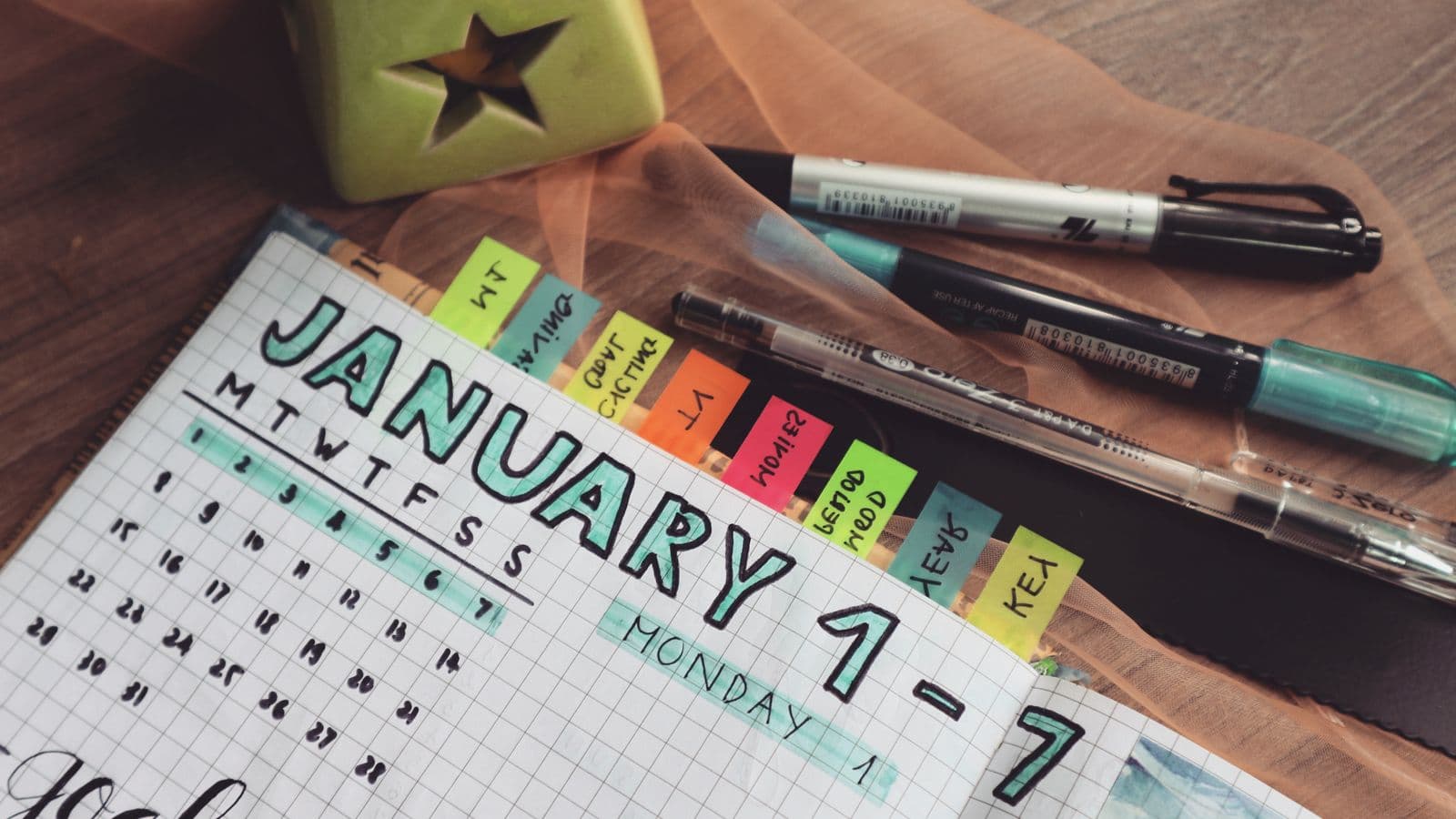
When a VPN is sold as a pass with a fixed number of days, the main decision is length. Seven days and thirty days are two common choices, and they solve different problems. Picking the wrong one means either running out at an awkward moment or paying for days that go unused.
This guide helps you match length to your situation. It covers how to count days, what a buffer is for, a few typical scenarios, and when a longer commitment makes more sense. It does not quote prices, since those are managed separately and change; the logic below applies whatever the price is.
How the days are counted
Before comparing lengths, know exactly when your days start and stop. For XPASS, the pass validity starts when the VPN account is created after payment is confirmed. That is delivery, not your first connection. Delivery is usually quick, though it can take a few minutes, and the order page shows the status.
This has an easy practical consequence: do not buy a pass days before you need it, because those days are already counting. If your trip starts on the 20th, buying on the 19th is sensible and buying on the 10th wastes ten days.
It also means a "seven-day" pass is seven days from delivery, not seven days of connected time. If you connect for an hour on three of those days, the pass still covers the full seven.

When a seven-day pass fits
A seven-day pass suits needs that are short, defined and unlikely to repeat soon.
A week-long trip. You are staying in hotels, using airport and cafe Wi-Fi, and want a VPN while you are away. A seven-day pass covers the trip without leaving you with weeks of leftover time. Public networks carry real risks, as consumer guidance such as the FTC's page on public Wi-Fi explains, and a VPN is one sensible layer of protection among others.
A first test. You have never used a VPN and want to see how setup, connection and everyday use feel before committing more. Seven days is enough to try it on your devices in normal use.
A single task. You need a VPN to work through one particular job, such as accessing a work resource while away from the office, then you are done.
A weekend or a short business trip. Here even seven days may be more than you need, but a shorter fixed length is not always on offer, and a leftover few days cost less than running short.
When a thirty-day pass fits
A thirty-day pass suits needs that stretch across weeks or repeat inside a month.
A longer trip or a stay abroad. A month of travel, a short exchange, or a work posting that lasts several weeks fits a single thirty-day pass better than four seven-day ones, because you do not have to remember to renew.
A work project. A contract that runs about a month with remote access needs is a natural match.
A regular habit. If you use a VPN most days, for example on a laptop in cafes, thirty days gives you a stretch of continuous cover and one decision a month rather than four.
A repeated short need. If you expect to travel twice within a month, a single thirty-day pass may be simpler than two shorter ones.
A comparison
| Situation | Seven-day pass | Thirty-day pass |
|---|---|---|
| One-week holiday | Good fit | Pays for three unused weeks |
| First time trying a VPN | Good, low commitment | Fine if you are fairly sure |
| Month-long stay abroad | Needs repeated renewals | Good fit |
| Daily use on a laptop | More decisions, more chances to lapse | Better continuity |
| Two short trips, three weeks apart | Two passes, gap in between | One pass covers both |
| Not sure how long you need | Start short and extend | Risk of unused days |
Notice that the right answer depends on the shape of your need, not on the length being "better". Longer is not automatically more economical. It is more economical only if you use most of the extra days. For the arithmetic of this, see how much should a VPN cost.
Adding a buffer
Plans rarely go exactly as written. Flights are delayed, a project overruns, a hotel stay gets extended. A buffer of a day or two is cheap insurance.
A simple method:
- Count the days you need a VPN, from the day you will start to the day you will stop.
- Add one or two days for delays.
- If the total is seven or fewer, a seven-day pass is enough. If it is eight or more, consider the thirty-day length or plan to add days.
Because XPASS renewals add days on top of whatever remains, you are not locked into your first guess. If a seven-day pass is nearly used and your trip is extended, you can buy more time and the new days stack on the remaining ones. Nothing is lost by renewing early. The guide on how renewing works shows the steps.

A worked example
Anna is going on a nine-day trip to visit family and will use hotel and airport Wi-Fi on most days. She counts nine days, adds a day for a possible flight delay, and gets ten. A seven-day pass is too short and thirty is much more than she needs.
She has two sensible choices. She can buy a seven-day pass now and add days later if needed, or she can buy the thirty-day length for simplicity and accept that she will use about a third of it. If she travels again within the month, the second choice looks better. If she does not, the first leaves less waste.
There is no single right answer here, which is the point: both are reasonable, and the decision comes down to whether she expects another use soon.
Limits and what to watch for
- The clock keeps running. Because validity starts at delivery, buying early and not using the pass is a quiet waste. Buy close to need.
- A pass is not a guarantee of results. A VPN encrypts traffic between your device and the VPN service and changes the IP address that sites see. It does not make you anonymous, and it does not work the same in every network or country. Check what a VPN cannot protect you from before you rely on it.
- Test before you travel. Install and connect at home first, so any setup problem appears when you can fix it calmly. Doing this does not need to use up your whole pass if you purchase when you leave, but you will want the account delivered a little before departure to try it out.
- Do not forget the refund terms. Know what is covered and the time window. See the refund page.
Summary
Choose seven days when your need is short, defined and unlikely to repeat soon, such as a one-week trip or a first test. Choose thirty days when the need runs across weeks or recurs within a month, such as a long stay, a month-long project or near-daily use. Count days from delivery, add a day or two of buffer, and remember that renewals stack on top of remaining time, so a first guess does not have to be perfect.
When you are ready to pick a length, the pricing page lists the available passes.
Frequently asked questions
Is a seven-day VPN pass enough for a holiday?
It can be, if the pass covers the days you will be on hotel, airport or cafe Wi-Fi. Count from the day the account is delivered, not the day you connect, and add a day or two as a buffer.
When does the pass validity start?
With XPASS, validity starts when the VPN account is created, which is at delivery, not at your first connection. So buy close to when you need it.
Can I add more days if a short pass runs out?
Yes. You can buy more time at any point. Renewing adds the new days on top of any remaining days, so nothing is lost if you renew early.
Is a thirty-day pass always better value than a seven-day one?
Only if you will use most of the extra days. If you need a VPN for one week, a thirty-day pass means paying for three weeks you will not use.
Need a VPN for a short trip or a busy month?
XPASS sells prepaid passes for a set number of days. You pay once and nothing renews automatically.
See passesKeep reading
Buying Guides
Why Choose a VPN Without Auto-Renewal?
Auto-renewal is convenient for the seller and sometimes for you, but it can also turn a one-off need into a bill you forget about. Here is how to decide which model fits your use.
7 min read

Buying Guides
How Much Should a VPN Cost?
Instead of chasing the lowest number on a price page, work out what you pay for each day you actually use a VPN. This guide shows how, and what hidden costs to look for.
7 min read

Buying Guides
Common Mistakes When Buying a VPN
Most disappointing VPN purchases come from the same handful of mistakes. Here are ten, with plain examples and what to do instead.
7 min read