
VPN vs Password Manager: Why You May Need Both
A VPN and a password manager solve different problems. This guide shows which threat each tool handles, how they work together, and what order to set them up in.
9 min readUpdated Oct 15, 2026By XPASS Editorial Team

People often ask which one to buy first: a VPN or a password manager. It is a fair question, because both appear in every list of "essential privacy tools", and both promise to make your online life safer. But they do not compete. They protect different things at different moments. A VPN protects the connection your data travels over. A password manager protects the keys, your logins, that unlock your accounts.
This article compares the two by threat rather than by features. You will see which dangers each tool really covers, the narrow areas where they overlap, how they cooperate when you use a cafe network or travel, and a clear order for setting both up. It is practical guidance for ordinary users, not a promise of complete security.
Two tools, two different jobs
A simple picture helps. Imagine your accounts are rooms in a building, and the internet is the road you take to get there.
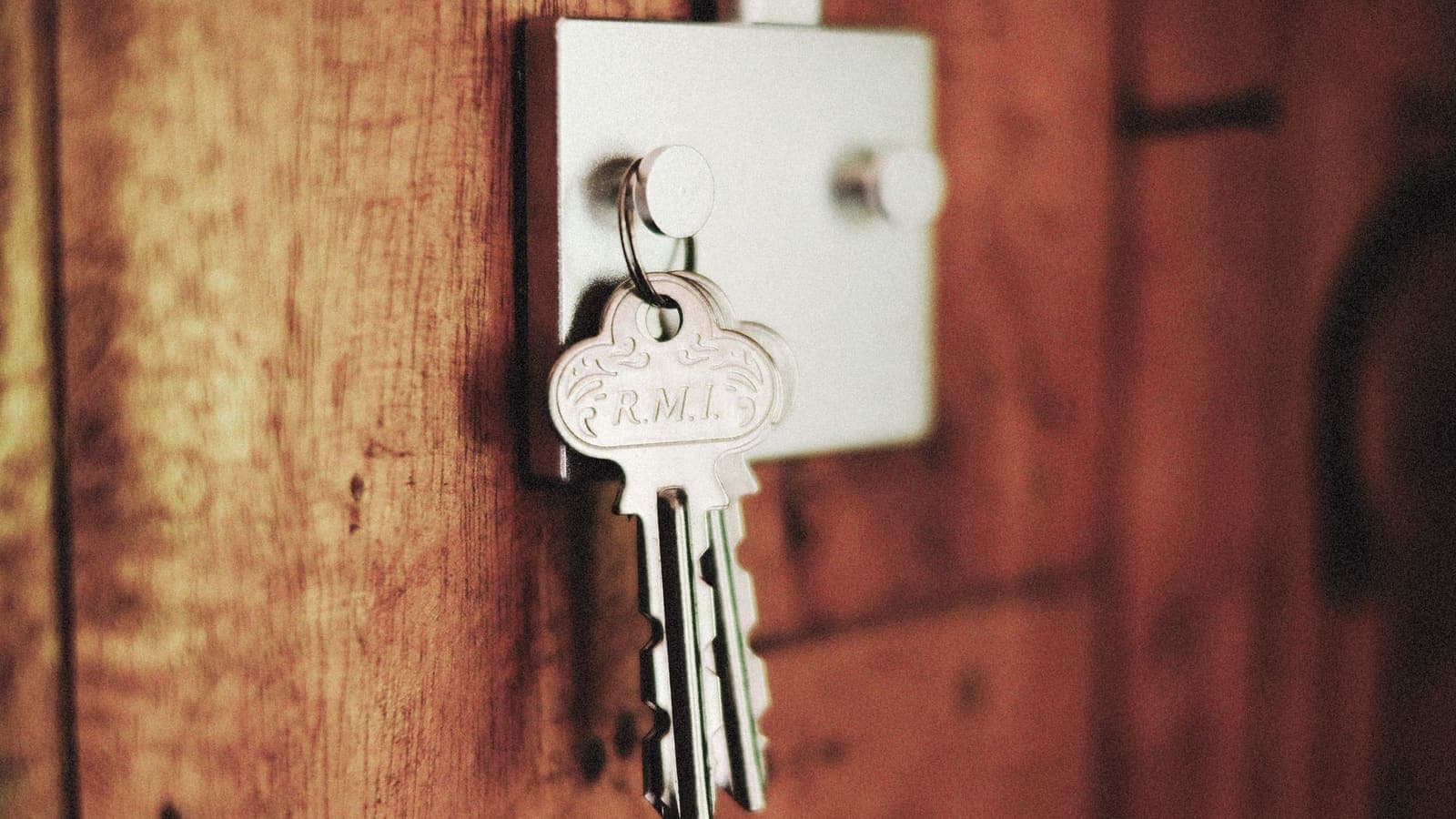
- A password manager is the set of keys. Each room gets its own long, random key, and the manager remembers all of them so you do not have to.
- A VPN is a closed vehicle on the road. Nobody beside the road can see who is inside or look at the contents of your bag, although the destination still knows you arrived.
If you have the best vehicle and use the same flimsy key for every room, a thief who copies that key from one door walks into all of them. If you have perfect keys but travel in an open cart, people along the road can see where you are going and may tamper with what you carry on poorly protected stretches. Each tool fills a gap the other does not touch. For a broader view of the vehicle side of the story, see what a VPN cannot protect you from.
Which threats each tool handles
The cleanest comparison is a table of everyday threats.
| Threat | Password manager | VPN |
|---|---|---|
| A website leaks its database and your password is in it | Helps a lot, because the password is unique to that site | No effect |
| You reuse one password on many sites | Fixes it by creating different passwords | No effect |
| Someone guesses a short or common password | Fixes it with long random passwords | No effect |
| A stranger on cafe Wi-Fi tries to read your traffic | Little effect | Helps, because traffic is encrypted to the VPN server |
| Your internet provider sees which sites you visit | No effect | Helps, because it sees only a connection to the VPN |
| A fake website tricks you into typing a password | Helps somewhat, because autofill matches the real address | No effect |
| Malware on your device records what you type | Limited effect | No effect |
| Someone at home or work looks over your shoulder | Helps if the manager fills the password for you | No effect |
| A shared computer keeps your saved logins | Helps if the vault is locked with a master password | No effect |
Read the table by column. The password manager column is full of account-related threats. The VPN column is full of network-related ones. Only a handful of rows have an answer in both columns, and even there, the help is different in kind.
Where the two overlap, and where they do not
The overlap is smaller than most advertising suggests.
Public Wi-Fi. Some people believe a password manager makes public Wi-Fi safe. It does not hide your traffic, although most good websites use HTTPS, which already protects your password in transit. The US Federal Trade Commission explains the practical risks of open networks in its guide to public Wi-Fi, and our own article on staying safer on public Wi-Fi lists habits. A VPN adds a second encryption layer and also hides which sites you visit from the network owner. A password manager adds nothing there.
Phishing. A manager that fills passwords only on matching addresses gives you a useful alarm: if the fill option does not appear, the page may not be the real one. A VPN gives no such alarm and cannot tell a real shop from a copy. Read how to spot phishing websites, because neither tool replaces your own attention.
Account takeover. After a breach, attackers try leaked passwords everywhere. A unique password per site, which the manager makes easy, stops that. The VPN is not involved.
Privacy from your provider. The VPN narrows what your internet provider sees, and the manager does not. The reverse also holds: the VPN cannot decide whether your shopping-site password is guessable.
A worked example: the same afternoon, with and without each tool
Take Lina, a freelance designer who spends an afternoon at an airport café before a flight. She signs in to email, her invoicing site, a cloud drive and her bank.
With neither tool. Lina uses the same password for most sites, typed by hand. She joins a network named "Airport Free WiFi". The sites use HTTPS, so the content is encrypted, but the network owner sees which sites she visits. One of the sites she uses had a breach two years ago, and the password is already on a list. Within days, someone logs in to her invoicing account with it.
With only a VPN. The café network sees only an encrypted connection to the VPN. That stops casual snooping at the airport. But her reused password still works on her invoicing site, so the old breach still opens the door.
With only a password manager. Every site has a unique password, so the old breach does not matter. She signs in with autofill and sees that the airport portal page does not trigger it, which makes her suspicious of that fake sign-in page. But the café network operator still sees the list of sites she visits.
With both. Her accounts are protected by unique passwords, and her traffic is hidden from the airport network. She also has two-factor authentication on the email account, which is the master key to everything else. Each tool covers a different gap, and the combination is stronger than either alone.
How a password manager actually protects you
A password manager is a small encrypted database, the vault, plus software that fills it into forms. The strongest parts of the idea are:
- Strong, random passwords generated for you. Length matters more than cleverness. NIST SP 800-63B recommends allowing long passwords and checking them against known compromised lists.
- One master password to remember. Make it a long passphrase of several unrelated words that you do not use anywhere else.
- End-to-end encrypted storage. Good managers encrypt the vault on your device before syncing it, so even the company that stores it cannot read the contents.
- Autofill tied to the exact address. This helps stop phishing.
- Support for passkeys and one-time codes in many products, so your second factor can be stored or generated safely. The FIDO Alliance explains how passkeys replace passwords with device-based keys.
Its weak points are worth knowing: a weak or reused master password, a device with malware, and recovery mistakes. If you lose both the master password and any recovery method, nobody can unlock the vault for you.
How a VPN adds a different kind of protection
A VPN encrypts traffic between your device and a VPN server, and shows websites the server's address rather than yours. That has three practical effects for account safety.
- Shared networks. On hotel, café, airport and coworking Wi-Fi, other users and the owner cannot read the content of your connection or easily see where you are going.
- Your internet provider. It sees that you are using a VPN but not which sites you visit.
- Consistency while travelling. One protective layer follows you through many networks, as we explain in travel VPN choices.
It does not add anything to the strength of your passwords and it does not guard against fake login pages. It also moves some trust to the VPN company, so pick a provider with clear terms, not just a marketing page.

A sensible setup order
If you are starting from nothing, follow this order. It reflects how often each problem hurts people in practice.
- Choose a password manager and set a strong master password. Write the recovery details on paper and keep them somewhere safe at home.
- Switch on two-factor authentication on your email first, then banking and shopping. See our guide on two-factor authentication, and the CISA page on multi-factor authentication for the reasons.
- Change reused passwords, starting with email, banking and work. Let the manager generate new ones. Do ten accounts a day rather than a hundred in one evening.
- Turn on breach alerts if the manager offers them, and review the reported accounts.
- Install a VPN on the phone and laptop you take outside the home. With XPASS you sign in to the free VPNclient app using the username and password on your My Pass page; see the download page for your device.
- Connect the VPN before opening the manager on a public network if you want an extra layer on the sync traffic, and keep the app updated.
- Review once a quarter. Remove old accounts, check which devices are signed in and update the recovery details.
Common mistakes
- Buying a VPN and keeping the same password on every site.
- Choosing a master password that is a shortened version of an old password.
- Storing the manager's recovery code in a photo on the same phone.
- Using the manager but leaving two-factor authentication off the email account.
- Ignoring the missing-autofill warning on a suspicious page and typing the password by hand.
- Saving the master password in a plain note on the phone.
- Assuming a VPN will make a shared computer safe for typing passwords. If you do not trust the device, do not sign in on it.
- Sharing one family vault login instead of using the manager's sharing feature.
Limits to keep in mind
Neither tool stops malware that already runs on your device. Neither can undo a purchase on a fake shop. A manager does not protect an account if the website's own database is badly configured, though unique passwords limit the harm. A VPN does not make you anonymous, and it does not hide your identity from sites where you sign in. Combine them with software updates, careful link habits and, for sensitive accounts, two-factor authentication. If you want to see how the VPN fits with antivirus and a firewall too, read VPN vs antivirus vs firewall.
Summary
A password manager protects the keys to your accounts, and a VPN protects the connection those keys travel over. They cover different threats, so the question "which one?" is better phrased as "which one first?". For most people the answer is the manager plus two-factor authentication, then a VPN if you use shared networks or travel. Used together, they cover each other's blind spots without pretending to be a complete shield.
When you are ready to add the connection layer, a short prepaid pass is easy to try, and you can see the options on the pricing page.
Frequently asked questions
If I use a VPN, do I still need a password manager?
Yes. A VPN protects the connection your passwords travel over, but it does nothing about weak, reused or leaked passwords. A password manager fixes that part by giving every account its own strong password.
If I use a password manager, do I still need a VPN?
It depends on where you connect. A password manager does not hide your browsing from a cafe network or your internet provider. If you often use shared Wi-Fi or want to limit what your network operator sees, a VPN adds a layer the manager does not provide.
Is it safe to sync a password manager over public Wi-Fi?
Reputable managers encrypt your vault before it leaves your device, so a stolen sync request is not readable. A VPN adds a further layer on the network. The bigger risks are a weak master password and phishing, not the Wi-Fi.
Can a password manager protect me from phishing?
It can help, because it fills a password only on the exact website address it saved. If the autofill does not appear on a lookalike site, treat that as a warning. It is not perfect, so you still need to check addresses.
Which should I set up first?
Start with the password manager and two-factor authentication, because account takeover is the more common problem. Add a VPN next if you use public or shared networks, travel, or want more privacy from your network provider.
References
About the author

Bob Kanokphon Thongdee
- Founder of XPASS VPN
- Co-founder of eSIMonline.asia
- More than 7 years in online marketing
- Founder of Cojourney Visa and Cojourney Travel
Need a VPN for a short trip or a busy month?
XPASS sells prepaid passes for a set number of days. You pay once and nothing renews automatically.
See passesKeep reading

Privacy Guides
What Is Two-Factor Authentication?
Two-factor authentication asks for a second proof of identity in addition to your password, so a stolen password alone is not enough. Here is how the main methods compare and how to start.
9 min read

Privacy Guides
How to Recognize Phishing Websites
Phishing websites imitate real services to steal your login or card details. This guide shows the warning signs worth checking, a calm routine for suspicious links, and what to do if you entered details.
9 min read

VPN Security
How to Stay Safer on Public Wi-Fi
Public Wi-Fi is not a disaster, but it is a network you do not control. Here are the real risks, the habits that matter most, and where a VPN fits in.
8 min read
VPN Security
VPN vs Antivirus vs Firewall: Do You Need All Three?
A VPN, antivirus software and a firewall solve three different problems. Here is what each one does, what it cannot do, and how they fit together.
9 min read

Privacy Guides
What a VPN Cannot Protect You From
A VPN secures the connection, not the person using it. This guide covers phishing, malware, ransomware, identity theft, data breaches, email privacy and other risks it cannot solve, and what to do about each.
9 min read