
VPN vs Antivirus vs Firewall: Do You Need All Three?
A VPN, antivirus software and a firewall solve three different problems. Here is what each one does, what it cannot do, and how they fit together.
9 min readUpdated Oct 15, 2026By XPASS Editorial Team

People often ask whether they should buy a VPN, antivirus software or a firewall, as if the three were competing answers to one question. They are not. They answer three different questions: who can see my traffic on the way out, is the thing I just downloaded harmful, and which connections are allowed to reach my device at all. A tool that is excellent at one of these jobs can be almost useless at the others, which is why marketing that suggests one product covers "everything" deserves some scepticism.
This article explains in plain terms what each of the three does, where each stops, how they overlap, and how to decide what you actually need. It does not recommend a specific antivirus product, and it makes no claim about any particular VPN beyond the general facts of how the technology works.
Three tools, three different jobs
The simplest way to separate them is to ask what each one watches.
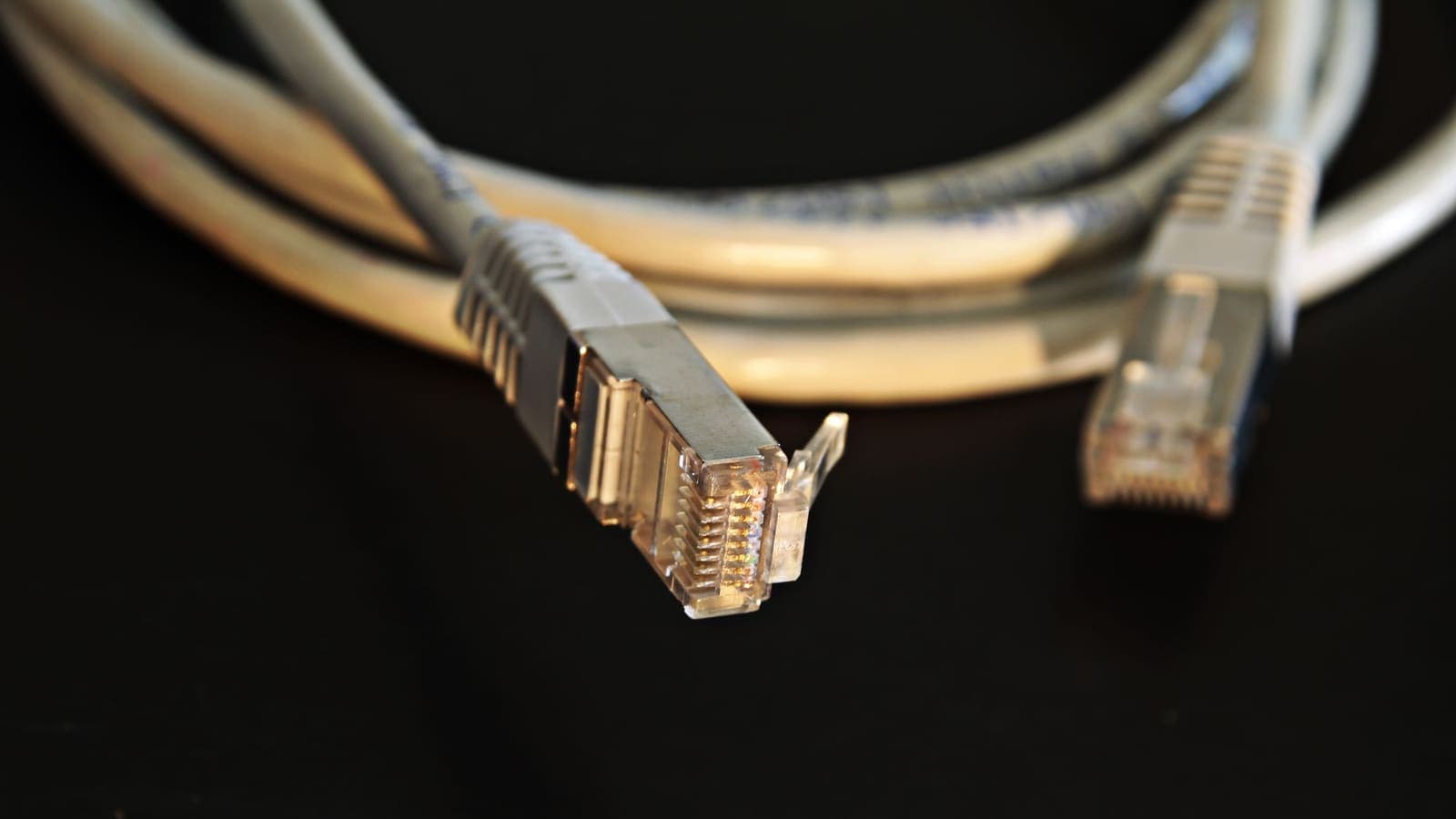
- A VPN watches the road. It encrypts the connection between your device and a VPN server, so people on the network in between, such as the café, the hotel or your internet provider, cannot read the content of your traffic. Cloudflare's overview of VPNs describes this tunnel idea well. It also changes the IP address that websites see.
- Antivirus watches the files. It scans programs, downloads, email attachments and sometimes web pages for known malicious code or suspicious behaviour, and it can quarantine or remove what it finds.
- A firewall watches the doors. It applies rules about which connections may enter or leave a device or a network. Everything on the internet is a potential caller, and the firewall decides who gets through.
Picture a house. The VPN is a sealed delivery van that carries your post so nobody can read it on the way. Antivirus is the person who checks every parcel for something dangerous before it comes inside. The firewall is the lock on the door and the rule that says only expected visitors may enter. A sealed van does not stop a dangerous parcel, and a good lock does not protect a letter that someone reads in transit.
What a VPN does, and what it does not
A VPN protects data in transit and changes the address that websites see. That is valuable on public or shared networks, where other people may be able to observe or tamper with unencrypted traffic. The FTC's guidance on public Wi-Fi explains why open networks carry extra risk, and a VPN is one of the sensible responses. For the full picture, see what a VPN protects.
What it does not do:
- It does not scan or remove malware. If you download an infected file through a VPN, the file arrives intact and encrypted in transit, and it is still infected.
- It does not block a phishing page. A fake bank site loaded through a VPN is still a fake bank site.
- It does not filter inbound connection attempts to your device in the way a firewall does.
- It does not protect accounts with weak passwords.
- It does not make you anonymous. The VPN provider can see your traffic metadata, and websites can still recognise you by logins and cookies.
These limits are covered further in what a VPN cannot protect you from.
What antivirus does, and what it does not
Antivirus, now often called anti-malware or endpoint protection, looks at what is on and arriving at your device. It matches files against known threats, watches for behaviour that looks like ransomware or a keylogger, and can block known dangerous websites. This matters because malware is delivered by attachments, cracked software, fake updates and malicious ads, and none of those depend on which network you are using.
What it does not do:
- It does not encrypt your traffic or hide your IP address.
- It does not catch every new threat. Detection lags behind attackers, so a brand-new piece of malware may go unnoticed for a time.
- It does not stop you giving your password to a convincing fake login page, although some products warn about known phishing sites.
- It does not replace software updates. Many attacks use flaws that have already been fixed in a newer version.
Modern operating systems ship with built-in protection that is adequate for many users when kept updated and left switched on. Paid products add extras such as more advanced detection, identity monitoring and family controls. Whether those extras are worth paying for depends on how you use your device.
What a firewall does, and what it does not
A firewall filters connections by rules: which application, which port, which direction and which address. There are two common kinds.
- A host firewall runs on your laptop or phone and is part of the operating system. It decides which programs can accept incoming connections.
- A network firewall sits in your router or in an office network and shields everything behind it. Most home routers also perform network address translation, which already prevents unsolicited incoming connections from reaching individual devices.
Firewalls are quiet, which is why many people forget they are there. They protect against attempts to reach services running on your machine, and they can block software on your device from calling out to places it should not.
What it does not do:
- It does not read or scan the content of files, so it cannot tell a harmless download from a harmful one.
- It does not encrypt your traffic once it leaves your device.
- It does not help against threats you invite in, such as a program you install yourself or a link you click.
- It does not hide your IP address from the sites you visit.
Side-by-side comparison
| VPN | Antivirus | Firewall | |
|---|---|---|---|
| Main question it answers | Who can see my traffic on the network? | Is this file or program harmful? | Which connections may reach or leave my device? |
| Protects against | Snooping on the path, local network observers | Malware, ransomware, malicious downloads | Unsolicited inbound connections, unwanted outbound calls |
| Changes the IP address websites see | Yes | No | No |
| Scans files | No | Yes | No |
| Typical location | App on your device or router | Software on your device | Operating system, router or company network |
| Needs your attention | Turn it on when needed | Keep updated and scan results | Usually runs silently |
| Biggest blind spot | Malware and phishing still work | Cannot see network snooping | Content you invite in |
Which ones do you actually need?
Almost everyone needs the first two layers by default, because they are built in. A firewall is already running in the operating system and in your home router, and most current operating systems include antivirus protection. Check that both are switched on and that updates are installed automatically. After that, the useful question is what extra risk you face.
- You use public Wi-Fi often. A VPN adds real value here, because it protects traffic on a network that others share. See public Wi-Fi safety for how the threats work.
- You download software from many sources, share files or use family computers. Strong antivirus protection and a careful update habit matter more than a VPN.
- You run services at home, such as a media server or a remote desktop. Firewall rules matter most, and you should be deliberate about which ports are open.
- You work remotely with sensitive data. Your employer may require a company VPN, and guidance such as NIST's telework recommendations treats remote access protection, endpoint security and strong authentication as a set.
- You want less visibility to your provider or local network. A VPN fits this need, with the trade-off that you trust the VPN service instead.
Everyday scenarios
The café worker. She edits documents in a café. Her biggest exposure is the shared network, so a VPN is worth turning on. Her biggest risk from an email attachment is malware, so up-to-date antivirus protection matters too. Her firewall runs without her noticing.
The student with a shared laptop. He downloads study materials from many websites and sometimes installs free software. Antivirus and updates matter most for him. A VPN is optional unless he often studies on public networks.
The traveller. He uses hotel and airport Wi-Fi. A VPN protects traffic on those networks, while antivirus and the firewall still protect the laptop itself. If one of the three is missing, the gap is different each time.
The home-lab hobbyist. She exposes a small server to the internet. The firewall is her main tool, with strong passwords and updates. A VPN can be used to reach her home network securely from outside instead of opening it to everyone.

Overlaps and where marketing blurs the lines
Some security suites bundle all three, and some VPN apps add features such as blocking known malicious sites or ads. These extras can be handy, but they are not what makes a VPN a VPN. The core of a VPN is the encrypted tunnel and the change of visible address. If an extra feature matters to you, check whether it is really there and how it works, rather than assuming it from the product name.
Be wary of phrases such as "total protection", "military grade" or "complete security". No combination of the three tools makes a device immune. They reduce particular risks, and each one has a limit that the others do not fill.
Common mistakes
- Treating a VPN as antivirus. A tunnel does not clean files.
- Running several antivirus products at once. Overlapping real-time scanners can conflict and slow the system. One well-maintained product is enough.
- Turning the firewall off to fix a problem. Add a specific rule instead, or turn it back on after testing.
- Ignoring updates. Unpatched software is among the most common ways in.
- Relying on tools and skipping habits. Strong unique passwords, two-factor authentication and caution with unexpected links stop attacks that no tool can see. CISA's phishing guidance is a useful place to start, and the Electronic Frontier Foundation's Surveillance Self-Defense guides explain how to think about threats in a practical way.
- Buying protection you cannot explain. If you cannot say what a product protects against, you are probably not getting what you hoped for.
Limits and what to watch for
None of the three tools can protect you from a decision you make yourself. If you approve a login prompt, open a document from a stranger or reuse a password that has leaked, the tools are not in a position to refuse for you. Likewise, a tool that is switched off, expired or out of date offers no protection, so check its status occasionally. For a VPN in particular, remember that it moves trust to the service provider, so understand what you are signing up for before you pay. What to check before paying for a VPN is a practical checklist.
Summary
A VPN protects your traffic on the network and changes the address websites see, antivirus looks for malicious files and behaviour on your device, and a firewall filters which connections may reach or leave it. They solve different problems, so they complement each other and none replaces another. Keep the built-in firewall and antivirus on and updated, add a VPN when you use networks you do not control, and back everything with strong passwords and two-factor authentication.
If you decide a VPN would help on public networks, a prepaid XPASS pass gives you a fixed number of days with no automatic renewal, and the Help Center shows how to set it up.
Frequently asked questions
Can a VPN replace antivirus software?
No. A VPN protects data while it travels between your device and the VPN server. It does not scan files, block malware that you download and open, or remove a virus that is already on your device. Antivirus tools do that job.
Does a VPN work as a firewall?
Not in the usual sense. A firewall decides which connections are allowed in and out of a device or network. A VPN builds an encrypted tunnel. Some VPN apps include basic blocking features, but a VPN alone is not a substitute for the firewall built into your operating system or router.
Do I need a VPN, antivirus and a firewall all together?
For most people the firewall and security tools built into the operating system, plus sensible habits, are the foundation. A VPN is an extra layer that is most useful on networks you do not control, such as public Wi-Fi. Each tool covers a different risk, so they complement rather than replace each other.
Will a firewall or antivirus hide my IP address?
No. Neither one changes the IP address that websites see. Only a VPN or a similar relay service does that, and even then it replaces the visible address rather than making you anonymous.
What is the biggest risk none of these three tools stops?
Being tricked. Phishing messages, fake login pages and weak or reused passwords bypass all three tools because you hand over the access yourself. Two-factor authentication and careful clicking matter just as much.
References
About the author

Bob Kanokphon Thongdee
- Founder of XPASS VPN
- Co-founder of eSIMonline.asia
- More than 7 years in online marketing
- Founder of Cojourney Visa and Cojourney Travel
Need a VPN for a short trip or a busy month?
XPASS sells prepaid passes for a set number of days. You pay once and nothing renews automatically.
See passesKeep reading

VPN Basics
What Does a VPN Actually Protect?
A VPN protects specific things well: traffic on untrusted networks, what your local network can see and the IP address websites record. This article maps those protections and their limits.
9 min read

Privacy Guides
What a VPN Cannot Protect You From
A VPN secures the connection, not the person using it. This guide covers phishing, malware, ransomware, identity theft, data breaches, email privacy and other risks it cannot solve, and what to do about each.
9 min read
Privacy Guides
Common VPN Security Myths
From 'VPNs make you anonymous' to 'HTTPS makes VPNs useless', here are the most common VPN myths and what is accurate about each.
9 min read

VPN Security
How to Stay Safer on Public Wi-Fi
Public Wi-Fi is not a disaster, but it is a network you do not control. Here are the real risks, the habits that matter most, and where a VPN fits in.
8 min read
VPN Security
HTTPS vs VPN: What Each One Protects
HTTPS secures the connection between your browser and a website. A VPN secures the path between your device and the VPN server. They overlap less than most people think.
9 min read