
VPN for Online Shopping: Security and Price Myths
A VPN can protect your checkout on cafe or hotel Wi-Fi, yet it will not spot a fake shop or promise cheaper prices. Here is what is true and what is a myth.
9 min readUpdated Oct 15, 2026By XPASS Editorial Team
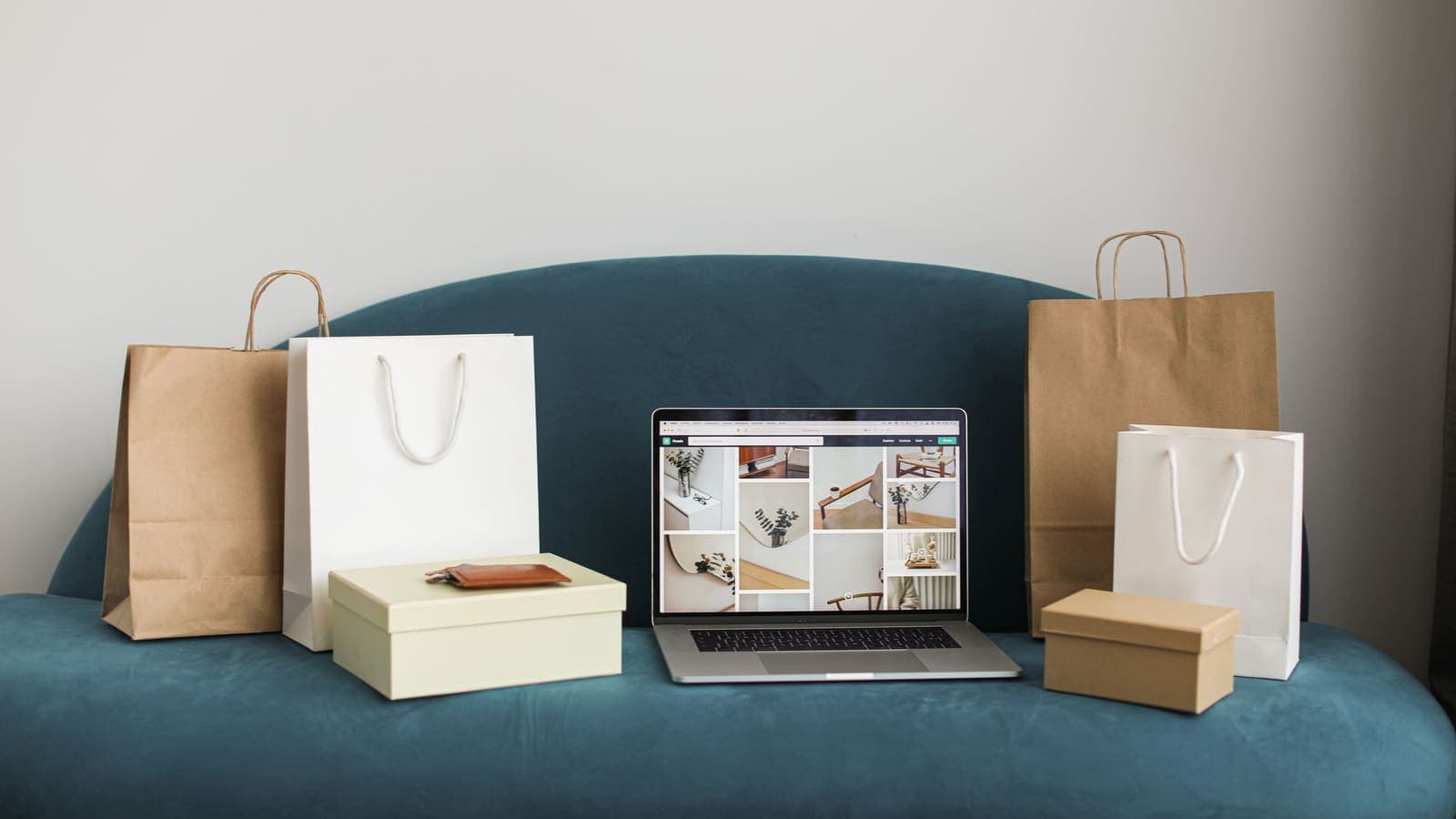
Online shopping is one of the most common reasons people go looking for a VPN, and it is also one of the most confusing. Some articles say a VPN is essential before you enter a card number. Others say a VPN will unlock cheaper flights, cheaper software and cheaper clothes. Neither claim is quite right. The honest answer sits in the middle: a VPN helps with one specific risk during checkout, and it is irrelevant to several risks that people worry about more.
This article walks through vpn and online shopping step by step. We separate the real security benefit from the price myths, show where payment problems come from, give you a checkout checklist, and cover the mistakes that cost shoppers money. It does not tell you to hunt for loopholes in any shop's rules, and it makes no promise that a VPN will save you a single baht, dollar or yuan.
What actually happens when you pay online
To judge what a VPN can add, it helps to follow one purchase from tap to confirmation. You open a shop in your browser, add a jacket to the basket and enter your address and card. Behind the scenes, three separate layers are involved.
- The page connection. Almost every modern shop uses HTTPS, which encrypts the data between your browser and the shop's server. The padlock and the address starting with https are the visible sign. If you want the details, read HTTPS vs VPN.
- The network under that connection. Your phone or laptop talks to a router, which talks to an internet provider. The operator of that network can usually see which sites you contact, even if it cannot read the content of an HTTPS page.
- The payment step. Your card details are normally passed to a payment provider, which checks them against your bank. Fraud systems at the provider look at your device, your usual location and the size of the order.
A VPN touches the second layer only. It wraps the connection between your device and the VPN server so that the local network sees one encrypted stream instead of a list of sites. It does not replace HTTPS, and it does not take part in the payment step. Keep this three-layer picture in mind, because every myth in the next sections breaks one of these layers.

Where a VPN really helps while shopping
There are four situations where a VPN gives a real, modest benefit.
- Shared Wi-Fi. In a cafe, hotel lobby, airport or shopping mall you share a network with strangers. HTTPS already protects the content of most pages, but a VPN also hides which shops and services you visit and shields the less obvious traffic from apps and background services. The US Federal Trade Commission explains the general risks of public networks clearly in its public Wi-Fi guide. Our own article on staying safer on public Wi-Fi covers the habits that go with it.
- Older or badly written apps. A few apps or embedded browsers still send some requests without proper encryption. A VPN wraps those requests too, so they are not exposed on the local network.
- Privacy from the network owner. If you do not want a hotel, an office or a shared flat to see your wish-list browsing and gift shopping, a VPN limits what that network can log.
- Consistent protection while travelling. Order-tracking emails, boarding passes and refund chats happen on many different networks during a trip. One tool that you turn on once is easier to keep up than judging every network.
Notice what these have in common: the benefit comes from the encrypted tunnel on a network you do not trust. It has nothing to do with which country the server is in.
Price myths: why a VPN is not a discount tool
The most popular claim is that a VPN can make products cheaper. People say it with great confidence, so it deserves a careful look.
Myth 1: prices depend mostly on your location. Some businesses do charge different amounts in different markets, because of taxes, shipping, currency, local competition or licensing. But many prices are the same everywhere, and many differences are caused by something else entirely, such as stock levels, time of day or an expired promotion.
Myth 2: your IP address is the only thing a shop sees. Shops also see your account, saved cookies, device type, language, loyalty history and what you looked at last week. Changing the IP address changes one input out of many. If the shop recognises you by account, the price you see may not move at all.
Myth 3: a lower number on the screen is a lower price you can actually pay. Even if a page shows a different amount, the checkout can recalculate based on your billing address, the card's country or the delivery destination. Some shops refuse orders when these details do not match. Some will cancel the order afterwards.
Myth 4: it is a harmless trick. Many shops state in their terms that you must use accurate location and billing details. Breaking those terms can lead to cancelled orders, frozen accounts or refused refunds. We do not suggest trying to work around a shop's pricing rules.
| Claim you may read | What is actually true |
|---|---|
| "A VPN lowers flight and hotel prices" | Fares change with demand, time and your search history. A VPN is one small input and often changes nothing |
| "Use a VPN to buy at local prices" | Billing address, card country and delivery rules usually still apply |
| "Shops raise prices if they see your real location" | Some personalise offers, but you cannot confirm it from a single comparison |
| "A VPN is required to pay safely" | HTTPS and a trustworthy payment provider do most of the work. A VPN adds protection only on untrusted networks |
| "A VPN stops card fraud" | Fraud usually comes from fake shops, leaked data or phishing, which a VPN does not touch |
If you want a better price, the dependable methods are boring: compare several shops, wait for known sale periods, use the price-alert feature that many shops offer, and check the total including delivery and tax. These work whether or not a VPN is on.
Security problems a VPN does not solve
Because the VPN story is so loud, shoppers often ignore the threats that cost real money. A VPN cannot help with any of these.
- Fake shops. A convincing site with a low price, a copied logo and a payment form is the classic scam. It is a perfectly valid HTTPS site, and the VPN will happily encrypt your connection to it. Learn the warning signs in how to recognize phishing websites, and see the CISA page on recognising and reporting phishing for further examples.
- Phishing messages. A text saying that your parcel is held and you must pay a small fee is not a network problem. The danger is the link.
- Weak or reused passwords. If the same password is used on a shop and a forum that is later breached, attackers will try it on the shop. Use a unique password and turn on two-factor authentication. The CISA guide on multi-factor authentication explains why it matters, and our article on what two-factor authentication is shows the options.
- Malware on your device. Software that records keystrokes or reads your clipboard sees your card before any tunnel does. A VPN is not an antivirus.
- Data breaches at the shop. If a shop stores your card badly and is hacked, your own connection was never the weak point.
- Dishonest sellers. A genuine marketplace seller can still ship nothing or something else. Marketplace protection, card chargeback rules and reviews matter here.
For a wider picture, read what a VPN cannot protect you from.
Why payments sometimes fail with a VPN on
Many shoppers meet this problem: the order works at home and fails the moment the VPN is switched on, or a bank asks for extra verification.
Payment and bank systems build a picture of what normal looks like for you. The usual place you connect from, the phone you always use, the typical order amount. A VPN changes the apparent place, and sometimes the network type, so the picture looks unusual. The system responds by asking for a one-time code, holding the payment or declining it. This is the same behaviour described in using banking apps with a VPN.
Common causes include:
- Your connection appears to come from a different country from your billing address.
- The IP address is shared by many other people, and some of them triggered fraud flags earlier.
- The device or browser identity changed at the same time as the network.
- A very large first-time order from a new device.
What to do:
- Stop and do not retry the payment many times in a row. Repeated failed attempts can lock the card or the shop account.
- Turn the VPN off, but only on a network you trust such as home Wi-Fi or your mobile data. Never turn it off on a shared network to fix a payment.
- Complete the verification, then turn the VPN back on.
- If a shop supports it, pay with a wallet or a one-time code from your bank's app, which relies less on your connection details.
- If you keep getting declines, contact your bank through the number on your card.
If you use a VPN app that offers split tunneling, you can leave the shopping or banking app outside the tunnel on a trusted network while everything else stays protected. See what split tunneling is before choosing which apps to exclude.
A checkout checklist you can actually use
This checklist is short enough to follow every time. It works with or without a VPN.
Before you shop
- Update your phone, browser and shopping apps.
- If you are on shared Wi-Fi, connect the VPN first and check it has connected before you open the shop. With XPASS you sign in to the free VPNclient app with the username and password on your My Pass page, then tap connect. The download page lists the official apps.
- Type the shop's address yourself or open it from your own bookmark, not from a message or an advert.
At the product page
- Look for the full domain name. Fake shops often use a strange ending or add extra words to a familiar name.
- Check the contact details, returns policy and company address. A shop with none of these is a warning sign.
- Read recent reviews on an independent site, and look for patterns such as the same sentences repeated.
At checkout
- Prefer a digital wallet, a virtual card number or a card with spending limits. These limit the damage if something goes wrong.
- Never enter your card on a page you reached through a pop-up or a chat message.
- Use a unique password for the shop account and enable two-factor authentication.
- Do not save your card on sites you will only use once.
After the purchase
- Keep the order confirmation and screenshot the listing.
- Check your card statement within a few days and report any charge you do not recognise.
- Delete the shopping app if you do not plan to use it again.

Three shopper scenarios
Pim, a student in a dormitory. Pim shops on a phone using the building's Wi-Fi, which hundreds of residents share. She connects the VPN each time she joins the network, uses a wallet instead of typing her card, and turns two-factor authentication on for her shop accounts. When one payment fails with the VPN on, she switches to mobile data for that single step and reconnects the VPN afterwards. She does not repeat the failed attempt.
Arun, a frequent traveller. Arun books accommodation and orders gifts while on the road. He does not expect the VPN to cut prices. Instead he compares totals across shops, pays with a card that has a daily limit, and uses the VPN on hotel and airport Wi-Fi. He keeps the final payment confirmation emails in one folder in case of disputes.
Li, a bargain hunter. Li read that a VPN gets cheaper prices and tried changing the apparent location for a pair of shoes. The price shown barely moved, the checkout asked for a local billing address, and the card was declined. She learnt that price alerts and waiting for sale days worked better, and that the VPN's real job was to protect her on public networks.
In all three cases the VPN is a small piece. Habits around passwords, verification and fake-site checking carry far more weight.
Mistakes to avoid
- Believing that the padlock means the shop is honest. It only means the connection is encrypted.
- Treating the VPN as permission to relax about links in messages.
- Repeating a declined payment again and again.
- Turning the VPN off on public Wi-Fi to get a payment through.
- Entering your card details in an app you reached from an unsolicited message.
- Saving your card in every shop and never reviewing the list.
- Using a free app from an unknown publisher on the same phone you shop with. Free apps can come with their own risks; see are free VPNs safe.
- Chasing a lower price by providing a false address. It can cancel the order and sour your account.
Summary
A VPN protects your shopping traffic on networks you do not control, and that is its real value at checkout. It does not make a shop trustworthy, it does not stop phishing or leaked passwords, and it is not a reliable way to lower prices. If a payment fails with the VPN on, finish it on a trusted network and reconnect afterwards. Strong, unique passwords, two-factor authentication, wallet or virtual cards and a careful look at the shop itself will protect your money far more than any price trick.
If you want a short prepaid option for a trip or a busy shopping season, you can look at the pricing page at your own pace.
Frequently asked questions
Does a VPN make online shopping safer?
It makes the connection safer on networks you do not control, such as cafe, hotel or airport Wi-Fi, because the network cannot read your traffic. It does not make a shop honest, and it does not protect you if you type your card number into a fake site.
Can a VPN get me cheaper prices?
There is no reliable evidence that it does. Shops set prices using many factors such as stock, demand, promotions, your account and your browsing history. Changing your apparent location may change nothing, or may even show different delivery options and currencies. Treat any promise of guaranteed discounts as a myth.
Should I keep my VPN on while I enter card details?
On public Wi-Fi, yes, connect before you open the shop. On your own home network it is optional. If a payment page or card-verification step fails with the VPN on, pause it, finish on a trusted network, then turn it back on.
Why did my payment fail when the VPN was on?
Payment systems compare your location, device and habits. A VPN can make your connection look different from usual, so a fraud check may ask for extra confirmation or decline the payment. This is a safety feature, not a fault in your VPN.
Is it safe to save my card in a shopping app while using a VPN?
A VPN neither adds nor removes that risk. What matters is the strength of the account password, whether two-factor authentication is on, and whether the shop uses a payment provider you trust. Prefer tokenised wallets or virtual card numbers where your bank offers them.
References
About the author

Bob Kanokphon Thongdee
- Founder of XPASS VPN
- Co-founder of eSIMonline.asia
- More than 7 years in online marketing
- Founder of Cojourney Visa and Cojourney Travel
Need a VPN for a short trip or a busy month?
XPASS sells prepaid passes for a set number of days. You pay once and nothing renews automatically.
See passesKeep reading

VPN Security
How to Stay Safer on Public Wi-Fi
Public Wi-Fi is not a disaster, but it is a network you do not control. Here are the real risks, the habits that matter most, and where a VPN fits in.
8 min read

Privacy Guides
How to Recognize Phishing Websites
Phishing websites imitate real services to steal your login or card details. This guide shows the warning signs worth checking, a calm routine for suspicious links, and what to do if you entered details.
9 min read

Privacy Guides
What a VPN Cannot Protect You From
A VPN secures the connection, not the person using it. This guide covers phishing, malware, ransomware, identity theft, data breaches, email privacy and other risks it cannot solve, and what to do about each.
9 min read
Privacy Guides
Using Banking Apps With a VPN: Safety and Common Blocks
Banking apps are already encrypted, and many also react to VPN connections. This guide explains why, what to do when an app blocks you, and how to bank safely abroad.
9 min read
VPN Security
HTTPS vs VPN: What Each One Protects
HTTPS secures the connection between your browser and a website. A VPN secures the path between your device and the VPN server. They overlap less than most people think.
9 min read