
Is It Safe to Use a VPN for Online Banking?
A VPN can protect your banking on shared Wi-Fi, but it can also trigger bank security checks. Use this network-by-network guide to decide when to connect and when to pause.
9 min readUpdated Oct 15, 2026By XPASS Editorial Team
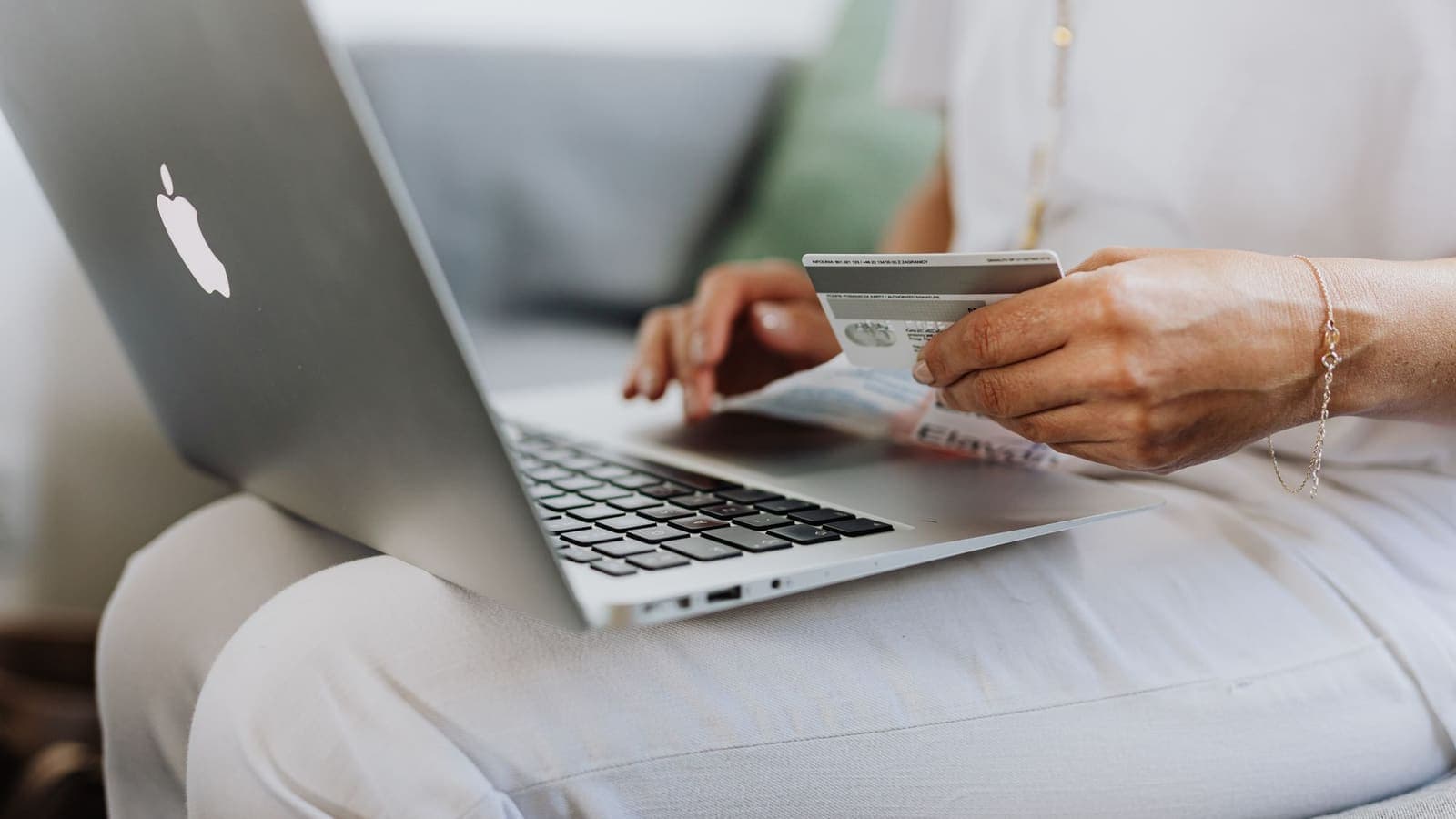
Few questions about VPNs make people more nervous than this one. Money is involved, a mistake can be expensive, and the advice online pulls in two directions. One camp says never touch your bank without a VPN. The other says a VPN will get you locked out. Both camps are partly right, which is why a simple yes or no is not useful.
This article treats vpn and banking security as a decision you make each time, based on the network you are on and the device in your hand. You will get a network-by-network guide, a plain list of what could actually go wrong, a short routine for safer banking, and a step plan for when something looks off. It is general information, not financial or legal advice, and your bank's own instructions always come first.
The short answer, and why it needs conditions
Using a VPN for online banking is generally safe in the technical sense. A VPN adds a layer of encryption between your device and the VPN server, and your bank's site or app already encrypts the conversation with its own server. Two layers of protection do not conflict.
The conditions come from two other facts.
- A VPN does not stop the attacks that empty most bank accounts. Phishing pages, stolen passwords and malware sit outside what a tunnel can see.
- Banks run fraud systems that react to change. If your connection suddenly appears in a different place, comes from a crowded shared address or a new device, the bank may ask you to prove it is really you.
So the useful question is not whether a VPN is safe. It is: on this network, for this task, does the VPN solve a problem I actually have, and what do I do if the bank objects? The next sections answer that for each situation.
Decide by network: a practical guide
The single biggest factor is where you are connecting from. Use this table as a starting point.
| Where you are | Suggested approach | Reason |
|---|---|---|
| Your own home Wi-Fi with a strong router password | VPN optional | The network is yours. A VPN mainly adds privacy from your internet provider |
| Mobile data from your own SIM | VPN optional, often not needed for banking | No strangers share your radio network. Your operator still sees destinations |
| Hotel, cafe, airport or mall Wi-Fi | Connect the VPN first, then bank | Strangers share the network, and some networks are badly set up |
| A friend's or a workplace network | Prefer your mobile data for banking | You cannot judge how the network is run or who can see its logs |
| A shared computer in a library or business centre | Do not bank at all if you can avoid it | Keyloggers and saved sessions are a bigger risk than the network |
| Home Wi-Fi but the bank keeps asking for extra checks | Try the task with the VPN paused | The VPN may be the cause of the extra checks |
Public networks are where a VPN matters most. The US Federal Trade Commission explains why in its guide to public Wi-Fi, and our article on staying safer on public Wi-Fi lists the habits that go with a VPN. If you plan to bank while travelling, the sensible order is to connect to a network, start the VPN, check that it is connected, and only then open the banking app.
On your own home network the picture is different. If your router password is strong and your devices are updated, a VPN adds little to banking security, though it still hides browsing from your internet provider. Some people leave it on all day. Others turn it off for banking because the extra friction is not worth it. Both choices are reasonable.
What could actually go wrong
Instead of vague worries, here are the concrete risks, split into those a VPN affects and those it does not.
Risks a VPN reduces
- Someone on the same public Wi-Fi watching which services you contact, or tampering with unencrypted requests from older apps.
- A rogue hotspot that copies a familiar network name and sits between you and the internet. The VPN encrypts your traffic inside the tunnel, though you should still avoid joining suspicious networks.
- Your network owner logging every site you visit, including the bank's address.
Risks a VPN does not change
- Phishing. A fake bank page asking for your login. The tunnel will carry the fake page as happily as the real one. Learn the signs in how to recognize phishing websites, and read the CISA page on recognising and reporting phishing.
- Stolen or reused passwords. If your bank password leaked from another service, an attacker does not need your network at all.
- Malware on your phone or computer. A fake banking app or a keylogger reads what you type before it enters any tunnel.
- SIM swap and one-time code theft. If an attacker takes over your number, text-message codes go to them.
- Social engineering. A phone call from a person claiming to be the bank's fraud team and asking you to move money. No VPN stops you from being persuaded.
- Breaches at the bank or a merchant. Your own connection was never the weak point in those events.
There is a further risk that sits on the VPN side: the VPN provider can see the same metadata a network operator could. That is one reason to choose a provider with clear terms. Our article on what a VPN provider can see goes into it, and a free app of unknown origin is a poor choice for banking; see are free VPNs safe.
Why banks sometimes react to a VPN
Banks have a legal and commercial duty to protect customers, so their systems score every login. The score considers where you are, which device you use, what time it is, how fast you type and how your behaviour compares with your history. Several of these change when a VPN is on.
- Location shifts. The login appears to come from a place you have never been to.
- Shared addresses. Many VPN users can share one outgoing IP address, and some earlier users may have behaved badly, giving the address a poor reputation.
- Network type. The connection looks like a data centre rather than a home or mobile line.
- Simultaneous changes. A new device, a new location and a large transfer together look like a takeover.
The result may be an extra verification step, a delayed transfer, a temporary lock or a message asking you to call. These are protective actions, not signs that your VPN is dangerous. The sensible response is not to fight them. Our article on using banking apps with a VPN covers the app side in detail, including what to try when an app will not open.
Remember also that the way a bank describes VPN use is the bank's own decision. If its help pages or terms say something about VPNs, follow that. If you are in doubt, ask the bank through its official channel.
A 10-minute routine for safer banking
These steps matter more than the VPN decision. Do them once, then they protect you everywhere.
- Turn on two-factor authentication for the banking app and for the email account used to reset your bank password. If you want to compare options, read what two-factor authentication is. The CISA guide on multi-factor authentication explains why a second factor stops many takeovers.
- Prefer app-based or hardware codes over text messages where the bank offers a choice. This reduces the damage from SIM swaps.
- Set transaction alerts for every payment, transfer and login, with a low threshold.
- Use a unique, long password that you do not use anywhere else. A password manager helps. The NIST digital identity guidance recommends length over complexity rules.
- Install the banking app only from the official store link shown on the bank's own website.
- Keep the phone and apps updated, and remove apps you do not use.
- Lock the phone with a passcode and enable automatic lock after a short time.
- Type the bank's address yourself or use a bookmark. Never follow a link in a message to log in.
- Log out after each session on any device that is not yours, and clear the saved password.
- Know your bank's emergency number and keep it in your contacts list under a name you will recognise.
Added up, these steps take about ten minutes to set up and cost nothing. They tackle the threats that actually cause losses.
Scenarios: three people, three decisions
Mei, a tourist at the airport. Mei needs to pay a deposit for a hotel and the only network is airport Wi-Fi. She switches to her mobile data for the banking step, since that network is not shared with the crowd in the terminal. If she had no mobile data, she would connect the VPN first and confirm it is running before opening the app. In both cases she types nothing into a page reached through a message.
Somchai, a remote worker in a cafe. Somchai pays his invoices from a cafe each Friday. He keeps the VPN on whenever he joins the cafe network, because he also handles client files. His bank asks for a one-time code on the first Friday after he turns the VPN on. He completes it, the bank does not object after that, and he keeps his alerts switched on.
Anna, at home with a locked app. Anna's banking app refuses to open whenever the VPN is on at home, even though her home Wi-Fi is trustworthy. She pauses the VPN for that app, finishes her task and turns it back on. If her VPN app supports split tunneling she could leave the banking app outside the tunnel; see what split tunneling is.
What the three have in common: they decide by network, they accept a bank's checks calmly, and they rely on account protections rather than on the VPN alone.

When to pause the VPN, and how to do it safely
Pausing is sometimes the right call. Do it with these guardrails.
- Pause only on a network you trust, such as your home Wi-Fi or your own mobile data. Never pause on a shared network to get a payment through.
- Pause for the single task, then turn the VPN back on. Do not forget it, because the rest of your apps are still running.
- Do not hammer a login screen. Two or three failed attempts is plenty, and then stop.
- If the app opens in a browser fallback, check the address again before typing your password.
- If a transfer is held, wait for the bank's message instead of repeating it.
- Do not try tricks to hide that a VPN is on. They can breach your bank's terms and may make your account look riskier.
If you are not sure how to switch the VPN off on your device, the help guide on how to turn off a VPN explains it for each platform. With XPASS you use the free VPNclient app, and the download page lists the official versions.
If something looks wrong
Suppose a login alert you do not recognise arrives, or a transfer you did not make shows up. Move calmly through these steps.
- Do not click any link in the alert. Open the bank's app yourself or type the address from memory.
- If you can still log in, change the password and the email password.
- Review recent logins, devices and payees. Remove anything you do not recognise.
- Call the bank on the number printed on your card and ask them to freeze the card or block outgoing transfers if needed.
- Scan your phone and computer with a trusted security tool and remove unknown apps.
- Contact your mobile operator if text messages stopped arriving, which can indicate a SIM swap.
- Keep notes: times, amounts and screenshots help the bank investigate.
- Report the incident through the official channel your country provides for financial fraud.
A VPN plays no role in this recovery. It simply will not hurt, and you can leave it connected or paused according to the network you are on.
Summary
Using a VPN for online banking is technically safe and is most useful on shared Wi-Fi, where it hides your traffic from the network around you. It does not stop phishing, stolen passwords, malware or SIM swaps, and it can make a bank's fraud system ask for extra checks. Decide by network, pause the VPN only on a trusted connection when the bank objects, and put your effort into two-factor authentication, alerts and unique passwords, which protect your money far more.
If you want a simple prepaid option for travel or shared networks, you can browse the pricing page at your own pace.
Frequently asked questions
Is it safe to do online banking with a VPN turned on?
Yes, the connection itself is safe, and on shared Wi-Fi the VPN adds a protective layer. The practical risk is not security but friction: some banks treat VPN connections as unusual and ask for extra verification. If that happens, pause the VPN on a trusted network and finish the task.
Do I need a VPN if my banking app already uses encryption?
Not strictly. Banking apps and websites encrypt their own traffic. A VPN adds privacy from the local network, for example hiding which services you use on hotel Wi-Fi, and protects other traffic on the device. It does not replace the bank's own protections.
Can a VPN stop someone emptying my account?
No. Account takeovers usually come from phishing, stolen passwords, SIM swaps or malware, none of which a VPN touches. Strong unique passwords, two-factor authentication and alert settings at your bank matter more.
Will my bank block me for using a VPN?
Most banks do not forbid VPNs outright, but their fraud systems may flag unusual locations or shared IP addresses and ask for a one-time code, hold a transfer or lock a session. Check your bank's own help pages if you are unsure, and never repeat failed logins many times.
What should I do if I see a login alert I do not recognise?
Do not click links in the alert. Open the bank's app or type its address yourself, change the password, review recent activity and call the number on your card. Turn on transaction alerts and ask the bank to confirm any suspicious transfers.
References
About the author

Bob Kanokphon Thongdee
- Founder of XPASS VPN
- Co-founder of eSIMonline.asia
- More than 7 years in online marketing
- Founder of Cojourney Visa and Cojourney Travel
Need a VPN for a short trip or a busy month?
XPASS sells prepaid passes for a set number of days. You pay once and nothing renews automatically.
See passesKeep reading
Privacy Guides
Using Banking Apps With a VPN: Safety and Common Blocks
Banking apps are already encrypted, and many also react to VPN connections. This guide explains why, what to do when an app blocks you, and how to bank safely abroad.
9 min read

VPN Security
How to Stay Safer on Public Wi-Fi
Public Wi-Fi is not a disaster, but it is a network you do not control. Here are the real risks, the habits that matter most, and where a VPN fits in.
8 min read

Privacy Guides
What Is Two-Factor Authentication?
Two-factor authentication asks for a second proof of identity in addition to your password, so a stolen password alone is not enough. Here is how the main methods compare and how to start.
9 min read

Privacy Guides
How to Recognize Phishing Websites
Phishing websites imitate real services to steal your login or card details. This guide shows the warning signs worth checking, a calm routine for suspicious links, and what to do if you entered details.
9 min read

VPN Security
Is a VPN Safe? What It Protects and Where the Risks Are
A VPN can make some parts of your online life safer, but it is not a shield against everything. Here is what it protects, where the risks sit and how to use one sensibly.
9 min read