
Does a VPN Work on iPhone Cellular Data?
A VPN works over cellular as well as Wi-Fi on an iPhone, but mobile networks behave differently. Here is what to expect, check and fix.
9 min readUpdated Oct 15, 2026By XPASS Editorial Team

Many people use their iPhone on Wi-Fi at home and on cellular data everywhere else, so the first thing they want to know before paying for a VPN is whether it works over 4G and 5G or only over Wi-Fi. The short answer is yes. A VPN app on an iPhone builds an encrypted tunnel over whatever connection is active, and it does not care whether that connection is a router or a cell tower.
The longer answer is more useful, because cellular networks behave differently from Wi-Fi in ways that show up when you use a VPN. Addresses are shared, connections change as you move, the signal varies, and data may have a price. This article explains what changes, how to check that the VPN is doing its job on mobile data, and what to do when something goes wrong.
Yes, it works: what the VPN does on cellular
When you connect a VPN on an iPhone, the app asks iOS to route your traffic through a virtual network interface. From that point, packets leaving the phone are encrypted and sent to the VPN server, and the answers come back the same way. The phone does not care whether the path underneath is Wi-Fi or cellular. The cellular carrier simply carries encrypted traffic to the VPN server rather than readable traffic to a website.
Three practical results follow:
- Your carrier sees less detail. Without a VPN, your mobile network can usually see the domain names you look up and the servers you contact. With a VPN, it mostly sees that you are connected to a VPN server and how much data moves. The content of the traffic is encrypted. This does not make you invisible; the VPN provider can still see certain things, as explained in what a VPN provider can see.
- Your visible address changes. Websites see the address of the VPN server instead of your carrier's address. For the difference, see what is a public IP address.
- Public Wi-Fi is no longer the only target. Many people think a VPN is only for cafe and airport Wi-Fi. It also makes sense on cellular if you want your carrier to see less, or if you handle sensitive tasks while travelling.
None of this means a VPN is always needed on mobile data. Mobile networks are not the same risk as an open cafe hotspot, and many apps already encrypt their own traffic. It is a choice about how much you want the network operator to see.
Why cellular behaves differently from Wi-Fi
Four features of mobile networks matter for VPN users.
Shared addresses. Many carriers put thousands of phones behind a smaller number of public addresses, a technique often called carrier-grade NAT. The address range used inside the carrier network is reserved for exactly this purpose, as described in RFC 6598. For a VPN client, this usually works fine because the phone starts the connection outward. The effect you may notice is that websites see many unrelated people from the same address, which is one reason services sometimes show CAPTCHAs. See why websites show CAPTCHAs with a VPN.
Changing paths. A phone in a pocket moves from tower to tower, switches between 4G and 5G, and may fall back to a slower technology in a weak area. Every handover is a chance for the tunnel to stall. Most VPN apps recover in a few seconds, but you will notice it in a call or a live video.
IPv6 first. Many mobile carriers hand out IPv6 addresses to phones and translate to IPv4 when needed. A well-built VPN app handles both. If a site loads without the VPN and fails with it, mention the carrier and the site when you contact support. The background is in IPv4 vs IPv6 for VPN users.
Variable latency. Round-trip time on cellular varies with the tower load and the signal. A VPN adds a detour to the server, so the delay grows a little. For browsing and messaging it is rarely noticeable, but for real-time voice or gaming, the combination can feel slower. If you want to know what latency means, see the reference on latency.
Mobile data allowance and Low Data Mode
Cellular data often has a cost, so it is fair to ask how much a VPN adds.
Overhead. Every packet is wrapped with extra headers, and there is occasional keep-alive traffic. For ordinary browsing, messaging and streaming, the extra is usually a few percent. If you normally use 10 GB in a month, expect something like 10.3 to 10.8 GB with the VPN on all the time. These are rough figures, not promises, and your own usage will differ. Our article on whether a VPN uses more data explains the reasons in detail.
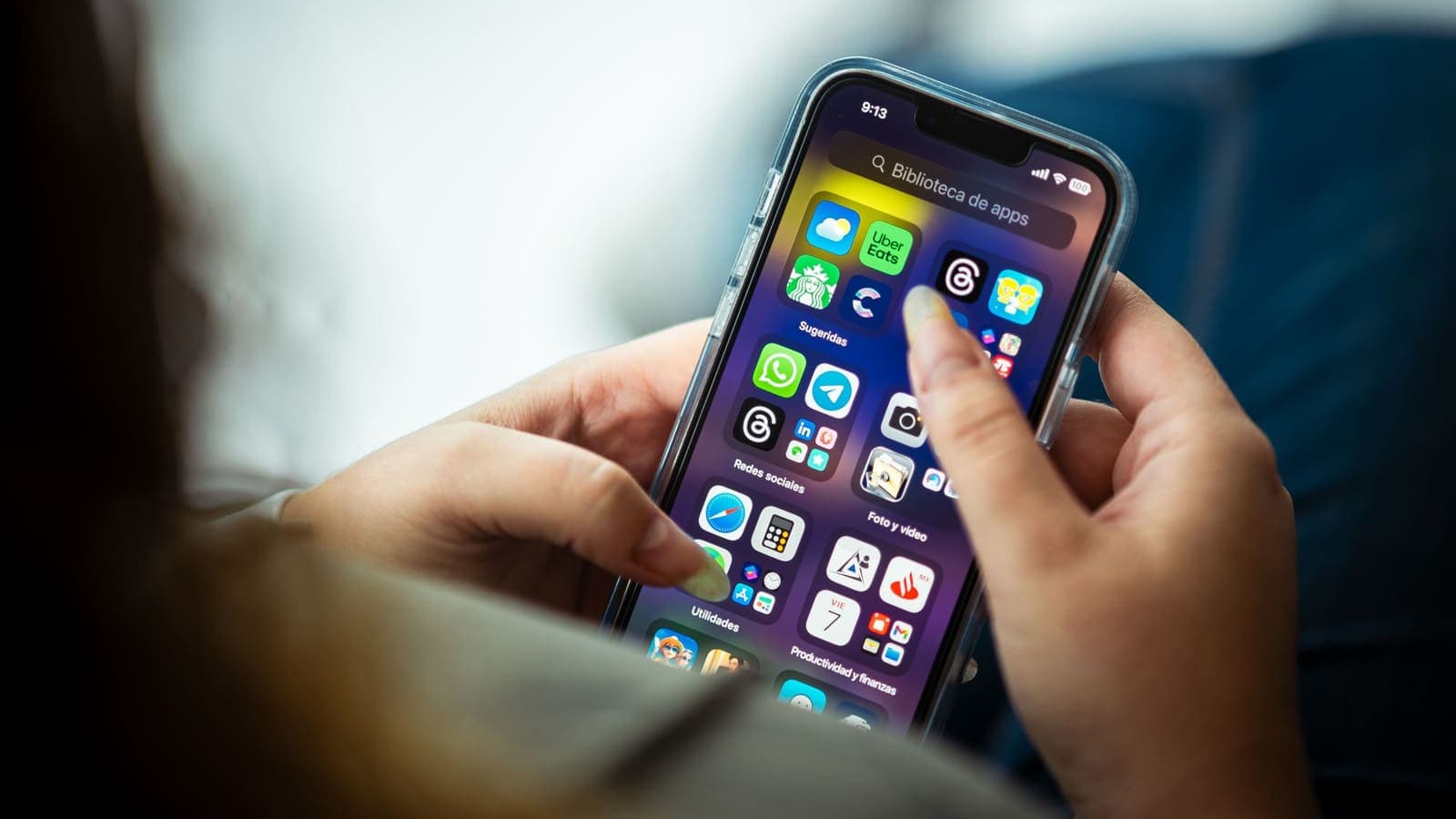
Per-app settings. In Settings, under Cellular, iOS lets you decide which apps may use mobile data. The VPN app needs to be allowed, otherwise it cannot build a tunnel over cellular. If the VPN works on Wi-Fi but refuses on cellular, this is the first thing to check.
Low Data Mode. iOS offers a mode that reduces background data use. It affects automatic updates and some background tasks. It does not block a VPN tunnel, but it can delay apps that sync in the background, so some things may seem slower to refresh. If you turn it on to save data, expect the VPN to work but your apps to be less eager.
Background refresh. Apps refreshing in the background use data through the tunnel, like everything else. If your data allowance drops fast, check the cellular usage list in Settings and look for apps that use a lot in the background, rather than blaming the VPN.
A small allowance is the main case where the overhead matters. If you buy a plan with 2 GB per month, a few percent is about 60 to 100 MB, which is real. For large plans, it is a rounding error.
Roaming, travel eSIMs and borders
Travel is where cellular VPN questions multiply.
Roaming. If your home SIM roams abroad, the VPN runs over the roaming connection like any other data. The VPN does not change roaming charges; the same bytes cost the same, plus the small overhead. Check your carrier's roaming terms before travelling.
Travel eSIMs and local SIMs. A local plan bought for a trip works with a VPN in the same way. If the network is slower than at home, the VPN will feel slower too, because it can only be as fast as the connection under it.
What a VPN does not do. A VPN does not make mobile data cheaper, does not remove roaming charges and does not override the rules of a carrier or a country. Some networks restrict VPN traffic, and some services restrict VPN users. Treat anything that depends on local rules as outside the control of the app. For tips on picking a time to use it while travelling, see choosing a VPN for travel.
Switching networks at borders. Near a border, the phone may jump between carriers. Each jump interrupts the tunnel for a moment. If you want fewer interruptions, you can pick the network manually in Settings, under Cellular, though not every plan allows it.
Wi-Fi Calling, hotspots and messages
A few iPhone features interact with a VPN in ways that surprise people.
Calls and messages. Phone calls over the carrier's voice network do not go through the VPN. Wi-Fi Calling and some messaging apps do use the internet, and they can pass through the tunnel when it is active. If calls behave oddly with the VPN on, turn it off briefly to see whether it is the cause.
Personal Hotspot. When you share your cellular connection with a laptop or another phone, the devices that connect are not always routed through the VPN on the iPhone. This depends on the iOS version and the VPN app. Do not assume protection for those devices. The guide can you share a VPN over a mobile hotspot covers it, and it is safer to install the VPN app on each device.
Messages and push notifications. Some push services use persistent connections to Apple. These can behave differently while the tunnel is rebuilding, and notifications may arrive a little late. This usually clears when the tunnel settles.
Streaming and downloads. Large downloads over cellular with a VPN follow the same rules as before: they use more data and may be slower if the server path is long. Save big downloads for Wi-Fi when you can.
A short checklist to test the VPN on mobile data
Use these steps once, when you first set up, so you know it works before you need it.
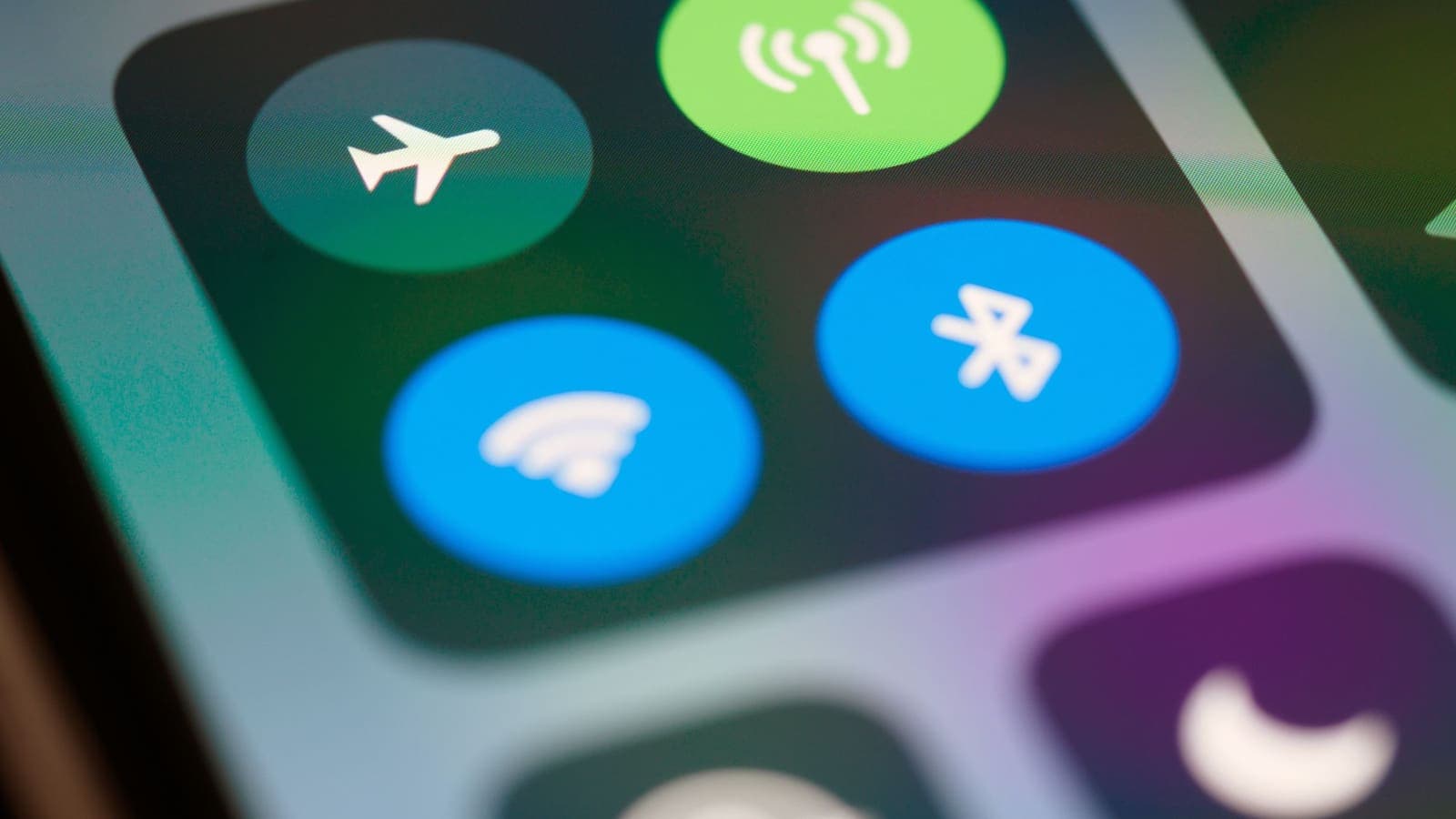
- Turn Wi-Fi off, either in Control Center or in Settings, so the phone is on cellular only.
- Open the VPN app and connect. If you have not installed it yet, see how to set up a VPN on iPhone and the download page.
- Wait until the app shows the connected state, and the VPN symbol appears in the iOS status bar.
- Open a browser and visit a website that shows your public address. Compare it with the address you saw before connecting. It should be different.
- Open an app you use daily, such as messaging or maps, and confirm it loads.
- Walk around or move between rooms for a minute. If the app disconnects, see whether it reconnects without your help.
- Turn Wi-Fi back on, and check that the VPN stays connected after the switch.
If a step fails, write down which one. That one note will save time when you contact support.
Common problems and fixes
| Symptom | Likely cause | What to try |
|---|---|---|
| VPN connects on Wi-Fi but not on cellular | The app is not allowed to use mobile data | Settings, then Cellular, then switch the app on |
| Connected, but nothing loads | Weak signal, or the path to the server is blocked | Toggle Airplane Mode, then reconnect; try another location in the app |
| Drops when moving | Handover between towers or networks | Wait a few seconds; keep the app updated; avoid very weak areas |
| Works at home, fails at work or travel | The network blocks certain connections | Try another location or reconnect later; see VPN not connecting |
| Data allowance runs out faster | Overhead plus background apps | Check Cellular usage by app; use Wi-Fi for large downloads |
| Some apps refuse to open | The app dislikes VPN connections | Pause the VPN for that app, then switch it back on |
If the problem lasts, restart the phone, update the app and iOS, and sign in again with the username and password from your My Pass page. If it still fails, contact support with your carrier, your iOS version and what you tried.
What to watch for
A few cautions keep expectations realistic.
- A VPN is not a speed boost. On cellular it usually adds a little delay and cannot raise your carrier's speed. If your connection is slow, a VPN will not fix it. If you suspect the carrier is slowing a service, a VPN may or may not change that; it is not a guarantee either way.
- Free Wi-Fi is not the only risk. Sensitive tasks on any network deserve some care, including strong passwords and two-factor sign-in.
- A VPN does not stop scams. Fake messages and phishing links work over any connection. See how to recognise phishing websites.
- Always-on convenience has a price. Leaving the VPN on all day on cellular costs a small amount of data and battery. Decide whether you need it on or just when it matters.
- Rules change. Carrier policies and local rules can change. This article is general information, not a promise about any particular network.
Summary
A VPN works over 4G and 5G on an iPhone exactly as it does on Wi-Fi, because the tunnel is built over whichever connection is active. What changes on mobile data is the behaviour around it: shared addresses, handovers between towers, a small increase in data use, and interactions with hotspots and roaming. Make sure the app is allowed to use cellular data, test it once with Wi-Fi off, and use the table above when something misbehaves.
If you are ready to try it on the go, a short prepaid pass on the pricing page is enough to test a week of commuting and travel.
Frequently asked questions
Can I use a VPN on my iPhone with only mobile data?
Yes. A VPN app on iPhone builds its tunnel over whichever connection is active, so it works over 4G and 5G as well as Wi-Fi. You do not need to be on Wi-Fi to connect.
Will a VPN use more of my mobile data allowance?
Slightly. Encryption adds a small overhead to each packet, so the same activity uses a little more data than without a VPN. For most people the difference is a few percent, which matters only if your plan has a small cap.
Why does my VPN disconnect when I walk or travel by train?
Moving between cell towers, or between Wi-Fi and cellular, changes your path to the internet. The tunnel has to rebuild, and a weak or patchy signal can make that fail for a moment. It usually recovers by itself.
Does the VPN work when I am roaming abroad?
A VPN can run over a roaming or local travel eSIM connection like any other cellular data, though roaming speeds and carrier rules vary. Check your plan's roaming charges separately, because the VPN does not change them.
Can I share my VPN connection from my iPhone hotspot?
It depends on how the VPN is set up. In many cases devices that connect to your hotspot are not covered by the phone's VPN. Read the hotspot guide on this site before relying on it.
References
About the author

Bob Kanokphon Thongdee
- Founder of XPASS VPN
- Co-founder of eSIMonline.asia
- More than 7 years in online marketing
- Founder of Cojourney Visa and Cojourney Travel
Need a VPN for a short trip or a busy month?
XPASS sells prepaid passes for a set number of days. You pay once and nothing renews automatically.
See passesKeep reading

VPN Basics
Does a VPN Use More Data?
A VPN adds a small amount of overhead to everything you send, but the bigger data surprises usually come from somewhere else. Here is what to expect on mobile data and when streaming.
9 min read
Device Guides
How to Set Up a VPN on iPhone
Step by step: install VPNclient from the App Store, sign in with your My Pass details, allow the iOS prompt and connect.
6 min read

Device Guides
Can You Share a VPN Over a Mobile Hotspot?
A VPN on your phone does not always cover the devices using its hotspot. See what usually happens, how to test your own setup, and a safer routine.
6 min read
Troubleshooting
VPN Not Connecting? Step-by-Step Fixes
A clear order of checks for when the VPN will not connect: pass status, login details, Wi-Fi and mobile data, permissions, firewalls, app conflicts and error messages.
8 min read

VPN Security
IPv4 vs IPv6 for VPN Users
Your device probably has both an IPv4 and an IPv6 address. Here is what that means for a VPN, where the two differ for privacy and security, and how to check yours.
10 min read