
VPN Device Limits Compared: What to Check Before You Buy
Providers count devices in different ways, and the fine print matters more than the headline number. Learn how to audit your devices and compare device limits fairly.
9 min readUpdated Oct 15, 2026By XPASS Editorial Team
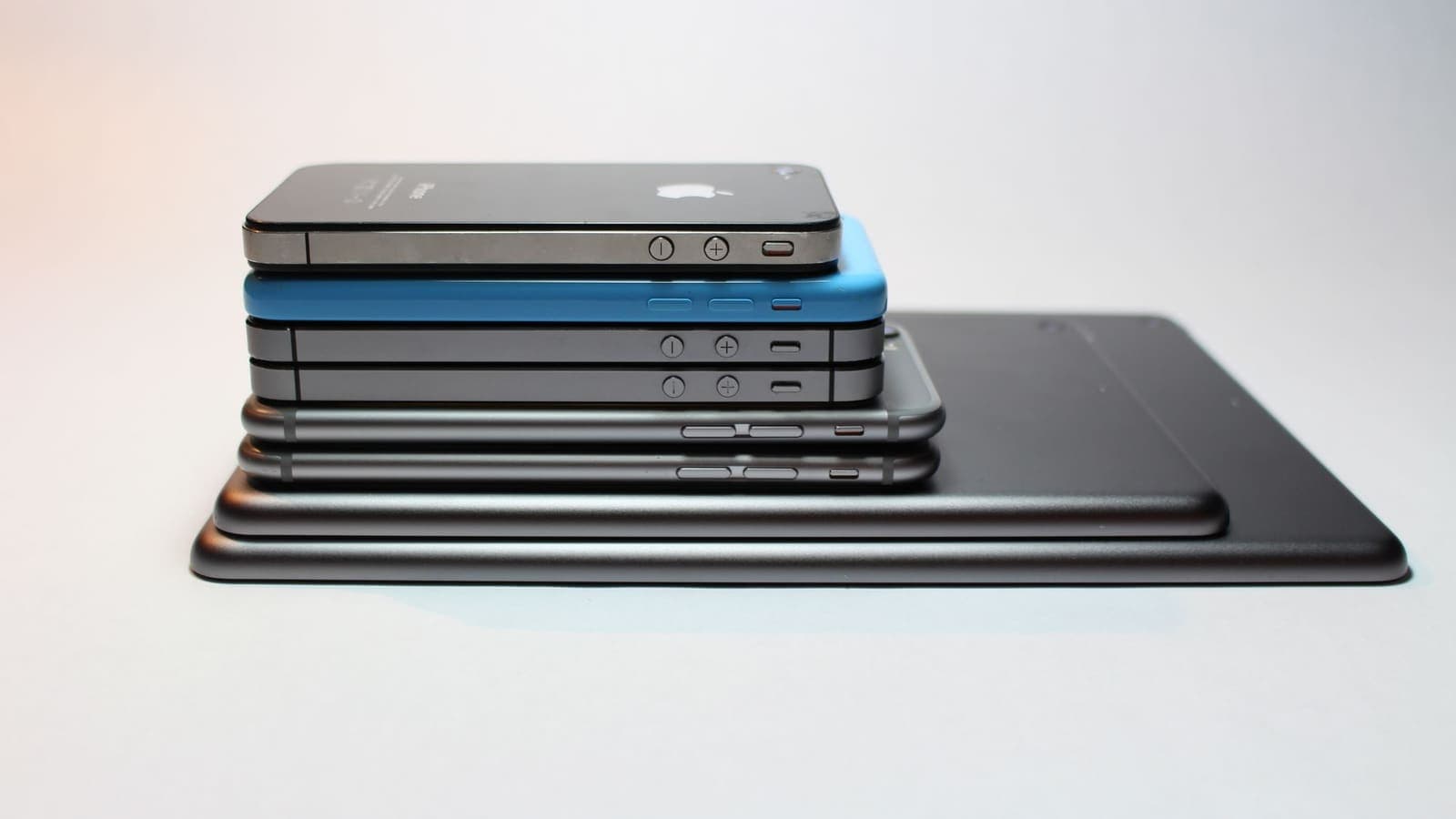
When a VPN plan mentions how many devices it covers, the number sounds simple. It is not. One provider counts every phone, laptop and TV that is signed in. Another counts only the devices that are connected right now. A third counts the router as one device no matter how many things sit behind it. The same headline figure can mean very different things in daily life, which is why a shopper who compares only the number can end up disappointed.
This guide shows you how device limits really work, how to count your own devices, what fine print hides in the terms and which questions to put to support before you pay. It does not name providers and makes no claim about what any specific provider allows. For general advice on running a VPN across several gadgets, our article on using a VPN on multiple devices is a good companion.
Why providers limit devices at all
A VPN plan has real costs. Every connected device uses server capacity and bandwidth, and every account is a possible target for misuse. Limits exist for three reasons.
- Capacity planning. A provider that expects each customer to use two or three devices builds and prices accordingly. If one account were shared among dozens of people, the cost would fall on everyone else.
- Abuse prevention. A cap makes it harder to resell or openly share a single account.
- Pricing tiers. Some providers use the allowance to separate cheaper plans from more expensive ones.
None of this is sinister, and a limit is not automatically a flaw. The problem is that limits are described in marketing as a single figure while the real rules sit in the terms. A fair comparison needs you to find the rules, not just the number. For the wider checklist that applies to any purchase, see what to check before paying for a VPN.

Four ways providers count devices
Providers tend to use one of four models, or a mix. Learn to recognise which one you are looking at.
| Counting model | How it works | What it means for you |
|---|---|---|
| Active connections | Only devices connected at this moment count | You can install the app on many devices, but only a set number can be on at the same time |
| Registered devices | Each device that signs in takes a slot until you remove it | Installing on an old phone can use a slot even if you never connect |
| Account-wide sign-ins | Each sign-in session counts, across apps and browsers | A browser extension and an app on one laptop may count twice |
| Router or network based | The router connects once and all gadgets behind it share the link | Many devices, one connection, but all share the same tunnel |
The same plan may combine two. For instance, a provider may let you install on any number of devices but only allow a few active connections, and then cap routers separately. The word "devices" is doing a lot of work in those descriptions, which is why the next section matters.
Count your own devices first
Before comparing plans, make a list. Most people underestimate. Use the audit below for a household and tick each device honestly.
| Device type | Needs a VPN app? | Notes |
|---|---|---|
| Phones | Yes | The most exposed devices; they join many networks |
| Laptops and tablets | Yes | Heavy use on shared Wi-Fi |
| Desktop computer | Maybe | Lower priority if it never leaves your home network |
| Smart TV and streaming stick | Sometimes | Apps exist for some; others need a router setup |
| Game console | Sometimes | Usually via router or a shared connection |
| Smart speakers, cameras, appliances | Rarely | Often cannot run a VPN app at all |
| Work laptop | Check the employer | The company may already provide a protected link |
| Guest devices | Occasionally | Plan for visitors, not for permanent residents |
Worked example. A family of four has four phones, two laptops, one tablet, one desktop, one smart TV, one games console and a handful of smart-home gadgets. A literal count gives more than a dozen devices. But the ones that travel and use shared networks are the four phones, two laptops and the tablet: seven. The TV and console sit at home on the family's own router, and the smart-home gadgets cannot run an app. A plan that comfortably covers seven devices, plus a spare for guests, fits this family. A plan that covers five would force a choice. A plan that covers fifteen would be paying for devices that do not need protecting. The exercise is to size the plan to the devices that matter.
What counts as a device? Edge cases
The same piece of hardware may count differently under different plans. Check these cases before you commit.
- A browser extension. Some plans count the extension and the desktop app as two. Others link them. Our article on VPN browser extensions versus apps explains why they are not the same product.
- Virtual machines and containers. A virtual machine running inside your laptop may be treated as a separate device, or as part of the host's connection.
- Phone hotspots. If you share your phone's connection with a laptop, the laptop may be protected by the phone's VPN or may not, depending on the setup. See sharing a VPN over a mobile hotspot.
- Old devices. On registered-device plans, an old phone you no longer use may still hold a slot.
- Work and personal profiles. Some phones run two profiles that can use two apps.
- Operating system reinstalls. Reinstalling a system can register a "new" device on some plans.
The point is not to memorise every case. It is to ask, for your own most common devices, "how will this plan count it?"
The fine print worth reading
A plan page gives one line about devices; the terms give the rules. These are the clauses to look for.
- What happens at the limit. Does the new connection fail, does the oldest session drop, or must you remove a device manually? A silent disconnect can leave a phone unprotected without you noticing.
- Concurrent versus registered. Active-at-once limits are flexible; registered limits are sticky. Know which you have.
- Household or sharing language. Some terms allow use by people in your household; others restrict the account to one individual. Look for the exact wording.
- Router or network use. Check whether routers are allowed on every plan and whether they count as one connection or several.
- Fair-use clauses. Some plans reserve the right to limit heavy use. Read how "heavy" is defined.
- Plan tiers. A cheaper tier may have a lower allowance. Make sure you are reading the tier you would actually buy.
- Regional or platform differences. Some apps are limited on certain operating systems. Confirm that every platform you own is supported.
- How limits are enforced. Some systems count by IP address, others by account, others by device identifier. This changes what counts as "one".
If the terms do not answer a question, that is itself an answer: ask support, and keep the reply.
Routers and hotspots: covering many gadgets with one connection
If your count reveals devices that cannot run an app, two approaches can help, each with trade-offs.
A VPN on the router. Every device on the home network uses the tunnel without its own app. This suits TVs, consoles and smart-home gadgets. The costs are setup effort, reduced flexibility, because you cannot easily exempt one device, and sharing one tunnel for all traffic. Read VPN router versus VPN app for a fuller comparison, and the help guide on setting up a VPN on a router for the practical steps. Your router must support VPN clients, and not all do.
A phone hotspot. Sharing a phone's connection can give a laptop connectivity, but whether the laptop's traffic uses the phone's VPN depends on the operating system and the app. Do not assume it does.
Neither route is a loophole. Router and hotspot arrangements still fall under the provider's terms, and some plans restrict them. A home router also hides all its devices behind one private network of addresses, the kind described in RFC 1918, which is why a provider sees one connection coming from your home rather than a list of gadgets.

Questions to ask before you pay
If the plan page and terms leave gaps, send these questions to support and save the answers.
- How many devices can be connected at the same time, and how many can be registered in total?
- What happens when I go over: does the new connection fail, or does an old one drop?
- Does a browser extension count as a separate device from the app on the same computer?
- Is use on a router allowed on this plan, and how does it count?
- May other people in my household use my account, and are there any conditions?
- If I replace a phone, how do I release the old device's slot?
- Is there a different allowance on a longer or shorter plan?
- Which operating systems have official apps?
Write the date next to each answer. If a reply is vague, treat that as a reason to look elsewhere. Whatever provider you consider, including XPASS, the device terms are on the plan and account pages, and this article does not state them.
Scenarios: four households, four conclusions
A family of five. The parents have phones and laptops, the two children have phones and a shared tablet. That is seven devices, but the children's devices mostly stay on the home network. The family decides to protect the parents' four devices and the older child's phone, five in total, and to keep the tablet at home without one. They look for a plan that covers at least six, to leave room for a new phone.
A remote worker with a stack of gadgets. Nattapong works from cafes with a laptop, a tablet and a phone, and keeps a desktop at home. He needs three devices for travel and might want the desktop sometimes. A registered-devices plan would be awkward if he swaps phones often, so he checks how to release slots and picks a plan that makes that simple.
A student in a shared flat. Lina has a phone and a laptop. She needs two devices. Paying for a household-sized allowance would be wasteful. She chooses the smallest allowance and a payment period that matches her semester.
A traveller with a router. Ravi takes a travel router so that hotel Wi-Fi is filtered once for his phone, tablet and laptop. He checks the plan allows routers and that the router counts as one connection. He also confirms that the router model supports VPN clients, because a router that cannot run one is useless for this plan.
Common mistakes with device limits
- Comparing headline numbers without the counting model. A large number of registered devices is not the same as a large number of active connections.
- Buying for the household you imagine instead of the one you have. Audit first.
- Forgetting to release old devices. A slot taken by an old phone is a slot you pay for.
- Assuming a browser extension is free of the count. Check.
- Sharing credentials where the terms forbid it. It risks losing the account.
- Ignoring what happens at the limit. A silent drop can leave a device unprotected.
- Choosing the allowance and forgetting quality. A generous limit on an unreliable service is poor value. Compare support, payment terms and stability too.
Summary
Device limits are rules, not a number. Learn which counting model a provider uses, audit the devices you really need to protect, read what happens at the limit, check how routers, extensions and sharing are treated, and ask support to fill any gaps in writing. Size the plan to the devices that matter, leave room for growth, and treat every other feature as a separate question.
When a straightforward prepaid pass looks like the right size for your devices, the pricing page explains how it works, and your My Pass page shows the setup details after purchase.
Frequently asked questions
How many devices should a VPN plan cover?
Count the devices you would actually protect, then add a margin for new purchases and guests. Most households have more internet-connected devices than they think, but only some of them need a VPN app. Phones and laptops matter most; smart speakers and printers usually do not.
Does a router count as one device?
On many plans, a VPN set up on a router counts as a single connection even though many gadgets use it. Some providers restrict router use or require a particular plan, so check the terms before you buy.
What happens when I exceed the device limit?
It depends on the provider. Some block the new connection, some disconnect the oldest one, and some ask you to remove a registered device. Find out which behaviour applies before you rely on the plan.
Can I share one VPN account with my family?
Only if the terms allow it. Some plans are meant for one person, some for a household, and some prohibit sharing outside the account holder. Read the terms rather than assuming.
Is a higher device allowance always better value?
No. A high allowance helps only if you have that many devices to protect. Compare the total price against the devices you really use, and consider connection quality, support and payment terms as well.
References
About the author

Bob Kanokphon Thongdee
- Founder of XPASS VPN
- Co-founder of eSIMonline.asia
- More than 7 years in online marketing
- Founder of Cojourney Visa and Cojourney Travel
Need a VPN for a short trip or a busy month?
XPASS sells prepaid passes for a set number of days. You pay once and nothing renews automatically.
See passesKeep reading

Buying Guides
Using a VPN on Multiple Devices: What to Check
One VPN for a phone, a laptop and a household sounds simple, but providers count devices in different ways. Here is what to check, how to share safely and how to avoid surprises.
9 min read

VPN Basics
VPN Router vs VPN App: Which Setup Fits Your Home?
Should you install a VPN on the router or on each device? This guide compares the two setups for speed, smart home gadgets, mesh Wi-Fi, split tunneling and everyday convenience.
10 min read

Buying Guides
What to Check Before Paying for a VPN
A short, practical checklist covering billing, refunds, device support, setup and claims, so you can judge a VPN before your card is charged rather than after.
8 min read
Device Guides
How to Set Up a VPN on a Router
A general, firmware-neutral guide to running a VPN on your router: what to check first, the usual setup steps, DNS and kill switch settings, travel routers and common fixes.
7 min read

Device Guides
Can You Share a VPN Over a Mobile Hotspot?
A VPN on your phone does not always cover the devices using its hotspot. See what usually happens, how to test your own setup, and a safer routine.
6 min read