
What Is a VPN Server and How Does It Work?
A VPN server is the computer at the far end of your encrypted connection. Learn what it does to each request, how it differs from the app, and what to check when one misbehaves.
9 min readUpdated Oct 15, 2026By XPASS Editorial Team
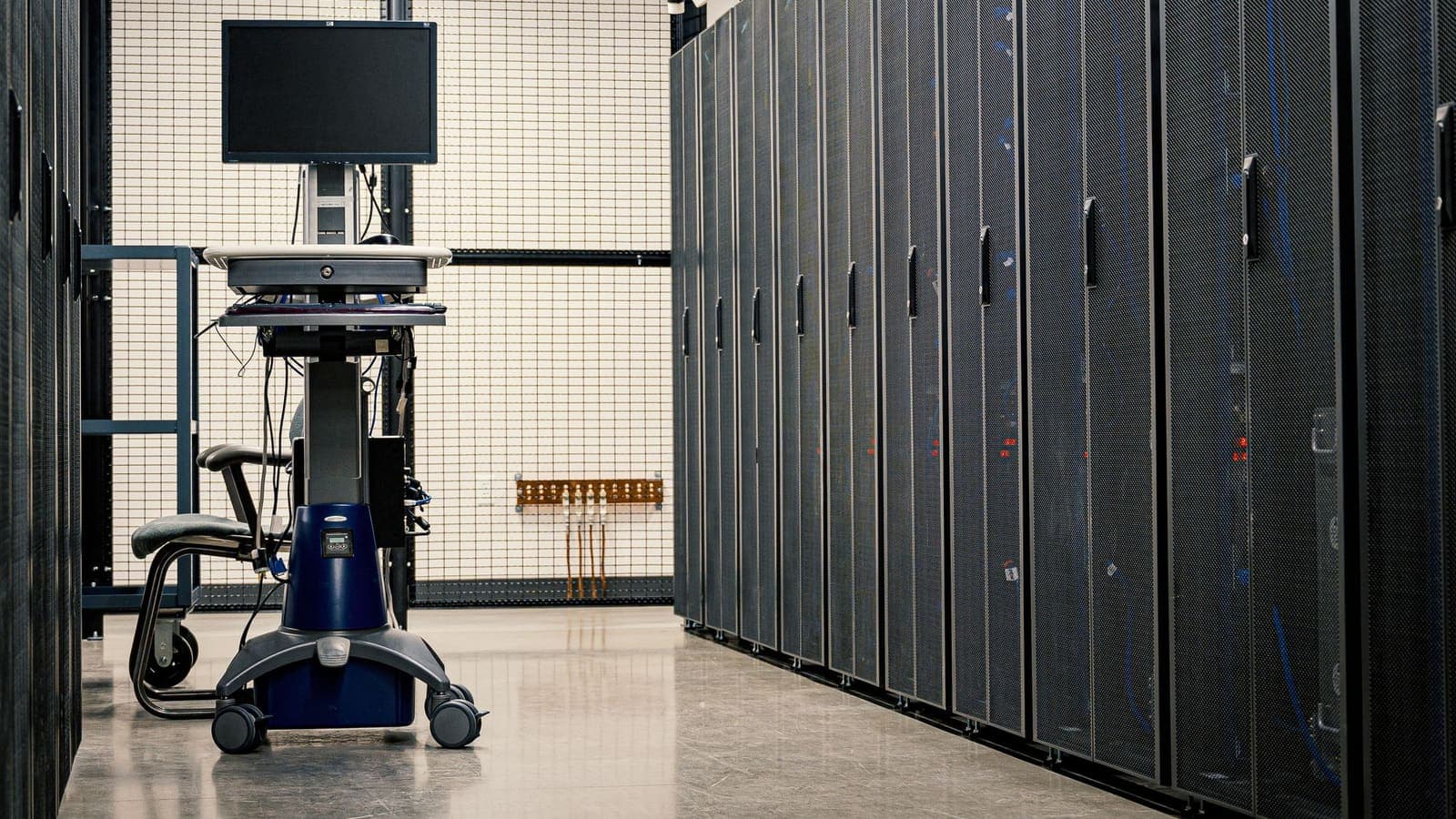
When people say they are "connecting to a VPN", they usually picture the app on their phone. But an app is only half of the arrangement. The other half is a computer somewhere else, switched on around the clock, waiting for your device to call. That computer is the VPN server, and almost everything that distinguishes one VPN service from another is hidden inside how those servers are run.
This article stays focused on the server itself. It explains what the machine is, what it does to a single request from the moment it arrives, how a server differs from the app and from other servers you have heard of, and what practical symptoms point to a server-side problem. If you want the broader picture first, the introduction to what a VPN is is a good starting point.
A VPN server is a computer with one particular job
Strip away the marketing and a VPN server is an ordinary computer. It has a processor, memory, storage and a network card, and it runs an operating system. It is normally rented or owned in a data centre, where power, cooling and a very fast internet connection are provided. On top of the operating system sits VPN software that listens for incoming connection attempts, checks who is calling, and then handles the traffic of everyone who has been let in.
Three features set it apart from a typical office server.
- A public address that never hides. Your device has to find it, so it has a fixed public IP address that clients can reach from anywhere. Our article on the public IP address explains what that address is.
- Two network roles at once. One side faces the people connecting in, using an encrypted channel. The other side faces the open internet, where the server acts on the visitors' behalf.
- Heavy, constant work on encryption. Every packet that goes in or out has to be encrypted or decrypted. Servers are sized, and software is chosen, with that workload in mind.
It helps to avoid a common picture: that a VPN server is a mysterious black box or a special device. It is a standard machine doing a clearly defined routine, and that routine is what the next section walks through.

What the server does to one request, step by step
Suppose you open a news site while connected. Here is what happens at the server end, in order.
- Your device seals the request. The app wraps your request in an encrypted package and addresses it to the server, not to the news site. Anyone watching your local network sees only a package heading for the server.
- The server accepts the connection. Before any real traffic, the two sides performed a handshake: the server checked your credentials and the two agreed on temporary keys. Those keys are used for this session only.
- The server opens the package. It decrypts the contents and finds your original request, addressed to the news site.
- The server substitutes its own address. The request now leaves with the server's public IP address as its source rather than yours. This is the translation step, and it is why the website sees the server's address. The server keeps a small table so it knows which reply belongs to which customer.
- The site answers the server. The reply comes back addressed to the server, because that is where the request seemed to come from.
- The server looks up the table and re-seals the reply. It finds which user the reply belongs to, encrypts it with that user's session keys and sends it down the tunnel.
- Your app opens it. The page appears as if nothing special had happened.
Those seven steps repeat for every connection, many times a second, for every user on the same machine. Two consequences follow. First, the server is the one place where your traffic exists in readable form for a moment, which is why what a VPN provider can see matters. Second, because sites see the server's address, many people share a single address, a point we return to below.
Server, app, proxy and other words that get mixed up
Beginners often mix up neighbouring terms. This table separates them.
| Term | Where it lives | What it does |
|---|---|---|
| VPN app (client) | On your phone or computer | Encrypts your traffic and sends it to the server |
| VPN server | In a data centre | Decrypts, forwards to the internet, returns replies |
| Website server | At the site you visit | Serves the page; never sees your real address when you use a VPN |
| Proxy server | Anywhere | Forwards particular requests, often without encrypting everything; see VPN vs proxy |
| DNS server | Run by your network, provider or VPN | Turns names like example.com into addresses |
The app and the server are two ends of one connection, built to talk to each other. Neither is useful alone. The wording on a store page ("VPN server list", "server location") refers to the second box, even though you operate the first.
Protocols are the agreed language between those two ends. If you want to know how they negotiate, read about VPN protocols. We do not repeat that here, because the language is a separate subject from the machine.
Kinds of VPN server you will hear about
Not all VPN servers are the same, and the words used to describe them are worth decoding.
Physical machines and cloud instances
Some servers are dedicated physical machines in a rack. Others are virtual machines carved out of a larger physical host. Both can serve VPN traffic well. The practical difference lies in who controls the hardware and how easily capacity is added, not in anything you can see from the app.
Shared and dedicated addresses
On most consumer VPN services, many customers pass through one server at the same moment and share its public address. A dedicated address belongs to a single customer. The two have different effects on websites that watch for unusual behaviour, which we cover in shared versus dedicated VPN IPs.
Physical and "virtual" locations
A server has a real location, because it sits in a real building. A service may also label a server by a country that differs from where the hardware is, usually because of how address databases register the range. If a location looks wrong, why your VPN shows the wrong location explains it. Treat any location label as a setting that the provider chooses, not as a guarantee.
Business gateways
A company VPN server is a gateway into a private office network. It is configured to let staff reach internal systems and often requires a second factor. A consumer VPN server, by contrast, is a gateway out to the open internet. Same software family, different purpose.
What makes one server perform differently from another
You will sometimes read that one server is "fast" and another "slow". Several ordinary factors explain the gap.
| Factor | Effect on you |
|---|---|
| Distance from you | Each extra thousand kilometres adds delay, which you notice in calls and games |
| Load | A busy server shares its processing power and network link among more people |
| Network link | A server with a thin uplink cannot move much data, however many people are connected |
| Route to the destination | The path from the server to the site may be direct or roundabout |
| Hardware and software | Encryption work is lighter on modern processors and well-tuned software |
| Your own connection | The VPN cannot be faster than the weakest link between you and the server |
A simple worked example shows how load matters. Imagine a server connected to the internet through a link that can carry 1 Gbit/s. If 400 people are all streaming video at the same instant, each could average around 2.5 Mbit/s. In practice not everyone is active at once, and good operators add capacity before the link is full, but the arithmetic explains why a crowded server feels sluggish in the evening and a quiet one feels fine at dawn. For the latency side of the story, Cloudflare's explainer on what latency is gives clear background.
Who runs the server, and what that means for you
The operator of the server has technical visibility into the traffic that passes through it, because decryption happens there. That is why it matters who runs it. A few honest points follow.
- The operator can see which destinations the server contacts for you. Whether anything is kept, and for how long, is a question of policy and engineering. Read the provider's published terms rather than relying on slogans.
- Content protected by HTTPS stays encrypted between your browser and the website even inside the VPN, so the operator sees the destination but not the page contents.
- You trust the provider, in place of trusting your local network. That is a trade, not an escape from trust.
If you want to remove the provider from the equation, you can run a server yourself, but that brings its own duties: updates, firewall rules, monitoring and a fixed address that points back at you. Self-hosted versus commercial VPN lays out the comparison fairly, and for most readers the conclusion is that a commercial service is the practical choice.
Server symptoms and what to try
When something feels wrong, the server is a reasonable suspect, because it is the one part you cannot see. These symptoms point to it.
| Symptom | Likely server-side reason | What to try |
|---|---|---|
| Connection takes very long to start, then works | The server is busy or far away | Choose a closer location from the list |
| Works for a while, then every page stalls | Congestion or a failing route at that moment | Disconnect and reconnect; try a second location |
| One site refuses you, others work | The site distrusts the shared address | Try another location; contact the site if it is a service you pay for |
| The app says connected but nothing loads | The server's connection to the internet has a fault | Wait a few minutes; switch location |
| Cannot connect at all, on any network | Account or server-side issue | Check your account status; contact support |
| Works on mobile data, not on one Wi-Fi | That Wi-Fi blocks the way to the server | Use mobile data in that place |
Always change one thing at a time. Switch the location first, then the network, then restart the app. If three different locations fail on three networks, the cause is more likely your account, your device or the app than any single server.
Choosing sensibly between servers
You rarely need to think about individual machines. A short list of rules covers most situations.
- For everyday browsing and shared Wi-Fi protection, pick a nearby location. Distance is the factor you control most.
- If one location is slow, move to another rather than assuming the whole service is poor.
- Reconnect at a different time of day if evenings are consistently slow. Load changes by hour.
- Do not chase exotic locations without a reason. They add distance and rarely add benefit for the protection most people want.
A longer discussion of how to decide appears in choosing a VPN server location, which is the natural next step after this one.
Summary
A VPN server is an ordinary, always-on computer in a data centre that accepts your encrypted connection, decrypts your requests, forwards them to the internet under its own public address and sends the replies back through the tunnel. The app is the other end of that conversation. Servers differ in distance, load, network capacity and who operates them, which explains most differences in speed and behaviour, and the operator's position is the reason that provider trust matters. When something misbehaves, change one variable at a time: location first, network second, app third.
If you would like a prepaid pass that you can use from a free app without a renewing subscription, you can look at the pricing page when it suits you.
Frequently asked questions
Is a VPN server a special kind of computer?
No. It is an ordinary server computer, usually in a data centre, that runs VPN software and has a fast network connection. What makes it a VPN server is the job it performs, not unusual hardware.
What is the difference between a VPN server and a VPN app?
The app is the client on your own device. It encrypts your traffic and sends it to the server. The server is the machine at the other end that decrypts it, forwards it to the internet and returns the replies.
Can a VPN server see my traffic?
The server has to decrypt your traffic in order to forward it, so the operator is in a position to see where it is going. Connections that use HTTPS still keep their content encrypted end to end. What the operator actually records is a matter of its policy and design.
Why would I switch to a different VPN server?
A different server can help when the current one is busy, far away, slow to respond or temporarily unreachable from your network. Switching is a normal first step in troubleshooting.
Do I need to run my own VPN server?
Most people do not. Running one gives you control but also makes you responsible for updates, security and uptime. It suits technical users with a specific need, not beginners looking for safer Wi-Fi.
References
About the author

Bob Kanokphon Thongdee
- Founder of XPASS VPN
- Co-founder of eSIMonline.asia
- More than 7 years in online marketing
- Founder of Cojourney Visa and Cojourney Travel
Need a VPN for a short trip or a busy month?
XPASS sells prepaid passes for a set number of days. You pay once and nothing renews automatically.
See passesKeep reading

VPN Basics
What Is a VPN?
A VPN sends your internet traffic through an encrypted tunnel to a server run by the VPN provider. This guide explains what that means, when it helps, and where its limits are.
9 min read

VPN Basics
How Does a VPN Work?
A step-by-step walk through what happens when you connect to a VPN and open a website: the handshake, the tunnel, the server and the return trip.
9 min read

VPN Basics
What Is a VPN Protocol?
A VPN protocol sets the rules for how your device and a VPN server connect and protect traffic. Here is what that means in plain language, with the main trade-offs.
9 min read
VPN Basics
VPN vs Proxy: What Is the Difference?
Both a VPN and a proxy sit between you and a website, but they differ in scope, encryption and trust. Here is a clear comparison, including Chrome proxy settings vs a system VPN.
9 min read

VPN Basics
What Is a Public IP Address?
Your public IP address is the address websites see when you connect. This guide explains how it is assigned, how it differs from the private address on your home network, and what it does and does not reveal.
9 min read