
Why Your VPN Shows the Wrong Location
When a site thinks you are in the wrong city or country while a VPN is on, the cause is usually the database behind the guess, not the VPN itself. This guide explains how location lookups work and how to check them.
9 min readUpdated Oct 15, 2026By XPASS Editorial Team
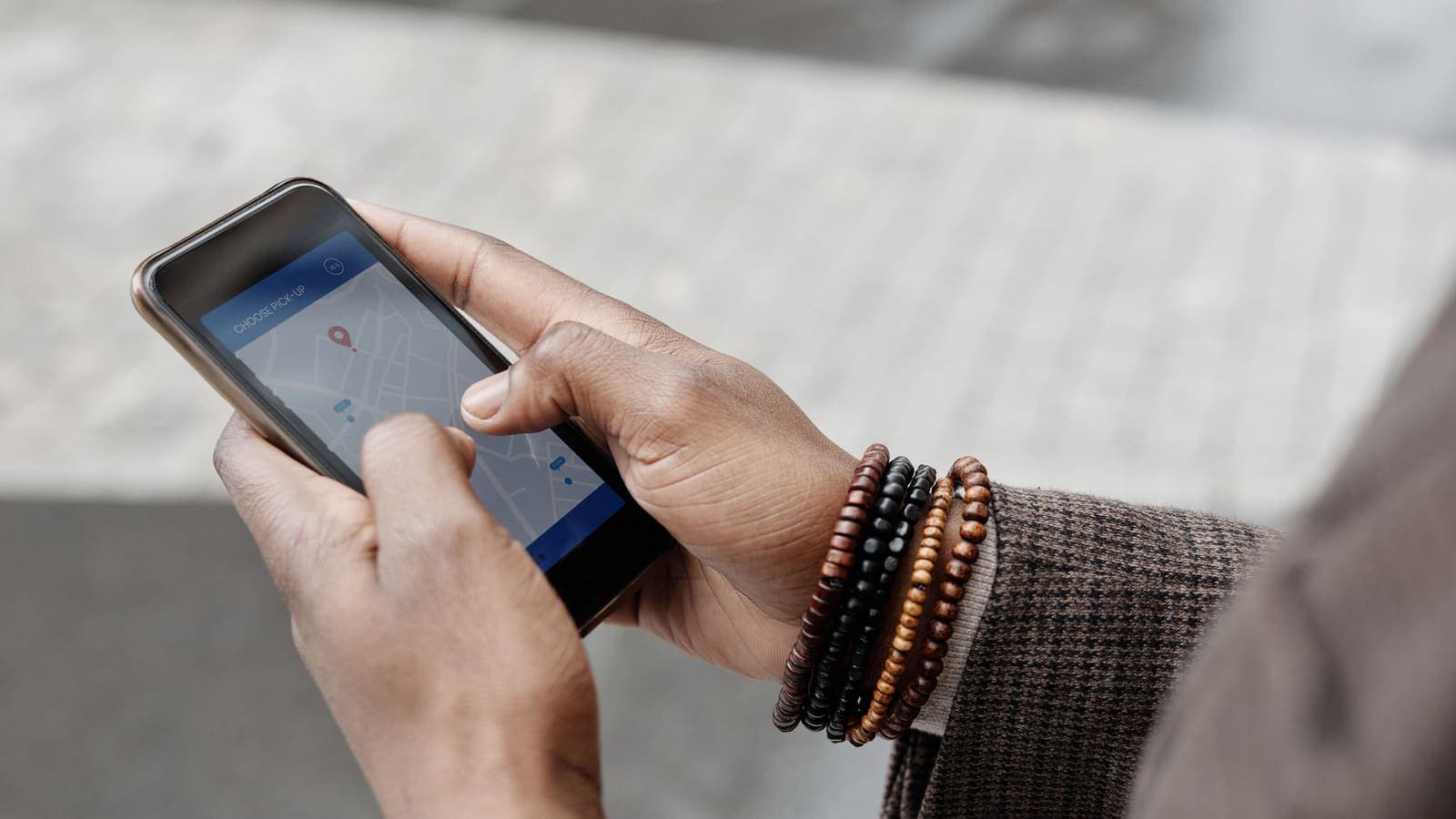
You switch on a VPN, connect, and open a site that tells you where you are. It names a different country from the one in the app. Or one site says one city while another says somewhere else entirely. It looks like the VPN is broken or being dishonest, and many people conclude that something is wrong with the service.
Often neither is true. "Location" on the internet is not a fact your device announces. It is a guess made by a lookup table, and that table can be wrong, outdated or built on rules you would not expect. This guide explains how those guesses are made, why a VPN location mismatch is so common, what virtual servers are, and how to check what a website actually sees.
Your IP address does not contain a location
An IP address is a number that identifies a connection on a network, as described in RFC 791. It does not contain a street, a city or a country. It is only a label. When a website wants to know where you are, it does not read that from the number. It looks the number up in a geolocation database (often called a GeoIP database) that someone else maintains, and it takes whatever the database says as its answer.
Two things follow from that:
- Different websites can use different databases and therefore give different answers for the same address.
- The answer reflects what the database believes about the address range, not what is true about your device or your body.
If you are new to the idea, the article on what a public IP address is explains the basics, and does a VPN hide your IP shows how a VPN changes which address websites see.

How GeoIP databases build their guesses
A geolocation database is a large table that maps blocks of IP addresses to a rough place. Its makers combine several sources:
- Registry records. Blocks of addresses are allocated to organisations, and the allocation includes the organisation's name and country. This tells you who holds the block, but not where each address is used.
- Network information. Routing data and the names of networks give hints about which region a block belongs to.
- Delay measurements. Probes send test traffic to an address and measure how long the reply takes. Signals cannot travel faster than physics allows, so a low delay puts the address near the probe. See what latency is.
- Contributed data. Some databases use location information volunteered by apps and users, or corrections submitted through a form.
- Provider disclosures. Some network operators publish files that say where their ranges are used.
The result is a best estimate, usually reliable at country level and much less reliable at city level. Residential internet providers often route traffic through central points, so even a normal home connection can be placed in a city some distance away. Databases also lag behind reality. When a block of addresses moves from one operator or country to another, it can take weeks or months for every database to catch up.
Why a VPN makes mismatches more likely
When a VPN is on, websites see the address of the VPN server rather than your own. That address belongs to a block held by the VPN provider or by a hosting company, and several things can go wrong with its label.
- Stale data. A block recently bought or moved between countries may still carry its old label in some databases.
- Registered location versus physical location. The record may point to where the company holding the addresses is registered, not where the machine runs.
- Shared ranges. The same range may host many servers across several places, but the database stores one answer per range.
- Disagreement between databases. One database may have updated while another has not, which produces the experience of two sites giving different answers.
- Mapping errors. Databases make mistakes, particularly at city level, and fixing one can take a long time.
That explains why you can see the right country on one lookup page, a neighbouring country on another, and the app showing a third.
Virtual servers and labelled locations
Some VPN services describe certain servers as virtual locations. A virtual server has an IP address that is labelled as belonging to one place, while the machine itself runs somewhere else, often in a nearby or more convenient country. Providers do this for practical reasons: hosting may be unavailable or unreliable in some places, or it may be simpler to run equipment elsewhere.
Virtual servers are not necessarily a problem, but they are one source of mismatch, and they raise a fair question about how a service describes itself. If a service uses them, it should say so openly. When you evaluate any service, ask:
- Does the provider say how it describes its server locations, and are the statements specific rather than vague?
- Does it explain the difference between where an address is registered and where a server physically runs?
- Does it handle complaints about wrong locations in an honest way?
This is the same transparency principle we use when we talk about what to check before paying for a VPN. We do not make claims here about any particular service's locations. What matters is that you know the question exists and that you check what you are told.
Can VPN server locations be verified?
From the outside, you cannot prove exactly where a machine is. You can gather evidence, though.
| Method | What it shows | Limit |
|---|---|---|
| Compare several IP lookup tools | Whether databases agree | They may all share the same source |
| Check the registration details of the address | Who holds the block | Does not show where the machine is |
| Measure round-trip time to nearby places | Distance upper bound | Networks add delay, so it is only a rough limit |
| Run a traceroute | Network path and sometimes place names in hop names | Names can be misleading or hidden |
| Read the provider's documentation | How it describes locations | Depends on honesty and detail |
The delay test is the most physical of these. Light in optical fibre travels at roughly 200 kilometres per millisecond, so a round trip of 10 milliseconds cannot involve a server much more than about 1,000 kilometres away. A server claiming to be on another continent will not give you a 5 millisecond response. Delay can only prove that a server is not far away, never that it is where it claims to be, because networks add their own detours. Used with several lookups, it gives a reasonable indication.
Other things that reveal location
Even when the IP address is right, a site may still decide you are somewhere else, because it is not relying on the IP address alone.
- Browser location. The browser can ask your device for GPS or Wi-Fi based location, and if you approved it earlier, the site can use it regardless of the VPN.
- Time zone and language. These come from your device settings and can contradict the VPN's location.
- Account details. A saved address, billing country or phone number says more about you than the IP does.
- WebRTC. Some browsers reveal network addresses through WebRTC. The article on WebRTC leaks explains this, and the MDN documentation describes the API.
- DNS. If lookups are sent outside the tunnel, the resolver can see where they come from. See what a DNS leak is.
- IPv6. If your device has an IPv6 address and the VPN does not cover it, a site may see your real address.
These clues are why a "wrong" location sometimes turns out to be your real one showing through, which is a different problem from a bad database label.
A step-by-step check
Work through this in order. It takes about ten minutes.
- Confirm you are connected. Check the app shows an active connection and try a fresh connect.
- Note your normal public IP address with the VPN off. Then connect and see whether the address changes. If it does, the tunnel is working. The guide on checking whether your VPN is working has the steps.
- Compare more than one lookup tool. If they disagree, the cause is database variation, not your VPN.
- Check for leaks. Run a DNS test and a WebRTC test, and look at whether an IPv6 address appears.
- Review browser permissions. Remove location permission from sites that do not need it, and test in a private window.
- Clear cookies and cached location data for the site in question, since some sites remember a previous guess.
- Reconnect and try again later. Sometimes a fresh connection or a database refresh is all it takes.
- Contact the site if the mismatch causes real trouble. Many sites have a way to report a wrongly placed address.

Common symptoms and likely causes
| What you notice | Likely cause | What to try |
|---|---|---|
| One site shows the right country, another the wrong one | Different databases | Test with a few tools, then contact the affected site |
| The country is right but the city is wrong | City-level guesses are weaker | Usually nothing to fix |
| The IP matches your usual one | Not connected, or traffic is leaking | Reconnect, run leak tests, check the app |
| Local language or currency appears | Time zone, language or browser location | Review browser and device settings |
| Location changes after a few days | Database update | Compare again later |
| A map app thinks you are home | Device location services | Turn off precise location or check app permissions |
Examples
Sam, a freelancer. Sam connects to a VPN and visits three lookup pages. Two list the same country as the app, and one lists a neighbouring country. He checks his real address with the VPN off and sees that the address changes when connected, so the tunnel is working. The third database simply has an older label for that range. He notes the difference and carries on.
Lina, ordering online. Lina's shopping site shows prices in the wrong currency while her VPN is on. The IP address is correct, but her browser has location permission for the site and her device language is set to her home region. After she revokes the location permission and reloads, the site goes back to using the IP address.
Dev, an office worker. Dev's company portal blocks him after he turns on a personal VPN, saying the login came from an unusual place. This is not a VPN fault. The security system flags a new address range, and the fix is to follow the company's own policy about personal VPNs rather than to work around it.
Limits and things to watch for
- No lookup is the single truth. Treat any one result as a hint.
- City-level accuracy is limited. Even without a VPN, plenty of correct connections show the wrong city.
- A mismatch is not a security failure. It becomes a concern only if your real address is exposed through a leak.
- Do not use a VPN to ignore rules. Services set their own terms and some use location for legal reasons. A VPN does not remove those obligations.
- Providers should describe locations honestly. If a service is vague about where its servers are, that is information too.
- A VPN is not anonymity. The provider can still see your connection and sites can still recognise you through accounts and cookies; see the basics of how a VPN works in the related articles.
Summary
A wrong location with a VPN on is usually a labelling problem. Websites do not read your location from your device. They guess it from an IP address using a geolocation database that can be stale, coarse or in disagreement with another one. Virtual servers add a further layer, because an address can be labelled in one place while the machine runs elsewhere. Check the problem with several lookup tools, a leak test and a latency check, review your browser location permissions, and remember that a changed IP address already shows the tunnel is working.
If you are considering a prepaid VPN pass, you can compare the options on the pricing page.
Frequently asked questions
Why does a website show a different country than the one my VPN says I am connected to?
Websites do not read your location from the VPN. They look up your IP address in a geolocation database, and databases can be out of date, disagree with each other, or place an address where it is registered rather than where the server physically sits.
What is a virtual VPN server?
A virtual server is one whose IP address is labelled as being in one place while the machine runs somewhere else. It can happen for practical reasons, and it is one cause of location mismatch. A provider should say plainly how it describes its server locations.
Can I verify where a VPN server really is?
Not with certainty from the outside. You can compare several IP lookup tools and run latency tests, because a very low round-trip time puts a hard limit on how far away a server can be. Together they give a reasonable indication.
Does a wrong location mean my VPN is not working?
Not necessarily. If your public IP address has changed from your usual one when the VPN is on, the tunnel is working. A wrong city or country is usually a labelling problem in the database a website uses.
Can something other than my IP address reveal my location?
Yes. A browser can ask for your device location, and your time zone, language, account details and a WebRTC or DNS leak can all hint at where you really are.
References
About the author

Bob Kanokphon Thongdee
- Founder of XPASS VPN
- Co-founder of eSIMonline.asia
- More than 7 years in online marketing
- Founder of Cojourney Visa and Cojourney Travel
Need a VPN for a short trip or a busy month?
XPASS sells prepaid passes for a set number of days. You pay once and nothing renews automatically.
See passesKeep reading

VPN Basics
How Does a VPN Work?
A step-by-step walk through what happens when you connect to a VPN and open a website: the handshake, the tunnel, the server and the return trip.
9 min read

VPN Basics
What Is a VPN?
A VPN sends your internet traffic through an encrypted tunnel to a server run by the VPN provider. This guide explains what that means, when it helps, and where its limits are.
9 min read
VPN Basics
Does a VPN Hide Your IP Address?
A VPN swaps the IP address websites see for the address of a VPN server. Here is what that really hides, who can still see what, and how to check it.
9 min read

VPN Basics
What Is a Public IP Address?
Your public IP address is the address websites see when you connect. This guide explains how it is assigned, how it differs from the private address on your home network, and what it does and does not reveal.
9 min read
VPN Security
What Is a DNS Leak?
A DNS leak happens when your device asks for website addresses outside the VPN tunnel. Here is why it happens, how to test for it, and what to do about it.
10 min read