
Does Streaming over a VPN Use More Data?
A practical look at VPN streaming data usage: how much overhead the tunnel adds, what an hour of video really costs at each quality, and how to stay inside a mobile plan.
9 min readUpdated Oct 15, 2026By XPASS Editorial Team
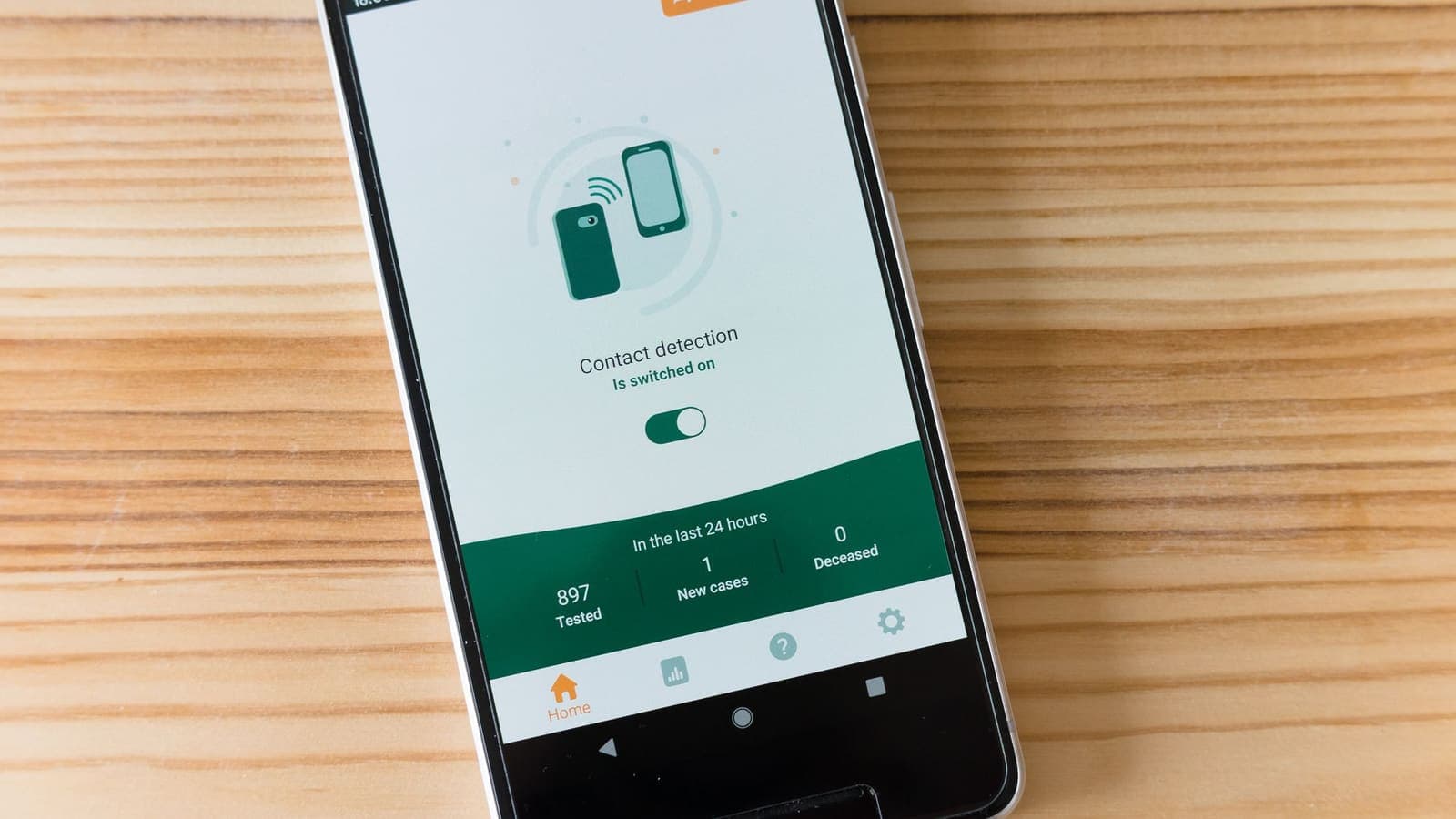
You are about to watch something on a train, in a hotel room or at a friend's flat, and you have a nagging question: if I turn the VPN on, will my data plan disappear faster? It is a fair concern, because video is the heaviest thing most people do online, and mobile plans are priced by the gigabyte. The honest answer is neither "yes, a lot" nor "no, never". A VPN adds a small, predictable overhead, and several other settings usually matter far more.
This article looks only at VPN streaming data usage: where the extra bytes come from, how to estimate them with a calculator you can run in your head, what an hour of video actually costs at each quality, and how to avoid surprises on a capped plan. For the general question across all activities, the article on whether a VPN uses more data covers the fundamentals. Here we stay with video, with numbers.
Where the extra data comes from
A VPN works by taking each packet your device wants to send, encrypting it and placing it inside another packet addressed to the VPN server. That outer wrapper is what adds data. The pieces are:
- Outer IP and transport headers. Every tunnelled packet carries its own addressing information, typically a few tens of bytes.
- Protocol framing and authentication. The VPN protocol adds its own counters, a tag that proves the packet was not altered, and a small amount of padding.
- Keep-alive and handshake traffic. The connection exchanges tiny messages to stay alive and to renew keys. This is negligible compared with video.
- Occasional fragmentation. If the wrapped packet is too large for the path, it may be split, which adds a few more headers. This is why a correct packet size setting matters; see the article on MTU problems and the standard behind path MTU discovery.
Video is sent in large packets that are close to the maximum size of roughly 1,400 to 1,500 bytes. Adding 60 to 80 bytes of tunnel overhead to a packet of that size is an increase of about 4 to 6 percent. That is the number to keep in mind: a few percent, not double. Different protocols differ slightly, and the precise figure also depends on whether your traffic was already compressed or encrypted, but video is already compressed, so the VPN cannot make it smaller.

What a streaming hour really costs
The much bigger variable is the video quality, not the VPN. Bitrates differ between services and between titles, so treat these as typical ballparks for a stream running for one hour:
| Quality | Typical data per hour without a VPN | Roughly with VPN overhead (about 5 percent) |
|---|---|---|
| Low (about 360p) | 0.3 to 0.5 GB | 0.32 to 0.53 GB |
| Standard (480p) | 0.5 to 0.8 GB | 0.53 to 0.84 GB |
| HD (720p) | 1.0 to 1.5 GB | 1.05 to 1.6 GB |
| Full HD (1080p) | 1.5 to 3 GB | 1.6 to 3.2 GB |
| 4K | 7 to 10 GB or more | 7.4 to 10.5 GB or more |
Notice what the table shows. Moving from Full HD to standard definition saves far more than the entire VPN overhead ever costs. If you are watching on a phone screen, the difference between 480p and 1080p is hardly visible, but the difference in data is several times larger.
Audio-only streaming is a different league: music at normal quality uses roughly 50 to 150 MB per hour, so the VPN overhead is a few megabytes. Video calls sit in between, commonly 0.5 to 1.5 GB per hour depending on the number of participants and resolution.
A worked example you can repeat
Suppose you have a 20 GB mobile plan for the month, and you watch two episodes of 45 minutes each on your commute, five days a week.
- Weekly viewing time: 2 episodes × 45 minutes × 5 days = 450 minutes = 7.5 hours.
- Monthly viewing time: about 7.5 × 4.3 weeks ≈ 32 hours.
- At 720p with about 1.2 GB per hour: 32 × 1.2 ≈ 38 GB. That already exceeds the plan with no VPN at all.
- At 480p with about 0.65 GB per hour: 32 × 0.65 ≈ 21 GB. Close to the plan.
- With about 5 percent VPN overhead on the 480p case: roughly 22 GB.
The point of the example is not the exact numbers. It is that the choice of quality and of where you watch (Wi-Fi at home, versus mobile data on the commute) shifts the total by tens of gigabytes, while the VPN contributes about one. If you are budgeting data, change the quality first.
Why the quality can drop when you turn the VPN on
Many people notice a second effect and assume the VPN is "using less data" or hiding something. Streaming players adapt: they measure the speed of recent downloads and pick a quality they believe will play without stopping. If the VPN route is slower, longer or more crowded, the player measures lower speeds and steps down, for example from Full HD to HD.
That lowers your hourly data use, but also the picture quality, and the cause is the network path, not the encryption. The article on VPN speed explains why a tunnel can reduce throughput, and the latency overview from Cloudflare shows why distance matters. If you see unexpected quality drops with the VPN on, try a nearby location and a stronger connection before concluding that the VPN is the problem.
The reverse can also happen. If the VPN route is as fast as your normal one, the player keeps its higher quality and your data use per hour does not fall. Nothing is wrong. Check the quality setting if you want to lower it.
Mobile data, Wi-Fi and roaming
The overhead is the same everywhere, but its importance depends on the network.
- Home Wi-Fi with a large or flat-rate fixed line. You will almost never notice the overhead. Leave the VPN on if you want the privacy.
- Public or hotel Wi-Fi. Usually not billed by the gigabyte, so the overhead matters little. A VPN is more valuable here because of the safety of the path.
- Mobile data on a capped plan. Every gigabyte counts, and so does the overhead. Choose a lower quality, and use the phone's data usage screen to check how much video really uses.
- Roaming abroad. Data can be expensive or heavily limited. Do not stream video over roaming data unless you know the price, with or without a VPN. A local SIM or hotel Wi-Fi is often more sensible, and the travel VPN guide covers the options.
Carriers measure the bytes that cross their network. With a VPN on, that includes the tunnel overhead, since the tunnel runs over their connection. The details differ on iPhone and Android, and the article on iPhone VPN and mobile data explains where to look.
Keeping streaming data under control
These habits help whether or not you use a VPN. Apply them in this order of effectiveness.
- Set the quality manually in the streaming app. Many apps have a "data saver" or "standard" option. This is the biggest saver by far.
- Download over Wi-Fi when the service allows downloads. Then watch offline on the move. You can leave the VPN off for that, since no streaming happens.
- Turn off auto-play and preview clips. Trailers that start on their own use data you never meant to spend.
- Close video apps when you are not watching. Some keep buffering in the background.
- Use the operating system's data counter. Both iOS and Android show usage by app, so you can see where the gigabytes go. Reset the counter at the start of your billing cycle.
- Set a warning limit. Most phones let you set a data warning that alerts you before you reach the cap.
- Check the VPN is not retrying in the background. A connection that keeps reconnecting may use a small amount of extra data. If you see frequent disconnects, read VPN packet loss and connection stability.

Three quick budgets for real situations
The weekend traveller. Priya has a 5 GB monthly plan and a two-hour train ride. She wants a film. At 720p that is about 2.4 GB, and with the VPN about 2.5 GB, which would eat half her month. Her better plan is to download the film over hotel Wi-Fi the night before, or to pick 480p for about 1.4 GB. The VPN decision changes almost nothing here.
The student on a hotspot. Ken shares his phone's hotspot with a laptop in a dormitory with weak Wi-Fi. A laptop tends to request the highest quality available, so one lecture recording at 1080p can use 1.5 GB or more in an hour. Setting the laptop's player to a lower quality and keeping the VPN on for privacy is a sensible compromise.
The family evening. A household streams one show on the TV, while two phones play short clips. On home fibre with no cap, the VPN overhead is irrelevant. The more useful question is whether the home Wi-Fi can feed three streams at once without buffering, which is a bandwidth and signal question, not a VPN one.
In each case, spend a minute asking how much data the viewing needs at the quality you will actually notice, and treat the VPN's few percent as a small line item on top.
Common mistakes
- Blaming the VPN for a quality choice. Streaming at 1080p on a phone is more costly than any tunnel.
- Measuring only a few minutes. Video bitrate varies with the scene. Measure over a full episode.
- Comparing different titles. A fast action film and a talking-head documentary use very different amounts of data. Compare the same title with and without the VPN.
- Assuming the VPN compresses video. It does not, and video is already compressed. Do not expect savings.
- Forgetting other devices. If a tablet or laptop is also streaming through your phone's hotspot, the video data adds up quickly.
- Counting the same data twice. The tunnel overhead is already in your carrier's count. You do not need to add it again.
How to measure your own overhead
If you want a firm number rather than an estimate, do a simple test:
- Reset your phone's data usage counter, or note the current value for the streaming app.
- Play the same two-minute clip at a fixed quality with the VPN off. Note the data used.
- Reset or note again, then play the same clip with the VPN on. Compare the difference.
- Repeat twice to even out variation.
Keep the clip identical and the quality fixed, since adaptive streaming can otherwise change both. You will probably see a difference of a few percent, which agrees with the theory above. If it is much larger, check whether the player switched quality or whether reconnects happened in the middle of the test.
Summary
Streaming over a VPN uses somewhat more data than streaming without one, but the extra is only the tunnel overhead, typically a few percent of the video itself. The choices that really decide your bill are the video quality, where you watch (Wi-Fi or mobile data) and how much you watch. Lower the quality in the app, download over Wi-Fi, set a data warning, and keep the VPN for the privacy it gives you on networks you do not control. If you want a short pass for a trip or a stay on public Wi-Fi, you can see the options on the pricing page.
Frequently asked questions
How much extra data does a VPN add to a video stream?
Usually a few percent. Each packet gets extra headers for the tunnel, and the exact share depends on the protocol and packet size. A stream that uses 1.5 GB per hour without a VPN might use roughly 1.55 to 1.65 GB through one.
Is the VPN overhead bigger on mobile data than on Wi-Fi?
The overhead itself is the same, but on mobile data it matters more because plans are measured in gigabytes. On Wi-Fi without a cap you will rarely notice it.
Does the video quality change when I use a VPN?
Not by itself. The app picks a quality based on the speed it measures. If the VPN lowers your speed, the player may step down to a lower quality, which uses less data per hour.
Does the VPN app count against my data plan?
The traffic to the VPN server counts, because it is carried over your mobile connection. Everything you stream goes through it, so your carrier counts the tunnelled bytes.
What is the easiest way to cut video data use?
Lower the quality in the streaming app, download over Wi-Fi where the service allows downloads, and turn off auto-play. These save far more than the VPN overhead costs.
References
About the author

Bob Kanokphon Thongdee
- Founder of XPASS VPN
- Co-founder of eSIMonline.asia
- More than 7 years in online marketing
- Founder of Cojourney Visa and Cojourney Travel
Need a VPN for a short trip or a busy month?
XPASS sells prepaid passes for a set number of days. You pay once and nothing renews automatically.
See passesKeep reading

VPN Basics
Does a VPN Use More Data?
A VPN adds a small amount of overhead to everything you send, but the bigger data surprises usually come from somewhere else. Here is what to expect on mobile data and when streaming.
9 min read

Device Guides
Does a VPN Work on iPhone Cellular Data?
A VPN works over cellular as well as Wi-Fi on an iPhone, but mobile networks behave differently. Here is what to expect, check and fix.
9 min read
Troubleshooting
VPN Speed on 5G: What to Expect
5G is fast, but a VPN on a phone or hotspot adds overhead, a longer route and sensitivity to signal changes. Here is what to expect and how to test it properly.
9 min read

VPN Basics
VPN for Streaming: Speed, Privacy and Compatibility
A practical look at using a VPN while you stream: privacy on shared networks, the speed cost, device compatibility, DRM playback errors and a buffering checklist.
9 min read
Troubleshooting
VPN MTU Problems: Symptoms and Fixes
A VPN adds a wrapper to every packet, and when the path cannot carry the bigger size, some pages stall while others work. Here is how to recognise and test it.
9 min read