
VPN Pricing Explained: Renewal Fees and Hidden Costs
The big monthly price on a VPN page is rarely what you end up paying. This guide shows how to build a simple ledger that includes renewal rates, taxes, add-ons and months you never use.
9 min readUpdated Oct 15, 2026By XPASS Editorial Team
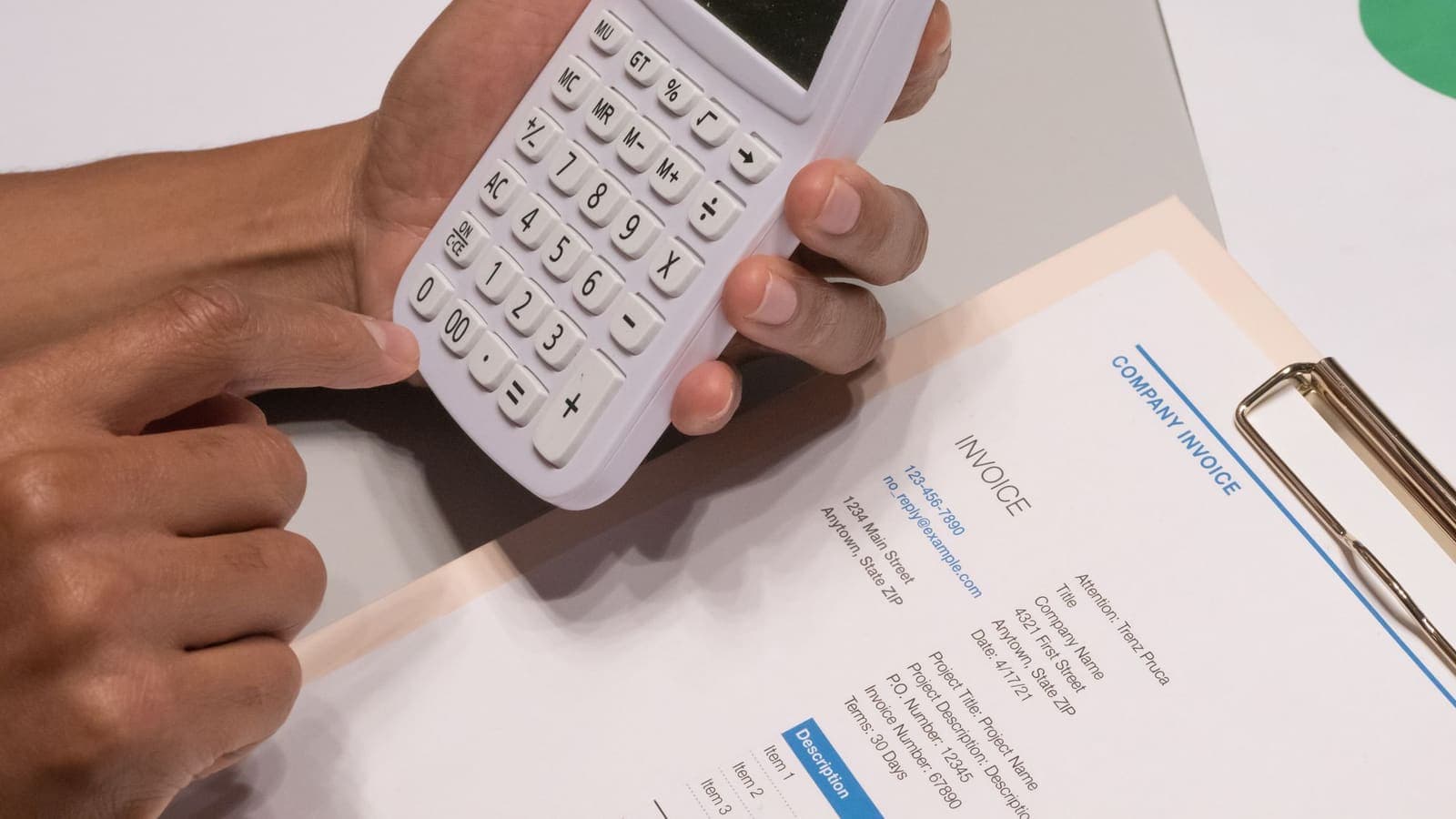
Open five VPN websites and you will find five big numbers, each followed by a small "per month". Those numbers are built to be compared, and they are rarely comparable. One is the monthly rate for a 24-month contract paid in a single lump. Another is a first-year discount that doubles on the second invoice. A third is a monthly plan that looks expensive until you remember it is the only one you can leave without a penalty.
A fair VPN price comparison needs something sturdier than the headline. This guide shows you how to build it: separate the price you pay at the start from the price you pay later, add everything that sits on top of the plan, and divide by the months you will really use. It does not name any provider and it does not quote real prices, because prices change and the figures below are invented to show the method. If you want the broader question of what a VPN should cost, that is covered in how much a VPN should cost.
Why the headline number is the wrong number
A headline price answers a question you did not ask. You want to know "what will this cost me over the time I need it?", and the page answers "what is the lowest possible monthly rate if everything goes right?".
Three habits of pricing pages explain the gap.
- The best-case term. The advertised rate usually belongs to the longest plan, paid upfront. If you do not want to commit that long, the rate does not apply to you.
- The promotional first term. Introductory discounts apply once. After the first term, the plan renews at the standard rate.
- The crossed-out "regular price". A struck-through figure next to the offer is often a reference price that few people ever paid. Treat it as decoration, not as evidence of a saving.
None of this is dishonest by itself, since pricing pages are marketing pages. It simply means the number you see is the start of the calculation and not the end.

The three prices every plan has
Every plan really has three prices, and a good comparison writes down all of them.
- The entry price. What you pay on day one. This is the amount that leaves your card first.
- The renewal price. What you pay when the term ends, if you let it renew or buy again. It is sometimes shown only in the terms or in a confirmation email.
- The effective price. The total you paid divided by the months you actually used the service. This is the only figure that reflects your behaviour.
The first two are facts on the page. The third is your own estimate, and it is the one that decides whether the plan is a good deal. A plan with a low entry price and a high renewal price can still be good value if you only need it for one term. The same plan is poor value if you keep it for years without looking at the invoice.
A three-year ledger with invented numbers
Here is a worked example. All figures are invented and use a neutral currency unit so you can see the method.
| Plan | Entry | Renewal | Months billed in first term | Total over 36 months | Per month over 36 months |
|---|---|---|---|---|---|
| A: 24-month deal | 60 for 24 months | 96 per year | 24 | 60 + 96 = 156 | about 4.33 |
| B: monthly | 9 per month | 9 per month | 1 | 9 x 36 = 324 | 9.00 |
| C: first-year offer | 48 for year one | 84 per year | 12 | 48 + 84 + 84 = 216 | 6.00 |
| D: 30-day prepaid pass | 10 per pass | none, buy again if needed | 1 | 10 per pass used | 10.00 if used continuously |
Reading the table honestly gives three lessons.
- Plan A is the cheapest per month over three years, but only because the lump pays for 24 months at once. If you leave after seven or eight months, the leftover time is paid for and wasted.
- Plan C looks like a bargain in year one and costs 75 percent more in year two. If you forget the renewal date, you pay the higher rate.
- Plan D looks the most expensive per month, but if you only need the service for a month or two, it is the only one that does not charge you for months you will not use.
Now change the question. Suppose you stop using the VPN after six months.
| Plan | Paid in six months | Effective cost per month of use |
|---|---|---|
| A | 60 (the full lump) | 10.00 |
| B | 54 | 9.00 |
| C | 48 | 8.00 |
| D | 60 (six passes bought back to back) | 10.00 |
If you had needed only one month, plan D would have cost 10 in total while plan A still cost 60. The long plan that looked best on the website now ties for last place for a six-month user. The difference is not the price list, it is your real use. This is why the third price, the effective one, is the one to calculate.
What sits on top of the plan
Beyond the plan price, a few extra amounts can appear at checkout or later on your card statement.
- Tax. Depending on where you live, tax may be added on the last screen of checkout. Compare the final total, not the listed price.
- Currency conversion. If the price is shown in a currency other than your card's, your bank may convert it and charge a foreign-transaction fee. A price that looks fair in one currency can be several percent higher on your statement.
- Add-ons. Dedicated addresses, extra protection bundles or password tools are often pre-selected or offered as one-click extras. If you do not need them, remove them before paying.
- Payment channel markup. If you buy a subscription inside a phone app, the store may price it differently from the provider's own site. Look at both before you decide, and remember that the store controls cancellation for those purchases, as Apple explains in its subscription support pages.
- Setup or device fees. Rare, but check whether extra devices or a router setup cost more.
- Late-renewal or reactivation fees. A few services charge more to restart an expired plan than to extend an active one.
Write each of these down as a separate line in your comparison. A plan with a lower base price and three extras can easily end up above a plain plan that costs more on paper.
How renewals really work, and where the surprises come from
Renewal is the most common source of surprises, and it comes in two forms.
Automatic renewal. The plan renews on its own at the end of the term unless you cancel. The renewal rate is usually the standard rate, not the introductory one. The notice you receive may arrive a few days before the charge, or not at all. Always find out three things: the exact renewal date, the renewal price and how to cancel, and set a calendar reminder a week before.
Manual renewal. You decide to buy more time when the plan ends. This is how prepaid passes work. Nothing happens unless you act, so there is no renewal fee to dread. The trade-off is that you have to remember to extend if you want continuous coverage, and you will pay the price that applies on the day you buy. Our article on why some people choose a VPN without auto-renewal goes through that trade-off in more detail.
A useful test for any plan: "If I do nothing at the end of the term, what happens to my card?" If the answer is "it is charged again", you need a reminder. If the answer is "nothing", the plan is simpler to manage.
A simple comparison method you can repeat
Use this procedure whenever you compare two or more VPN plans. It takes ten minutes with a notes app or spreadsheet.
- List each plan's entry price in your own currency, including tax if shown at checkout.
- Find each plan's renewal price in the terms, the checkout screen or by asking support.
- Pick a time horizon that matches your honest expectation, such as 6, 12 or 36 months.
- Compute the total you would pay over that horizon for each plan, including at least one renewal where it applies.
- Estimate months of real use. If you travel for two months a year, your real use is not twelve months.
- Divide the total by months of real use to get the effective monthly cost.
- Add extras such as add-ons and conversion fees as separate rows.
- Check the exit. Note how you would stop paying, and what refund, if any, applies. Our guide to what to check before paying for a VPN lists questions to ask.
- Choose the lowest effective cost among the plans that meet your device and support needs, not the lowest headline.
Keep the sheet. Next year, when the renewal notice arrives, you will have a record of what you agreed to and a way to judge whether the new price still makes sense.
Three people, three different answers
A student who needs a VPN for a semester. Pim studies for four months and mostly uses campus and cafe Wi-Fi. She compares a 24-month deal, an annual plan and a short prepaid pass. The 24-month deal has the lowest monthly figure but would be paid for twenty months she will not use. The annual plan has a renewal she would have to cancel. She picks the short pass because her effective cost is the pass price, and nothing renews.
A remote worker who will use it for years. Arun works from shared spaces all year. He expects to use a VPN for at least three years, so a long plan really does give him the lowest cost per month of use. He still writes down the renewal rate, sets a reminder, and reads the cancellation terms, so that a price jump in year three will not surprise him.
A family planning a holiday. Four people travel for three weeks and want protection on hotel and airport Wi-Fi. The question is not how to find the cheapest month, it is whether paying for twelve months makes sense for three weeks of travel. A short prepaid pass, bought close to departure and tested at home first, usually matches the need. If you are comparing pass lengths, the article on seven-day versus thirty-day passes helps you pick one.
Questions to ask before you pay
If the page does not answer these, look for the terms or ask support in writing. The answers are worth saving.
- What is the exact total I will be charged today, including tax?
- What will the plan cost when this term ends?
- Does the plan renew automatically, and how do I stop it?
- When will I be told about the next charge?
- Are there any items pre-selected at checkout that I can remove?
- What happens if I cancel part-way through the term?
- What is the refund rule, and what starts the clock?
- Is the price different if I subscribe through a phone app store?
Common mistakes
- Comparing a monthly price on one site with a per-year price on another.
- Ignoring the renewal rate because the first term looks cheap.
- Buying the longest plan "because it is cheaper" when your need is short.
- Leaving pre-selected add-ons ticked.
- Forgetting that a card in another currency adds conversion costs.
- Not setting a reminder before an automatic renewal.
- Treating the crossed-out regular price as proof of a discount.
- Choosing by price alone and skipping device support, which our guide on common VPN buying mistakes warns about.
Summary
The headline price on a VPN page is the start of a calculation. Write down the entry price, the renewal price and the effective price per month of real use, add tax, add-ons and conversion costs, and compare over the same time horizon. Long plans are cheapest per month only if you use every month, and promotional first terms can rise sharply at renewal. A prepaid pass with a fixed number of days does not renew by itself, so its cost is the price you see when you buy.
When you are ready to compare real amounts for a plan that suits your timeline, the pricing page shows current options without any automatic renewal.
Frequently asked questions
Why is the renewal price of a VPN often higher than the first price?
Many providers discount the first term to win new customers and then renew at a standard rate. The discount is a marketing choice, not a sign that the service changed. Always look for the renewal price in the terms or at checkout before you pay.
How do I compare a monthly plan with a two-year plan fairly?
Total the amount you will actually pay over the same period, for example 36 months, including the renewal after the first term. Then divide by the months you realistically expect to use the service. The lower figure per month of real use is the better value for you.
Are taxes and currency conversion part of the price?
Yes. Depending on your location, tax may be added at checkout, and your bank may add a conversion or foreign-transaction fee when the price is in another currency. Check the final screen and your card statement rather than relying on the advertised amount.
Is a longer plan always cheaper per month?
Usually the monthly rate falls as the term grows, but that only helps if you use every month. If you stop after a few months, a long plan can cost more per month of use than a short one, and it may be hard to get the unused part back.
Does a prepaid pass have renewal fees?
A prepaid pass with a fixed number of days ends on its own, so there is no automatic renewal fee. XPASS works this way: passes are paid once by card, and adding more time later is your choice. Check the pricing page for current amounts.
About the author

Bob Kanokphon Thongdee
- Founder of XPASS VPN
- Co-founder of eSIMonline.asia
- More than 7 years in online marketing
- Founder of Cojourney Visa and Cojourney Travel
Need a VPN for a short trip or a busy month?
XPASS sells prepaid passes for a set number of days. You pay once and nothing renews automatically.
See passesKeep reading

Buying Guides
How Much Should a VPN Cost?
Instead of chasing the lowest number on a price page, work out what you pay for each day you actually use a VPN. This guide shows how, and what hidden costs to look for.
9 min read
Buying Guides
Why Choose a VPN Without Auto-Renewal?
Auto-renewal is convenient for the seller and sometimes for you, but it can also turn a one-off need into a bill you forget about. Here is how to decide which model fits your use.
9 min read

Buying Guides
Common Mistakes When Buying a VPN
Most disappointing VPN purchases come from the same handful of mistakes. Here are eleven, with plain examples and what to do instead.
9 min read

Buying Guides
Seven-Day VPN vs Thirty-Day VPN
A short pass and a longer one solve different problems. This guide helps you match pass length to a trip, a work project or a daily habit, with buffer tips for delays.
9 min read

Buying Guides
What to Check Before Paying for a VPN
A short, practical checklist covering billing, refunds, device support, setup and claims, so you can judge a VPN before your card is charged rather than after.
8 min read