
Why Can Apps Still Know Your Location with a VPN?
A VPN changes the address a site sees, not the GPS, Wi-Fi and account clues your phone offers. Here is what apps use and how to limit it.
9 min readUpdated Oct 15, 2026By XPASS Editorial Team
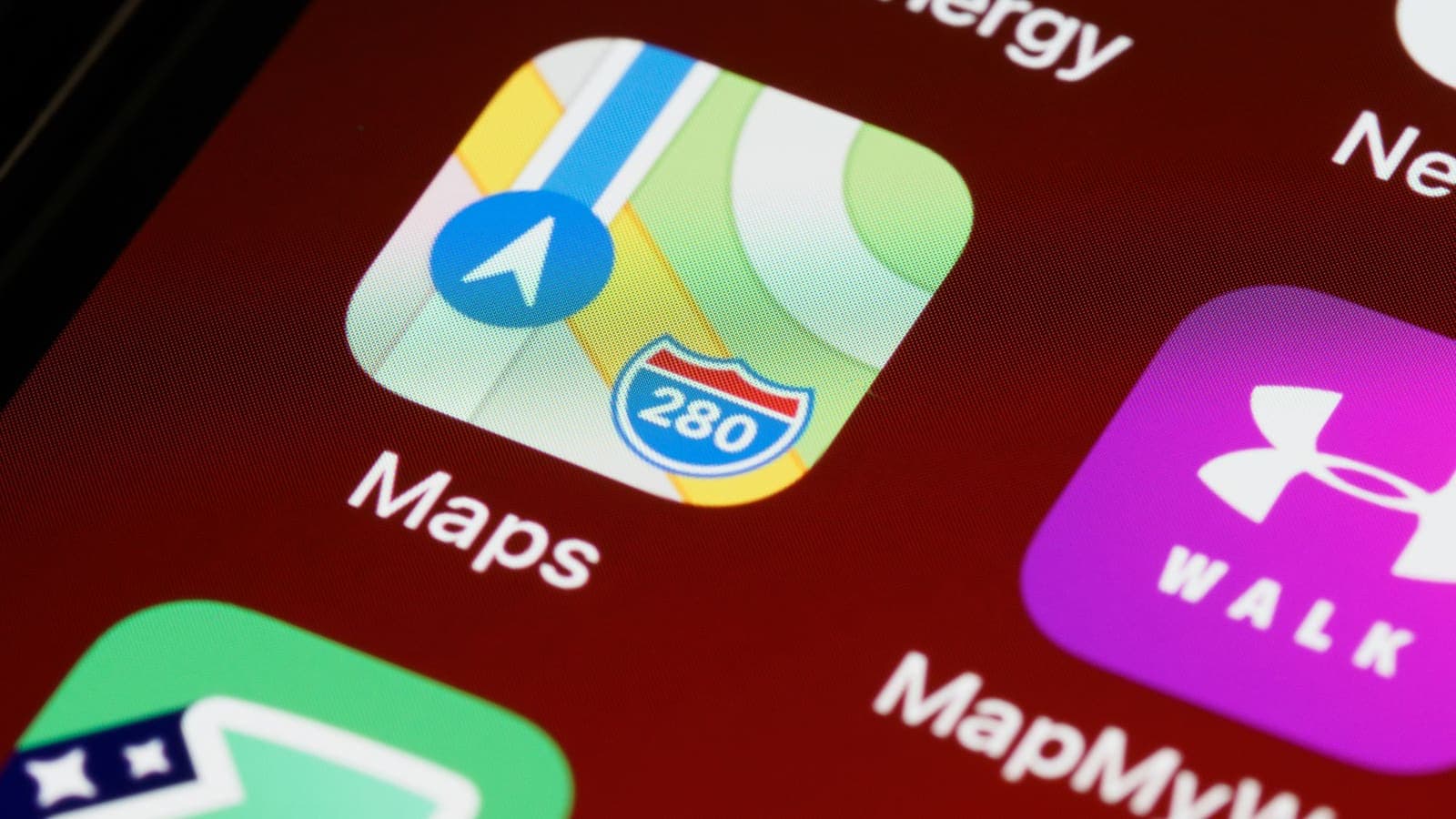
You connect the VPN, open a map or a food-delivery app, and there you are: the little blue dot sits exactly on your street. It is a common moment of confusion. If the VPN says your location is somewhere else, why does the app know the truth? The answer is that "location" is not one thing. Your phone has several independent ways of knowing where it is, and a VPN touches only one of them.
This article lists the signals apps use, shows which a VPN changes, walks through four everyday apps, and gives a practical routine for checking and limiting what an app can learn. It is written for people who want to understand their phone, not for anyone trying to deceive a service. It does not explain how to fake a position or work around a rule that an app or a game enforces.
The short answer
A VPN changes the IP address that servers see when your connection arrives. It does not change the readings your own device takes from its hardware and settings. An app on your phone can ask the operating system for your location, and if you have granted permission, the system answers with data from GPS, nearby Wi-Fi networks, Bluetooth beacons and mobile towers. That answer is passed to the app, and the app sends it to its own servers. The VPN carries it faithfully, in encrypted form, but does not edit it.
Think of the VPN as the envelope and the location as the letter inside. Changing the envelope does not change what is written on the letter.
How an app works out where you are
Apps combine several clues. Some are precise, others are rough, and they do not always agree.
- GPS and satellite positioning. Accurate to a few metres outdoors, less so indoors.
- Nearby Wi-Fi networks. Your phone sees the names and identifiers of access points around you. Databases map those to places, so even a phone without GPS can be located inside a building.
- Bluetooth devices. Beacons and other devices nearby can narrow down your position.
- Mobile towers. Which tower serves you gives a rough area, even with Wi-Fi off.
- IP address. A rough estimate of country or city from the address range, the only signal a VPN replaces. The IP address is an internet-layer identifier, defined long ago in documents like RFC 791, and it was never designed as a precise location tool.
- Account and profile. The country on your billing details, the region of your app store account, your phone number's prefix and the country your SIM comes from.
- Device settings. Language, region format, time zone, even the keyboard layouts you have installed.
- Things you share. A photo with location metadata attached, a check-in, a tagged post or a delivery address you typed.
- Behaviour over time. A place you visit every night is probably home, whatever any single reading says.
Because there are so many inputs, apps often cross-check. When they disagree, an app may choose the more precise signal, ask you to confirm, or flag the mismatch.
Which signals a VPN changes
| Signal | Precision | Changed by a VPN? |
|---|---|---|
| GPS reading | Metres | No |
| Nearby Wi-Fi and Bluetooth | Metres to tens of metres | No |
| Mobile tower | Hundreds of metres to kilometres | No |
| IP address location | City or region, sometimes wrong | Yes |
| Billing country and app store region | Country | No |
| Phone number and SIM country | Country | No |
| Language, region, time zone | Region | No |
| Photo metadata and check-ins | Exact, if included | No |
Only one row changes, and it is the least precise. A phone with GPS and Wi-Fi scanning on and location permission granted to an app can tell that app a very accurate position, VPN or not.
Why the permission is the real control
The hinge of the whole matter is permission. When you install an app, it has no access to your location. The first time it asks, the system shows a prompt with choices, and your answer decides everything afterwards.
- Never or Don't allow. The app receives no location from the system.
- Ask next time. The system asks again on each use.
- While using the app. The app gets your location when it is open.
- Always. The app can read your location in the background, which suits navigation or family-sharing tools but is rarely necessary for anything else.
- Precise vs approximate. Many systems let you give an app only a rough area, enough for a weather forecast but not for your street.
Wording differs between phone makers and versions, so look at your own device. The point is that the control sits in the operating system, not in the VPN. For a view of what store listings must tell you, the App Store's guide to app privacy details describes the categories of location data that developers declare, and it is worth reading the label before you install.
A worked example makes the layers clearer. Suppose you are in Chiang Mai with a VPN connected, and you open a travel app. The app asks the phone for a location, you have said "while using", and the phone answers with a position read from GPS and nearby Wi-Fi. At the same moment, the app's server sees a connection arriving from the VPN's address, which points somewhere else entirely. The app now holds two facts that disagree. A well-built app simply trusts the precise one for showing nearby places, and may use the other for things like choosing a regional website. Neither fact has been hidden; each came through a different door.
Four everyday apps
A weather app. It needs only your approximate area. It asks for precise location out of habit. Setting it to "approximate" gives you a normal forecast and tells the app much less. The VPN is irrelevant for this, because the app is using the phone's location services, not your IP address.
A food-delivery app. It needs an address to deliver to. It reads GPS to suggest the nearby address, but the real destination is what you type. Turn on location while using the app, and turn it off afterwards. Remember that a delivery address linked to your account tells the service where you live regardless of what the VPN says.
A ride or map app. It genuinely needs precise location while you navigate. Giving it while-using access is reasonable. "Always" lets it log where you go when the app is closed, and the history may be stored in your account. Check the app's timeline or history setting and clear old entries.
A social app. The danger here is often what you post, not what the app reads. A photo taken with location metadata can show where it was shot. Check the camera setting, and look at what the app strips when you upload. A tagged place or check-in announces your position directly.
None of these cases is solved by a VPN. All are managed in the phone's settings and in your own habits.
A routine to check and limit location access
Spend ten minutes doing this once, then revisit it every few months.
- Open the location settings on your phone and look at the list of apps with their access levels.
- Remove "Always" from every app that does not clearly need it. Use "while using" instead.
- Switch off precise location for apps that work with an approximate area.
- Check the system services list, where available, for options such as location-based suggestions and advertising. Switch off what you do not use.
- Review Wi-Fi and Bluetooth scanning, which some phones allow to run in the background even when those radios are off in the visible toggle.
- Look at your location history in your account settings for the phone maker and map apps. Pause it, or set it to delete automatically if you do not want it.
- Check your camera. Turn off saving location in photos if you share them publicly.
- Review each app's privacy label in the app store, and uninstall anything that asks for much more than its job needs.
- Test one app. Turn off the permission, reopen the app and see how it behaves. Most work fine without it.
- Keep the VPN on for network protection where you need it, as in what a VPN cannot protect you from.

When the VPN does matter for location
None of this makes the VPN pointless for location questions. It matters in specific places.
- In a browser. Websites that do not ask for permission usually estimate location from the IP address. A VPN changes that estimate. The result can look wrong for reasons explained in why your VPN shows the wrong location.
- On shared networks. It prevents the network operator from linking your traffic to your device in the clear. See does a VPN hide your IP address.
- For server choice. Different server locations change latency and the region that IP-based services guess. How to choose a VPN server location covers the trade-offs.
- When abroad. Some home-country services may behave differently from overseas; the article on using Thai websites and apps while abroad covers what to expect and what not to promise yourself.
Apps and services have their own rules about location, and breaking them can put your account at risk. This article does not discuss ways to defeat them.
Limits and honest expectations
- A VPN is not a location blocker. It will not stop a permitted app from reading the phone's position.
- Turning off permission can reduce function. Maps and delivery need location while in use.
- Some data lives with the account. Deleting the app does not erase what the service already stored; check its data controls.
- Other people can reveal you. A friend's tagged photo or a shared album can place you.
- No setting gives certainty. The aim is to share what you choose, not nothing at all.
Common mistakes
- Expecting a VPN to move the blue dot.
- Giving "Always" access to apps that need it only occasionally.
- Posting photos with location metadata and wondering how people knew where you were.
- Forgetting that billing country and app store region stay as they are.
- Switching permissions on and off randomly without testing the app.
- Believing that an app has failed to respect the VPN when it is simply using GPS.
Summary
Apps can still know your location with a VPN on because the VPN changes only the IP address that servers see. GPS, nearby Wi-Fi and Bluetooth, mobile towers, account details, SIM and region settings, and the content you share all bypass it. The real control is permission in your phone's settings, together with habits such as leaving "Always" off and checking photo metadata. Use the VPN for what it does, which is protecting the connection and changing the address, and use the settings for the rest.
If you would like network protection that ends on its own without a renewal, the pricing page explains how a prepaid pass works.
Frequently asked questions
Why does my phone still show my real location with a VPN on?
Because the phone's own location services use GPS, nearby Wi-Fi networks, Bluetooth and mobile towers, none of which travel through the VPN. The VPN only changes the IP address that websites and servers see.
Does a VPN hide my GPS location?
No. GPS is read by your device and shared with apps you have given location permission. A VPN does not change that permission or the reading.
What is the difference between IP location and GPS location?
IP location is a rough guess of the area from the internet address, often just a city or region and sometimes wrong. GPS and nearby networks can pinpoint a place to within metres.
How can I stop an app from using my location?
Open the phone's privacy or location settings, find the app, and set access to never or only while using the app. Turn off precise location if a rough area is enough. Wording varies by system version.
Can an app know my country even if location is off?
Often yes. It can use your SIM or phone number, app store region, language, time zone, billing details or the account you created.
References
About the author

Bob Kanokphon Thongdee
- Founder of XPASS VPN
- Co-founder of eSIMonline.asia
- More than 7 years in online marketing
- Founder of Cojourney Visa and Cojourney Travel
Need a VPN for a short trip or a busy month?
XPASS sells prepaid passes for a set number of days. You pay once and nothing renews automatically.
See passesKeep reading
VPN Basics
Why Your VPN Shows the Wrong Location
When a site thinks you are in the wrong city or country while a VPN is on, the cause is usually the database behind the guess, not the VPN itself. This guide explains how location lookups work and how to check them.
9 min read
VPN Basics
Does a VPN Hide Your IP Address?
A VPN swaps the IP address websites see for the address of a VPN server. Here is what that really hides, who can still see what, and how to check it.
9 min read

VPN Basics
How to Choose a VPN Server Location
The best VPN server is not always the nearest one. Learn how distance, load and routing shape speed, and how to test locations in a few minutes.
9 min read

Privacy Guides
Can You Be Tracked With a VPN?
Yes, you can still be tracked with a VPN. Cookies, fingerprints, location services, ad IDs and your own accounts keep working. Here is what a VPN changes and what it does not.
10 min read

Privacy Guides
What a VPN Cannot Protect You From
A VPN secures the connection, not the person using it. This guide covers phishing, malware, ransomware, identity theft, data breaches, email privacy and other risks it cannot solve, and what to do about each.
9 min read

Privacy Guides
Using Thai Websites and Apps While Abroad
Thai banking apps, TV platforms and government sites often treat connections from abroad differently. This guide explains why, what to try with the service first, and the honest limits of a VPN.
9 min read