
How IP Geolocation Databases Affect VPN Locations
A VPN address is placed on the map by commercial databases, not by the VPN app. Learn how those databases work and why websites disagree about your location.
9 min readUpdated Oct 15, 2026By XPASS Editorial Team
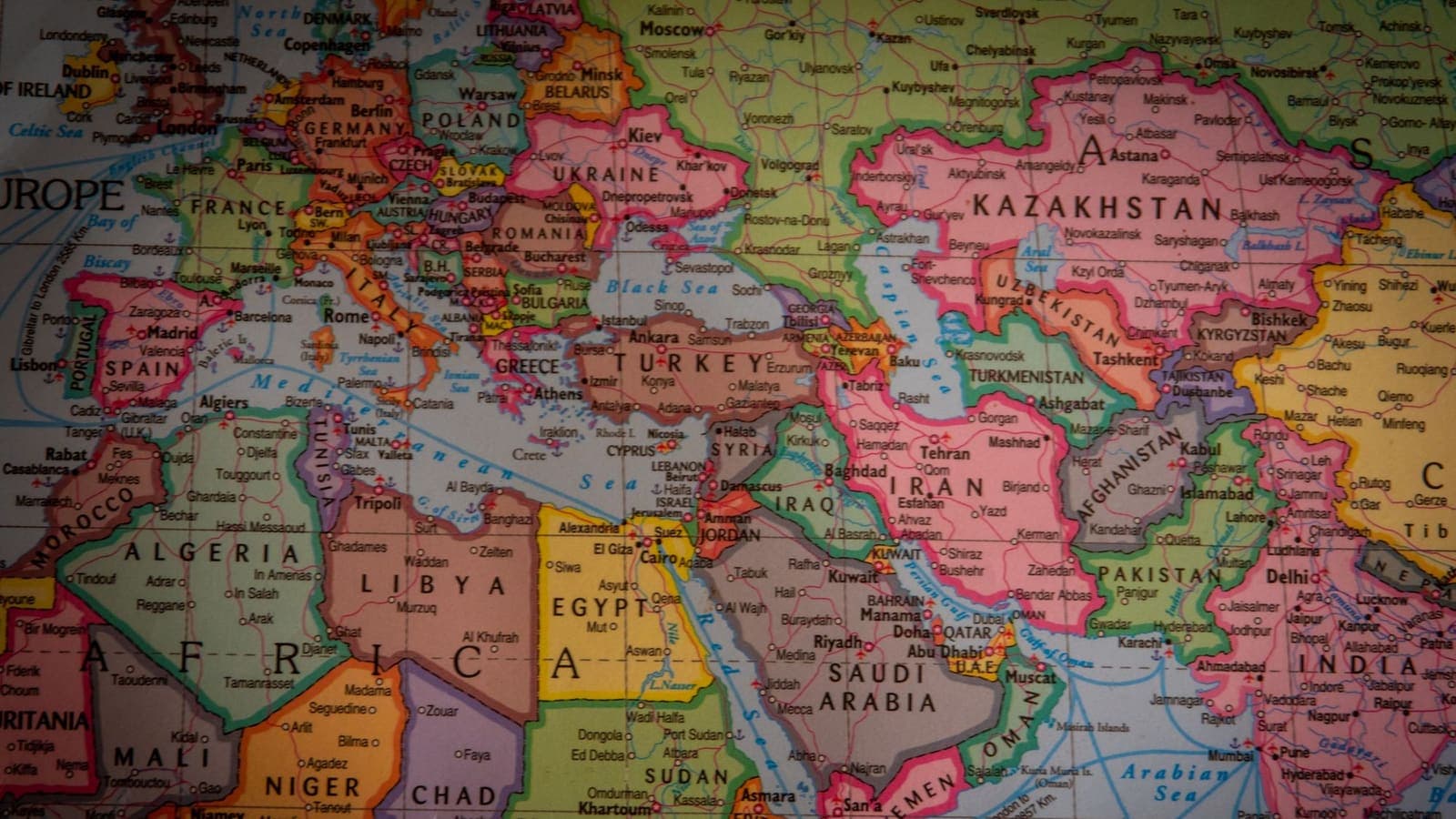
You connect to a VPN, open two websites and ask each one where it thinks you are. One says Germany. The other says the Netherlands. A third says it cannot tell. Nothing is broken, and the VPN app did not lie. What you are seeing is the result of a messy industry: companies that guess where an internet address sits on the map, and sell or share those guesses with the websites you visit.
This article explains how those databases are made, why they disagree, and what that means when you use a VPN. It stays focused on the databases themselves. For a quick troubleshooting list when your location looks wrong, see why your VPN shows the wrong location. For the basics of the address itself, what a public IP address is covers it.
An IP address is a number, not a place
An IPv4 address, defined in RFC 791, is just a 32-bit number such as 203.0.113.25. Nothing in the number says "Bangkok" or "Frankfurt". The internet delivers packets by routing tables that match number ranges to networks, and those networks can be anywhere. A block of addresses may be allocated to a company in one country and used by equipment in another.
So when a website says "you appear to be in Poland", it is not reading your location from the connection. It is looking your address up in a table somebody else built, then reporting what the table says. If the table is wrong, stale or guessed, so is the answer. Understanding that one fact removes most of the mystery. The label comes from outside the VPN, and the VPN company has little control over it.
Where the data comes from
No database owner has a perfect source. Most combine several imperfect ones.
- Registry records. Five regional internet registries hand out address blocks to organisations and publish who holds each block and the holder's registered country. This is the oldest and most stable source, but it describes the holder's paperwork, not the place where the equipment sits.
- Provider-published hints. Some network operators publish a file listing the country, region and city where each range is used. When it exists and is kept current, it is a good input. Many operators do not publish one, and some publish stale ones.
- Network measurements. A database company can send probes from known places and measure the delay to an address. Signals cannot travel faster than light in cable, so a very short delay rules out far-away locations. Delay narrows the area; it rarely gives a city.
- Routing and naming clues. The names of routers along the path often include airport or city codes. Companies read these as hints about where a block lives.
- Other data supplied by apps and users. Some databases ingest location data that apps collect from phones with GPS and Wi-Fi, and link it to the address those phones used. This is powerful for home broadband and weak for shared addresses, where thousands of people use the same number.
- Corrections and reports. Customers and operators send fixes. These are accepted after review, which takes time.
Every one of these inputs has gaps. That is why two vendors who both do honest work arrive at different conclusions for the same number.
Why two websites disagree
The disagreement is not random. It follows from a few predictable differences.
| Cause | What happens | Typical symptom |
|---|---|---|
| Different vendors | Each uses different sources and weights | Site A says one country, site B says another |
| Different update schedules | One refreshes daily, another monthly | A recently moved range shows the old country on one site only |
| Different confidence rules | One guesses when unsure, another reports "unknown" | One site gives a city, another gives only a country |
| Cached results | A website stores the answer for your session or account | The location stays wrong after you reconnect |
| Different questions | One checks the registered country, another the estimated physical place | "Company in Country X" versus "device in Country Y" |
Websites also use the answer for different jobs. A news site may only want a rough region for the right edition. A payment processor weighs the country alongside your card, device and behaviour. A map app may ignore the address and use GPS. So you can be "in" three places at once without anything being wrong.
Why VPN addresses make the problem worse
Ordinary home broadband is the easy case for a database: one household, one address range, a clear location signal from app data. VPN addresses are the hard case for several reasons.
- Many people share one address. App-supplied location data from thousands of users cancels out into noise, so it stops being useful.
- The registered holder is not where the server runs. An address block may be registered to a hosting company in one country and be physically used in a data centre in another. A database that leans on registry records will report the paperwork.
- Ranges are moved and leased. Address blocks change hands between companies and countries. The registry record may update immediately, while a commercial database takes days or weeks to catch up. In the gap, the label points to the previous holder.
- New ranges have no history. A range that has just started carrying traffic has no measurements, no hints and no past corrections, so databases rely on the weakest source: the registry entry.
- Delay data is ambiguous. A VPN server may serve users from many places while sitting in one data centre, and probes only measure the path to that data centre.
None of this reflects on the quality of the VPN. It reflects the difficulty of locating shared infrastructure. Our guide to shared vs dedicated VPN IPs covers why shared addresses behave the way they do.
Country, region, city: how accuracy drops
IP geolocation is a pyramid of confidence, and the higher you ask it to go, the less you should trust it.
- Country level. Usually the most reliable level, but it still fails for newly moved ranges, for addresses held by multinational companies and for mobile carriers that route traffic through a central gateway in another country.
- Region or state. Noticeably worse. Many databases give the region of the provider's main office.
- City. Often a guess. For mobile and shared addresses, a city label can be hundreds of kilometres from the real position.
- Postcode or street. Not meaningful for a VPN address. Treat any such value as decoration.
For a VPN user, the practical lesson is that the label may correctly name a country and still show a surprising city, or the other way round. Sites that make decisions from the city are working with weak evidence.
Three scenarios
The shop with the wrong currency. Anna connects before booking a hotel on a travel site. The first page shows prices in one currency, and a second site shows another. The currency is chosen by each site from its own database and from the language of the browser. She did not do anything wrong, and neither site is broken: they simply asked two different databases and applied their own rules.
The security alert. Tom logs in to an email account while connected, and the provider sends a message saying a login came from an unexpected place. The place named is a region he has never visited. That is the database label for the VPN address, not his actual position. He checks the "recent activity" page, confirms the login was his, and carries on. If he did not recognise the login, he would change the password instead.
The sports score app. Ravi opens an app that shows a local team schedule. It insists he is in a different state. The app uses a mix of GPS permission and address data, and the VPN gives it a different address than the one his phone shows on a map. Turning off the VPN for that app is the simplest remedy, and split tunneling can handle it if his VPN app offers that feature.

How to look at your own address
You do not need special tools. Compare, record, then decide.
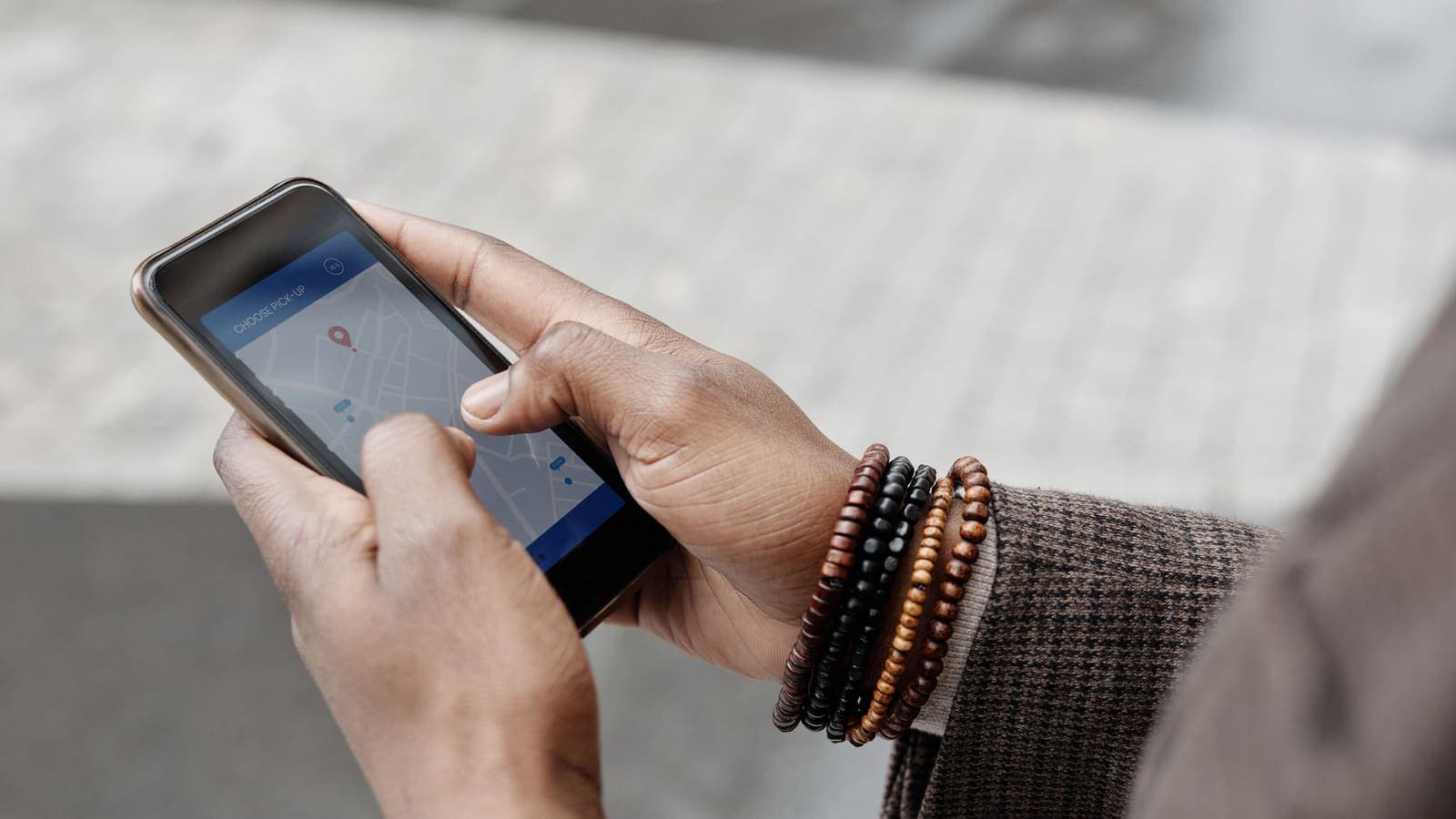
- Connect the VPN. Open three different IP lookup pages, from different companies, in separate browser tabs.
- Write down the address and the country, region and city each page reports. They will not agree perfectly.
- Visit a page that shows how trackable your browser is, such as EFF's Cover Your Tracks, to see which signals sites combine with your address. The IP number is only one of them.
- Disconnect the VPN and repeat. This gives you the baseline label for your normal connection.
- If a specific website treats you strangely, copy the exact address it saw and the time. Support teams can check a specific address; they cannot act on "my VPN has the wrong country".
If you suspect leakage rather than mislabelling, run the separate tests in how to check if your VPN is working. A mislabelled address and a leaking connection are different problems with different fixes.
What you can and cannot do
Be realistic about your options, and honest about your aim.
You can reconnect and see whether the new connection gives a better label, give a newly changed range a few days, report the address and time to the support of a site that is misbehaving, and use the VPN app's own location list to choose a different entry point if you simply want a better-fitting region.
You cannot edit commercial databases yourself, force a website to refresh its cache, or insist that a service accept a particular label. Many databases accept corrections only from the party that operates the block, and those corrections take time to spread to every customer.
You should not treat a label that triggers a security check or a content rule as a problem to defeat. Websites have the right to apply their own conditions, and a licensing decision made by a service is its own business. The honest uses of a VPN are privacy on shared networks and protecting traffic in transit, and these do not depend on which database says what.
If a site that matters is blocking or challenging you, the troubleshooting steps in websites not working with a VPN go through the legitimate options one at a time.
Common mistakes
- Assuming the VPN app decides what websites think your location is.
- Checking one lookup page and treating its answer as the truth.
- Reporting "wrong country" to support without the address and the time.
- Reading a changed city as a sign of a leak.
- Expecting a freshly changed label to appear everywhere within minutes.
- Choosing a VPN location by the label a single lookup page reports, instead of by how the connection performs on your own network.
- Forgetting that a site may use GPS, device settings or your account profile instead of the IP address.
Summary
An IP address carries no location; companies estimate one by combining registry records, operator hints, delay measurements and app data. VPN addresses are shared, move between holders and often lack history, so databases disagree about them more than about home broadband. Check several lookup pages, note the address and the time, give changed ranges a few days to settle, and keep leakage tests separate from labelling questions.
If you want to see how these labels look on your own connection, the pricing page shows the prepaid passes you can try.
Frequently asked questions
Why do two websites show different countries for the same IP address?
Each site, or the tool it uses, buys or builds its own IP geolocation database. The databases collect data from different sources, refresh on different schedules and guess differently when evidence is thin, so their answers can disagree for the same address.
Who decides which country an IP address belongs to?
No single authority does. Regional registries record who was allocated an address block, network operators sometimes publish location hints, and database companies combine those with their own measurements and corrections. The result is an estimate, not an official record.
Can I change what a database says about my VPN address?
As an ordinary user, not directly. Corrections are usually accepted from the party that operates the address block, and they take time to spread. What you can do is reconnect, wait, and tell the website's support which address you saw.
Is a wrong location a sign that my VPN is broken or leaking?
Usually not. A mismatch between a database label and the physical place of the server is normal. A leak is something different: your real address or your DNS lookups appearing outside the tunnel, which you test separately.
How accurate is IP geolocation at city level?
Much less accurate than at country level. City and postcode guesses are often wrong or point to the middle of a region, and mobile and VPN addresses are the hardest cases.
References
About the author

Bob Kanokphon Thongdee
- Founder of XPASS VPN
- Co-founder of eSIMonline.asia
- More than 7 years in online marketing
- Founder of Cojourney Visa and Cojourney Travel
Need a VPN for a short trip or a busy month?
XPASS sells prepaid passes for a set number of days. You pay once and nothing renews automatically.
See passesKeep reading
VPN Basics
Why Your VPN Shows the Wrong Location
When a site thinks you are in the wrong city or country while a VPN is on, the cause is usually the database behind the guess, not the VPN itself. This guide explains how location lookups work and how to check them.
9 min read

VPN Basics
What Is a Public IP Address?
Your public IP address is the address websites see when you connect. This guide explains how it is assigned, how it differs from the private address on your home network, and what it does and does not reveal.
9 min read

VPN Basics
Shared vs Dedicated VPN IP, and Static vs Dynamic IP
A shared VPN IP is used by many people at once, a dedicated one by only you. Here is how these differ from static and dynamic IPs, and what each choice costs.
9 min read

VPN Basics
How to Choose a VPN Server Location
The best VPN server is not always the nearest one. Learn how distance, load and routing shape speed, and how to test locations in a few minutes.
9 min read

Troubleshooting
Websites Not Loading or Showing CAPTCHAs With a VPN
When a site will not load, shows a CAPTCHA or says access is denied only while the VPN is on, the cause is usually the shared IP address. Here is how to work through it.
6 min read