
VPN for Traveling to Malaysia: Malls, Airports and Border Road Trips
A place-by-place guide for Thai travellers going to Malaysia: malls, airports, hotels, a road trip across the border from southern Thailand, banking alerts, and what a VPN does not do.
11 min readUpdated Oct 15, 2026By XPASS Editorial Team

Malaysia is one of the easiest foreign trips for people in Thailand, especially from the south. You can fly into Kuala Lumpur or Penang for a long weekend, shop in a big mall, or drive across the border for a day or a week. What these trips share is that your phone does a great deal of the work: maps, ride-hailing, translation, payments, booking confirmations and bank alerts. Much of it happens on networks that are not yours.
This guide goes place by place instead of day by day. It starts with malls and airports, moves to hotels, then covers the road trip from southern Thailand, banking alerts and the choices between roaming, eSIM and Wi-Fi. It explains what a VPN adds in each case and where it is the wrong tool. It stays general about Malaysian rules and about which online services are available there, because those details change, and an official source is the right place to check them.
Malls: the biggest shared network you will use
Large shopping centres are part of many Malaysia trips, and most offer a free Wi-Fi network that thousands of visitors can join in a single day. It is convenient while you wait for a table or charge your phone, and it is also the textbook example of a shared network.
On a mall network, you should assume that:
- Many devices are connected at the same moment, including devices you know nothing about.
- The network name may look like several others in the same building. Some are run by the mall, some by individual shops.
- A sign-in page may ask for a phone number, an email address or an agreement to terms. Give out the minimum, and prefer an email address you do not use for banking.
A VPN gives you an encrypted path from your device to the VPN server, so that other users and the network owner cannot read the content of your connections. If you want to know more, the explanation in what a VPN actually protects covers the details. But the first habit is not technical: do not do anything important on a mall network that you would not be happy to do in public. Delay a bank transfer or a password change until you are on a private connection.
Practical routine for a mall:
- Join the network and complete the sign-in page.
- Open the VPN app and connect.
- Do light tasks such as maps, chat and browsing.
- For anything involving money or passwords, use your own mobile data if you can, or at least check that the VPN is still connected.
- Forget the network when you leave so your phone does not rejoin it automatically.
Airports: the first and last hours
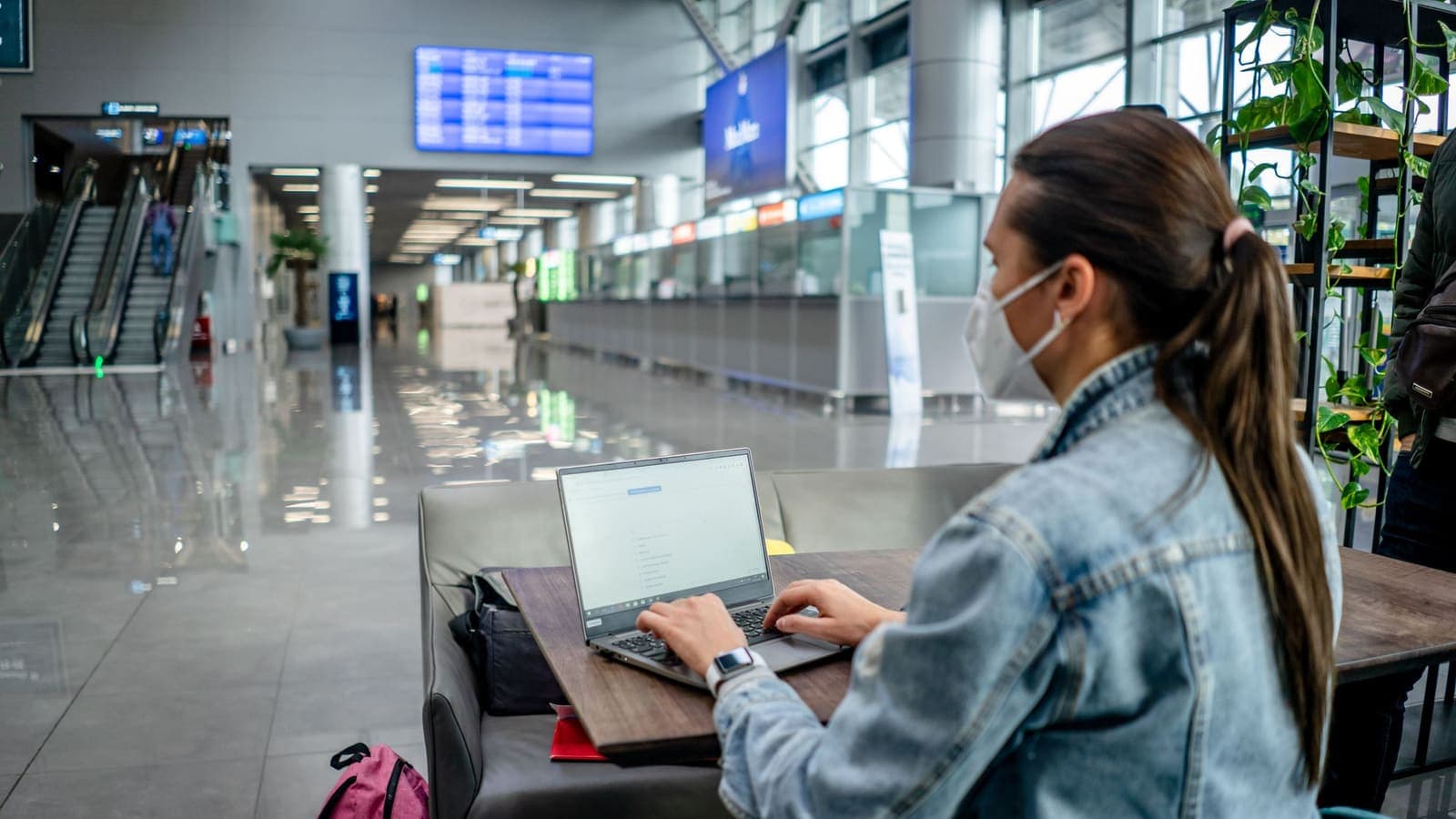
Airports are where you arrive tired, need to get online quickly and see a lot of tempting free networks. This is also when mistakes happen: you join the wrong network, or you accept a prompt without reading it.
Some sensible airport habits:
- Ask or look for the official network name on signs and information desks. Lookalike networks are a known problem in any busy public space.
- Complete any sign-in page before starting the VPN. The guide on VPN and airport Wi-Fi explains why a VPN may refuse to connect until you do.
- Do not install anything a Wi-Fi page asks for. A network that asks you to install an app or a profile just to get online deserves suspicion.
- Delay sensitive tasks if the connection feels unreliable. Waiting for a stable connection is cheaper than recovering from a mistake.
- Remember the arrival problem. If you rely on a data plan you plan to activate after landing, it is sensible to do it at the gate, or to have the plan installed before departure, so that you are not forced onto an open network.
On the way home, the same applies: the departure hall is a good place to download the maps, tickets or entertainment you want, using a VPN if you are on a shared network.
Hotels, serviced apartments and short stays
Hotel Wi-Fi in Malaysia ranges from a single shared password to a per-room code. As in other countries, the key point is that the password does not make the network private. Using a VPN on hotel Wi-Fi walks through the details. For this trip the main points are:
- Connect, sign in to the hotel page, then turn on the VPN. If you turn it on first, the sign-in page may not load.
- Expect limits on the number of devices. If a laptop will not connect, disconnect another device and try again.
- Use the VPN for work and banking, not only for browsing. A short business trip involves email, calendars and shared documents, and those are the accounts worth protecting.
- Consider your own hotspot for sensitive moments. Mobile data is a cleaner link than a network that a whole floor shares.
- Do not connect to Wi-Fi networks you cannot identify. A strong unknown network in your room is not a gift.
For families, agree on a short rule and make one person the helper. That person knows where the login details are, how to reconnect and what to check first when something fails.
The road trip across the border from southern Thailand
Driving from southern Thailand into northern Malaysia is a different situation, and phones behave in ways that surprise people.
Your phone may switch networks near the border. In border areas, a phone can sometimes pick up a signal from a network in the neighbouring country, even before you cross. Depending on your plan, that may mean roaming charges or messages arriving through a different network. The exact behaviour depends on your carrier, your settings and your plan, so check your carrier's information before the trip and consider turning off automatic network selection or data roaming if you do not want that. This is a roaming matter, not a VPN matter, though the article on VPN and roaming explains how the two interact.
Prepare your offline resources. Download offline maps for the whole route, not just the final city. Coverage can be uneven on long stretches of road, and a map that needs a live connection is no help in a gap. A VPN does not help when there is no signal.
Think about your data plan before the crossing. If you buy a local SIM or a travel eSIM, install it while you are still on a trusted connection, and check how long it takes to activate. If your phone has only one physical SIM slot, remember that swapping it removes your Thai number from the phone, which affects banking codes sent by SMS.
Use the VPN at stops, not as a driving tool. Fuel stations, rest areas, restaurants and border-side shops often have Wi-Fi. That is a good moment to connect the VPN, send photos and handle payments. Do not fiddle with the app while driving, and do not rely on a connection that may drop in a tunnel or a rural stretch. For a smooth journey, connect before you set off, let a passenger deal with the phone, and mount it safely.
Keep documents and official information ready. Border formalities, insurance and vehicle documents are matters for official sources, such as the Thai Ministry of Foreign Affairs and the relevant Malaysian authorities, and not for a VPN. Print or save offline the details you may need.
Banking alerts and one-time codes
Many travellers worry about the first bank alert that arrives while abroad. A few facts help.
- A bank decides what it does, not your VPN. Banks can see device details, app versions, usage patterns and the country a login appears to come from. A new country can lead to an extra check or a temporary limit on a card.
- A VPN can make logins look inconsistent. If your phone's SIM and GPS point to Malaysia while the VPN appears to be elsewhere, some systems may treat that as unusual. Some apps simply refuse to run with a VPN on. Policies differ by bank and change over time.
- Prepare in advance. Tell your bank or card issuer about your trip through the official app or website if they offer this, check how you will receive codes abroad, and log in once at home so you know the app works. See Thai banking abroad and using banking apps with a VPN.
- Protect the codes. Never share a one-time code with anyone, including someone claiming to be the bank. The CISA page on multi-factor authentication and two-factor authentication explain why.
- Beware of fake alerts. A text saying your account is frozen and asking you to tap a link is a classic phishing message. Open the bank's own app or call the number printed on your card instead. See how to recognise phishing websites.
If a bank app complains about the VPN, the simplest response is to turn the VPN off, complete the task on a connection you trust, then turn it back on. The VPN is there to protect you on shared networks. It is not a requirement for every app.
Roaming, eSIM and local SIM compared
Your choice of connection decides how often you will be on a shared network at all.
| Option | Strengths | Points to check |
|---|---|---|
| Thai SIM with roaming | Same number, nothing to install | Daily charges and whether data roaming is switched on |
| Travel eSIM | Easy to install before the trip; may keep your Thai SIM active | Phone support for eSIM, plan size and validity; see VPN with a travel eSIM |
| Local SIM | Often good value for longer stays | Shop hours, registration steps, and losing the Thai number in a single-SIM phone |
| Wi-Fi only | No extra cost | Highest exposure to shared networks, so the best case for a VPN |
If you have an eSIM-capable phone and a Thai SIM, a common set-up is to keep the Thai SIM for calls and codes and use the eSIM for data. The details depend on your phone and your carrier, so check their help pages. Whatever you choose, install it before the trip and test that you can still receive important messages. The article on choosing a VPN for travel has a broader checklist.

Using Thai or international apps and sites from Malaysia
Travellers often ask whether a VPN will let them use the same apps, shows and websites that they use at home. The honest answer is that it depends on the service, and you should not count on it.
Some services restrict access by country because of law, content licensing or the provider's own choice. In those cases the provider's terms may forbid working around the restriction, and an account that breaks the terms can be limited or suspended. VPN connections can also be detected and blocked, so results vary and nothing is guaranteed.
So the advice is to stay on the lawful side:
- Read the service's help page about using it while travelling.
- Download in advance if the service allows offline downloads for travel.
- Use alternatives that are available where you are.
- Check official sources for rules in Malaysia, and re-check before you leave.
- Do not use a VPN to break a rule or a contract.
If your VPN app lists a location in Thailand, you may be tempted to try it for Thai services. Results are not guaranteed, and the above points about terms and law apply. For background reading, see using Thai websites and apps while abroad and are VPNs legal.
What a VPN will not do
- It does not protect you from phishing, fake alerts or scam calls. These depend on your judgment.
- It does not secure a lost or unlocked phone. Use a strong passcode and enable find-my-device.
- It does not make you anonymous. Sites you log in to and the VPN provider can still see activity you do through them. See can a VPN make you anonymous.
- It does not fix coverage gaps. On a road with no signal, the VPN has nothing to protect.
- It does not control your roaming charges. Those come from your carrier and plan.
- It does not change any law or terms of service. Local rules and each provider's terms apply with or without a VPN.
- It does not guarantee speed. The distance, the network and the time of day matter more.
For the full list, read what a VPN cannot protect you from.
A checklist for a Malaysia trip
Before you leave:
- Install the VPN app on every device you will carry. XPASS customers use the free VPNclient app, with official links on the download page.
- Sign in with the username and password shown on My Pass, not your website email. See where your login details are.
- Connect once at home and follow how to check if your VPN is working.
- Update your phone and apps on a stable connection.
- Tell your bank about the trip, and make sure you can receive codes abroad.
- Choose and install your data option: roaming, eSIM, local SIM or Wi-Fi only.
- Download offline maps for the whole route, plus tickets and hotel confirmations.
- Review roaming and network selection settings if you will drive across the border.
While you travel:
- On any shared network, sign in to the Wi-Fi page first and start the VPN second.
- Do money and password tasks on a trusted connection or with the VPN on.
- If an app complains, turn the VPN off for that task, then back on.
- Forget public networks when you leave.
- Keep a short list of support steps and bank numbers that you can read offline.
After you return:
- Disconnect and sign out of shared devices.
- Check bank and wallet statements for unfamiliar transactions.
- Change passwords you entered on unfamiliar networks.
- Let the pass expire or keep using it at home. Nothing renews automatically.
Summary
For a trip from Thailand to Malaysia, a VPN is a sensible layer for malls, airports and hotels, and a smaller concern when you use your own mobile data. Handle the border-crossing parts, such as roaming settings, offline maps and your SIM choice, before you set off. Prepare your bank and your codes, treat alerts with care, and check official sources for rules and service availability. A VPN lowers the risk on shared networks, but it does not change local rules, a bank's decisions or a provider's terms. If you would like a pass that matches your travel dates, you can see the options on the XPASS pricing page.
Frequently asked questions
Do I need a VPN for a short trip from Thailand to Malaysia?
It is not required. A VPN is most useful if you will use shared Wi-Fi in malls, airports, cafes or hotels for banking, email or work. If you use only your own mobile data for the whole trip, the benefit is smaller.
Does a VPN stop my Thai bank from sending a security alert when I am in Malaysia?
No. A bank may notice a new country regardless of a VPN, and a VPN can even make the activity look less consistent. Tell the bank about your trip through its official channel and keep a backup way to receive codes.
What happens to my phone when I drive across the border?
Near a border, a phone can sometimes join a network from the neighbouring country, which may cause roaming charges or a change in which network sends your messages. Check your roaming settings, your carrier's information and your data plan before you drive.
Should I use the VPN on mobile data too?
It is optional. Mobile data is already a private link to your carrier, so many travellers keep the VPN for shared Wi-Fi and turn it off if an app complains. Use it on mobile data if you prefer the extra layer and your plan can spare a little extra data.
Where can I find official information about rules in Malaysia?
Use the Thai Ministry of Foreign Affairs travel information and official Malaysian government or embassy pages, and re-check shortly before you go. Rules and service availability can change, and this article is general information, not legal advice.
References
About the author

Bob Kanokphon Thongdee
- Founder of XPASS VPN
- Co-founder of eSIMonline.asia
- More than 7 years in online marketing
- Founder of Cojourney Visa and Cojourney Travel
Need a VPN for a short trip or a busy month?
XPASS sells prepaid passes for a set number of days. You pay once and nothing renews automatically.
See passesKeep reading

Buying Guides
Best VPN for Travel: How to Choose One Before Your Trip
A good travel VPN is mostly about planning: the right pass length, apps installed before you leave, and realistic expectations. This guide walks through what to check before a trip.
9 min read
Privacy Guides
VPN on Airport Wi-Fi: Security Tips
A traveller's guide to airport Wi-Fi: fake hotspots, the sign-in page, charging kiosks, and when to connect the VPN, with a checklist for each stage of a journey.
10 min read

VPN Security
How to Use a VPN on Hotel Wi-Fi Safely
Hotel and travel Wi-Fi is shared with strangers and often hides behind a login page. This guide explains how to connect, when the VPN goes on and what to do when it will not connect.
9 min read

Privacy Guides
VPN While Roaming: Data and Speed Considerations
Using a VPN abroad on your home SIM does not make roaming cheaper, and it adds a little overhead. Here is what to expect for data, speed and battery, with a checklist.
9 min read
Privacy Guides
Thai Banking Apps Abroad: VPN Considerations
Thai banking apps often react to foreign networks and VPN traffic. Here is what banks look at, what to prepare before you leave, and how to stay safe abroad.
10 min read