
VPN for PlayStation Portal: Network Considerations
The PlayStation Portal streams games from your own console, so a VPN affects it very differently from a normal device. Here is what changes, and what to check first.
9 min readUpdated Oct 15, 2026By XPASS Editorial Team

The PlayStation Portal is not a small console. It is a handheld screen with controllers on both sides that streams games from a PlayStation 5 you already own. The game runs on the console at home, and the Portal receives the video and sends your button presses back. That one design fact shapes every answer to the question "vpn for playstation portal", because the thing that matters is the path between two devices and not a single device's connection to the internet.
This article explains that path, why you cannot put a VPN on the handheld itself, where a tunnel could sit instead, and what it tends to do to the stream. It is a network guide, not a promise: we do not claim that a VPN speeds anything up, and we do not suggest using one to change store regions or bypass any service rule.
What the Portal is, and the two paths it uses
Think of the Portal as a remote screen. The console does all the work, so what you notice on the handheld is mostly the quality of the connection between them. There are two common situations.
Path A: at home. The Portal and the console are in the same house, on the same Wi-Fi or router. The stream stays inside your local network. The internet connection is barely involved for the stream itself.
Path B: away from home. The Portal is on another Wi-Fi network, such as a hotel, a relative's house or a dormitory, and the console is at your home. The stream crosses the internet in both directions: your home connection uploads the video, and the local Wi-Fi where you hold the Portal downloads it and uploads your button presses.
Your home upload speed, the console's own connection, the Wi-Fi band and the distance all affect Path B. A tunnel changes the shape of the route and adds work in the middle, which is why a VPN is not a neutral addition here.
Because the Portal does not run games by itself, its other jobs are limited. It signs in to your account, shows your console's library and, where the platform supports it, streams from the platform's servers rather than your console. Features of this kind change with firmware updates, so check the manufacturer's current support pages for what your unit can do today.

No VPN on the Portal itself
The Portal's software is a closed system with a short list of functions. It has Wi-Fi settings where you can join networks and check the connection, but it has no general app store and no VPN page. You should not expect to find a place to add a VPN profile or install an app.
That rules out the usual device-level approach. You cannot sign in to a VPN app on the handheld, as you could on a phone. If you are an XPASS customer, the VPNclient app and the username and password on your My Pass page are for devices that can run the app, such as phones, tablets and computers; they do not install on the Portal. For the console itself, how to use a VPN on PS5, Xbox and other consoles explains the same limits for the other half of the pair.
So when people say they want a VPN for the Portal, they mean one of three setups, discussed next.
Where a tunnel could sit instead
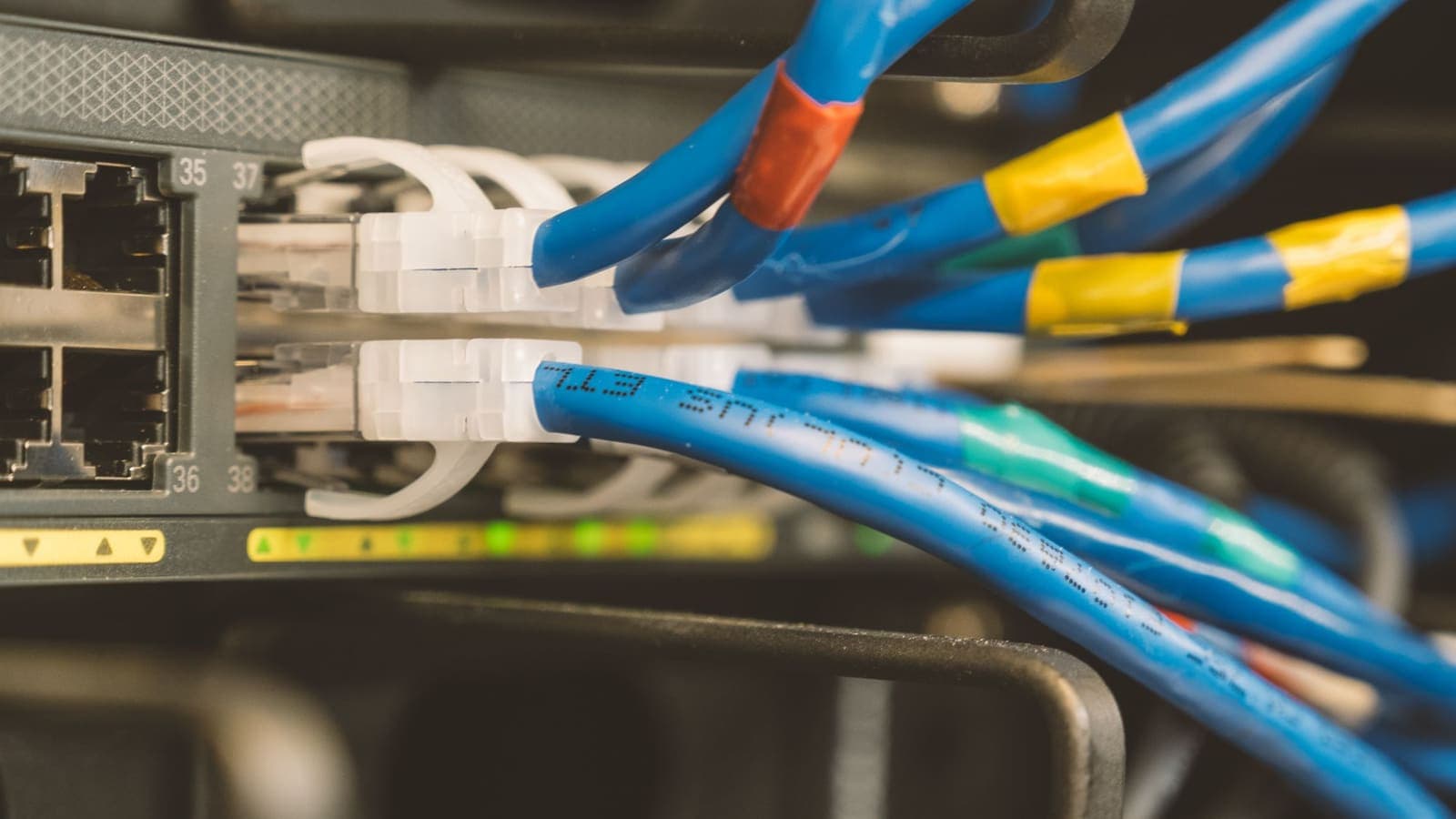
The tunnel has to live on a router, a travel router, or a computer that shares its connection. Each position changes a different part of the path.
- On the home router (console side). The PS5 at home goes out to the internet through the tunnel. This changes how the console reaches PlayStation services and how Path B traffic leaves home. It adds a hop and may increase latency for the stream. It also affects every other device at home.
- On a travel router where you hold the Portal. The Portal joins the travel router's private Wi-Fi, and the router sends traffic through the tunnel. This protects the local Wi-Fi leg in a hotel or dorm from other users of the network. It does not change how the console at home reaches the internet.
- On a computer that shares its connection. A laptop connected to the VPN creates a hotspot that the Portal joins. Whether the Portal's traffic really passes through the tunnel depends on the computer and the software, so read sharing a VPN over a mobile hotspot and verify instead of assuming.
For router steps, see setting up a VPN on a router. The article on VPN router versus VPN app compares the trade-offs, and a travel-sized router follows the same logic on a smaller scale.
What a tunnel does to Remote Play
Remote Play cares about three things: latency (the time for a round trip), jitter (how much that time varies) and bandwidth (how much video can flow). Cloudflare's explainer on latency is a good short read.
A tunnel affects each one.
- Latency goes up a little or a lot. Your data travels to the VPN server first and then onward. A nearby VPN location adds a few milliseconds, but a faraway one can add much more. Fast games feel that.
- Jitter can increase. Encryption on a modest router adds uneven processing time. For streaming a game, uneven timing is worse than a slightly higher but steady delay.
- Bandwidth may drop. Encryption uses processor time, especially on small routers. If your router can encrypt at only a fraction of your line speed, the video may drop in quality.
Our article on whether a VPN reduces ping explains why the answer is generally "it adds a bit", and why internet speed changes with a VPN covers the throughput side. If Remote Play already works well on your network, adding a tunnel is more likely to hurt than help.
Comparing the positions
| Position | Protects | Changes console's route | Risk to stream quality | Good for |
|---|---|---|---|---|
| Home router | Whole house, including console | Yes | Medium to high | Households wanting one place of control |
| Travel router near the Portal | The local Wi-Fi leg only | No | Low to medium | Hotels and dormitories |
| Laptop sharing a VPN | Portal's local leg, if test passes | No | Medium | Short stays, no travel router |
| No VPN, but a better network | Nothing extra | No | Lowest | Best stream quality |
A checklist before adding a tunnel
Work through this list in order. Many streaming problems have simpler causes than a missing VPN.
- Measure the plain connection first. Run Remote Play with no tunnel anywhere. Note the picture quality and any delay. This is your baseline.
- Wire the console. A network cable from the PS5 to the router removes a whole wireless hop on the console side.
- Use the best Wi-Fi band for the Portal. The 5 GHz band is usually faster and less crowded than 2.4 GHz at short range.
- Check your home upload speed. For Path B, upload matters more than download. A slow upload on the home line caps the video quality.
- Add the tunnel in one place only. If you change the home router and the travel router at once, you will not know which one caused a problem.
- Test the same game for a few minutes with the tunnel on and then off, and note stutter, input delay and picture quality.
- Pick a nearby VPN location, because distance adds delay. How to choose a VPN server location explains the trade-offs.
- Keep a way back. Write down the router settings before you start so that you can switch the tunnel off quickly.

Three realistic scenarios
A student in a dormitory. Hana plays on her Portal in the evening while the PS5 is at her parents' home. The dormitory Wi-Fi is crowded and shared. She notices stutter. A VPN is not the cure here, because a tunnel would add delay on top of a busy network. She moves closer to the access point, uses the 5 GHz network and asks her parents to wire the console. The stream improves without any VPN.
A traveller in a hotel. Omar uses the Portal in a hotel room. The hotel network requires a browser login that a handheld cannot easily complete, so he carries a small travel router. It signs in to the hotel network once, and the Portal joins the router's private Wi-Fi. He turns on the VPN in the travel router when he checks account pages, and turns it off when he plays, because the stream feels better without it. See using a VPN on hotel Wi-Fi for the order of steps.
A household that wants a single policy. The Reyes family runs a VPN on their home router so every device is protected. Their PS5 starts to show lag spikes in Remote Play, and one player cannot join a lobby. They configure the router to leave the PS5 outside the tunnel. The rest of the house stays protected, and the console returns to normal.
Troubleshooting
| Symptom | Likely cause | What to try |
|---|---|---|
| Portal cannot find or connect to the console | Console is off, asleep without remote start, or offline | Check the console's rest-mode and network settings at home |
| Picture is blocky or delayed after adding a tunnel | Router encryption speed or long route | Nearer VPN location, faster router, or remove the tunnel for play |
| Works at home, fails away from home | Home upload, router settings or hotel network blocks | Test another network such as a phone hotspot |
| Hotel login page never appears on the Portal | Portal cannot complete a web login | Use a travel router or a laptop to authenticate first |
| Game lobby will not connect with VPN on at home | Tunnel changes how the console is reached | Exclude the console from the tunnel on the router |
| Everything is slow even with the VPN off | Wi-Fi band or distance problem | Switch to 5 GHz, move closer, wire the console |
When the VPN itself will not connect, use VPN not connecting? Step-by-step fixes.
Limits and rules
A VPN protects traffic between a network and the VPN server. It does not make the stream faster, does not protect your account from a stolen password and does not change what a game or platform permits. Game services and platform terms can restrict how accounts, regions and purchases are used, and a VPN is not a way to work around them. We do not recommend using one to change a store region or to enter regions where a service is not offered. If you want to protect your account, use a unique password and two-factor authentication, which what is two-factor authentication explains.
Public and shared networks carry real risks for logins, which the FTC describes in its public Wi-Fi guide. That is the main reason to consider a tunnel for the local leg while you are away.
Summary
The PlayStation Portal streams from your console, cannot run a VPN app and has no VPN page, so any tunnel has to sit on a router, a travel router or a computer that shares its connection. Each position protects a different part of the path, and any of them can add latency, jitter and lower throughput to Remote Play. Measure the plain connection first, fix the basics such as a wired console and a 5 GHz link, add the tunnel in only one place and compare with it off. Use a VPN to protect a shared local Wi-Fi leg, not to change regions or work around platform rules.
If a prepaid pass without automatic renewal suits what you need, you can read the details on the pricing page at your own pace.
Frequently asked questions
Can I install a VPN app on a PlayStation Portal?
The Portal is a streaming handheld with a fixed set of functions and is not designed to install general apps, so you should not expect a VPN app option. Any tunnel has to sit on the network or on another device.
Will a VPN make Remote Play lag?
It can. Remote Play depends on a fast, steady round trip between the Portal and the console, and a tunnel adds distance and encryption work. If the stream already struggles, a VPN usually makes it worse, not better.
Should the VPN go on my router at home or on the network where I use the Portal?
It depends on what you want to protect. A tunnel at the home router changes how your console reaches the internet. A tunnel on the network where you hold the Portal protects that local Wi-Fi leg only. Test both ways before settling on one.
Does my PlayStation Network account care about VPN use?
Account and service terms can limit how accounts, regions and purchases are used. A VPN is not a ban reason by itself, but do not use one to break those terms. Read the current terms from the platform owner.
Is a VPN useful on hotel Wi-Fi for a Portal?
It can protect the local Wi-Fi leg, but many hotel networks need a browser login that a handheld cannot complete. A travel router that handles the login for you is often the more practical answer.
References
About the author

Bob Kanokphon Thongdee
- Founder of XPASS VPN
- Co-founder of eSIMonline.asia
- More than 7 years in online marketing
- Founder of Cojourney Visa and Cojourney Travel
Need a VPN for a short trip or a busy month?
XPASS sells prepaid passes for a set number of days. You pay once and nothing renews automatically.
See passesKeep reading

Device Guides
How to Use a VPN on PS5, Xbox and Other Consoles
Game consoles rarely let you install a VPN app. This guide explains the router and shared-connection methods, what to expect from NAT type and ping, and the limits.
7 min read

VPN Basics
Does a VPN Reduce Ping? Latency, Jitter and Packet Loss Explained
A VPN adds an extra stop to your route, so ping usually rises a little. Here is why, when it can improve, and how to measure it on your own connection.
9 min read
Device Guides
How to Set Up a VPN on a Router
A general, firmware-neutral guide to running a VPN on your router: what to check first, the usual setup steps, DNS and kill switch settings, travel routers and common fixes.
7 min read

VPN Basics
VPN Router vs VPN App: Which Setup Fits Your Home?
Should you install a VPN on the router or on each device? This guide compares the two setups for speed, smart home gadgets, mesh Wi-Fi, split tunneling and everyday convenience.
10 min read

VPN Basics
Why Internet Speed Changes With a VPN
Using a VPN adds distance, encryption and another network to your path, so speed often changes. This guide explains why, how to measure it properly and what to try when it feels slow.
9 min read