
VPN for Freelancers: Client Data and Network Safety
Freelancers carry other people's data on their own laptops and networks. Learn where a VPN helps, where it does not, and the habits that actually protect client work.
10 min readUpdated Oct 15, 2026By XPASS Editorial Team
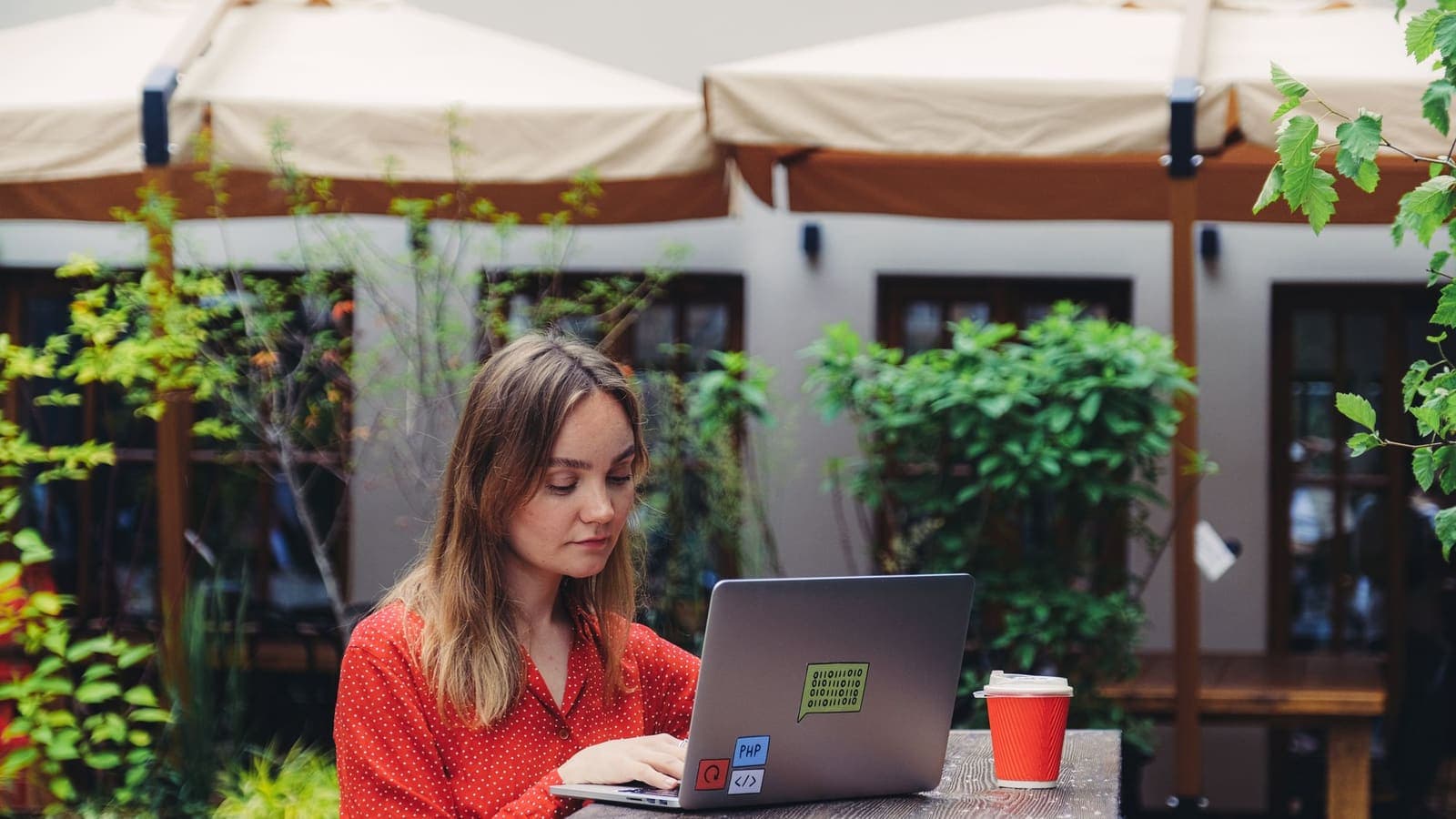
A freelancer is a one-person company with a corporate-sized problem. You hold your clients' drafts, passwords, customer lists and unreleased designs, yet you do it from a laptop that may also stream music, run a game and sit on the kitchen table next to your flatmate's router. There is usually no IT department behind you. If something goes wrong, the client does not blame the cafe Wi-Fi; they blame you.
That is why the question of a VPN for freelancers is worth answering carefully rather than with a slogan. A VPN is a useful layer for people who work on networks they do not control. It is also one of the smaller layers in the whole picture. This article explains where it helps, where it does not, what clients typically care about, and how to choose and use one sensibly. Where the topic overlaps with working for an employer, our guide to the best VPN for remote work goes further on that side.
What freelancers are actually protecting
Before comparing tools, name the things you hold. For a typical freelancer the list looks like this.
- Client files. Source files, drafts, spreadsheets, contracts and exports, often covered by an NDA.
- Access to client systems. Logins to a content system, ad account, analytics dashboard, code repository or cloud storage.
- Your own business accounts. Invoicing, bank, email and payment platforms. If a thief takes over your email, they can reset almost everything else.
- Personal data of third parties. Customer lists, user data, survey results or interview recordings that you handle for clients.
- Your reputation. One incident can cost you a client, and in a referral-driven business, several.
Most real incidents against freelancers are not dramatic network attacks. They are phished passwords, reused credentials, a stolen or lost laptop, an unprotected cloud folder shared by link, or an outdated device. A VPN deals with none of these. It deals with one specific slice: the path your traffic takes across a network that other people share.
Where a VPN helps a freelancer
Freelancers work in a wider range of places than most employees: cafes, libraries, coworking spaces, hotel lobbies, airports, trains, a client's guest network and a relative's spare room. Each of these networks is run by someone else.
On such a network, anyone with the right tools may be able to see which sites your device contacts, and, if a connection is not itself protected, tamper with it. Most websites use HTTPS today, which already protects the content of pages. A VPN adds a second protective layer around the entire connection and hides the destinations you visit from the local network. Our article on HTTPS vs VPN explains how those two fit together. The US Federal Trade Commission also summarises the basics of public Wi-Fi risks.
Practical places a VPN is worth turning on:
- Cafe and coworking Wi-Fi where dozens of strangers share a network.
- Hotels and airports, where networks are busy and sometimes badly configured.
- A client's guest Wi-Fi, which you do not control and which others on the premises use.
- Shared flats and short-term rentals, where you cannot see who else is on the router.
- Tethering from a phone when you want a consistent setup across all connections.
The point is not drama. It is consistency. If the VPN is part of how you start work on any network that is not your own, you do not have to judge each network individually.
Where a VPN does not help
Be honest about the limits, because this is where freelancers lose data.
| Risk | Does a VPN help? | What does help |
|---|---|---|
| A phishing email that imitates a client | No | Check the sender and the link; see CISA's phishing guidance |
| A reused or leaked password | No | Unique passwords in a password manager plus two-factor sign-in |
| A lost or stolen laptop | No | Full-disk encryption, a screen lock and remote wipe |
| Malware from a cracked app or a bad download | No | Updates, trusted sources and security software |
| A cloud folder shared with "anyone with the link" | No | Share to named people only and review sharing regularly |
| Someone reading your traffic on cafe Wi-Fi | Yes | VPN plus HTTPS |
| A client system with weak settings | No | Ask the client to fix it, and say so in writing |
The table is the reason a VPN should be part of a routine, not the routine itself. Our article on what a VPN cannot protect you from goes deeper into the gaps. For the phishing item in particular, the CISA page on how to recognise and report phishing is short and useful.
What clients usually ask, and how to answer honestly
Larger clients increasingly send a security questionnaire or add a security clause to the contract. The questions vary, but the same themes recur. A calm, factual answer wins trust far better than a vague claim.
- Do you encrypt the device? Say whether full-disk encryption is turned on for the laptop and phone.
- How do you protect accounts? Mention unique passwords, a password manager and two-factor sign-in on email, cloud storage and client systems.
- Where do you store client data? Name the place, whether it is a folder on the laptop, a cloud drive or the client's own system, and how long you keep it after the project.
- What networks do you work on? Say that you use a VPN on networks you do not control, and avoid doing sensitive work on open Wi-Fi at all.
- How do you handle updates? Explain that the operating system and key apps update automatically.
- What happens if something goes wrong? Say you will tell the client quickly and describe what happened.
Never claim more than you do. A VPN is not "military-grade protection" and does not make you "fully secure". If your answer says so, a careful client will treat it as a red flag. A shorter and truthful answer is better.
Choosing a VPN as a freelancer
Freelancers have needs that differ from a family or a large company. Use this list instead of a ranking.
- Apps for the devices you really use. Check the laptop, the phone and, if relevant, a tablet. Setup should take minutes, not an afternoon.
- A payment model that fits irregular income. Some freelancers prefer a prepaid pass with a fixed number of days that ends on its own, which avoids paying for time in a quiet month. Others on shared networks every day prefer a longer period. See seven-day vs thirty-day VPN for how to think about length.
- Clear terms and honest wording. Be wary of providers that promise anonymity, total security or perfect speed. Those claims are impossible to keep.
- Stable connections on your usual networks. The real test is your own cafe, coworking space and home. Try it for a few days before paying for a long period.
- Reachable support. When a connection fails ten minutes before a delivery, you want a person, not a forum.
- No conflict with your tools. Check that the VPN works with the video call app, cloud storage and remote tools you use daily. If it clashes, split tunneling may help; read what split tunneling is first.
If you want a simple prepaid option that is easy to match to a project, you can look at the pricing page. Whatever you pick, our general guide to choosing your first VPN lists the points worth checking.
A working day with a VPN, step by step
A routine is more valuable than a tool. Here is one a freelancer can adopt in a week.
Morning, before leaving. Update the laptop if updates are pending, and make sure the latest backup finished. Check that the phone and laptop have screen locks.
On arrival at the cafe or coworking space.
- Join only the network name that staff confirm. Do not pick a similar-looking name.
- Turn on the VPN and wait for the connected state before opening mail or client tools.
- Open the client's tool or your cloud storage. If a site misbehaves, see the note below on apps that dislike VPNs.
- Lock the screen every time you step away, even for a minute.
- Keep any sensitive call for a quiet place and wear headphones.
During work. Share files by link only to named people, not "anyone with the link". Avoid saving client files to a USB stick that you carry around with you.
At the end. Close client tabs, sign out of shared computers, and turn the VPN off only when you are back on a network you trust. Run a backup at home.
Once a month. Review which clients still have access to your folders, remove old guests and look at the sign-in alerts on your email.
When the VPN and a client system disagree
Some client portals, banking tools and payment dashboards treat VPN connections as unusual and ask for extra verification or block a sign-in. Others work normally. When this happens:
- Do not repeat failed sign-ins many times. That can lock an account.
- Try on a network you trust, such as your phone's mobile data, with the VPN off for that one task.
- If the client's system requires a specific network, ask their IT team how they want you to connect. Follow their instructions. Their rules apply to their systems.
- Use split tunneling only if it is allowed and you understand what it leaves outside.
Do not try to trick a client's security system. If a tool does not fit your setup, solve it with the client, not around them.
Three freelancer profiles
The designer who works in cafes. Ana designs packaging for small brands and moves between three cafes. Her files are large and valuable. She turns on a VPN on every public network, uses a password manager, and has full-disk encryption on her laptop. She shares finals by named-recipient links. The VPN covers the cafe network risk; the rest covers everything else.
The developer with a client repository. Ben works on a client's code from a coworking space. The client requires its own VPN for the internal system. He uses that one for work and does not stack a personal VPN on top. For everything else he uses a hardware security key for the code host, so even if his password leaks, his account is hard to take over.
The translator who travels. Chen works while travelling for months. She buys a prepaid pass that matches the travel period, tests it at home before leaving, and uses it on hotel and airport networks. When her bank app refuses to open with the VPN on, she turns it off briefly on her mobile data and turns it on again afterwards.
Mistakes freelancers make
- Treating the VPN as the entire security plan. It is a layer, and the weaker layers are usually passwords and phishing.
- Working on client files on a shared computer at a library or hotel business centre and forgetting to sign out.
- Reusing one password across client accounts. One leak can open every client at once.
- Skipping two-factor sign-in because it is a hassle. It is the most valuable change many freelancers can make. See what two-factor authentication is.
- Keeping client files forever. Delete or archive them securely after the contract ends, as agreed.
- Using a free tool that earns money from your data to handle client work. Always check how a service is paid for before putting anyone else's information through it.
Summary
A VPN is a sensible habit for freelancers who work on cafe, coworking, hotel, airport and other networks they do not control, because it protects the path of your traffic and hides your destinations from the local network. It is not a substitute for unique passwords, two-factor sign-in, device encryption, updates, backups and caution with email. Be honest with clients about what you do, pick a VPN by clear terms, device support, payment model and real-world reliability, and follow any rules a client sets for its own systems.
If a short prepaid pass suits the way your projects come and go, you can compare options on the pricing page at your own pace.
Frequently asked questions
Does a freelancer need a VPN?
Not always, but it is worth having if you regularly work from cafes, coworking spaces, hotels, trains or shared flats. It protects the connection between your device and the VPN server on networks you do not control. It does not replace strong passwords, updates, two-factor sign-in or careful handling of client files.
Will a VPN satisfy a client's security requirements?
Not by itself. Clients usually ask about device encryption, updates, account protection, how files are stored and how incidents are reported. A VPN can be one line in that answer, but never the whole answer. Read the contract or questionnaire and answer what is actually asked.
Should I use my own VPN or the one my client provides?
If a client requires its own VPN to reach internal systems, use that for those systems. A personal VPN is a separate tool for protecting your own traffic on shared networks. Do not run both at once unless the client's IT team says it is fine, because stacked tunnels cause confusing problems.
Is a pay-as-you-go pass better than a subscription for freelancers?
It depends on how steady your travel and shared-network work is. Freelancers with irregular projects often like a fixed-length pass that ends by itself, while people on shared networks every day may prefer a longer period. Compare the real number of days you will use it, not the headline price.
Can a VPN stop a client's files from being stolen?
It reduces one risk, which is someone on the same network reading or tampering with your traffic. It does not stop phishing, stolen passwords, malware, a lost laptop or a client system with weak settings. Treat it as one layer among several.
References
About the author

Bob Kanokphon Thongdee
- Founder of XPASS VPN
- Co-founder of eSIMonline.asia
- More than 7 years in online marketing
- Founder of Cojourney Visa and Cojourney Travel
Need a VPN for a short trip or a busy month?
XPASS sells prepaid passes for a set number of days. You pay once and nothing renews automatically.
See passesKeep reading

Buying Guides
Best VPN for Remote Work: What Remote Workers Should Check
A personal VPN and a work VPN do different jobs. This guide explains the difference, how a VPN affects video calls and cloud apps, and a checklist for remote workers and freelancers.
9 min read

VPN Security
How to Stay Safer on Public Wi-Fi
Public Wi-Fi is not a disaster, but it is a network you do not control. Here are the real risks, the habits that matter most, and where a VPN fits in.
8 min read

Privacy Guides
What Is Two-Factor Authentication?
Two-factor authentication asks for a second proof of identity in addition to your password, so a stolen password alone is not enough. Here is how the main methods compare and how to start.
9 min read

Privacy Guides
What a VPN Cannot Protect You From
A VPN secures the connection, not the person using it. This guide covers phishing, malware, ransomware, identity theft, data breaches, email privacy and other risks it cannot solve, and what to do about each.
9 min read
Buying Guides
Seven-Day VPN vs Thirty-Day VPN
A short pass and a longer one solve different problems. This guide helps you match pass length to a trip, a work project or a daily habit, with buffer tips for delays.
9 min read