
VPN and Social Media Privacy: What Still Gets Tracked
A VPN protects the road to a social platform, not what you tell it. Learn what the platform, other users and your own photos still reveal with a VPN on.
9 min readUpdated Oct 15, 2026By XPASS Editorial Team
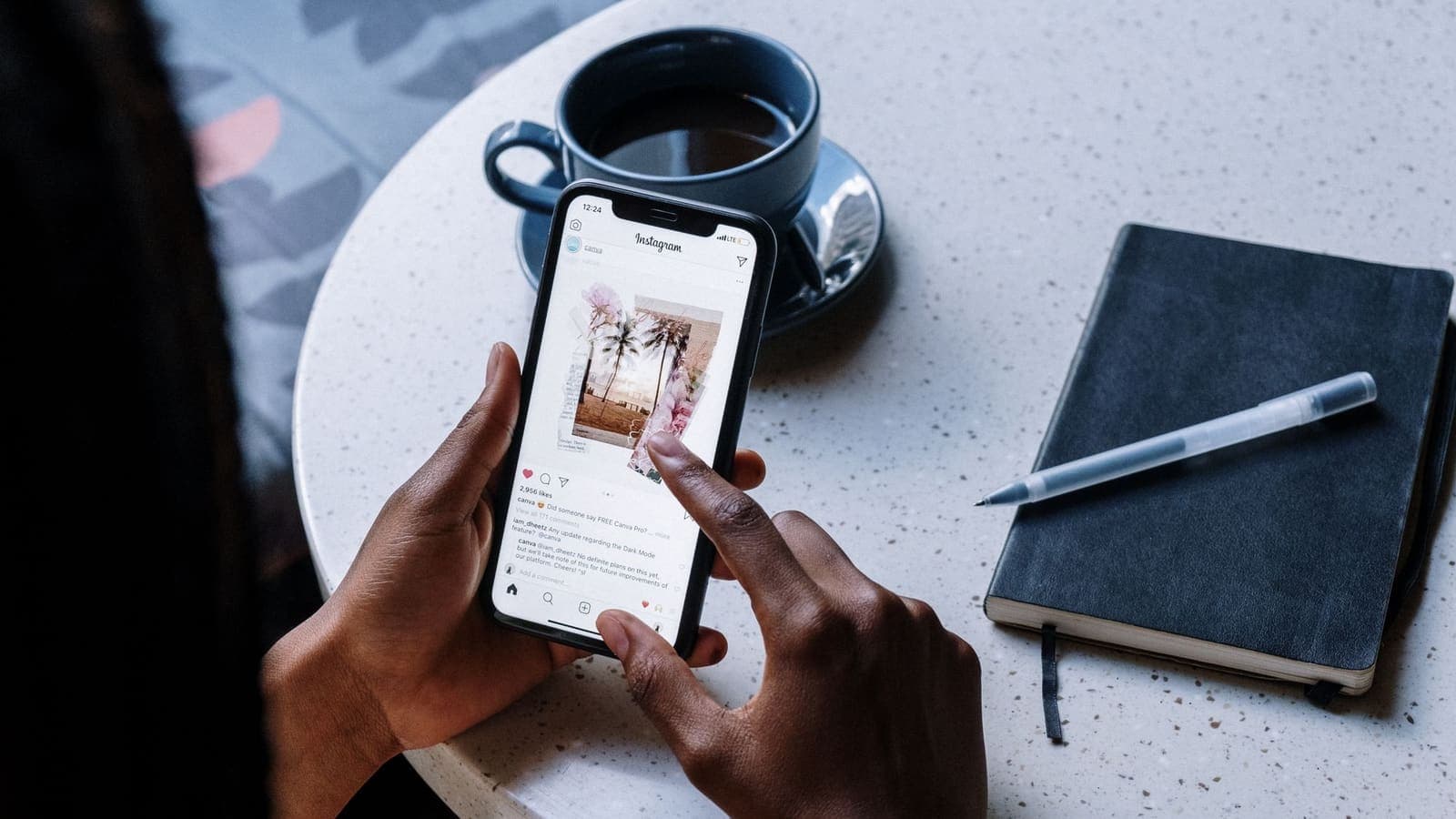
People often reach for a VPN before they reach for the privacy settings in their social accounts. It is easy to see why: a VPN is one switch, while a privacy menu is forty. But social media is a place where nearly everything about you is shared by you, on purpose, with an account that already says who you are. A VPN has a role, and it is a narrow one.
This article is about the exact situation in the title: you use social platforms with a VPN on, and you want to know what is still tracked. We will go through what a platform knows regardless of your IP address, what other people can learn from you, what is hidden in your uploads, how a VPN can complicate sign-ins, and a practical set of changes that do more for your privacy than any tunnel. For the general question of what a VPN does and does not hide, see can a VPN make you anonymous.
What a VPN does for social media
Be fair to the tool first. When you connect, the network between you and the platform, whether a cafe, a hotel, a campus or your internet provider, cannot see which social service you open or read what you do inside it. The platform sees the VPN server's address as your connecting address instead of your home or mobile connection.
That gives you three real benefits.
- Privacy from the local network. The Wi-Fi owner or your internet provider cannot build a record of which platforms you visit.
- A less revealing IP. Your platform account is no longer easy to link to your home address by the connection data alone, and strangers who get hold of connection logs from a service learn less.
- Protection on shared Wi-Fi. Your sessions and data are wrapped in an encrypted tunnel on networks you do not control.
These are useful and worth having. The limitation is where they stop: at the platform's front door. Everything that happens inside your account is outside the VPN's reach.
What the platform still knows, whatever your IP
Once you sign in, you are no longer an anonymous visitor with an address. You are an account, and the platform keeps a rich record tied to it.
| Category | Examples | Affected by VPN? |
|---|---|---|
| Profile data | Name, birthday, phone, email, photos, workplace, school | No |
| Content | Posts, comments, messages, saved items, likes | No |
| Social graph | Friends, followers, groups, who you interact with most | No |
| Behaviour | What you view, how long, what you skip, search terms | No |
| Device data | Model, operating system, language, installed fonts, battery and network type | No |
| Contacts and photos you grant | Address book, camera roll, calendar | No |
| Location | GPS, nearby Wi-Fi, check-ins, tagged places | Only the IP part changes |
| Connection address | IP address of your session | Yes |
The final row is the only one a VPN changes. In the other seven rows, the data is either something you typed or something your device reports. Platforms also use what they learn to suggest friends and show content, which is why the "people you may know" list can feel uncanny: it is built from contact uploads and shared connections, not from IP addresses.
For a deeper look at how an account relates to a VPN, see VPN account privacy.
What other people can learn about you
The second leak in social media comes from other users. You may keep your own posts private and still be exposed through the people around you.
- Tags and mentions. A friend tags you at an event or in a photo; your presence and the place are now public on their profile.
- Mutual friends and group lists. A stranger can often see a mutual-friend count, group membership or a list of pages you follow.
- Contact matching. When someone uploads their address book, a platform may match your phone number or email to your profile and suggest you to them, even if you never shared it.
- Screenshots. Anything you post to a limited audience can be captured and shared further by anyone in that audience.
- Comments in public threads. Replying publicly places your profile name and photo in front of everyone reading.
- Visible activity. Online-status indicators, read receipts and "last seen" times reveal your routines.
No VPN setting affects any of this. The remedy is to decide in your settings who can tag you, who can find you by phone or email, and how visible your lists and activity are.
What is hidden inside your uploads
Photos and videos carry more than the picture. Many files include metadata: the time they were taken, the device model, and sometimes GPS coordinates. Some platforms strip location data when you post, others do not, and the rules differ between apps and across time. If you send the original file to someone by a messaging app, or post it on a site that keeps metadata, the location may travel with it.
The picture itself can give things away too: a street sign, the front of your home, a school uniform, the reflection in a window, a boarding pass or a document in the background. A VPN cannot see or redact any of this.
Habits that help:
- Turn off location tagging in the camera app unless you need it.
- Crop or blur address numbers, vehicle plates and documents before posting.
- Delay posting travel photos until you have left the place, if that matters to you.
- Post screenshots rather than originals when you want to avoid metadata.
How a VPN can complicate signing in
There is one more interaction between VPNs and social platforms, and it is a practical annoyance. Platforms watch for signs of account takeover, such as a login from a new place or device. A VPN address that is shared by many people or located far from your usual place may trigger extra checks: a code sent to your phone, a request to confirm recent activity, a temporary limit, or in rare cases a locked account.
That is normal security behaviour, not a malfunction. Some tips:
- Keep two-factor authentication set up before you travel or switch networks. The CISA page "More than a Password" explains why it is worth having. Our overview of two-factor authentication walks through the types, and passkeys, described by the FIDO Alliance, can make sign-ins both safer and smoother.
- Do not hop between many locations while logging in repeatedly. Consistency looks safer.
- Do not repeatedly retry failed logins, which can trigger lockouts.
- Use the platform's official recovery route if you are locked out, never a stranger who promises to unlock an account. Recovery scams are common.
- Do not use a VPN to hide who you are in order to break a platform's rules. Doing so can cost you your account and has nothing to do with privacy.
A privacy checklist that does more than a VPN
Spend half an hour on this and you will change your exposure more than a month of toggling a tunnel.
Account security
- Use a long, unique password for each platform, and a password manager if you can.
- Turn on two-factor authentication, and keep recovery email and phone up to date.
- Review "where you are logged in" and sign out devices you do not recognise.
- Review connected apps and revoke old ones.
Audience and visibility
- Set the default audience for new posts to the smallest group you are comfortable with.
- Limit who can tag you, and require your approval before tagged posts appear.
- Choose who can find you by phone number or email.
- Hide or limit your friends list, followed accounts and activity status.
- Remove old posts you no longer want public, or bulk-limit them where the platform allows.
Data you hand over
- Do not grant contacts, photo library or microphone access unless a feature truly needs it.
- Choose "while using the app" for location permission, or turn it off.
- Check which profile fields are required and which are optional, and leave optional ones empty.
Scams and impersonation
- Treat unsolicited messages with links as suspicious, even from known accounts; hijacked accounts message their friends. See CISA's advice on recognising phishing.
- Beware of fake giveaway or verification offers, and never share one-time codes.
The EFF Surveillance Self-Defense site has more detailed guides if you want to go further.
Three scenarios
The student with a public profile. Dao uses a VPN on campus Wi-Fi and believes that makes his social accounts private. His profile photo, school, birthday and friend list are public, and a friend tags him at a party every weekend. The VPN protected the campus network from watching him; it did nothing about strangers browsing his profile. He sets the profile to friends-only, requires tag approval, and hides the friend list.
The small business owner. Nan manages a shop's page from a phone and a cafe laptop. She uses a VPN on cafe Wi-Fi to protect the session. Her bigger risk is a shared password with a former employee. She changes it, removes the old admin, turns on two-factor authentication and checks the active-sessions list. The VPN stays as a layer on shared networks.
The traveller who posts as they go. Arjun posts beach photos from a hotel. With a VPN on, the platform sees a different connection address, but the photos have location data, the post includes a geotag, and the account is known to be at home in another city. A stranger now knows his home is probably empty. He switches to posting after he returns, removes the geotag and limits the audience.
Limits and honest expectations
A VPN is helpful on shared networks and slightly reduces how easily a connection address can be linked to your account. It does not make you invisible to the platform, to other users, or to anyone who sees your posts. Real privacy on social media is mostly about choices: what you post, who sees it, what permissions you grant and how well your account is secured. Be sceptical of any claim that a VPN makes social media "private" or "anonymous".
Summary
With a VPN on, social platforms still know your account, profile, content, contacts, behaviour and device, and other people can still learn about you through tags, lists, contact matching and your own uploads. The VPN hides your traffic from the local network and swaps your connection address, nothing more. To improve your privacy, tighten audience and tagging settings, limit permissions, strip location from photos, secure the account with two-factor authentication, and keep the VPN as an extra layer on public Wi-Fi.
If you want that extra layer on networks you do not control, you can look at the pricing page at your own pace.
Frequently asked questions
If I use a VPN, can a social media platform still see who I am?
Yes. When you are signed in, the platform knows your account whatever your IP address is. A VPN hides your connection details from the network between you and the platform, not your identity from the platform itself.
Does a VPN hide my location from social media apps?
It changes the location that can be guessed from your IP address. Apps with location permission can still read your phone's GPS or nearby Wi-Fi, and photos you upload may carry location data. Turn off those permissions if you want to limit location sharing.
Can my friends or other users find out things about me even with a VPN?
Yes. Tags, mutual friends, group membership, comments, screenshots and contact-matching features all reveal information through other people. A VPN has no effect on what the social graph exposes.
Will using a VPN get my social media account locked?
It can trigger extra security checks, because a login from an unusual address looks like a possible takeover. This is common and usually solved by confirming it is you. Keep two-factor authentication ready and avoid switching locations repeatedly while logging in.
What is the single most useful privacy step for social media?
Review who can see your posts, profile details and contact information, and turn on two-factor authentication. These settings change what the platform and other people can learn far more than your IP address does.
References
About the author

Bob Kanokphon Thongdee
- Founder of XPASS VPN
- Co-founder of eSIMonline.asia
- More than 7 years in online marketing
- Founder of Cojourney Visa and Cojourney Travel
Need a VPN for a short trip or a busy month?
XPASS sells prepaid passes for a set number of days. You pay once and nothing renews automatically.
See passesKeep reading

Privacy Guides
Can You Be Tracked With a VPN?
Yes, you can still be tracked with a VPN. Cookies, fingerprints, location services, ad IDs and your own accounts keep working. Here is what a VPN changes and what it does not.
10 min read

Privacy Guides
Can a VPN Make You Anonymous?
A VPN gives you more privacy on the network, but it does not make you anonymous. Here is the difference and what still identifies you online.
9 min read
Privacy Guides
Does Your VPN Account Reveal Your Identity?
Your VPN account can tie your name, email and payment to the service you use. This guide explains what is linked, what is not, and how to share less.
9 min read
Privacy Guides
Why Can Apps Still Know Your Location with a VPN?
A VPN changes the address a site sees, not the GPS, Wi-Fi and account clues your phone offers. Here is what apps use and how to limit it.
9 min read

Privacy Guides
What Is Two-Factor Authentication?
Two-factor authentication asks for a second proof of identity in addition to your password, so a stolen password alone is not enough. Here is how the main methods compare and how to start.
9 min read