
Does Your VPN Account Reveal Your Identity?
Your VPN account can tie your name, email and payment to the service you use. This guide explains what is linked, what is not, and how to share less.
9 min readUpdated Oct 15, 2026By XPASS Editorial Team
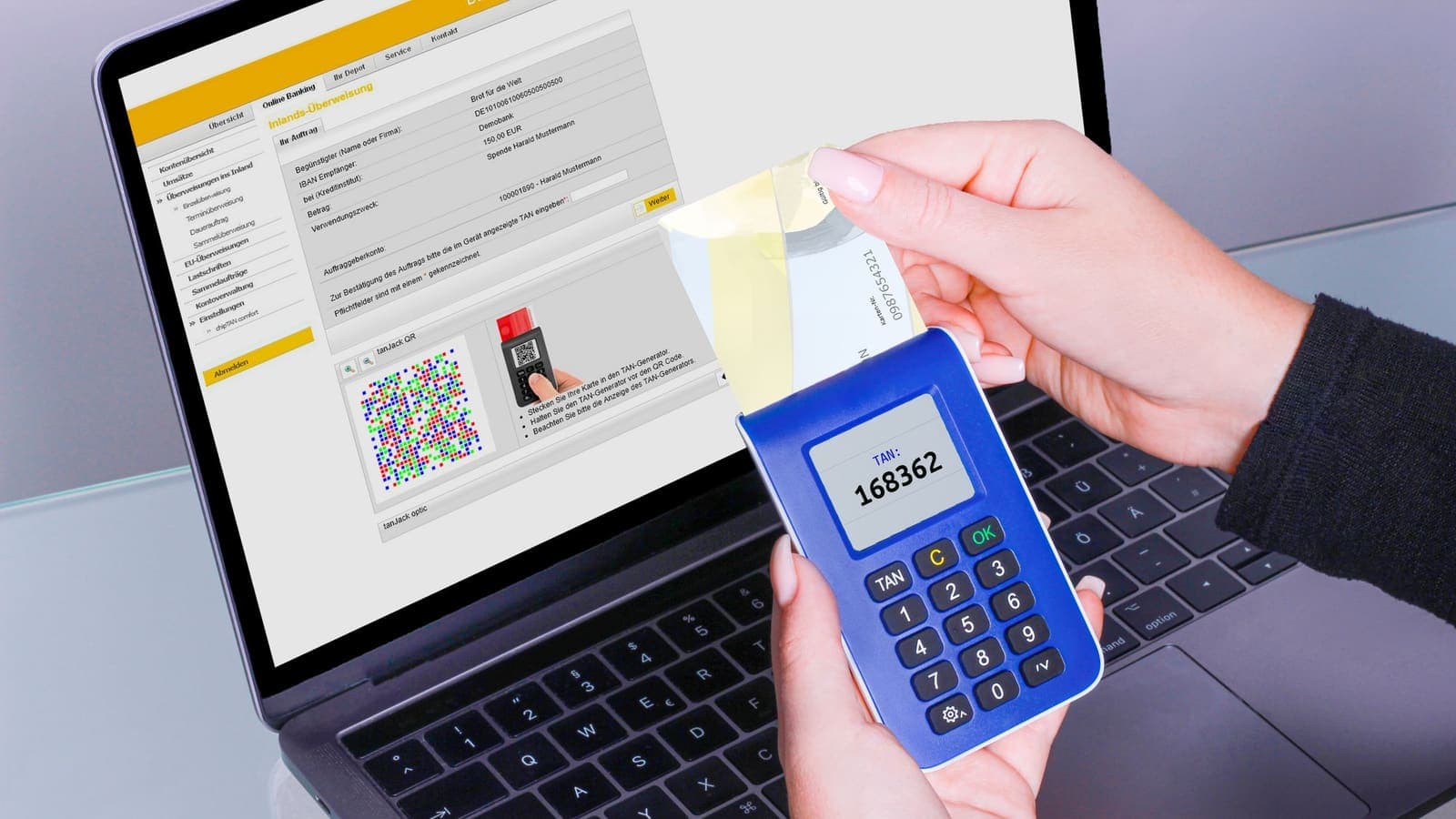
When people ask whether a VPN "keeps them private", they usually think about the connection: what the provider can see while the tunnel is open. There is a second question that gets much less attention. Before you ever connect, you create an account, and that account may carry your email address, your payment details and your device. Who you are, as far as the provider is concerned, is decided at sign-up long before you open the app.
This article is about that second layer. It follows the trail from the sign-up form to the payment record to the login you type into the app, and it shows what each step can link to you, what it cannot, and how to share less without making unrealistic promises. For the connection side, read what a VPN provider can see about you.
The account is not the connection
Two different records exist for every VPN customer, and mixing them up causes most of the confusion.
- The account record answers: who is the customer? It is built when you sign up and pay. It may include an email address, a name, a country, a payment reference, a username and the time the account was created.
- The connection record answers: what happened on the network? It concerns your device, the IP address you connect from, when you connected and how much data moved, if the provider keeps any of that at all.
A provider can be careful with one and careless with the other. For instance, a service might collect very little about your browsing and yet hold a full billing history with your name on it. Another might ask for almost nothing at sign-up but keep detailed technical records. The two need to be judged separately, and the privacy of a VPN is only as good as the weaker of the two.
It also helps to remember what an account is for. A provider needs some way to decide whether you are allowed to connect, to give you support when something fails and to handle refunds or disputes. Each of those tasks gives it a reason to keep a small amount of information. The practical goal is not zero information but a deliberate, minimal set that you understand.
What a sign-up can link to you
Here is a realistic map of the data that commonly sits behind a VPN account, and how identifying each item is.
| Data item | Where it comes from | How strongly it identifies you |
|---|---|---|
| Email address | Sign-up form or order confirmation | High if it contains your name or is used across other services |
| Payment record | Card issuer, payment processor, app store | High: tied to a cardholder or store account |
| Billing name and country | Checkout | High |
| Username and password for the VPN | Generated by the provider or chosen by you | Low on its own, but a reused username is a link |
| IP address at sign-up | Your connection when you visited the site | Medium: points to your internet provider and area |
| Device type and app version | The app or browser | Low to medium |
| Phone number | Only if the service asks | High; ask why it is needed |
| Support messages | When you write to the provider | Depends on what you include |
Notice how little of this is about the VPN itself. Most of the identifying data comes from ordinary commerce: an email, a payment and a checkout page. That is why switching to a different VPN does not by itself change how traceable your purchase is.
How payment shapes the trail
Payment is usually the strongest link between a person and a service, so it deserves its own look.
One-time card payment. You pay once through a payment processor, and the provider generally receives confirmation rather than your full card number. The processor and your bank know the purchase. This is ordinary online shopping: it gives you fraud protection and clear records, and it is not private. XPASS works this way: a pass is paid once by card through Stripe, and nothing renews automatically.
Recurring subscription. The same link exists, plus a standing agreement that continues until you cancel. If you forget, you keep paying, and the record keeps growing.
App store billing. Buying through a phone's app store ties the purchase to your Apple or Google account instead of directly to a card. That account already holds your name and often your payment methods, so the link is just moved, not removed.
Gift or company card. Paying with a company or family card puts someone else's name on the receipt. That may suit expenses, but it does not hide anything from the payment processor, and it can create confusion when you need a refund.
None of these is wrong. The point is to know which trail you are leaving and whether it matches your needs. For most people, a clean receipt is a feature, not a flaw. If you are working through a broader risk assessment, build a simple privacy threat model will tell you how much of this matters to you.
What XPASS asks and what it shows
Since this article is on the website of a pass seller, it is fair to describe how that flow looks without making claims it cannot back up. After payment is confirmed, a VPN account is created automatically. The login details never travel by email. They appear on your My Pass page, where you copy the username and password into the free VPNclient app. The email you use for the website sign-in link is separate from those VPN credentials.
Two practical consequences follow. First, the VPN username and password are not your website email and password, so you can keep them in separate entries in a password manager. Second, if you misplace them, the place to look is My Pass, as explained in where are my VPN login details. We do not describe here what any system stores internally, and you should read the privacy policy for that.
Six questions to ask before you sign up
A privacy policy can be long, but you only need answers to a handful of questions. Read the policy with these in hand.
- What do you collect at sign-up? Compare the list with what the form asks. A policy that mentions data the form never requests, or the other way round, is a warning.
- How long is it kept? "As long as necessary" without any time frame is vague. Look for concrete periods or deletion rules.
- Who receives it? Payment processors are normal. Advertising partners and data brokers are not what you expect from a privacy tool.
- Can I delete my account, and what remains afterwards? Billing records often must be kept for tax reasons; the policy should say so.
- Which country's rules apply? This links to the wider question explained in VPN jurisdiction.
- Does the app ask for more than it needs? Contacts, location and advertising identifiers are poor fits for a VPN client. The app store's privacy label is a quick first check.
If a provider cannot answer these clearly, that is information as well.
A tidy-account checklist
You cannot make a payment disappear, but you can reduce how many other links you add. Work through this list during or after sign-up.
- Choose the email deliberately. Use an address you control and will keep for the length of the service. A separate address or alias avoids tying the service to your main inbox, but make sure it receives mail reliably.
- Use a unique password. Generate it in a password manager. Reusing one is the most common way an account gets taken over.
- Switch on a second factor where offered. Guidance from CISA and NIST explains why a second step protects an account even when the password leaks.
- Do not reuse the VPN username elsewhere. A name you use on forums or games is a bridge between accounts.
- Give only what is needed. If an optional field has no clear purpose, leave it empty.
- Keep the receipt and the login in one safe place. You will need them if something goes wrong.
- Set a reminder for the end date. With a pass that ends by itself, you only need to decide whether to renew.
- Delete or close the account when you are done, if the provider offers it, and ask what is erased.

What a minimal sign-up still cannot hide
Giving the provider less is useful, but it does not make the account invisible. Several links remain whatever you choose.
- Your IP address at sign-up. When you visit the sign-up page, the site sees the address you connect from, before any VPN is on.
- The payment trail. The processor, the card issuer and often the store know the purchase.
- Behavioural patterns. Logging in at the same time every day from the same device is a pattern, even without a name.
- Everything else you do online. Your other accounts, cookies and apps still identify you. See can a VPN make you anonymous for why a VPN does not remove those.
Treat minimal sign-up as one layer. It reduces exposure, but the claims "anonymous" or "untraceable" would not be honest.
Three scenarios
A parent buying for the family. Ploy buys a pass on her own card for a trip with her teenagers. The receipt carries her name, which she accepts. She stores the VPN username and password in the family password manager, gives each child their own sign-in on their own device where the provider allows it, and does not reuse the website password. The receipt is useful later if she needs a refund.
A freelancer who bills a client. Arun uses a VPN while working from cafes, and his client reimburses the cost. He needs the receipt with the company details, so a clean invoice matters more to him than hiding a purchase. He registers with his work address, because he will use the service only for work. His threat is shared Wi-Fi, not the provider's bookkeeping.
A student who wants fewer links. Mook is uneasy about a stack of accounts tied to one email. She creates an alias for the service, picks a generated password, and pays by card in her own name because it is the simplest honest option. She decides that her real concern is the websites she uses, not the receipt, and spends her effort on browser habits instead.
Common mistakes
- Assuming that a no-registration claim means no data. Payment and technical records can still exist.
- Using the same password as email or social media.
- Using a throwaway address and then losing access to the receipt or reset links.
- Giving a phone number to a service without asking why.
- Believing that the VPN account makes you anonymous.
- Forgetting that a subscription keeps charging until you cancel it.
- Ignoring the privacy policy because it is long.
Summary
A VPN account is a separate record from your connection, built from ordinary commerce data: email, payment, device and the login you are given. Payment is the strongest link to a real person, and a minimal sign-up reduces exposure without making you anonymous. Read the policy with six clear questions in mind, keep a unique password, share only what is needed and treat the account as one layer in a wider approach to privacy.
If a prepaid pass that is paid once and does not renew suits your needs, the pricing page explains how it works.
Frequently asked questions
Does a VPN account reveal who I am?
It can. An email address, a payment record or an app store account may link the service to your name. Whether it does depends on what you gave during sign-up and what the provider keeps. A VPN does not make you anonymous by itself.
Is the email I use to sign up a privacy risk?
It is one linking point. Many people use a separate address for services where they want fewer links to their main inbox, but the provider still needs a working address if the service uses it to deliver access or support.
Is paying by card a problem for privacy?
A card payment is handled by a payment processor and normally ties the purchase to the cardholder. It is ordinary and safe in the sense of fraud protection, but it is not a private payment method.
Should I reuse my usual password for a VPN account?
No. Use a unique password, ideally from a password manager, so a leak elsewhere does not open your VPN account.
What should I look for in a privacy policy before signing up?
Check what data is collected at sign-up, how long records are kept, who they are shared with, how you can delete your account, and whether the policy matches what the sign-up form actually asks for.
References
About the author

Bob Kanokphon Thongdee
- Founder of XPASS VPN
- Co-founder of eSIMonline.asia
- More than 7 years in online marketing
- Founder of Cojourney Visa and Cojourney Travel
Need a VPN for a short trip or a busy month?
XPASS sells prepaid passes for a set number of days. You pay once and nothing renews automatically.
See passesKeep reading

Privacy Guides
What Can a VPN Provider See About You?
A VPN does not remove trust, it relocates it. Here is what a VPN provider can technically see about your account, your payment, your connections and your traffic, and how to judge a provider.
9 min read

Privacy Guides
Can a VPN Make You Anonymous?
A VPN gives you more privacy on the network, but it does not make you anonymous. Here is the difference and what still identifies you online.
9 min read

Privacy Guides
Build a Simple Privacy Threat Model Before Choosing a VPN
Before you choose a VPN, decide what you are protecting and from whom. A simple five-question threat model keeps the choice practical and honest.
9 min read

Buying Guides
Free VPN Without Registration: Is It a Good Idea?
A free VPN that asks for no account sounds ideal, but someone still pays for the servers. This guide explains where the money comes from, what can go wrong, and what to compare instead.
9 min read
Device Guides
Where Are My VPN Login Details?
Your username and password appear only in My Pass after you sign in. Here is how to open the page, copy the details, fix a sign-in loop and what to do if they are missing.
7 min read

Buying Guides
What to Check Before Paying for a VPN
A short, practical checklist covering billing, refunds, device support, setup and claims, so you can judge a VPN before your card is charged rather than after.
8 min read