
VPN on In-Flight Wi-Fi: What to Expect
In-flight Wi-Fi is a shared, time-limited connection with its own login and sometimes limited tiers. Here is what a VPN does on a plane, what can go wrong, and a short routine for the flight.
9 min readUpdated Oct 15, 2026By XPASS Editorial Team
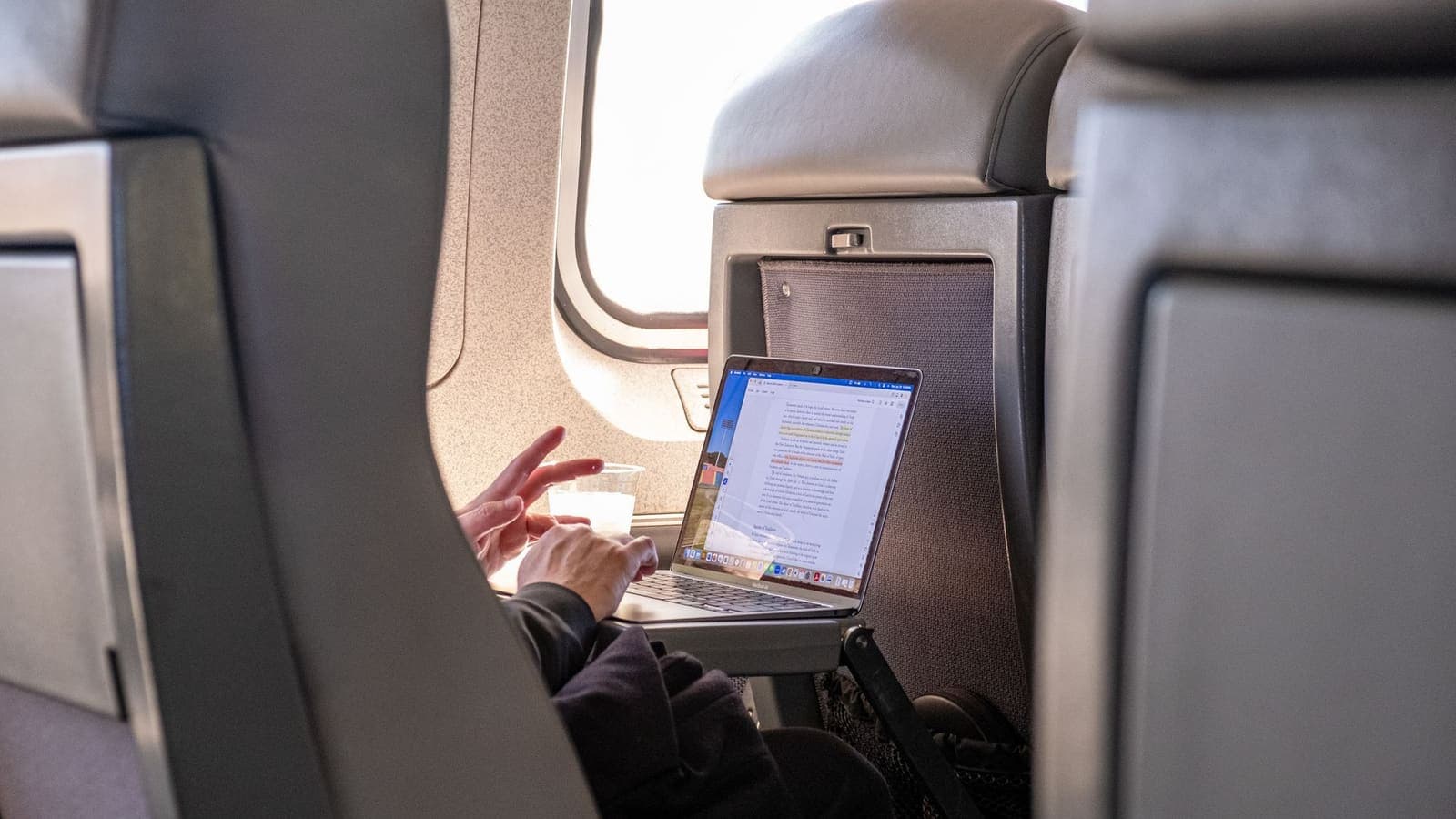
Airplane Wi-Fi sits in an odd place. It is a shared network with a login page, strangers in the next seat, a limited time budget and a connection that depends on antennas and satellites above or beside the aircraft. Many passengers want to keep working, message family or check a bank balance, and ask the obvious question: should a VPN be on while I do it?
The honest answer is that a VPN can work on a plane and may protect your traffic from other passengers on the cabin network, but the details vary by airline, route and ticket type. This article explains how in-flight networks are put together, what a VPN adds, which things commonly go wrong, and a routine that avoids most of the frustration. It does not tell you how to get around any airline's rules, and it does not promise particular speeds. For the general picture of shared networks, see our guide to staying safer on public Wi-Fi.
How the connection reaches your seat
Aircraft get internet in one of two broad ways. In the first, ground-based antennas along the flight path communicate with a receiver on the underside of the aircraft, which works over land and near coastlines. In the second, a dish on top of the aircraft communicates with a satellite, which works over oceans and remote regions. Some aircraft combine both.
Inside the cabin, a wireless access point, or several, shares that single link among passengers. Several consequences follow.
- The link is shared. A full cabin on a long flight divides the capacity many ways. Throughput drops when most people connect in the first hour.
- Delay is high. Satellite paths in particular add a long round trip to every request. If you want the detail, Cloudflare's explanation of latency is a short read.
- The link can change mid-flight. When the aircraft hands over from one antenna or satellite beam to the next, you may see a brief pause or a dropped session.
- Access is managed by the airline. Portals, passes and time limits are part of the service.
Compared with a cruise ship, the aircraft is faster-moving and crowded in a smaller space, so interruptions during handovers and busy periods are more noticeable. Compared with an airport lounge, the plane has no wired backup if the Wi-Fi fails.
What a VPN adds on a plane
A VPN creates an encrypted tunnel from your device to a VPN server. On the plane, that tunnel passes through the cabin network and the aircraft's uplink before reaching the server. Anyone else on the cabin Wi-Fi, and the network operator, sees encrypted data going to the VPN server instead of the individual sites you open. The Cloudflare overview of VPNs describes the principle in plain terms.
What that means in the air:
- Other passengers cannot easily read your traffic. On a shared cabin network, a person in 14C running snooping tools would find an encrypted stream, not your pages.
- The airline's network sees less. The operator sees that you connect to a VPN server rather than a list of domains.
- HTTPS still matters. Most websites already encrypt the content of the pages. A VPN adds protection for the destination and for apps or sites that do not. Our article on HTTPS and VPN together explains the difference.
What it does not do: it does not add speed, it does not guarantee that the airline will allow VPN traffic on your ticket tier, and it cannot protect you from someone looking at your screen. On a plane, the person next to you is a bigger privacy risk than any packet.
Tiers and passes: when the VPN will not connect
Airlines commonly offer several levels of access, and the names and rules differ.
| Tier | Typical behaviour | VPN outlook |
|---|---|---|
| Free messaging pass | Allows certain chat apps, sometimes with limited features | The VPN will usually not connect, because only approved traffic passes |
| Paid browsing pass | General web access, often with speed or data limits | Often works, results vary by airline |
| Paid streaming or premium pass | Higher allowance and better speeds | Works more often, but speed is still limited |
| Free for members or lounge guests | Rules vary | Check the terms on the portal |
| No Wi-Fi at all | None | Nothing to protect |
If the VPN fails on a messaging-only tier, that is not a bug in the app or the VPN. The airline has deliberately limited the connection to specific services, and the VPN's own connection is outside that list. In that case, use the allowed apps for what they were designed for and keep sensitive tasks for later. Do not attempt to bypass the tier restriction, since doing so breaks the airline's conditions and may get your access cut.
Four flights, four plans
A two-hour domestic hop. Maria only wants to message a colleague and check one calendar entry. A free messaging pass covers it. She does not need a VPN for that, and she keeps her phone in airplane mode with Wi-Fi on to save battery. The VPN stays off because it would not connect on that tier anyway, and nothing she sends is confidential.
A long-haul overnight flight. Dev has a report due. He buys the paid browsing pass, logs in to the portal, then switches on the VPN before opening his work mail. The speed is poor in the first hour when the cabin is busy, so he reads mail offline and syncs once at the end of the first meal service. He keeps the VPN on because the work files are sensitive.
A family with two tablets. The parents allow the children to use the plane's Wi-Fi for games they already downloaded. They check what the tablets try to do in the background and disable automatic updates, which can use a limited pass. The VPN is not necessary on a device that is only playing offline games.
A traveller with a 90-minute connection at a hub. Aiko plans to use the airline lounge Wi-Fi in the hub and the in-flight Wi-Fi on the next leg. She runs the same VPN routine each time: join Wi-Fi, complete the portal step, then connect the VPN. Because the routine is the same, she does not have to think about it in a rush.
Logging in to the cabin network
The portal step is the same pattern as on any public network.
- Put your phone in airplane mode as the crew requires, then turn Wi-Fi on if the airline allows it.
- Join the network the airline names in its announcements and on the seatback card.
- Open the browser. If the portal does not load by itself, type a plain address such as a news site that works without HTTPS-only redirects.
- Sign in, accept the terms and choose or confirm your pass.
- Now turn on the VPN.
If the portal page does not appear because the VPN was left on from the ground, switch the VPN off and refresh. For more on that behaviour in general, see what to do when a VPN seems blocked by a network.
Speed, throttling and what to expect
Even a good in-flight connection is slower than home broadband and varies by moment. Expect these patterns.
- Messaging and mail usually work.
- Web browsing works but pages with many elements load slowly.
- Video calls are often poor or blocked by the pass terms.
- Streaming may be throttled, restricted or limited to certain services.
- Large downloads and cloud sync are best postponed.
Some passes apply throttling after a data threshold or when certain traffic is detected, which our article on bandwidth throttling explains in general terms. A VPN does not remove a limit that the airline sets on the link itself.
If the connection feels slow, check with the VPN off for a moment. If the plain connection is slow too, the VPN is not at fault. If only the VPN is slow, try another location, and expect a few seconds of extra delay for each new page.

Battery, power and cabin practicalities
A VPN adds a little processing to every packet, and flying already drains phones because they search for signals and the cabin is cool and dry. Practical points:
- Charge before boarding, and use the seat power if available.
- Lower screen brightness and close apps you are not using.
- Download what you need beforehand, such as films, documents and maps, to avoid heavy use in the air.
- Use a privacy screen or angle your screen if you work on sensitive material. The most likely observer is someone behind or beside you.
- Use your own headphones, and keep notifications from displaying previews of private messages.
- Follow crew instructions about devices during take-off and landing.
More on the energy side in does a VPN drain your battery.
A short routine from home to cabin
- At home, install the VPN app and test it on Wi-Fi and mobile data. With XPASS you sign in to the free VPNclient app with the username and password on your My Pass page. The download page has the official links.
- Buy the pass shortly before travel. The days start when the account is created, not at your first connection.
- Check the airline's Wi-Fi details in advance, including tiers and whether your ticket includes a pass.
- Update your devices and apps at home. Downloading updates at altitude is slow and may use a paid allowance.
- On board, join Wi-Fi, finish the portal step, then connect the VPN.
- Decide in advance which tasks wait until landing, such as large uploads and sensitive transfers.
- After landing, turn the VPN on when you join airport Wi-Fi, and review our notes on choosing a VPN for travel if you travel often.
Common mistakes
- Expecting every tier to allow a VPN. Messaging-only passes usually do not.
- Leaving the VPN on during portal login. It can hide the portal page.
- Using the cabin network for a banking transfer without a plan. If you can wait until you land and use your own mobile data, that is a calmer choice.
- Reading private messages with a bright screen. Neighbours can see more than a network can.
- Plugging in a seatback or armrest USB port with a data cable for anything other than charging. Use a power-only adapter if you are unsure.
- Counting on a video call. Plan for audio only or a delayed call.
- Forgetting that the pass is time-limited. Save important work before it expires.
Summary
In-flight Wi-Fi is a shared, high-delay, airline-managed link. A VPN can help protect your traffic from other passengers on the cabin network, but only if the pass tier allows it, and it adds a little delay to a connection that is already slow. Complete the portal login first, switch the VPN on afterwards, keep heavy and sensitive tasks for the ground when you can, and remember that a glance at your screen is a bigger risk than most packets.
If a short prepaid pass fits your travel, you can look at the pricing page at your own pace.
Frequently asked questions
Does a VPN work on airplane Wi-Fi?
Often yes, but it depends on the airline, the Wi-Fi tier you bought and the aircraft system. A paid full-internet pass usually allows it, while a free messaging-only tier may only let certain apps through, so a VPN may not connect. If it does not, use the apps the tier allows and save sensitive tasks for later.
Why does the VPN fail to connect until I log in to the plane's portal?
The portal controls access first. Until you sign in or accept terms, almost nothing leaves the cabin network, including the VPN's own connection. Complete the portal step with the VPN off, then switch it on.
Is in-flight Wi-Fi safe to use without a VPN?
It is a shared network run by an aviation provider, so treat it like any public Wi-Fi. HTTPS protects the content of most sites, but it does not hide which sites you visit from the network. A VPN adds a layer, and good habits remain essential.
Does a VPN make in-flight Wi-Fi slower?
It adds some delay and overhead on a link that is already high-latency and shared. Expect small tasks such as mail and chat to work, and video calls to be unreliable regardless.
Do I need airplane mode on to use a VPN in the air?
You use airplane mode to disable cellular radios, then switch Wi-Fi back on if the airline permits it. The VPN runs over that Wi-Fi like on the ground. Follow the crew's instructions about devices at all times.
References
About the author

Bob Kanokphon Thongdee
- Founder of XPASS VPN
- Co-founder of eSIMonline.asia
- More than 7 years in online marketing
- Founder of Cojourney Visa and Cojourney Travel
Need a VPN for a short trip or a busy month?
XPASS sells prepaid passes for a set number of days. You pay once and nothing renews automatically.
See passesKeep reading

VPN Security
How to Stay Safer on Public Wi-Fi
Public Wi-Fi is not a disaster, but it is a network you do not control. Here are the real risks, the habits that matter most, and where a VPN fits in.
8 min read

Buying Guides
Best VPN for Travel: How to Choose One Before Your Trip
A good travel VPN is mostly about planning: the right pass length, apps installed before you leave, and realistic expectations. This guide walks through what to check before a trip.
9 min read

Troubleshooting
Can a VPN Prevent ISP Throttling?
A VPN hides what you do from your ISP, which sometimes changes how traffic is treated. Here is how to test for throttling yourself and read the numbers honestly.
9 min read

VPN Basics
Does a VPN Drain Your Battery?
A VPN adds encryption work and keeps a connection alive, so it can use some battery. This guide explains what drives the cost, how to measure it on your own phone and what helps.
9 min read

Troubleshooting
Firewall Blocking VPN: How to Diagnose It
How to work out whether a firewall is the reason your VPN fails: telling a device firewall from a router or network policy, testing safely, and what to do in each case.
9 min read