
Public USB Charging Ports: Is Juice Jacking a Real Risk?
Plugging your phone into a public USB port is convenient, but the cable can carry data as well as power. This guide explains the realistic risk, safer habits and why a VPN is not the answer here.
10 min readUpdated Oct 18, 2026By XPASS Editorial Team

You land after a long flight with eight percent battery. The gate area has a row of USB sockets built into the seats, the mall has a charging kiosk and the hotel lobby has a socket in the table. Plugging in feels harmless. It is also the situation that gave rise to a warning you may have heard: do not use public USB charging ports because someone could steal your data.
This article looks at that warning calmly. It explains what "juice jacking" means, why a USB cable can carry more than electricity, how large the risk realistically is, and the easy habits that remove most of it. It also says plainly what a VPN does here, because the honest answer is that it does nothing at all for this problem. If you are interested in network risks instead, see how to stay safer on public Wi-Fi.
What juice jacking means
Juice jacking is the idea that a public charging point, or a cable left in one, could be tampered with so that it does more than charge your phone. The "juice" is the power, and the "jacking" is the hijacking of the connection. In theory, a rigged port could try to copy files from the phone, push malware onto it, or talk to it as a computer would.
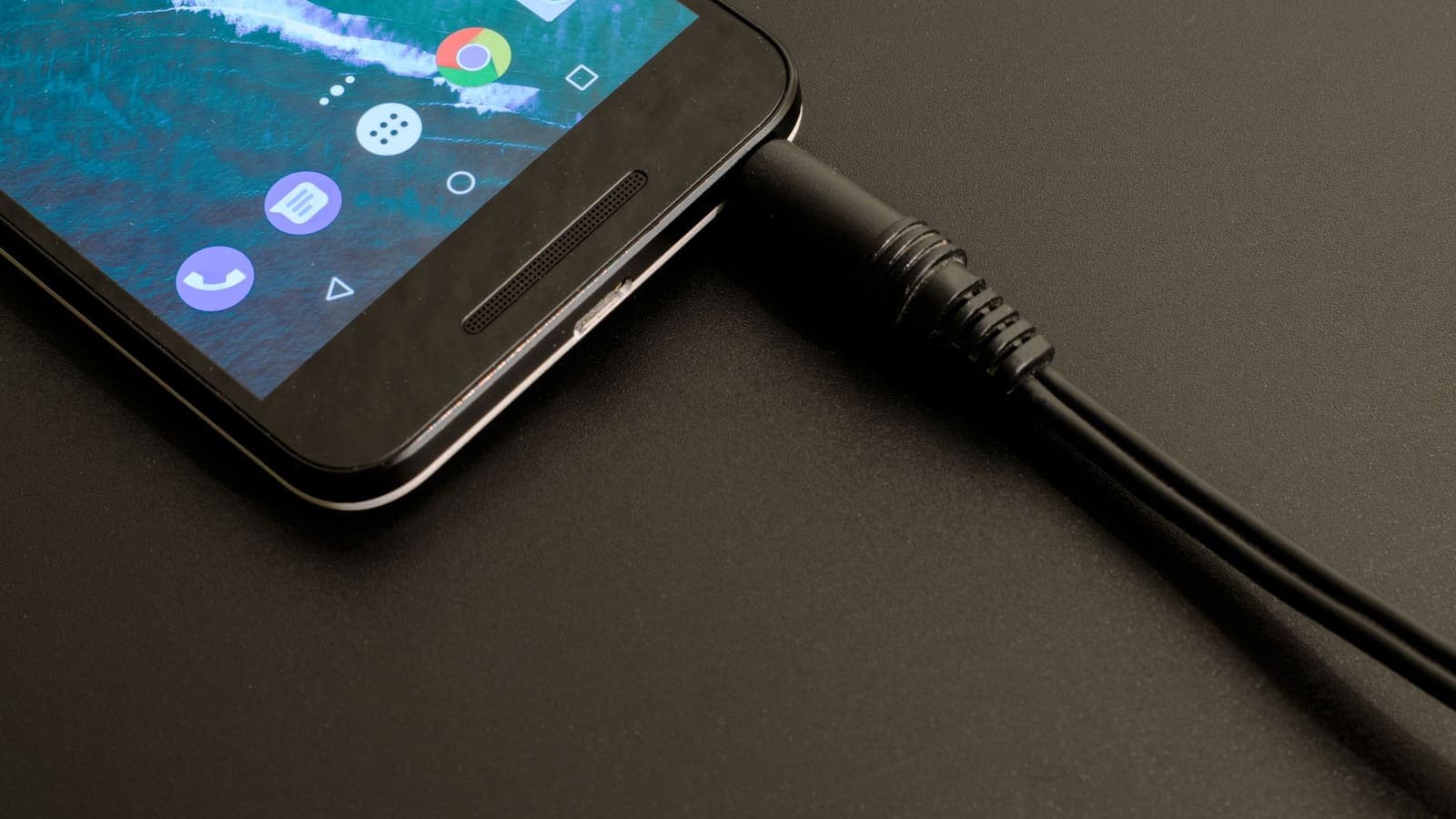
The concern comes from how USB works. A USB cable has wires for power and wires for data. When you plug a phone into a laptop, both are used: the phone charges and it can also exchange files. A public charging port looks like a plain socket, but if it is wired to a computer, or to a device pretending to be one, the data wires are still there.
It is worth being clear about what the term does not mean. It does not mean that every public USB port is dangerous, and it does not mean your phone can be hacked from the next seat. The question is whether a particular port is wired for data, whether your phone is willing to talk to it, and whether anyone has bothered to attack it.
How USB carries data as well as power
A short explanation makes the rest easier to follow.
When you connect two USB devices, they negotiate. One side acts as a host and the other as a device. A laptop is a host, and a phone is usually the device. A phone also supports other roles, such as acting as a host for a keyboard or a memory stick. The cable passes power and, if both sides agree, data.
On a phone, a few layers of protection normally sit between "something is plugged in" and "something can read your files":
- The phone is locked. A locked phone generally refuses to share data over USB, and modern versions limit what a new accessory can do until you unlock it. Wording and details vary by phone and system version.
- The phone asks permission. iPhones show a prompt such as "Trust This Computer?" and Android shows a notification where you choose the USB mode, for example charging only or file transfer. Without your approval, the connection stays in charge mode.
- Updates close known gaps. Phone makers fix weaknesses in how USB connections are handled, which is one reason keeping the system up to date matters.
None of these is a promise. They are the reason the risk is usually described as low rather than zero.
How real is the risk?
Honest sources describe this as a risk that is possible and demonstrated in controlled settings, but not something with a long, well-documented record of ordinary travellers being hit. Security researchers have built rigged charging kiosks to show the idea, and some authorities and companies have published warnings. At the same time, it is hard to find confirmed, widespread attacks on people using public ports, and modern phones are designed to block most of what a rigged port could try without your approval.
So a fair summary is this. For most people, in most places, the chance of being harmed by a public USB port is small. There are still reasons to take it seriously:
- Older or unpatched phones may be more exposed than current ones.
- A phone that you unlock and approve gives away the protection that normally stops the attack. The danger is largest when you tap "Trust" or "Allow" without thinking.
- The cost of avoiding it is almost nothing. Using your own wall plug takes the same effort as using the public socket.
- Poor-quality or unknown cables can also cause other problems, such as slow charging or, rarely, damage from badly made equipment.
Do not let this make you anxious. Think of it like looking both ways before crossing a quiet road: cheap, sensible, and not a reason to avoid going out.
Charging options compared
| Option | Data can pass? | Convenience | Risk level | Notes |
|---|---|---|---|---|
| Your own adapter in a wall socket | No | High | Lowest | The best everyday choice; carry the adapter |
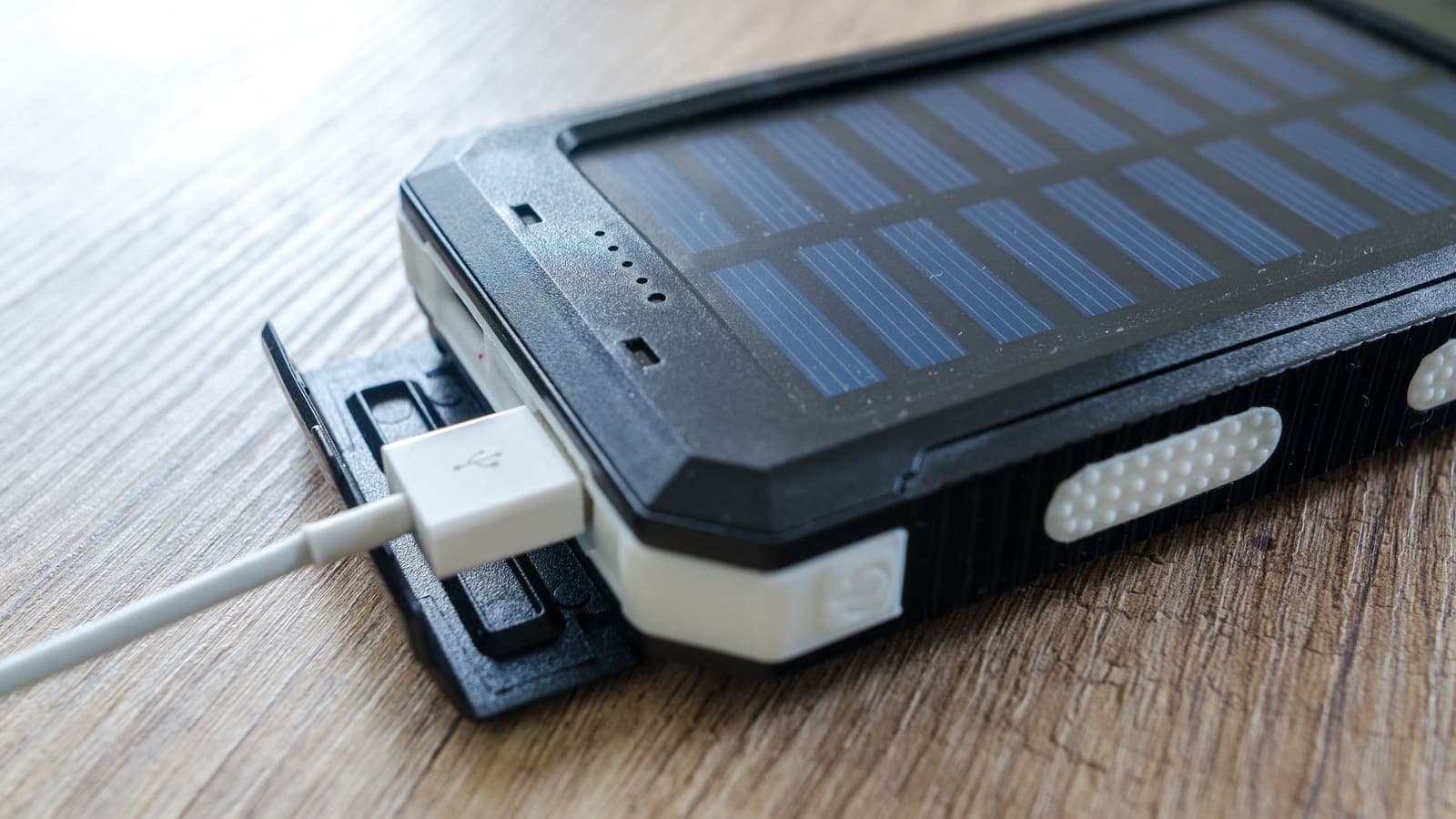
| Your own power bank | No | High | Very low | Charge it before you travel |
| Charge-only cable in a public port | No data wires | Medium | Low | Cable must be genuinely charge-only |
| USB data blocker plus your cable | Blocked | Medium | Low | Small adapter, cheap, easy to pack |
| Your own cable in a public USB port | Possible | High | Low to moderate | Safer with an up-to-date, locked phone and a refusal of any prompt |
| Unknown cable left plugged into a port | Possible | High | Higher | Avoid; you cannot tell what is inside it |
The ranking is a guide, not a guarantee. If you have to rely on a public port, the key is to keep control of the data side.
Data cables, charge-only cables and data blockers
Cables look alike but are not identical. A data cable has both power and data wires. A charge-only cable is built with only the power wires, so it cannot move files even if the port wants to. Some cheap cables are charge-only without saying so, which is why the packaging or product description matters.
A USB data blocker, sometimes called a "USB condom", is a tiny adapter. You plug it into the port, plug your cable into the adapter and the phone. It connects the power pins but leaves the data pins disconnected. It is inexpensive and light. Two cautions apply:
- Buy from a reputable seller, as a poorly made adapter defeats the purpose.
- Some phones charge more slowly through a blocker, because fast-charging negotiation may use the data pins. This is a trade-off, not a fault.
A power-only cable and a data blocker do the same thing in different ways. You do not need both.
For charging on trips, many people simply pack a small wall adapter and their own cable. That avoids the question entirely, and eSIMonline, which sells travel eSIMs, has a practical guide on power and charging while travelling that covers plug types and travel power banks.
Steps to charge safely in public
These steps work whether you are at an airport, mall, café or hotel.
- Charge before you leave. Start the day with a full battery, so you are not forced to use a port you do not trust.
- Carry your own power. Bring a small power bank and your own wall adapter and cable. Use a wall socket where one is available.
- Prefer sockets to USB ports. A normal mains socket gives you power with no data path at all.
- Use a data blocker or a charge-only cable if you must use a USB port. Keep the blocker in the same pouch as your cable.
- Never use a cable you did not bring. A cable left at a seat, or one already attached to a kiosk, could be modified.
- Keep the phone locked while it charges. Do not unlock it just because it is plugged in.
- Decline any prompt. If the phone asks to trust the device or enable file transfer, choose the option that refuses, or the charge-only mode.
- Update your phone. Install system updates when they appear, because they close gaps in USB handling and many other things.
- Unplug and move on if the port behaves oddly, such as asking for access repeatedly or showing unfamiliar notifications.
A plain example
You are at a busy airport with a low battery. A bank of USB sockets sits next to your gate. You do not have your wall adapter, but you do have your own cable and a small data blocker you keep in your bag.
You plug the blocker into the socket, connect your cable to it and then to the phone. The phone shows a charging symbol and nothing else. It does not ask about trusting a computer, which is what you expect, because no data path exists. You keep the phone locked on your lap and move on after twenty minutes.
Now suppose you had no blocker. You could look for a regular mains socket and borrow the adapter from a travel companion, or buy a cheap wall adapter in a shop. If you had to use the USB port anyway and the phone showed "Trust This Computer?", you would tap "Don't Trust" and, if it kept asking, unplug. The step that matters is refusing the data request.
Where a VPN fits, and where it does not
A VPN is a good tool for some travel risks and the wrong tool for this one. It encrypts your internet traffic between your device and the VPN service, which helps when you use shared Wi-Fi at an airport or hotel. You can read more about that in how to use a VPN on hotel Wi-Fi.
Juice jacking, however, works through the USB cable. It does not pass through your Wi-Fi or your mobile data, and so a VPN neither detects it nor blocks it. A VPN does not remove malware that is already on a phone, and it does not stop a rigged port from trying to talk to the device. The same goes for most physical risks, including a stolen phone, an unlocked screen or a malicious cable.
This is a good example of the limits described in what a VPN cannot protect you from. Your defences here are physical habits: your own charger, a data blocker, a locked phone and refusing any trust prompt. Security software on the phone and a firewall address different problems, as explained in VPN vs antivirus vs firewall. The EFF's Surveillance Self-Defense site is a useful general resource for thinking about which risks matter to you.
Limits and what to watch for
- This is not a complete threat list. Public ports are one small piece of device safety. A lost, stolen or unlocked phone is a far more common problem.
- The advice depends on your phone. Prompts, menu names and the way phones restrict accessories differ between manufacturers and system versions. Check your own phone's support pages for the current behaviour.
- A prompt is your safeguard. The protection depends on you saying no. Tapping "Trust" or "Allow" out of habit is the biggest mistake.
- Wireless and shared chargers have their own issues. A wireless pad avoids a data cable, but check that it is from a source you trust, and that it is not warm or damaged.
- Do not trust gifts. A free cable or a charger from a stranger, at an event or in the mail, deserves the same suspicion as an unknown cable left in a port.
- Be careful with batteries. Cheap unbranded power banks and chargers can be poorly made. Choose reputable products and stop using anything that gets very hot.
- Not every kiosk is a threat. Many public charging stations are ordinary power supplies. The point is to keep control, not to avoid every kiosk.
If you suspect a phone has been compromised, look for unfamiliar apps, unusual battery drain, new profiles or settings you did not change. If you are worried, back up your data, update the system and consider a factory reset or a visit to an official service point.
Summary
Public USB ports carry power, and in some cases data, which is the basis of the juice jacking warning. The realistic risk for an ordinary traveller is usually low, but avoiding it costs almost nothing. Charge before you leave, carry your own adapter and power bank, use a mains socket where you can, and fall back on a charge-only cable or USB data blocker if you must use a USB port. Keep the phone locked and refuse any "Trust This Computer?" or file transfer prompt, and keep the system updated. A VPN protects your internet traffic, not the USB connection, so it will not help with this particular risk. If you want that layer for shared Wi-Fi on your trip, the XPASS help centre explains how a prepaid pass works.
Frequently asked questions
What is juice jacking?
Juice jacking is the idea that a public USB charging port, or a cable left plugged into one, could be set up to copy data from your phone or install malware while it charges. It works because a USB connection can carry data as well as power.
How likely is juice jacking in real life?
Researchers have shown that it is possible under certain conditions, but confirmed real-world cases are hard to find and modern phones ask for permission before sharing data. The risk for an ordinary traveller is generally considered low, but avoiding it costs very little, so the simple habits are worth following.
Does a VPN protect me from juice jacking?
No. A VPN encrypts internet traffic. Juice jacking, if it happens, works through the USB cable, not through your Wi-Fi or mobile data, so a VPN does not affect it.
What is a USB data blocker?
A USB data blocker is a small adapter that sits between the cable and the port and connects only the power wires, so no data can pass. A charge-only cable does the same job without a separate adapter.
What should I do if my phone asks to trust a computer at a charging port?
Choose Don't Trust, or on Android choose the charge-only option. A public charging port has no reason to ask for data access. If it keeps asking, unplug and use your own adapter and wall plug.
References
About the author

Bob Kanokphon Thongdee
- Founder of XPASS VPN
- Co-founder of eSIMonline.asia
- More than 7 years in online marketing
- Founder of Cojourney Visa and Cojourney Travel
Need a VPN for a short trip or a busy month?
XPASS sells prepaid passes for a set number of days. You pay once and nothing renews automatically.
See passesKeep reading

VPN Security
How to Stay Safer on Public Wi-Fi
Public Wi-Fi is not a disaster, but it is a network you do not control. Here are the real risks, the habits that matter most, and where a VPN fits in.
8 min read

VPN Security
How to Use a VPN on Hotel Wi-Fi Safely
Hotel and travel Wi-Fi is shared with strangers and often hides behind a login page. This guide explains how to connect, when the VPN goes on and what to do when it will not connect.
9 min read

Privacy Guides
What a VPN Cannot Protect You From
A VPN secures the connection, not the person using it. This guide covers phishing, malware, ransomware, identity theft, data breaches, email privacy and other risks it cannot solve, and what to do about each.
9 min read
VPN Security
VPN vs Antivirus vs Firewall: Do You Need All Three?
A VPN, antivirus software and a firewall solve three different problems. Here is what each one does, what it cannot do, and how they fit together.
9 min read