
Travel guide · Netflix
Can I Watch Netflix Abroad? How It Works and What to Know
Short answer: yes. Netflix says you can use your account while travelling on phones, tablets and computers, and sign in on new TVs such as those in hotels. What changes is what you see, because streaming and download choices can differ from country to country.
This guide covers what Netflix itself says, how to prepare your account before you fly, the real risks of public Wi-Fi, and what a VPN can and cannot do. XPASS does not include a Netflix subscription. You need your own account.
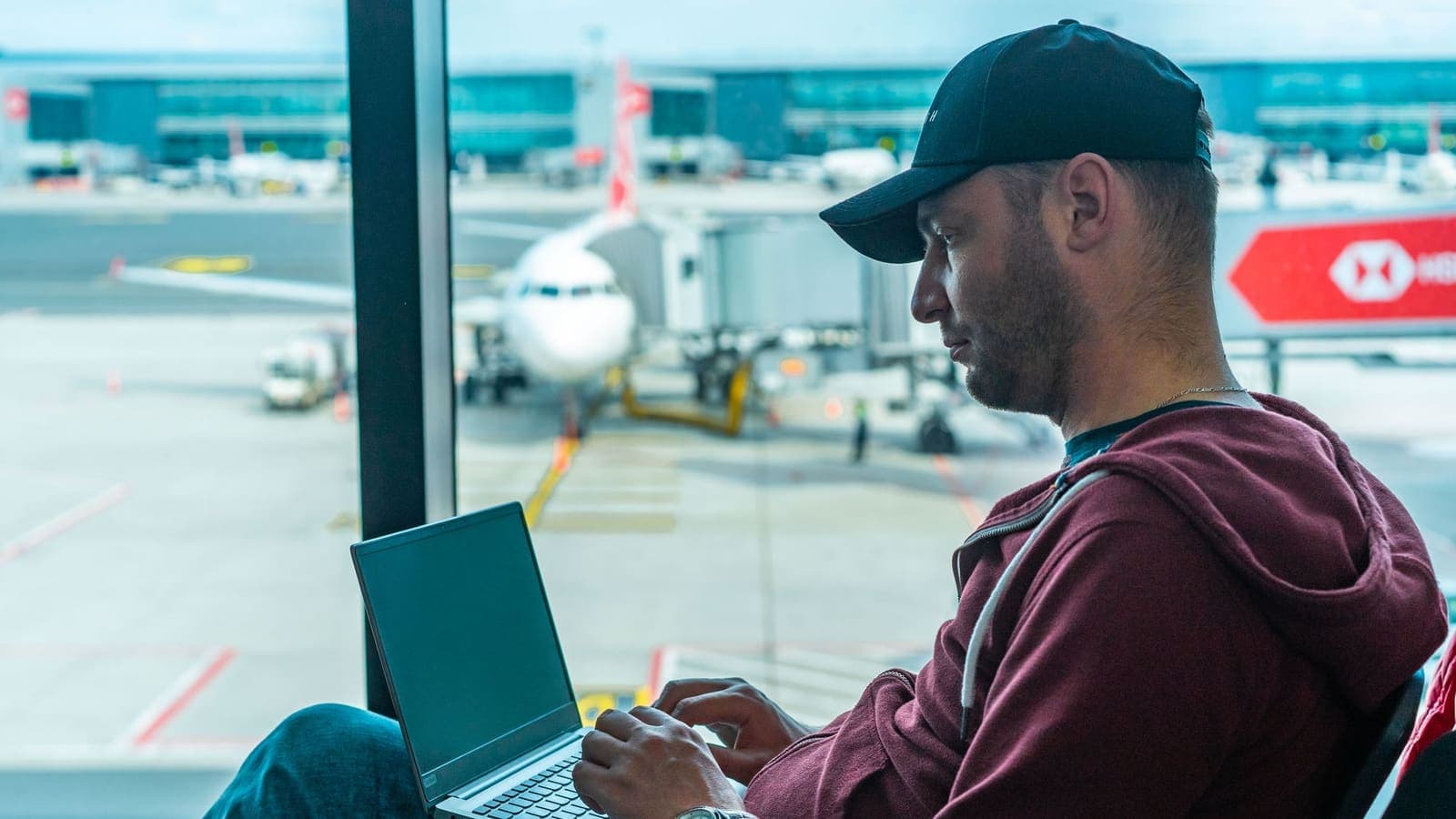
Netflix works while travelling, but titles and download options can differ by country
A VPN helps with public Wi-Fi security, but Netflix says a VPN may limit you to globally licensed titles
Pick a pass length that matches your trip and test the connection before you leave
Can I watch Netflix abroad? The direct answer
Yes, as long as you have an active Netflix account and an internet connection. Netflix's help centre says it is easy to use Netflix while travelling: use it as normal on mobile devices and computers, or sign in on a new TV such as one in a hotel or holiday rental.
What to expect is that your library may not match home. A series you were halfway through may not be offered where you are, and you may see titles you cannot get at home. That comes down to licensing, not a fault with your account or device.
For the service overview, see VPN for Netflix.
What Netflix says about travelling
From the Netflix help page on using Netflix while travelling:
- Titles vary by country. Choices for streaming and downloading, including audio and subtitle options, vary by country.
- Maturity ratings differ by country, which can affect titles when parental controls are set.
- Downloads you saved at home may be unavailable in another country, so check them before you board.
- Payment methods such as gift cards and some cash payment options vary by country and may not be available.
- Places you visit often: Netflix suggests connecting to the internet and opening Netflix from your main location at least once a month, and doing the same at your second location.
The original page is linked in the references below.

Phones, tablets and hotel TVs
Phones and tablets
Install the official Netflix app from the App Store or Google Play and sign in before you travel. Download a title or two while you are still at home and play one to confirm it works. Do not wait until you are on the plane.
Hotel TVs and rentals
Signing in on a TV that is not yours leaves your account on someone else's hardware.
- Sign in only when you need to, and decline any prompt to save your password.
- Sign out before you check out, rather than just switching the TV off.
- If you forget, open Manage Access and Devices in your Netflix account and sign out of that device, or sign out of all devices. Netflix notes it can take up to 48 hours for a device to appear on that page.
- Consider changing your password after the trip if you signed in on a shared device.
For Wi-Fi safety in hotels specifically, see Netflix on hotel Wi-Fi.
Public Wi-Fi and your account
Airport, hotel and café Wi-Fi is a network somebody else runs. Most websites already use HTTPS, so the practical risks are fake hotspots with look-alike names, phishing sign-in pages, and typing passwords on devices or networks you do not know.
Basic habits do the most: confirm the network name with staff, turn on two-step verification, avoid reusing passwords, and keep apps updated. A VPN encrypts the connection between your device and the VPN server, which reduces what others on the same network can see. It does not make you immune to phishing. More in how to stay safer on public Wi-Fi.
What a VPN can and cannot do
What it can do: encrypt your connection on networks you do not trust, so people on the same Wi-Fi see less of your traffic.
What it cannot do: change which titles Netflix licenses in a country, guarantee that any specific title will play, or stop you entering a password into a fake page.
What you should know before using one: Netflix's help centre says that with a VPN you may only be shown titles Netflix has worldwide licensing for, such as Squid Game or Stranger Things, and that you may need to turn the VPN off to watch titles available in your region. Netflix also says VPNs are not supported for live events or on ad-supported plans. So a VPN connection may change what Netflix shows, or block playback. XPASS has not recorded a passing Netflix test, so we make no promises.
A sensible approach is to use the VPN on public Wi-Fi when you sign in or handle anything sensitive, and turn it off when you want Netflix to show the library for the country you are in. Follow Netflix's terms of use and local law.
Which pass length fits your trip
XPASS passes are prepaid with a one-time card payment and no automatic renewal. Validity starts when your VPN account is created, not at first connection, so avoid buying weeks before you leave.
| Trip | Pass |
|---|---|
| A long weekend, short holiday or business trip up to a week | 7-day pass |
| About a month travelling or working abroad | 30-day pass |
| Exchange, study or a stay of several months | 90-day pass |
If you run short, renew and the new days are added on top of what remains. Live prices are shown on each pass page.
Troubleshooting
"You seem to be using a VPN or proxy"
Netflix may show this message with code E106. Netflix suggests visiting fast.com: if the country shown does not match where you are, a VPN is likely active on your device or network. Turn it off and try again, check you are not on an ad-supported plan, and if it persists reset network settings or contact your internet provider. Netflix says its support team cannot help turn off a VPN because the steps differ for each service.
Cannot sign in
Check your email and password, try mobile data instead of Wi-Fi, and remember that text-message verification codes may not reach a home number while roaming. Set up a backup method before you go.
Buffering
Check the venue's connection speed, move closer to the router, and lower the video quality. Turn the VPN off briefly to see whether the VPN or the local network is the cause. See improving connection stability.
Devices covered
- iPhone and iPad
- Android phones and tablets
- Windows
- macOS
How to set it up
Choose a pass for your trip
Compare the 7, 30 and 90-day passes and pay once by card through Stripe.
Open My Pass
When payment is confirmed and your account is created, you get an email saying the pass is ready with a one-time sign-in link. Login details appear only on My Pass and are never emailed.
Test before you leave
Connect once at home, check it with this guide, and sign in to Netflix on every device you are taking.
Limitations to know first
- XPASS does not include a Netflix subscription or any streaming subscription. You need your own account.
- Catalogues vary by country because of licensing, and a VPN server in a country does not prove a streaming service will work.
- Netflix may detect or restrict VPN connections. Using a VPN may reduce what you can watch or block playback, and Netflix says live events and ad-supported plans do not support VPNs.
- XPASS has not recorded a compatibility test result with Netflix, so no outcome is promised.
- Follow the service's terms of use and the law where you are.
Choose your pass
Prepaid passes. Pay once, no automatic renewal.
Frequently asked questions
Can I use Netflix when I travel to another country?
Yes. Netflix says you can use it on mobile devices and computers while travelling and sign in on new TVs such as hotel TVs, though the titles available can differ by country.
Why are some shows missing when I travel?
Because of licensing. Netflix says streaming and download choices, including audio and subtitles, vary by country.
Will Netflix work with a VPN on?
Not necessarily. Netflix says a VPN may limit you to titles licensed worldwide and is not supported for live events or ad-supported plans. If playback fails, turn the VPN off and try again.
Is it safe to sign in to Netflix on a hotel TV?
It is safer if you sign out before checkout. If you forget, you can sign the device out from Manage Access and Devices in your account.
Which XPASS pass should I buy for a one-week trip?
The 7-day pass fits a trip of up to a week. Validity starts when the account is created, and you can renew if you need more days.
Does XPASS include Netflix?
No. XPASS sells prepaid VPN passes only. You need your own Netflix account.
Keep reading
Ready when you are
Pick a pass, pay once and follow the setup shown in My Pass for your device.
See passes and pricing