
VPN for Roblox: Connection and Safety Tips
A family-friendly look at using a VPN with Roblox: what it changes for lag and stability, what it cannot do for child safety, and the uses that break the rules.
9 min readUpdated Oct 15, 2026By XPASS Editorial Team
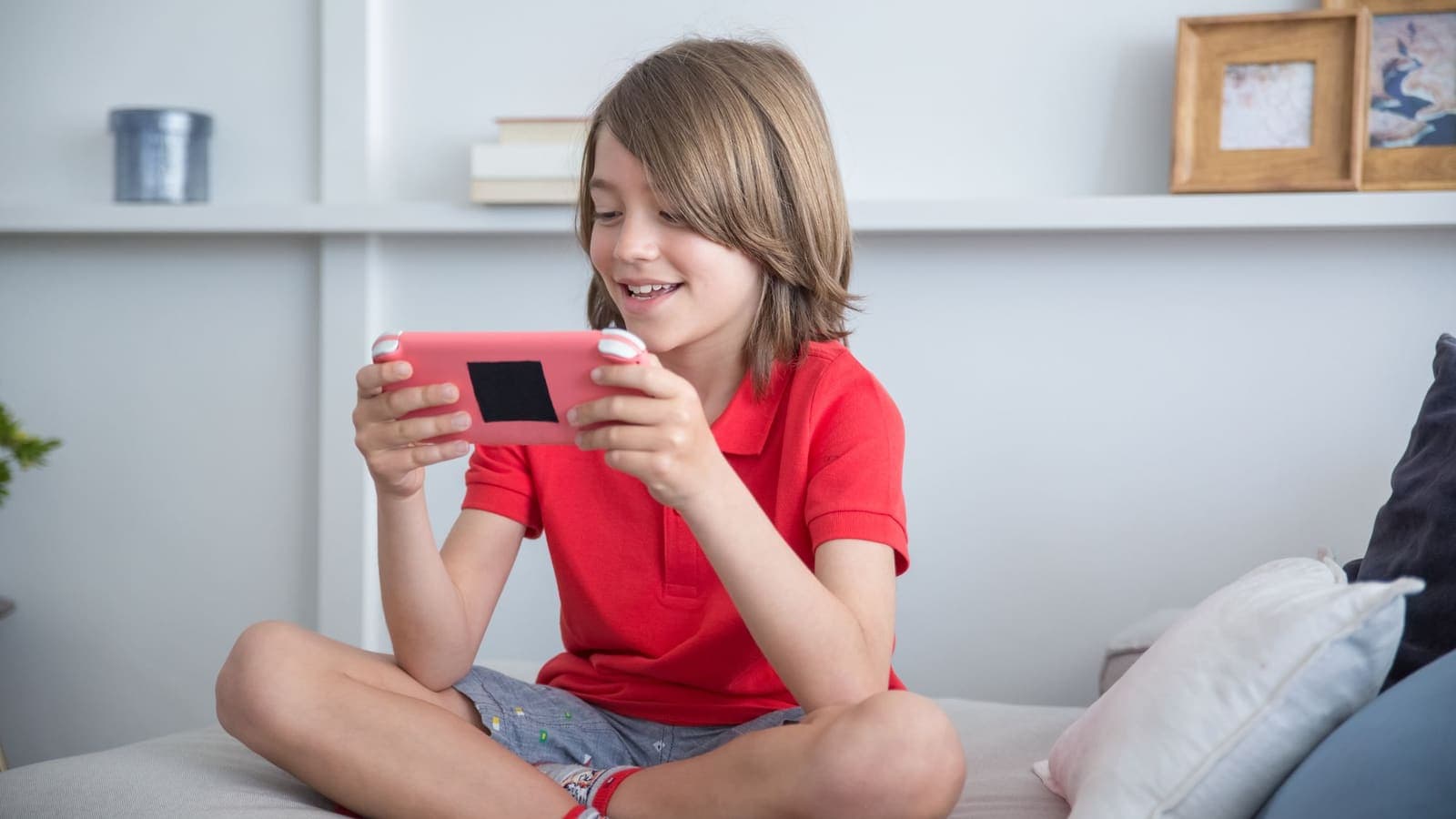
Roblox is less a single game than a huge collection of games made by other players. A child can move from an obstacle course to a role-play town to a tycoon in a few minutes, chatting with strangers and spending real money on virtual items along the way. That mix of play, chat and payments is why parents and older players often search for a VPN for Roblox, hoping it will protect an account, reduce lag or keep a family safer.
A VPN can do a small part of that job and cannot do the rest. It encrypts the connection between a device and the VPN server, which is useful on shared Wi-Fi. It does not control what other players say, it does not stop a child from clicking a fake reward page, and it does not make the game faster in general. This guide separates what is real from what is hoped for, explains how to set a VPN up sensibly, and is plain about the uses that break Roblox's rules.
What makes Roblox different from other games
Most online games have one fixed rule set and a fixed set of servers. Roblox does not, and that matters for how a VPN behaves.
- Experiences, not one game. Each experience is built by a creator and runs on Roblox's infrastructure. Some are simple and light, others are crowded and heavy, which is why lag differs so much from one to another even on the same connection.
- Servers are assigned for you. When you press play, the platform picks a server instance and places you in it. You do not browse a server list the way you do in some other games, so you are not choosing a distance.
- Many devices. Roblox runs on phones, tablets, Windows, Mac, Xbox and more. A family may use five different devices, and the VPN options differ on each.
- A younger audience. A large share of players are children, so safety features such as chat filters, age settings and account restrictions are part of the platform.
- A virtual economy. Items and the in-game currency can be bought, traded and, unfortunately, targeted by scammers.
Understanding this helps because the real risks on Roblox are mostly not network risks. They are account, chat and payment risks, and a VPN addresses none of those directly.
How a VPN changes the connection
When you connect a VPN, your device's traffic goes through an encrypted tunnel to the VPN server, and only then out to Roblox. Two things follow: there is one more stop, and the address Roblox sees is the VPN's address, not your home address.
Latency. Latency, or ping, is the round-trip time for a message. Cloudflare's learning pages explain that distance, hops and congestion all add to it. An extra stop adds a little, so with a VPN you should expect slightly higher ping, and the further the VPN location, the more it adds. For a relaxed obstacle course this may be invisible. For a fast action experience where timing matters it can feel worse.
Routing. Your internet provider decides the route when you are not on a VPN. Sometimes that route is clumsy, and a nearby VPN location happens to cut a corner. Do not plan around it. If a game feels better with the VPN, great; if not, there is nothing to prove.
Stability. Roblox is tolerant of small hiccups, but a reconnect of the VPN in the middle of a game can look like a disconnect, and you may land back on the home screen. Phones and tablets that switch between Wi-Fi and mobile data cause this most often.
If you want to understand the numbers behind lag in more detail, read our explainer on latency, jitter and packet loss.
When the connection problem is not the VPN
Before blaming a VPN, or buying one in the hope of fixing lag, check the common culprits. Most Roblox complaints on family networks come from these.
| Symptom | Likely cause | First thing to try |
|---|---|---|
| Lag only in crowded experiences | Heavy experience or full server | Try a smaller or different server from the game page |
| Lag on a tablet in one room only | Weak Wi-Fi signal | Move closer to the router or add an access point |
| Lag every evening | Whole household streaming at once | Pause large downloads and video on other devices |
| Disconnects after the device sleeps | Battery saving closing the connection | Keep the screen awake and the app in the foreground |
| Fine on mobile data, bad on home Wi-Fi | Router or provider issue | Restart the router; contact the provider if it persists |
| Game will not load at all | Platform outage or old app version | Update the app and check Roblox's status page |
If the table shows your problem is Wi-Fi or a busy household, a VPN will not fix it. A router upgrade or a cable to the computer will do far more.
Safety for young players: what a VPN does and does not do
This is the part most parents care about, so it deserves clear language.
What a VPN does. It protects the traffic on the local network. If your child plays at a relative's house, in a cafe or at school using a shared network, the VPN keeps the other people on that network from reading the traffic. It also replaces the home IP address with the VPN's address as seen by the servers the game contacts.
What a VPN does not do.
- It does not filter chat or hide inappropriate content.
- It does not block friend requests or messages from strangers.
- It does not stop in-game purchases or limit spending.
- It does not stop scams, fake websites or phishing messages.
- It does not make the account hacker-proof. A stolen password still opens the account.
The tools that do these things are inside the platform and the device:
- Use the account's parental controls. Set a parent PIN, choose chat and friend settings that match the child's age, and review privacy settings together.
- Set spending limits on the device store and with the payment method, so a surprise purchase cannot happen.
- Turn on two-factor authentication for the parent email linked to the account. Our guide on what two-factor authentication is explains the options.
- Teach the child the rule of never sharing a password, not even with a friend who "needs it to help".
- Talk about what to do if someone makes them uncomfortable: stop, do not reply, tell a trusted adult, and use the report tool.
For a wider view of VPNs for households, see best VPN for families.
Scams, fake generators and fake sites
A great deal of risk around Roblox comes from outside the game. Players hear about "free Robux", "rare item generators" or "verification" pages through videos, chat messages and ads. These are the standard shapes of the trap:
- A site asks you to type your username and password to "receive" currency. This is phishing; the password goes to the scammer.
- A tool asks you to install a program or browser extension to "unlock" items. This is often malware.
- A player offers a trade that looks generous but requires leaving the platform or clicking a link.
- A message pretends to be from support and says the account will be banned unless you act at once.
A VPN does not tell a real site from a fake one. The CISA guidance on recognising phishing lists the signs that matter: pressure to act fast, an unexpected request for credentials, and a web address that does not match the real service. Our article on how to recognize phishing websites puts these into a checklist you can go through with a child. A good family rule is simple: the only place to enter the Roblox password is the official app or the official site, typed or opened by yourself.
Playing away from home: school, relatives and cafes
Shared networks are where a VPN actually earns its place for a Roblox household.
- Relatives' and friends' homes. You do not know how the router is set up or who else is connected. A VPN reduces what the local network can see.
- Cafes, hotels and airports. These are the same open networks the FTC warns about. A VPN encrypts the traffic on the local leg, and the usual public Wi-Fi habits still apply. Our guide to staying safer on public Wi-Fi covers them.
- Schools and libraries. These networks usually have their own content rules. A VPN may be blocked, and where a place says it is not allowed, follow that. Do not try to get around a school's filters.
On a trusted home network, a VPN is optional for Roblox. Many families keep it for travel and public places and leave it off at home.
Setting up a VPN for Roblox
- Choose the device. Phones, tablets, Windows PCs and Macs can run a VPN app directly. Consoles cannot and need a router or a shared connection; see using a VPN on game consoles.
- Install the app. With XPASS the free VPNclient app is available for iPhone, iPad, Android, Windows and macOS. Open the download page, install it, and sign in with the username and password shown on your My Pass page. A parent should do this, not the child.
- Connect before starting Roblox. Choose the location nearest to you and wait until the app shows it is connected.
- Start the game and play. Keep the VPN connected for the whole session.
- Compare once. On the first evening, play a similar session with the VPN off and note whether the game felt smoother or rougher.
- Know how to turn it off. Children should not have to guess. Our guide on how to turn off a VPN shows the steps for each device.
The phone and tablet guides, set up on iPhone and set up on Android, walk through the permission prompts that appear the first time.
What breaks the rules
Using a VPN is not against Roblox's rules on its own. What you do with it can be.
- Do not use a VPN to enter experiences, servers or events meant for other regions. Creators and the platform set access on purpose.
- Do not use a VPN to evade a ban or a moderation action. A fresh IP does not undo a decision on an account, and trying can make matters worse.
- Do not use a VPN to manipulate matchmaking, rankings or limited-time events. It is unfair to other players and against the terms.
- Do not use a VPN to hide the age or location of an account. Age-based protections exist for a reason.
- Do not trade or sell accounts. This is against the platform's rules whether or not a VPN is in use.
If you are unsure, check Roblox's current terms and community standards. This is general information and not legal advice.
Two short family scenarios
A grandparent's house. Every holiday, Ploy's two children play Roblox on their tablets at their grandparents' flat. The Wi-Fi password is shared with the neighbours. Ploy installs the VPN on both tablets at home, connects before the children start, and tells them to stop and ask if the game disconnects. She also checks that spending is blocked on the tablets, because the VPN does nothing about purchases.
A teenager with a gaming PC. Arun is fifteen and plays on a desktop in his room. He asked for a VPN to "fix lag", but when the family tests it, ping rises with the VPN on and drops when they replace the Wi-Fi adapter with a cable. They keep the VPN off while playing and use it for homework and browsing at the library. Arun also turns on two-factor authentication on the account email, which protects it far more than any lag trick.
Quick troubleshooting
- Roblox will not open or is stuck loading with the VPN on. Disconnect the VPN, make sure the game opens, then connect again and retry. Close and reopen the app between attempts.
- The game drops every few minutes. Check whether the VPN reconnects at the same moments. If it does, move closer to the router or turn off battery saving for the VPN app.
- Login asks for extra verification. Sudden changes in location can trigger checks. Complete them once and avoid changing VPN locations repeatedly.
- Lag is worse than without the VPN. Switch to a closer location, then test with the VPN off. If the VPN is not helping, leave it off while playing.
- The VPN will not connect. Follow the steps in VPN not connecting.
Summary
A VPN for Roblox protects the connection on shared networks and hides the home IP address from the servers the game contacts. It does not make the game faster, it adds a small delay, and it does nothing to control chat, friends, spending or scams, which is where most of the real risk for young players lies. Use the platform's parental controls, two-factor authentication and honest conversations at home first; add a VPN when you play on public or relatives' networks. Never use one to enter other regions' content, evade a ban or change matchmaking.
If a short prepaid pass would help for travel or shared networks, you can compare options on the pricing page.
Frequently asked questions
Does a VPN make Roblox run better?
Usually not. A VPN adds an extra hop, so delay tends to rise slightly. It can help only when a particular network handles game traffic badly, and that is the exception. Test with the VPN on and off before deciding.
Is a VPN enough to keep a child safe on Roblox?
No. A VPN protects the network connection, not what happens inside the game. Chat settings, friend requests, spending limits and scams are handled by account and parental controls, passwords and talking with your child.
Can I use a VPN to play Roblox experiences meant for another region?
This article does not recommend it. Using a VPN to get into content or servers meant for other regions, to avoid a ban or to change matchmaking can break Roblox's terms and may cost the account. Use the platform as intended.
Why does Roblox disconnect when my VPN reconnects?
A VPN reconnect changes the route and sometimes the visible IP address, which the game treats like a short outage. Keep the VPN steady for the whole session and avoid switching locations in the middle of a game.
Do free Robux generators work if I use a VPN?
No. Sites that promise free Robux are almost always phishing or malware traps, and a VPN does not make them safe. Never give your password or install anything they ask for.
References
About the author

Bob Kanokphon Thongdee
- Founder of XPASS VPN
- Co-founder of eSIMonline.asia
- More than 7 years in online marketing
- Founder of Cojourney Visa and Cojourney Travel
Need a VPN for a short trip or a busy month?
XPASS sells prepaid passes for a set number of days. You pay once and nothing renews automatically.
See passesKeep reading
Buying Guides
Best VPN for Families: Safety and Device Support
A household checklist for picking a VPN: list every device, separate privacy from parental controls, decide who manages the account, and match the plan to how your family really uses the internet.
10 min read

Privacy Guides
How to Recognize Phishing Websites
Phishing websites imitate real services to steal your login or card details. This guide shows the warning signs worth checking, a calm routine for suspicious links, and what to do if you entered details.
9 min read

Privacy Guides
What Is Two-Factor Authentication?
Two-factor authentication asks for a second proof of identity in addition to your password, so a stolen password alone is not enough. Here is how the main methods compare and how to start.
9 min read
Troubleshooting
VPN Latency Explained: Why Ping Changes
Latency is the delay before data starts to arrive. See where each millisecond comes from, why a VPN changes it, what jitter means and which ping numbers matter for which activity.
9 min read

VPN Security
How to Stay Safer on Public Wi-Fi
Public Wi-Fi is not a disaster, but it is a network you do not control. Here are the real risks, the habits that matter most, and where a VPN fits in.
8 min read