
Do You Need a VPN for Your NAS?
A NAS holds your photos, backups and documents, so the VPN question matters. This guide separates reaching your NAS from outside and protecting the NAS's own traffic.
10 min readUpdated Oct 15, 2026By XPASS Editorial Team
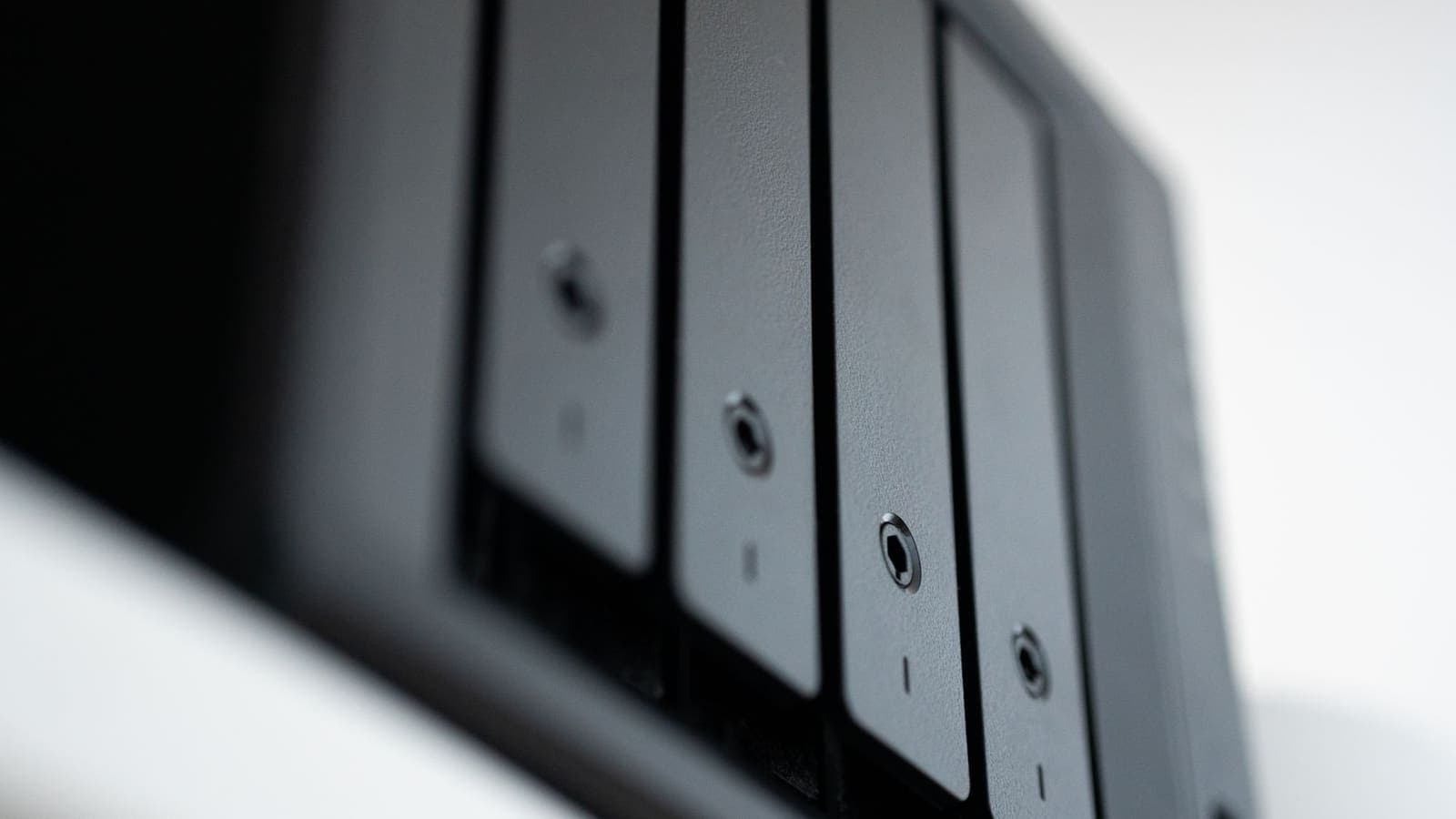
A network-attached storage box, usually called a NAS, quietly holds the most valuable things in many homes and small offices: family photos, scanned documents, backups of laptops, a music library, maybe client files. Because it is always on and always connected, people naturally ask whether it needs a VPN. The honest answer is that "a VPN for a NAS" can mean two very different things, and mixing them up is the main reason people buy the wrong tool or leave the wrong door open.
This article untangles those meanings, shows when a VPN genuinely helps a NAS, and when it does not. It also covers the safer way to reach your files while you are away, plus a short hardening checklist that matters more than any VPN. If you want device-specific steps, the guides for Synology NAS and QNAP NAS go further into menus and options.
Two different questions hiding in one phrase
When someone searches for a VPN for a NAS, they usually mean one of these.
Question one: how do I reach my NAS from outside my home safely? This is a remote access problem. The NAS sits at home behind your router, and you are at a hotel, an office or a cafe. You need an encrypted path from your phone or laptop back to the home network. That is the job of a remote access VPN or a mesh network tool that you run at home.
Question two: should my NAS send its own internet traffic through a VPN? This is an outbound problem. The NAS is the client. It downloads package updates, syncs cloud storage, fetches podcasts or runs a download manager, and you wonder whether that traffic should leave through a VPN tunnel.
A normal consumer VPN app, including the free VPNclient app that XPASS customers sign in to, belongs to the second category at best. It protects the traffic of the device it runs on by sending it through a VPN server. It does not open a path from the internet back into your living room. Keeping the two questions apart makes every later decision easier.
| Goal | Direction of the tunnel | Typical tool | Commercial VPN app helps? |
|---|---|---|---|
| Open files from a hotel room | Into your home network | Remote access VPN, mesh tool, router feature | No |
| Hide the NAS's downloads from your ISP | Out from the NAS | VPN client on the NAS or the router | Sometimes |
| Protect your laptop on cafe Wi-Fi while using the NAS | Out from the laptop | VPN app on the laptop | Yes, for the laptop leg |
| Let a relative view photos | Into your home network | Sharing link with a strong password, or a remote access VPN | No |
Why a NAS is a tempting target
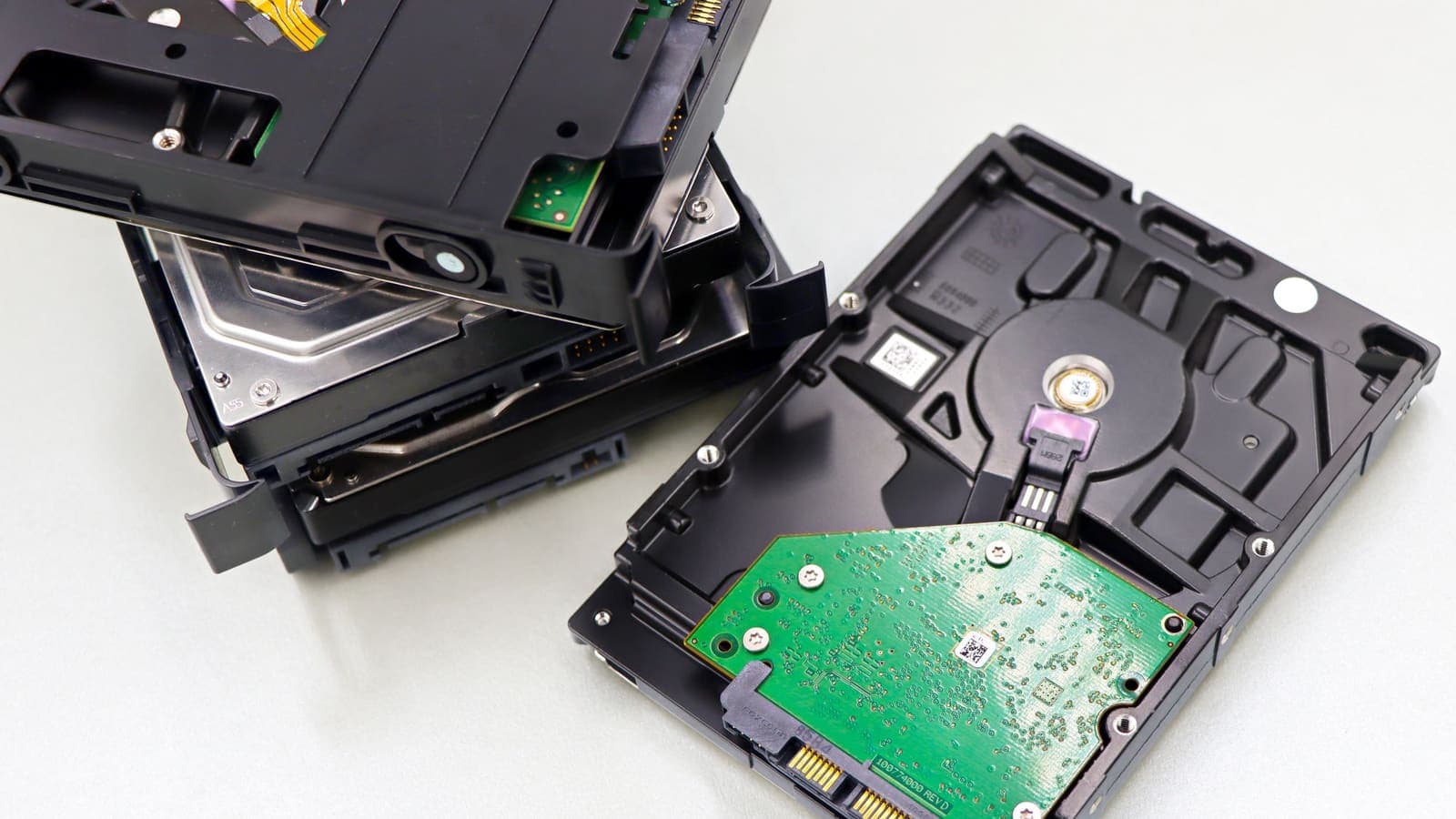
A NAS is not just a hard drive. It is a small Linux computer that runs web interfaces, file-sharing services, photo apps and often a list of optional packages. Each of those is software that must be updated. Attackers do not need to know you personally. Automated scanners look for the login pages of well-known NAS brands across the entire internet, try common passwords and look for old vulnerabilities.
That is why exposing a NAS directly is risky. When you forward a port on your router so that you can reach the web interface from outside, that interface becomes visible to anyone who scans your home address. A strong password helps, but a flaw in the software can still be abused, and file-encrypting malware aimed at NAS devices has been a recurring problem. Our explainer on VPN port forwarding describes why opening ports is a trade-off that deserves care.
So the question is less "do I need a VPN" and more "do I want my NAS to be visible to the whole internet, or only to devices that have first proved who they are". A remote access VPN gives the second answer. You connect to the VPN endpoint at home, and then reach the NAS using its private address, such as one in the ranges described by RFC 1918, as if you were sitting on your sofa.
Reaching your NAS remotely: the three sensible routes
If you want files while travelling, there are three realistic routes. They differ in effort, control and risk.
Route 1: a VPN server on your router or NAS
Many routers and most NAS operating systems can host a VPN server. You enable it, create a user, install the matching client on your phone or laptop and connect before you open any NAS app. This keeps the NAS login hidden from the internet. You still need one open port for the VPN itself, but a modern VPN endpoint answers only to devices with the right key, which is a smaller target than a full web application. The WireGuard project explains this design clearly. Our comparison of self-hosted and commercial VPNs helps you judge how much maintenance you are willing to take on.
Route 2: a mesh network tool
Mesh tools connect your own devices into a private network without opening ports on your router, by using outbound connections coordinated through a service. They can be convenient for people who cannot or will not configure a router. The trade-off is that you rely on that service and its account security. See mesh VPN tools for how they work and what to check.
Route 3: provider cloud relay or sharing links
Some NAS makers offer their own relay or sharing system. It is the easiest option and requires no router work, but you depend on the maker's service, and every shared link is a small door that you should expire or protect. Treat it as a convenience for sharing a few files, not as the foundation for your whole archive.
A fourth "route" that we recommend against is forwarding the NAS web interface straight to the internet because it is quick. It is quick for you, and quick for scanners as well.
When the NAS itself should use a VPN client
Now to the outbound question. Putting the NAS behind a VPN client can make sense in a few specific cases.
- A download or sync job you want to keep private from your ISP. If the NAS runs a podcast fetcher, a software mirror or a sync tool, the VPN hides the destinations from the local network operator.
- A small office NAS that must reach a company network. Here the NAS joins a business VPN so that backups can travel to head office or a branch. That is a site-to-site style setup rather than a consumer VPN app.
- Travelling with a portable NAS. If you carry a small NAS and plug it into hotel or client networks, a VPN client on a travel router in front of it protects everything behind that router.
It does not make sense in many other cases. Local file sharing between your own laptop and the NAS never needs to go through a VPN server, and forcing it to can break discovery, slow transfers and confuse apps that expect to find the NAS on the local network. If you do configure a VPN client on the NAS, check how it handles traffic for your home addresses. Ideally local traffic stays local and only the internet-bound traffic uses the tunnel. The idea is the same as split tunneling.
A cleaner alternative for many homes is to run the VPN on the router, so that chosen devices go through it and the NAS keeps using the normal path. The help guide on setting up a VPN on a router explains what is involved and what limits to expect.
Three realistic scenarios
Scenario A: the photo archive at home. Ploy keeps twenty years of family photos on a two-bay NAS. She reaches it only from home. Her biggest risks are a failed disk and a weak admin password, not a lack of VPN. She enables automatic updates, turns on two-factor sign-in, sets up an offsite or second backup and leaves the NAS out of the internet. No VPN is needed for the NAS itself.
Scenario B: the freelancer who travels. Marcus edits video on a laptop and keeps project files on a NAS in his studio. He needs them from client offices and airports. He enables a VPN server on his router, creates one profile for his laptop and one for his phone, and connects before opening the NAS. On public Wi-Fi he is protected twice: the VPN endpoint hides the NAS from the internet, and the tunnel hides his traffic from the network he is sitting on. He also keeps a read-only copy of key files in cloud storage for emergencies.
Scenario C: the small shop. A bookkeeper shares a NAS with three colleagues. Two of them work from home two days a week. The office router hosts a VPN with separate accounts for each person, so that a lost laptop can be disabled without changing everyone's password. Guidance such as NIST's telework security publication describes the same ideas: strong authentication, limited access and keeping remote access software updated.
A hardening checklist that matters more than the VPN
Whether or not you use a VPN, work through this list. It prevents far more incidents than any tunnel.
- Update firmware and packages on a regular schedule, and remove packages you do not use.
- Disable the default admin account and use a unique, long password for each user.
- Turn on two-factor authentication for the admin interface. CISA's guidance on multi-factor sign-in explains why it stops most password-only attacks.
- Close unneeded services. If you never use FTP, Telnet or an old file-sharing protocol, switch it off.
- Check your router. Look for forwarded ports and for automatic port opening features that may have exposed the NAS without you noticing.
- Use the 3-2-1 idea for backups. Keep three copies, on two kinds of storage, with one offsite. A NAS in a single room is not a backup against fire or theft.
- Make snapshots. Many NAS systems can keep read-only snapshots that help recover from accidental deletion or file-encrypting malware.
- Review access logs now and then. Look for sign-in attempts from addresses you do not recognise.
- Encrypt shared folders that contain sensitive documents, and keep the key somewhere other than the NAS.
Speed, battery and troubleshooting
A VPN adds work on both ends of a connection. Reaching a NAS through a remote access VPN is limited by your home upload speed, the speed of your current connection and the processing power of the device hosting the VPN. A small router may handle a modest throughput, while a NAS with a modern processor can often do better. If large transfers feel slow, test in this order.
- Check the same transfer on local Wi-Fi without the VPN to confirm the NAS itself is fast.
- Check your home upload speed. Remote reads depend on it, not on the download figure sold by your provider.
- Try a different network or mobile data to rule out the hotel connection.
- Look at CPU use on the VPN host while transferring.
- Test whether a smaller packet size helps if connections start but stall on big files.
If you cannot connect at all, common causes are a changed home IP address, a router that now sits behind carrier-grade address sharing, or a forwarded port that was reset after a firmware update. A dynamic address service or a mesh tool can solve the first two. If the NAS stops seeing your devices after you turn on a VPN client on your laptop, remember that the VPN may be capturing local traffic. Disconnect or use split tunneling for the local network and try again.
Common mistakes
- Buying a consumer VPN app and expecting it to open a path to the NAS from outside.
- Forwarding the NAS web page straight to the internet "just for a week" and leaving it there for years.
- Using the factory admin account with a long-lived password.
- Putting the NAS behind a VPN client without checking that local sharing still works.
- Treating the NAS as the only copy of important files.
- Skipping updates because the NAS "just works".
- Sharing one VPN profile among many people, which makes it impossible to remove a single lost device.
Summary
You do not need a VPN to use a NAS at home. You need one, or a comparable private-access tool, if you want to reach it from elsewhere without exposing its login page to the internet. A commercial VPN app protects the traffic of the device it runs on and is a good idea on public Wi-Fi, but it does not create a route back into your network. The most useful steps are updates, unique passwords, two-factor sign-in, closed ports and real backups.
If you want a simple way to protect your laptop and phone while you use your NAS from cafes and hotels, you can look at the pricing page to see whether a short prepaid pass fits.
Frequently asked questions
Do I need a VPN if my NAS is only used inside my home?
Usually not for the NAS itself. If it never leaves your home network and is not reachable from the internet, a VPN adds little. The risks that remain are weak passwords, old firmware and a router that exposes services you did not intend.
Is a VPN safer than opening a port to reach my NAS from outside?
In most home setups, yes. A VPN that you connect to first means the NAS login page is not visible to the whole internet. It still needs strong credentials, updates and two-factor sign-in on the VPN endpoint.
Can a commercial VPN app let me reach my NAS while travelling?
Generally no. A commercial VPN app sends your traffic out through a provider's server. It does not create a path back into your home network. For that you need a remote access VPN or a mesh tool that runs at home.
Should the NAS itself connect to a VPN?
Only if it downloads or syncs things and you want that traffic to leave through the VPN. Many NAS owners never need this. It can also make local sharing and apps behave oddly, so test carefully.
References
About the author

Bob Kanokphon Thongdee
- Founder of XPASS VPN
- Co-founder of eSIMonline.asia
- More than 7 years in online marketing
- Founder of Cojourney Visa and Cojourney Travel
Need a VPN for a short trip or a busy month?
XPASS sells prepaid passes for a set number of days. You pay once and nothing renews automatically.
See passesKeep reading
Device Guides
How to Use a VPN with Synology NAS
A NAS can sit on either end of a VPN. Learn when to run the VPN on the NAS, when to run a VPN server on it, and when the VPN belongs on your laptop instead.
9 min read

Device Guides
VPN Setup for QNAP NAS
Do the hardening first, then the VPN. A four-stage plan for a QNAP NAS, with test steps at every stage and a simple way to roll back if something breaks.
9 min read

VPN Basics
Mesh VPNs Explained: Reaching Your Own Devices Securely
Mesh VPNs connect your own devices directly, while a consumer VPN sends your traffic through a provider's server. This guide explains the difference, the parts involved and when each makes sense.
9 min read

VPN Security
VPN Port Forwarding Explained: Uses and Risks
Port forwarding lets outside connections reach a device on a private network. This guide explains how it works with and without a VPN, what it is used for and what an open port can put at risk.
9 min read

Buying Guides
Self-Hosted VPN vs Commercial VPN
A home server and a commercial service solve different problems. Compare a Raspberry Pi or NAS VPN with a ready-made one, including CGNAT, upkeep and security.
9 min read