
Common VPN Error Codes and Their Meanings
A reference to the VPN error numbers and messages people meet most, grouped by what went wrong, with a short first fix for each and a note on how to read any code.
10 min readUpdated Oct 15, 2026By XPASS Editorial Team
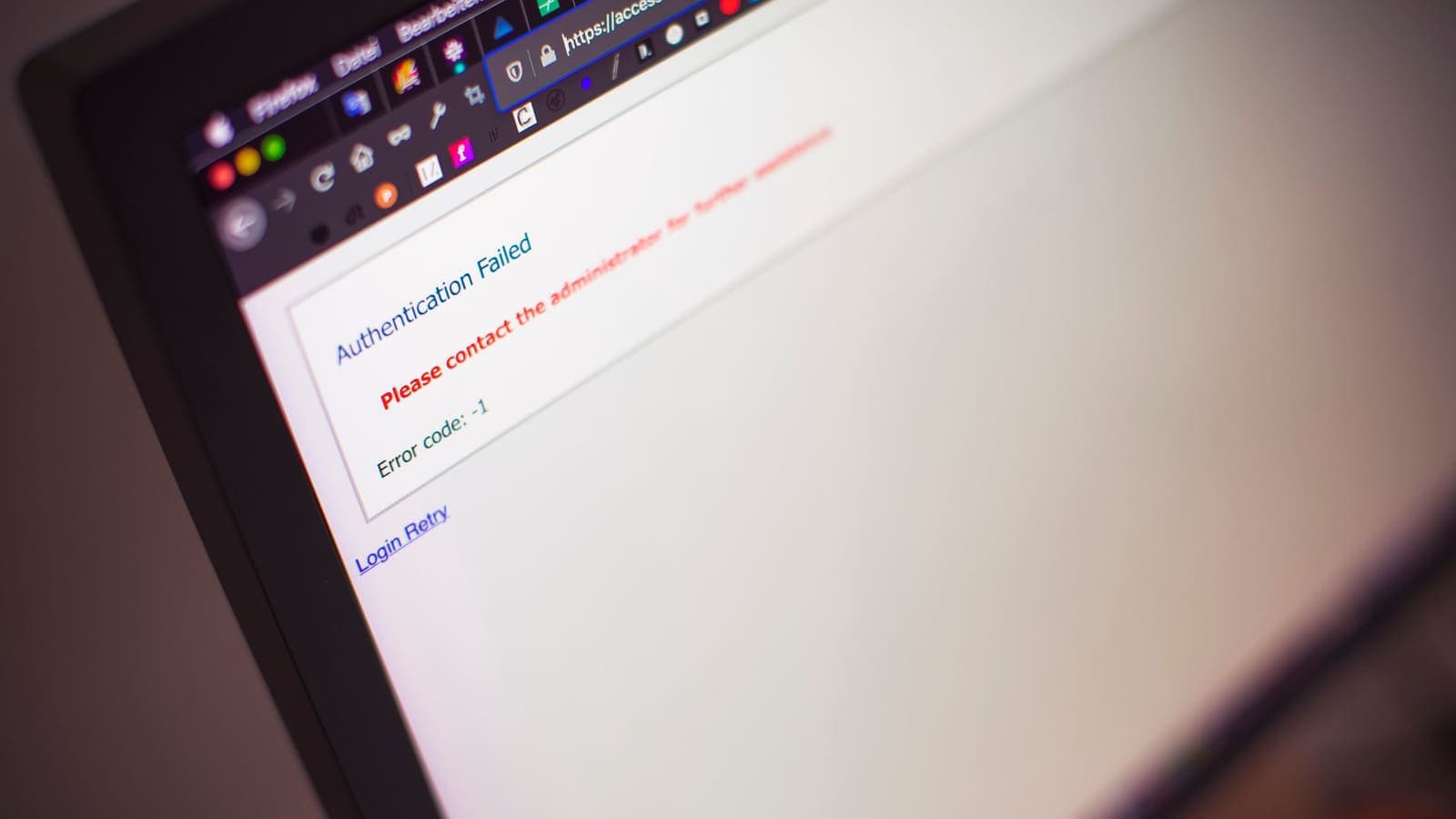
A VPN failure rarely says "the cause is X". It says "Error 809", "Authentication failed", "Connection timed out" or just a red cross. Those labels are short on purpose, and they are very useful once you know how to read them. This article is a decoder: the VPN error codes and messages people meet most often, grouped by what went wrong, with a sensible first fix for each.
It does not replace the long guides on single codes. Where those exist, such as error 691, error 789 and error 809, this page gives the short version and links onward. It also is not tied to any one app. A numbered error mostly comes from the Windows built-in VPN client and similar tools, while other apps phrase the same problems in words. The skill of reading an error stays the same.
How to read any VPN error
Before the code list, five habits turn a vague failure into a diagnosis.
- Note the exact text and number. Do not paraphrase. "Error 809" and "error 800" point in different directions.
- Decide when it failed. A VPN connection has stages: reaching the server, agreeing on security, proving who you are, receiving an address, passing traffic. The stage where it stops tells you the family of cause. The article on the VPN handshake describes these stages in detail.
- Separate local from remote. If the same error appears on two different networks, the cause is more likely on your device or your account. If it vanishes on mobile data, your Wi-Fi or router is involved.
- Check the simple things first. Date and time, pass validity, typed credentials, a fresh restart.
- Treat a number as a clue, not a verdict. The same number can have several causes, and the wording around it may matter more.
The table below places common failures in stages.
| Stage | What fails | Typical messages |
|---|---|---|
| Reaching the server | Network blocked, server down, wrong address | 800, 619, 809, timed out, host not found |
| Agreeing on security | Protocol or encryption mismatch, blocked negotiation | 789, 13868, security layer error |
| Proving identity | Wrong password, expired pass, certificate trouble | 691, 13801, authentication failed |
| Receiving settings | No address assigned, policy refusal | 738, 812, no IP address |
| Passing traffic | DNS, routing, packet size | Connected, no internet; pages hang |

Group 1: cannot reach the VPN server
These errors mean the connection never got as far as a conversation with the server.
Error 800: unable to establish the VPN connection. The server cannot be reached or the chosen type of connection is blocked. Causes include no internet at all, the server being down, a typo in the server address, or a firewall blocking the type of tunnel. First fix: confirm the plain internet works, then try another network, then check the server address in the app is the one shown for your account.
Error 619: a connection to the remote computer could not be established, so the port used was closed. An older but very common message. It often accompanies a firewall or a leftover half-open connection. First fix: disconnect fully, restart, and try again. If a security suite is running, check its firewall rules.
Error 809: the network connection between your computer and the VPN server could not be established. Frequently seen with certain tunnel types when a router or firewall does not pass the traffic the tunnel needs, or when a device behind a home router cannot complete the negotiation. First fix: try mobile data or another Wi-Fi network; if that works, your router or its firewall is blocking. The long guide on error 809 covers the details.
"Connection timed out" or "server not responding". The request was sent but no answer arrived in time. This can be congestion, a server issue or a network that drops this traffic. First fix: wait a minute, try again, then try another network.
"Host not found" or error 868 (name could not be resolved). The device could not turn the server's name into an address, so DNS is the problem. First fix: check that ordinary sites load without the VPN; if not, restart the router or set the device to obtain DNS automatically. See how DNS works if the idea is new to you.
Group 2: security negotiation failed
Here the server answered, but the two sides could not agree how to protect the tunnel.
Error 789: the L2TP connection attempt failed because the security layer encountered a processing error during initial negotiations. This usually points to a mismatch in security settings, a blocked negotiation or a device behind NAT. First fix: restart, try another network, and check the shared settings if your VPN type uses them. Details are in the error 789 guide.
Error 13868 and similar IKE messages. Windows IKEv2 clients report numbered errors in the 13800 range when the negotiation fails. 13868 and related codes generally say that the policy or settings sent by the server did not match what the client was willing to accept. First fix: make sure the connection profile is the one provided for your account and has not been edited. IKEv2 itself is specified in RFC 7296 for readers who want the background.
"Security layer error" or "no proposal chosen". In app logs, these mean the two sides offered encryption options with no overlap. First fix: keep the app's default connection type unless support tells you otherwise, and update the app, because a very old version may offer outdated options.
Group 3: identity and authentication failed
The server is reachable and the security agreed, but it will not let you in.
Error 691: the remote connection was denied because the user name and password combination is not recognised. Despite the long wording, this is almost always a plain credential problem: a typo, an old password, the wrong set of credentials (for example, the website email instead of the VPN username) or a pass that has ended. First fix: copy the VPN username and password directly from the My Pass page, paste them carefully without extra spaces, and confirm the pass has not expired. Where are my login details shows where they live. See also the full error 691 guide.
Error 13801: IKE authentication credentials are unacceptable. The IKEv2 equivalent of a failed identity check. It may mean a certificate problem (expired, not trusted, wrong name), a wrong username and password, or a wrong date and time on your device. First fix: check the clock, because certificates depend on it, then re-enter credentials. For background on why certificates matter, read VPN certificates.
"Authentication failed", "invalid credentials", "login failed". The plain-language versions of the same family. Same first fix: re-copy, re-paste, check validity.
Certificate warnings. If an app complains that a certificate is expired or not trusted, do not click through blindly. Check the date and time, update the app, and only proceed if the warning disappears after those steps. A real certificate problem on the server side is something only the provider can fix.
Group 4: connected, but settings or policy refused
Error 738: the server could not assign an IP address. The tunnel formed but the server had no address to give you. It may be a temporary server condition or a settings mismatch. First fix: disconnect, wait a minute and reconnect; if it repeats, tell support.
Error 812: the connection was prevented because of a policy configured on the server. The server refused the way you tried to authenticate or connect. On a company network this is often deliberate; with a personal VPN it suggests the profile or sign-in method does not match. First fix: use the connection method and credentials provided for your account and avoid editing profile details by hand.
Error 720: no PPP control protocols are configured. Seen with older tunnel types when the client and server cannot agree on the basic link set-up. It also appears after software removal leaves broken network components. First fix: restart, then remove the stale VPN adapter or profile and set up again. Our guide on Windows VPN network adapter problems helps with that.
Group 5: connected, but nothing works
This family has no scary number. The app says connected, but pages do not load or load partially. See VPN connected but no internet for the full path. In brief:
- No page loads at all: DNS failure or routing issue. Try another network and restart.
- Small pages load, big ones stall: packet-size trouble. Restart the router and keep default app settings.
- Only some sites fail: the sites themselves may distrust VPN traffic. See websites not working with a VPN.
- Browser shows an error name such as "DNS probe finished no internet": the browser could not resolve names; treat it as a DNS problem.

HTTP-style codes you may see in a browser
Some "errors" come from websites, not the VPN. Knowing the difference saves time. RFC 9110 defines the HTTP status codes.
| Code | Meaning | Is the VPN involved? |
|---|---|---|
| 403 | The site refuses your request | Possibly, if the site dislikes your network |
| 429 | Too many requests from one address | Possibly, if many people share an address |
| 502 / 503 / 504 | The site or its gateway is failing | Usually no, the site has a problem |
| 407 | A proxy requires authentication | Often a work or school network |
If only one site shows these and everything else works, the issue is that site, not the tunnel.
Scenarios
Kim, a new customer, sees 691. He copied the website email into the username field. After he used the VPN username from My Pass, the error disappeared.
Sak, a Windows user, gets 809 only at home. At the office it works. He tries his phone hotspot and the VPN connects. The home router is blocking the traffic. After a restart and a firmware check, it works at home.
Lin sees "connected" but no pages. The exact message is "DNS probe finished no internet". She disconnects, restarts the router and reconnects. Pages load again.
Dao, with an old laptop, gets 13801. The system clock was two days off after a flat battery. Setting the correct time fixed the certificate check.
When to ask for help, and what to send
Stop after you have tried these in order: restart, another network, credential re-copy, date and time, app update, removing stale adapters. Then contact support with:
- the exact error text and number;
- the device, operating system version and app version;
- what network you were on, and whether another network behaved differently;
- the time of the attempt;
- the steps you already tried.
Never post your username and password in a public forum or screenshot while asking for help. Microsoft's support page on connecting to a VPN in Windows is a helpful reference for the built-in client's behaviour.
Summary
VPN error codes are clues about where in the connection process things stopped: reaching the server, agreeing on security, proving identity, receiving settings or passing traffic. Match the number or message to its group, apply the short first fix, and change one thing at a time. Most 691 and 13801 cases are credentials or clocks; most 800, 619 and 809 cases are networks or firewalls; and many "connected but nothing works" cases are DNS. If you want a fresh pass to test a clean setup, the pricing page shows the options.
Frequently asked questions
Do all VPN apps use the same error codes?
No. Windows' built-in VPN client uses numbered errors such as 691 or 809, while many apps show plain-language messages or their own numbers. The same underlying cause can therefore appear under different labels, so read the wording as well as the number.
What does a wrong username or password error look like?
On the Windows built-in client it is usually error 691. Other apps say authentication failed or invalid credentials. Copy the username and password again from your My Pass page, watch for stray spaces and check that the pass has not expired.
Which error codes mean the problem is not on my device?
Errors that say the server is not responding, timed out or refused the connection can come from the server side, from your network or from a firewall. Try another network and wait a few minutes before assuming the fault is local.
Is it safe to follow online guides that tell me to edit the registry?
Be careful. Registry edits can break networking if done wrong, and some old guides are out of date. Try the ordinary steps first, back up before any change, and prefer instructions from the operating system's maker or from support.
What should I send support when an error will not go away?
Send the exact error text and number, your device and operating system version, the app version, the network type you were on and what you already tried. A screenshot is more useful than a description.
About the author

Bob Kanokphon Thongdee
- Founder of XPASS VPN
- Co-founder of eSIMonline.asia
- More than 7 years in online marketing
- Founder of Cojourney Visa and Cojourney Travel
Need a VPN for a short trip or a busy month?
XPASS sells prepaid passes for a set number of days. You pay once and nothing renews automatically.
See passesKeep reading

Troubleshooting
Windows VPN Error 691: Authentication Fixes
Error 691 means the server was reached but would not accept your sign-in. Find out why a correct-looking password can still fail and how to enter it cleanly.
9 min read

Troubleshooting
Windows VPN Error 789: How to Troubleshoot
Error 789 appears when the two ends cannot agree on security settings. See what is being negotiated, what commonly breaks it, and how to test one change at a time.
9 min read

Troubleshooting
Windows VPN Error 809: Causes and Fixes
Error 809 means Windows sent its request and heard nothing back. Follow the path from your PC to the server to find which hop is dropping the traffic.
9 min read

VPN Security
What Is a VPN Handshake?
The handshake is what happens in the moment between pressing connect and seeing the connected icon. This article lays out the stages, the round-trip cost, what observers can see and how to diagnose each kind of failure.
10 min read
VPN Security
VPN Certificates Explained for Beginners
A beginner's guide to the digital certificates behind many VPN connections: what they prove, where they are used, when to install one, and how to read common errors.
10 min read