
QR Code Scams: How to Spot Fake QR Codes (Quishing)
QR codes are convenient, and that is exactly why scammers use them. This guide explains quishing, the common tricks, a simple check before you scan or pay, and where a VPN does and does not help.
10 min readUpdated Oct 18, 2026By XPASS Editorial Team
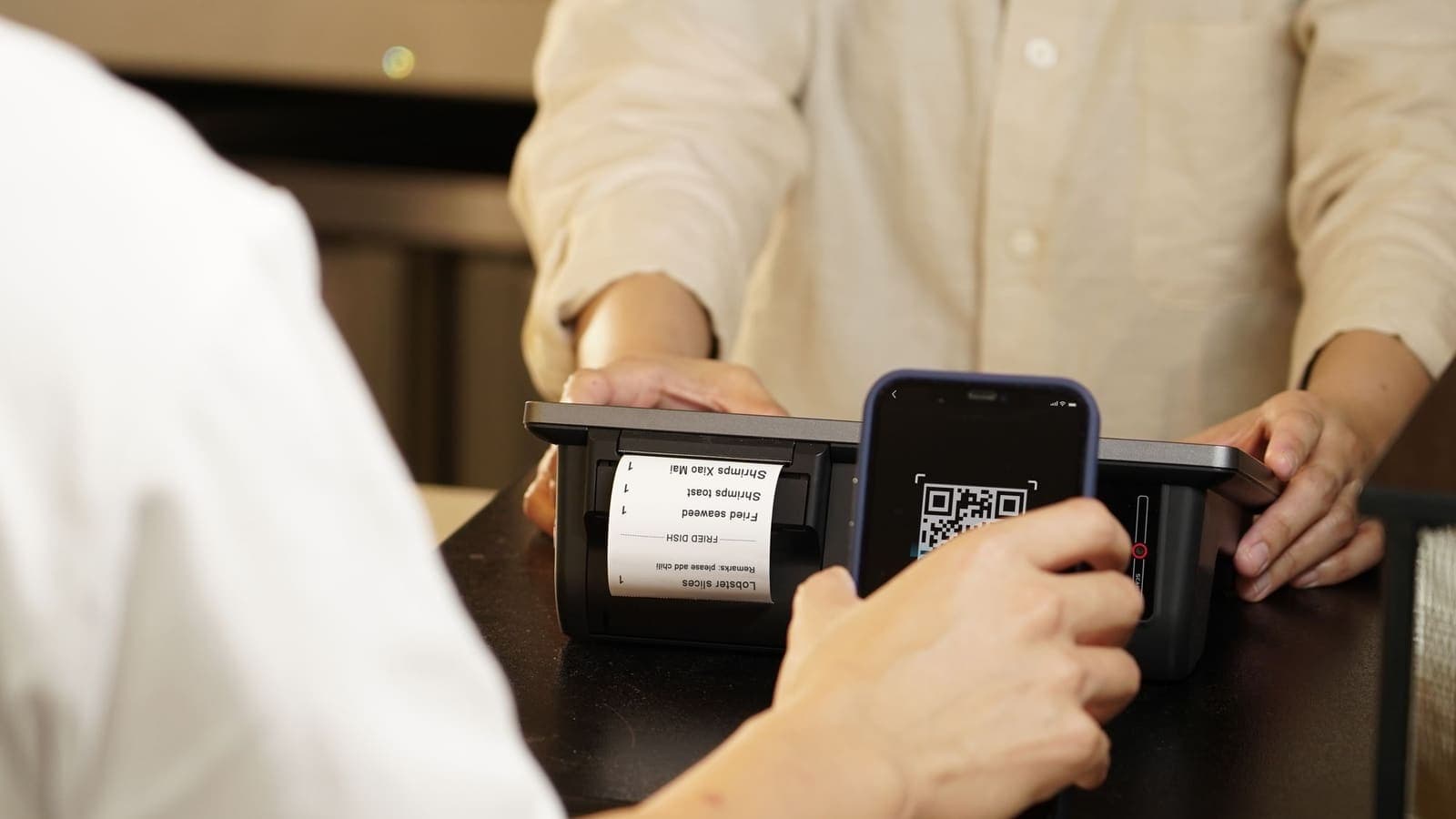
A QR code looks harmless. It is a small black and white square that saves you typing a long web address, and over the last few years it has become the default way to open a menu, pay a bill, pay for parking or join a queue. That convenience is exactly what scammers rely on. A QR code is unreadable to a human, so nobody can tell at a glance whether it leads to a real shop or to a copy built to steal a password or a bank transfer.
This article explains what is often called "quishing", which is phishing delivered through a QR code. It covers the tricks you are most likely to meet in Thailand and while travelling, a simple check to use before you scan or pay, and what to do if something goes wrong. It also says plainly what a VPN does and does not do here, because the honest answer is that it does very little for this particular threat. For the general skill of judging a web address, see how to recognize phishing websites.
What quishing is and why it works
Phishing normally arrives as a message with a link. Many email filters and chat apps now scan links and warn about known bad addresses. A QR code is an image, so the web address is hidden inside the picture and filters often cannot read it. The scammer simply moves the same trap into a form that slips past those checks.
There is a second advantage for the criminal. When you scan a code with your phone camera, you usually leave the app where you were and open a browser or another app on a small screen. The address bar can be shortened, partly hidden or cut off, so it is harder to judge than on a laptop. People also tend to scan in a hurry, standing at a car park machine or a restaurant table, with a queue behind them.
Finally, QR codes feel official. They appear on posters, bills, receipts and parcels, so a code with a company logo next to it gets more trust than a link in a text message from an unknown number. The code itself is neutral technology. The risk comes from where it was placed, who placed it and what the page behind it asks you to do.
It helps to remember what a QR code actually is. It is only an encoded piece of text, most often a web address. It cannot hack your phone just by existing. In most normal cases the damage happens in a later step: you open the page, then you sign in, pay, download something or give away a one-time code.
The common tricks
These are the patterns that are repeatedly described by consumer-protection and banking warnings. The exact details vary, so use them as a guide to what to look out for rather than a complete list.
Fake stickers on parking meters and signs
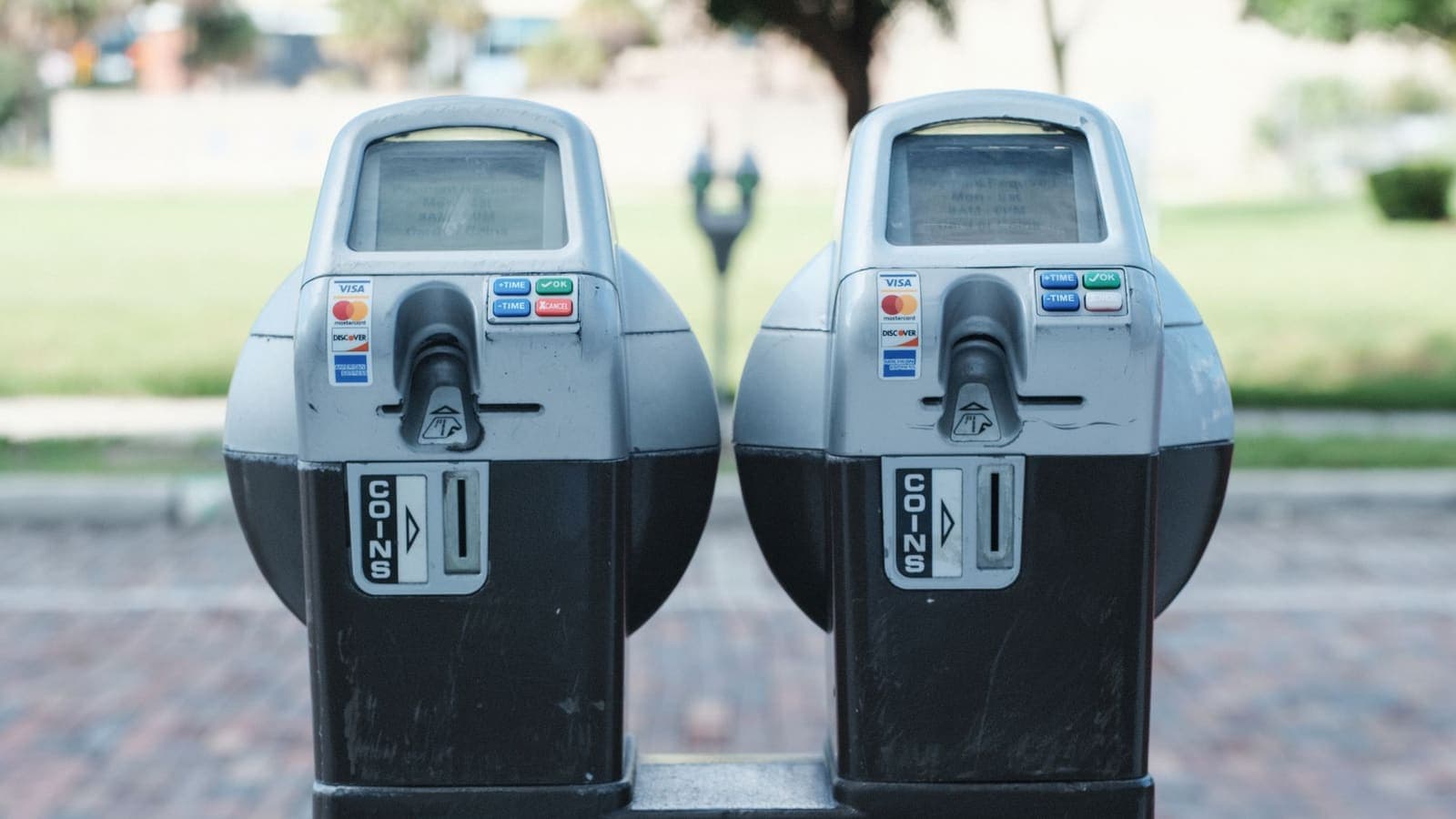
A scammer sticks their own QR code over the genuine one on a parking machine, a charging station, a bike share dock or a street sign. The sticker leads to a page that looks like the real payment site. You enter your card details to pay for parking, the page takes them, and the payment either fails or goes to the wrong place.
Restaurant tables and menus
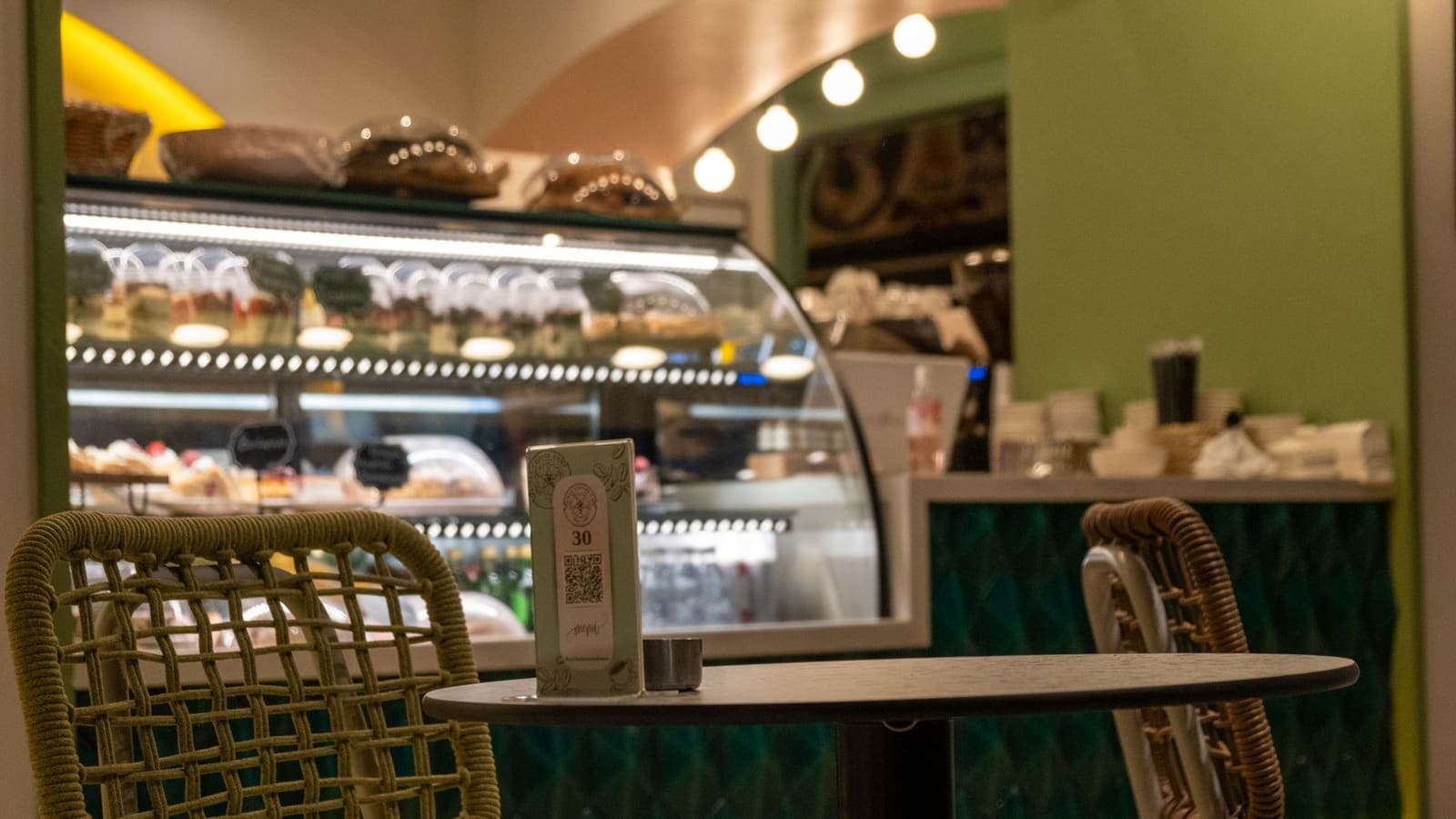
A table card or menu with a QR code is normal. A code that has been replaced, or a card left by someone who does not work there, can lead to a fake menu that asks you to log in, create an account or pay a deposit. A real menu rarely needs a password or card number before you have even ordered.
Swapped payment QR codes
Shops, market stalls and delivery riders show a QR code so customers can pay by transfer. A dishonest person can stick a different code over the shop's own, so the money goes to a personal account instead of the business. Because the amount and the bank app look normal, the customer may not notice until the shop says it never received payment.
QR codes in emails, letters and parcels
An email, text or printed letter says there is a problem with a delivery, a fine, a tax matter or an account, and tells you to scan a code to resolve it. A card left in a parcel may offer a gift or a refund if you scan it. These are ordinary phishing stories with a QR code attached, built to create urgency.
Codes that ask you to install an app
Some codes lead to a page saying you must install an app to claim a prize, view a document or continue. The app may be a fake banking or "security" tool that asks for broad permissions, or it may simply capture what you type. Installing apps from a link, rather than from the official store listing, is a major warning sign.
Codes that ask for your bank PIN or one-time code
A genuine payment QR code opens your own bank or wallet app and shows a name and an amount for you to confirm. It never asks you to type your bank PIN into a web page, and a real service will not ask you to read out or enter a one-time code to "receive" money. If a page asks for either, stop.
A quick comparison of the main scam types
| Scam type | Where you meet it | What the scammer wants | Best single check |
|---|---|---|---|
| Sticker over a real code | Parking machines, charging points, signs | Card details or a payment to their account | Look for a sticker edge and read the address preview |
| Fake menu or login | Restaurant tables, cafes | A password or account details | Does a menu really need a login? |
| Swapped payment code | Shops, stalls, delivery riders | Your transfer | Check the payee name before you approve |
| QR in email or letter | Inbox, post, parcels | Urgent action on a fake problem | Do not scan; contact the sender through official channels |
| App install code | Posters, messages, pop-ups | A malicious app with wide permissions | Install only from the official store listing |
| PIN or OTP request | Any fake page | Your bank PIN or one-time code | A real page never needs these from a QR |
A simple check before you scan, open or pay
You do not need special tools. A short routine is enough, and it works the same on iPhone and Android, although menu wording varies by version.
Before you scan
- Look at the code in its setting. Does the sticker look newer, glossier or more crooked than the sign around it? Is it a separate sticker rather than printed on the sign? Run a fingertip over it to feel for an edge.
- Ask whether you expected it. A code that arrives unprompted in an email, a letter or a parcel deserves more suspicion than one on a machine you chose to use.
- Consider a different route. For a bill or a fine, go to the company or government website by typing the address yourself, or use the app you already have.
When the preview appears
Most phone cameras and scanner apps show the web address as a banner or a pop-up before they open it. Read it before you tap.
- Check the domain name, which is the part just before the first single slash. Compare it letter by letter with what you expect.
- Be cautious with shortened links, such as ones that start with a link-shortening service. They hide the real destination.
- Look for odd spellings, extra words, long strings of numbers or a familiar brand placed in front of an unrelated name.
- Check that the address starts with https, but remember a padlock only means the connection is encrypted. HTTPS does not prove the site is honest, because scammers can get certificates too.
- If anything feels off, do not open it. Closing the preview costs nothing.
Before you confirm a payment
- Wait for your banking or wallet app to show the payee name and the amount.
- Compare the name with the business you are paying. A shop called one thing that shows a personal name needs a quick question to the staff.
- Check the amount, and for a fixed-price code make sure it matches the bill.
- Only then approve with your own fingerprint, face or PIN inside the real bank app.
Never do these three things from a QR link
- Never install an app from a QR code. Search for the app in the official store yourself and check the publisher.
- Never type your bank PIN, card PIN or full card security details into a web page you reached through a QR code.
- Never read out or enter a one-time code from a text message because a page or a caller asked.
A plain example
Suppose you park in a city centre car park and the machine has a QR code for paying by phone. You scan it, and the preview shows an address that does not match the car park operator and ends in an unfamiliar word. The page asks for your card number and the three digits on the back.
Because you read the preview, you notice that the address is wrong. You close the page and look at the machine more carefully. The QR sticker has a visible edge at one corner. You pay with the operator's official app, downloaded from the store earlier, or use the payment option on the machine itself, and you tell the car park staff about the sticker.
Now the second case. You are at a market stall, scan the vendor's QR code in your banking app and the app shows the name of an individual rather than the stall's business name. You ask the vendor, who explains that the stall is registered under the owner's name. You decide you are comfortable and pay. If the explanation had not matched, you would have cancelled and paid in cash. In both examples the check that mattered was done by the person, not by any software on the phone.
What a VPN does and does not do
People often assume a VPN will cover this risk. It is worth being clear.
A VPN encrypts the traffic between your device and the VPN service, which helps when you use public Wi-Fi in an airport or hotel. If you scan a QR code while on that Wi-Fi, a VPN can reduce what the local network can see of your browsing.
What a VPN does not do:
- It does not tell you whether the page behind a QR code is genuine. A scam site loads just as well through an encrypted tunnel.
- It does not stop you typing your details into a fake page. If you enter a password, the scammer still receives it.
- It does not detect a swapped payment sticker, and it does not change who receives your bank transfer.
- It does not remove a malicious app once you have installed it.
So a VPN is a sensible layer for protecting a connection on shared networks, but it is not a defence against quishing. For a fuller picture of the limits, read what a VPN cannot protect you from. The protections that matter here are your own checks, strong and unique passwords, and two-factor authentication, which can limit the damage if a password is stolen. CISA's guidance on multi-factor authentication explains why this extra step is worth setting up.
Paying by QR when you travel
Paying by QR code is common in many countries, and the rules and apps differ from place to place. When you travel, you may be using an unfamiliar wallet, a foreign merchant code or a payment screen in a language you do not read. That makes the name-and-amount check even more important, because you cannot rely on knowing the local brand names. eSIMonline, which sells travel eSIMs, has a practical guide on paying by QR code abroad that covers the travel side. Check with your bank about what cards and apps work in the country you are visiting, and keep a backup way to pay.
Also remember that you need working mobile data to complete many QR payments. Do the checks calmly at the counter rather than hurrying because a line is forming.
Limits, and what to watch for
No checklist is perfect, and it is better to know where the gaps are.
- A good fake can look perfect. A well-made copy of a page can use a convincing address and a copied design. The preview and the payee name are your best signals, but they are not guarantees.
- Shortened links hide the destination. Some legitimate businesses use them, which makes the rule hard to apply. When the destination matters, such as a payment, prefer a route you started yourself.
- Dynamic codes can change. A business may update where its code points. A code that worked last week is not proof that the sticker has not been swapped today.
- Pressure is a warning sign. Messages that demand action within minutes, threaten a fine or promise a prize are designed to stop you from checking.
- Official wording varies. Banks and authorities publish their own advice, and it can change. If you are unsure about a particular code, the official channel is the one to ask.
Also be careful about what you scan on your own device. Do not scan codes sent by strangers, and be wary of "scan to connect to Wi-Fi" codes in unfamiliar places, as the network behind them is unknown.
If you think you fell for one
Speed helps. Do these in order.
- Stop and disconnect. Close the page. If you installed an app, uninstall it and run a security scan with the tools built into your phone.
- Call your bank or the service. Use the number on the back of your card or the official website, not a number from the page or message. Ask them to block the card or hold the transfer if it was just made.
- Change passwords. Start with any password you typed, and any other account that reuses it. Use a different, strong password for each account.
- Turn on two-factor authentication for email, banking and shopping accounts where it is available.
- Watch your statements for several weeks, and report unfamiliar activity at once.
- Report the scam. Tell the business whose name was used, and use the official reporting channels in your country. In Thailand, that normally means your bank and the relevant authorities; check their official pages for current contact details.
- Keep the evidence. Take screenshots of the page, the address and any messages, and keep the receipt.
Do not feel embarrassed. These scams are designed to work on careful people, and the quicker you report, the better the chance of limiting the harm.
Summary
QR codes hide the web address, which is why scammers use them on stickers, menus, payment boards, emails and parcels. The risk is not the scan itself but what you do next: signing in, paying, installing an app or entering a PIN. Read the address preview, confirm the payee name and amount in your own bank app, and never install an app or give a PIN or one-time code through a QR link. A VPN protects the connection on shared Wi-Fi, but it cannot tell you whether a code is genuine, so your own checks and two-factor authentication matter more here. If you want an extra layer for travel and public networks, you can look at a prepaid pass on the XPASS pricing page.
Frequently asked questions
What is quishing?
Quishing is phishing that uses a QR code instead of a clickable link. The code hides a web address, so you cannot see where it leads until your phone reads it. Scammers use it to send people to fake login, payment or download pages.
Is it safe to scan any QR code?
Scanning alone is usually low risk, because the phone only reads the address. The danger starts when you open the page and then sign in, pay, install an app or enter a PIN. Always read the address preview before you tap, and treat unexpected codes with suspicion.
How can I tell if a QR sticker has been placed over the real one?
Look for a sticker with an edge you can feel or see, a code that sits slightly crooked, or a different print quality from the sign around it. If you can, peel the corner gently or ask the staff. For payments, confirm the account name shown by your app before you approve.
Does a VPN protect me from QR code scams?
No. A VPN encrypts your connection, but it does not tell you whether a page is fake. If you enter your details on a scam page, the VPN cannot stop the scammer from receiving them. Checking the address and the payee name is what protects you.
What should I do if I already scanned a bad QR code and entered details?
Contact your bank or the service straight away using the official number, change the password you entered, turn on two-factor authentication, and watch your accounts for unfamiliar activity. If you installed an app, remove it and run a security check on the phone.
References
About the author

Bob Kanokphon Thongdee
- Founder of XPASS VPN
- Co-founder of eSIMonline.asia
- More than 7 years in online marketing
- Founder of Cojourney Visa and Cojourney Travel
Need a VPN for a short trip or a busy month?
XPASS sells prepaid passes for a set number of days. You pay once and nothing renews automatically.
See passesKeep reading

Privacy Guides
How to Recognize Phishing Websites
Phishing websites imitate real services to steal your login or card details. This guide shows the warning signs worth checking, a calm routine for suspicious links, and what to do if you entered details.
9 min read

Privacy Guides
What Is Two-Factor Authentication?
Two-factor authentication asks for a second proof of identity in addition to your password, so a stolen password alone is not enough. Here is how the main methods compare and how to start.
9 min read

Privacy Guides
What a VPN Cannot Protect You From
A VPN secures the connection, not the person using it. This guide covers phishing, malware, ransomware, identity theft, data breaches, email privacy and other risks it cannot solve, and what to do about each.
9 min read

VPN Security
How to Stay Safer on Public Wi-Fi
Public Wi-Fi is not a disaster, but it is a network you do not control. Here are the real risks, the habits that matter most, and where a VPN fits in.
8 min read