
Anime · legal streaming · travel
Watching Anime While Travelling Abroad
The new season is airing, you are three episodes behind, and your flight leaves on Friday. Anyone who follows anime has noticed that when you change country, the list of titles in the same app changes too. Some shows vanish, others arrive later.
This guide helps you plan legal anime viewing on the road: why catalogues differ, what to prepare before you leave home, and what a VPN does (secures your connection) and does not do (promise any title will play).
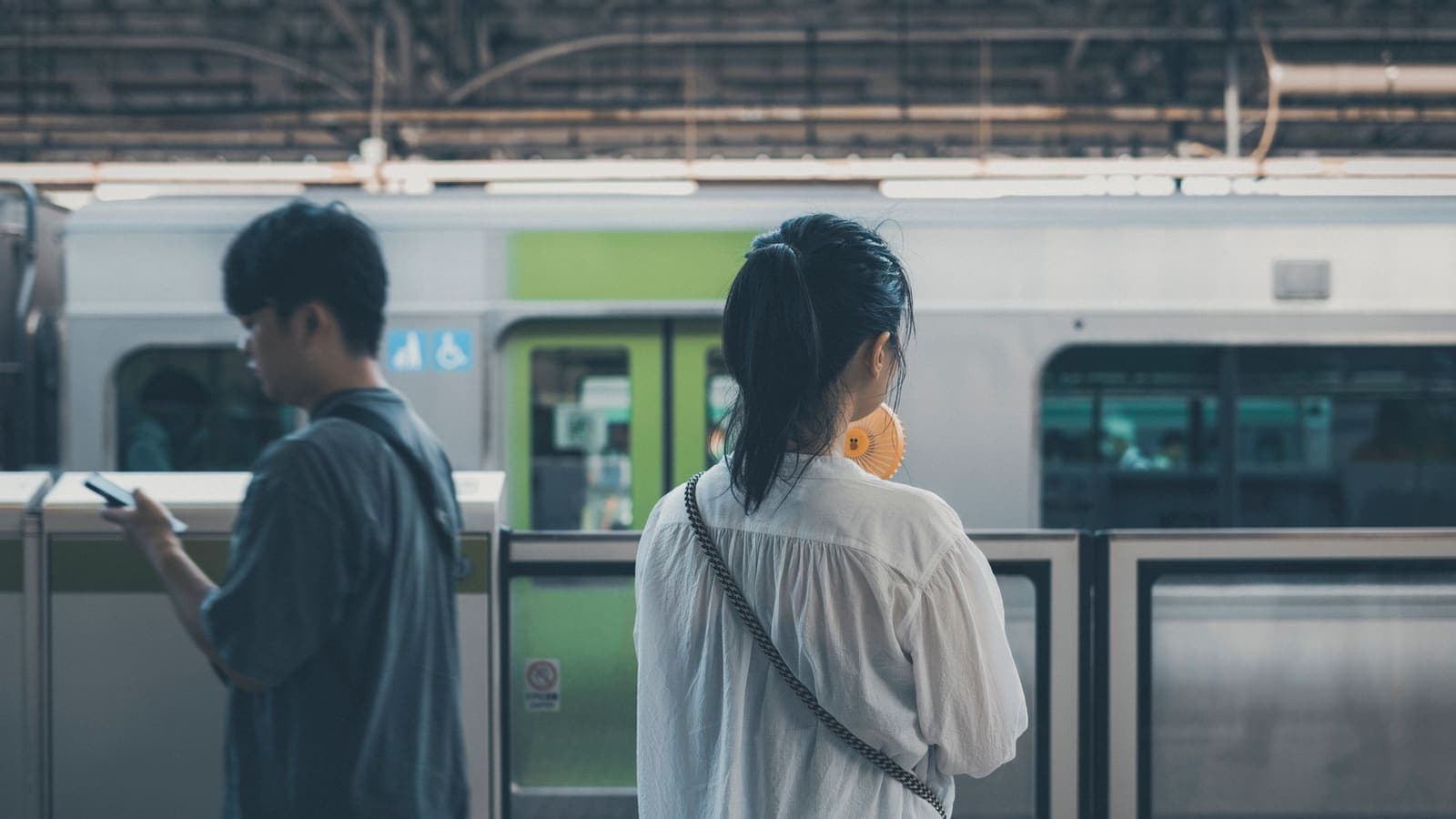
Anime rights are sold per country, so what you see depends on where you are
If your service offers downloads and its terms allow it, download before you go
A VPN secures public Wi-Fi traffic but does not promise any service will play
Why the same anime is not everywhere
Studios and rights holders usually license titles to platforms by country or region. One show may have several licensees in one market and none in another, so catalogues, dubs, subtitles and release dates can all differ.
Anime services such as Crunchyroll and ABEMA each have their own coverage and catalogue, which can change. Check the service's help centre for current information before you plan around it.
A VPN server in a given country does not prove a service will show you that country's library, and XPASS does not promise that.
Beyond the list of titles, the dub, the subtitle languages and the day a new episode appears can also differ. You may meet a spoiler from a friend before your episode arrives, or find that an episode lands later than it does elsewhere. Crunchyroll's help centre has an article titled "Why can't I watch certain shows in my region", which is a good place to start on this.
What to prepare before you leave
- Read the service's help centre for how it treats use abroad and regional differences in its catalogue.
- If it offers downloads for offline viewing and your plan, device and the terms allow it, download episodes on home Wi-Fi. Details such as how long files are kept and how many devices can download vary by service, so confirm them in its help pages.
- Check device storage and bring a power bank.
- Turn on two-step verification that does not rely on an international SMS.
- Open a downloaded episode in airplane mode at home once, to be sure it plays.

Planning downloads and a watch queue for the trip
Before you leave, split what you want to watch into three piles: shows you follow week to week and need new episodes of, series you want to binge on a plane or train, and spare titles for nights with nothing to do. The second and third piles are the natural candidates for downloading, if your service and plan support it.
How many episodes you can download, how long the files stay on the device and how many devices can hold them differ by service and plan. None of that is in our records, so check the service's own help pages. Also remember that some downloads need to go online from time to time to renew their licence, which is worth checking before the flight rather than after.
Pick a download quality that balances storage and picture. Episodes of a few hundred megabytes each add up to several gigabytes quickly if you grab a full season.
Staying safe on hotel and airport networks
A streaming account holds payment details and viewing history, so signing in on public Wi-Fi deserves some care. Confirm the network name with staff, use a unique password, turn on two-step verification, and do not tap links you are unsure about.
A VPN adds another layer by encrypting traffic between your device and the VPN server. See our guide to public Wi-Fi safety and VPN for public Wi-Fi.
What a VPN does not do
A VPN does not add titles to your library. Services may detect or restrict VPN connections, and using one can reduce what you can watch. It may also go against a service's terms of use, so read them and follow local law.
XPASS includes no streaming subscription, so you need your own account, and we have not tested Crunchyroll or ABEMA. These names are used descriptively; there is no partnership or endorsement. For the wider picture, see anime and VPNs.
Hotel Wi-Fi, captive portals and in-room TVs
When you arrive, join the Wi-Fi and finish the captive portal page (the web page asking for a name or room number) before you switch the VPN on. Turning the VPN on first often stops that page from loading or the connection from completing. If the network drops you now and then, repeat the portal step and reconnect the VPN.
On a night when you want several episodes in a row, hotel Wi-Fi shared by the whole building can be slow. Downloaded episodes avoid the problem; otherwise lower the video quality or watch at a quieter hour such as the morning.
Avoid signing in to your anime account on the in-room TV if you can. If you must, sign out before checkout and then open your account page on your phone to remove any device that is not yours. Set up two-step verification before you leave home.
Picking a pass for your trip
XPASS sells prepaid passes with a fixed number of days: one card payment, no auto-renewal, and days count from when your VPN account is created.
Compare with common trips. A break of three to seven days fits the 7-day pass. Two weeks or more, a student exchange or a short work posting is closer to the 30-day pass. If days remain, renewing adds the new days on top. Login details and setup appear only on My Pass.
Devices covered
- iPhone and iPad
- Android phones and tablets
- Windows
- macOS
How to set it up
Check your anime service's help pages
See what it says about regional catalogues and downloads.
Download before you travel
Only if your service, plan and the terms allow it, and test playback offline once at home.
Choose a pass and pay once
Pick days that fit the trip, pay through Stripe and wait for the ready email.
Open My Pass and set up your device
The supported setup for your device is shown on My Pass.
Connect on public Wi-Fi
Turn the VPN on before you sign in to your streaming account.
Limitations to know first
- XPASS includes no streaming subscription; you need your own account.
- Anime catalogues differ by country because of licensing, and XPASS has not tested Crunchyroll or ABEMA.
- Services may detect or restrict VPN connections, which can reduce what you can watch or stop playback.
- Dubs, subtitle languages and release timing of new episodes can differ by country.
- Download limits and terms vary by service and are not in our records; confirm them in its help pages.
- Follow each service's terms of use and local law.
Choose your pass
Prepaid passes. Pay once, no automatic renewal.
Frequently asked questions
Why is an anime I watch at home missing abroad?
Rights are sold per territory, so a service can show only what it is licensed to show where you are.
Should I download episodes before a trip?
If your service offers downloads and its terms allow it, yes, it helps when connections are slow or absent. Rules such as how long files last differ by service, so check its help pages.
Does XPASS work with Crunchyroll?
XPASS has not tested Crunchyroll and we make no promise. Services may restrict VPN use.
How long do downloaded episodes last?
It depends on the service and plan, and we have not recorded a figure. Check the service's help pages and test a download before you travel.
Should I sign in on the hotel TV?
Avoid it if you can. If you must, sign out before checkout and remove the device from your account's list.
How long a pass do I need?
Count the days of your trip and add a little buffer. Days start at account creation, and you can renew later.
Ready when you are
Pick a pass, pay once and follow the setup shown in My Pass for your device.
See passes and pricing